需要登入
請使用您的 iOSGods 帳戶登入以繼續。
請使用您的 iOSGods 帳戶登入以繼續。
使用此免費的 Pro Camera by Moment Mod IPA,透過手動 DSLR 級控制項拍攝專業品質的照片和影片。無需支付高級應用程式費用,即可存取 RAW 拍攝、即時波形、雙通道音訊計量表、色彩設定檔和幀率控制。無論您是需要精確位元率和音訊設定的電影製作人,或是想要分離焦點/曝光並完全手動控制快門速度、ISO、白平衡和焦點的攝影師,此修改版本都能在快速直觀的介面中解鎖專業工具組。
此應用程式也內建 iGameGod,讓你可以使用 Auto Touch 自動執行重複操作、透過 App Speed Manager 調整遊戲速度、使用 Memory Engine 修改記憶體數值,以及更多強大的 iOS 遊戲工具。
從上方連結下載 Pro Camera by Moment modded IPA。點選安裝按鈕並依照畫面指示在 iPhone、iPad 或 Apple Silicon 上安裝此 iOS 應用程式修改版。
需要更多協助?請查看我們的 iOSGods 應用程式常見問題 以獲得詳細解答與疑難排解。
Pro Camera by Moment is the manual camera app that gives you full creative control and professional-level performance, all at an affordable price. It brings us closer to what we love about our DSLR and mirrorless cameras – exposure controls, precise focus, rich colors, smooth video, crisp audio – without being complicated.
If you are looking for a powerful and easy-to-use camera app, Pro Camera is for you. We make it fast and intuitive to switch between modes, dial in your shot, and keep shooting. Plus, we give you all the manual controls you’ll need: shutter speed, ISO, white balance, focus, and more. Your favorite settings can be saved and recalled on demand.
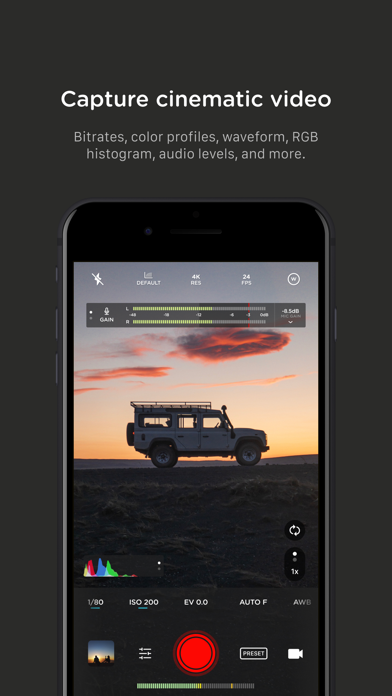
For filmmakers – the features you need, not the ones you don’t. LUTs, color spaces, bitrates, dual-channel audio meters, real-time waveforms, fast access to frame rates, and more.
For photographers – easier than shooting on your DSLR. Shoot in RAW (even in bursts), capture brackets, and more. You can even create stunning timelapses and light trail effects (in-app purchase required).
For everyone else – inspired by the pros we made the interface simple, fast, and easy to use. We provide getting started tips, video tutorials, and full-time customer service to get you set up.
We love hearing from you. If you have any features, ideas, or feedback please email us at [email protected] or DM us on Instagram @moment.
GENERAL FEATURES
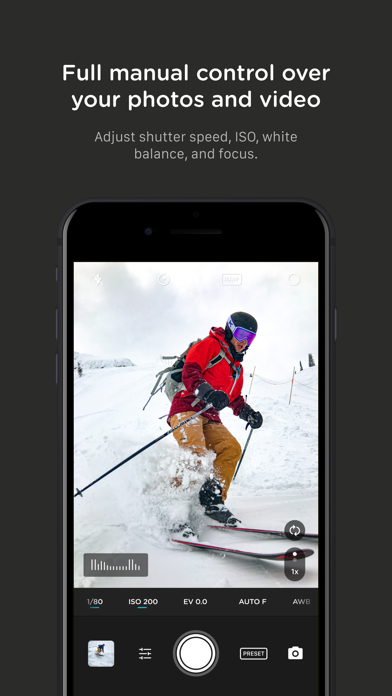
+ Full manual: control shutter speed, iso, exposure, focus, and white balance with easy-to-use sliders
+ Focus peaking: manually dial in your focus using highlighted in-focus regions
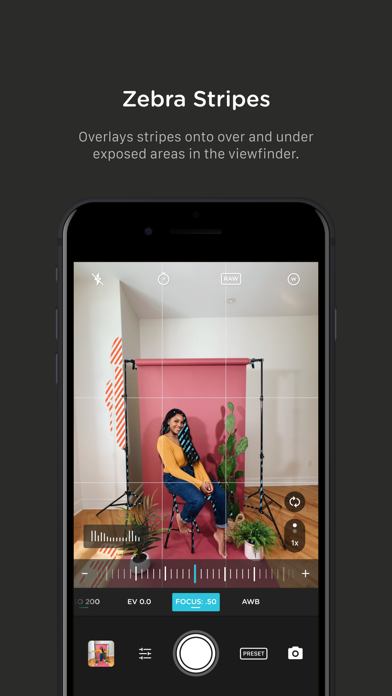
+ Zebra stripes: quickly determine over- and under-exposed areas in the viewfinder
+ Split focus and exposure: take control of tricky lighting scenarios
+ Viewfinder grid: choose from thirds, square, and golden ratio
+ Gyroscope: ensure your shot is level with an on-screen gyroscope and haptic feedback
PHOTOGRAPHY FEATURES
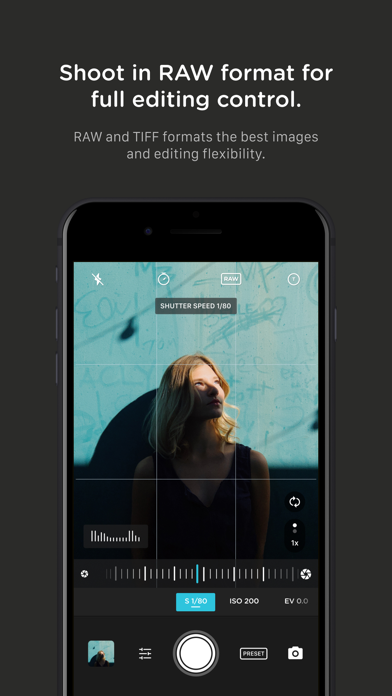
+ RAW and TIFF: shoot photos in RAW/ProRAW format for better editing, or TIFF for high-quality printing
+ RAW+JPG option: simultaneously get the best of both worlds
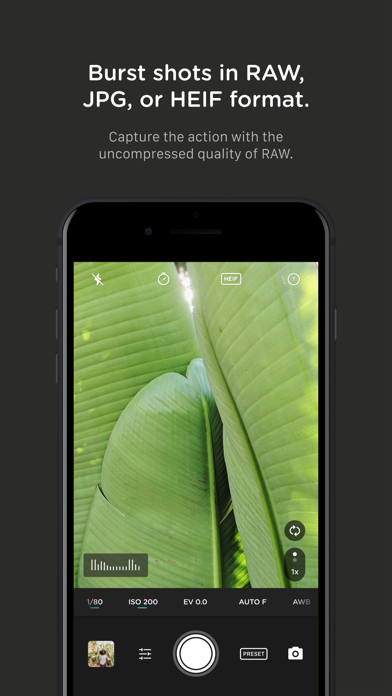
+ Burst mode: capture burst shots in RAW format – capture action while maintaining the uncompressed quality pros want with RAW
+ Bracketing: capture multiple exposures to stack later in your favorite editing apps
FILMMAKER FEATURES
+ Import, organize, and use your favorite LUTs
+ Color spaces: choose between Rec.709, Rec.2020 HDR, Display P3, and Apple Log (on compatible devices)
+ Codecs: shoot in HEVC, H.264, or any of the 422 ProRes variants
+ Video bitrates: get precise control over video quality with standard, medium, and high bitrate options
+ RGB histogram: dial in your video color, balance, and exposure
+ Waveform monitor: evaluate video brightness and exposure across your shot in real time
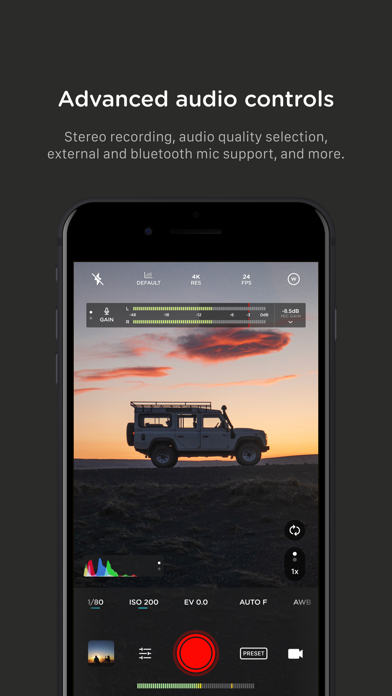
+ Audio meters: get just the right sound levels with real-time, precise, dual-channel audio levels
+ HDMI clean feed output: preview on a bigger screen
+ Video stabilization: make your videos buttery smooth
+ Video formats: change your resolution and frame rate on screen, without digging into a settings menu
+ Anamorphic: use the Moment Anamorphic lens to shoot amazing, letterbox style photos and videos, with a de-squeeze option built in
PREMIUM FEATURES (In-App Purchases)
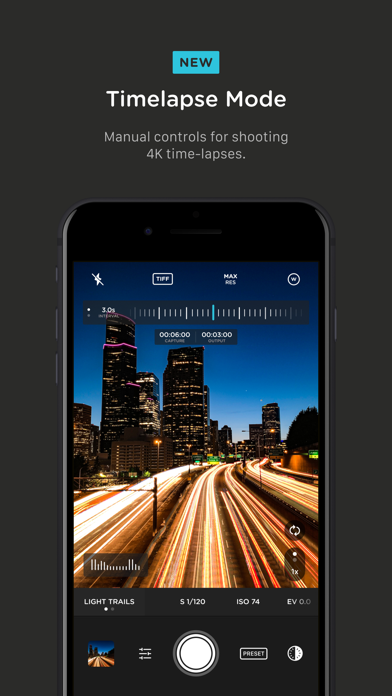
+ Timelapse mode: capture stunning time-lapse videos
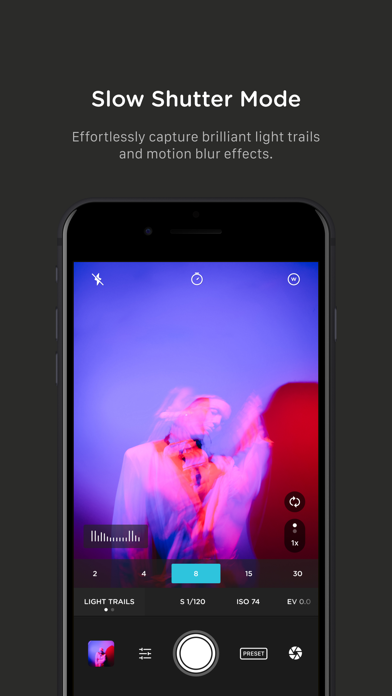
+ Slow Shutter mode: long exposure shots with motion blur or light trails
WORKS WITH
+ iPhone 16 Camera Control: get quick access to manual settings
+ Lens control: manually control which of the triple/dual lenses you want to shoot with so you can use Moment lenses over each one
+ Moment lenses: access options like anamorphic de-squeeze and distortion correction
+ Moment battery case: works with the DSLR-like shutter button on our photography cases for half-press and full-press capture. Take better photos, faster.
+ Apple Watch: use your watch as a remote to shoot photos or record videos
+ Siri Shortcuts: quick access to capture a photo or start a video

- 未越獄/受限或已越獄的 iPhone 或 iPad。
- Sideloadly 或替代方案。
- 執行 Windows/macOS/Linux 且已安裝 iTunes 的電腦。
步驟 1: 透過上方連結將已破解的 .IPA 檔案下載到您的電腦。若要從 iOSGods App 下載,請參閱我們的 iOSGods App IPA 下載教學,其中包含影片範例。
步驟 2: 下載 Sideloadly 並將其安裝在您的 Windows 或 Mac 上。
步驟 3: 在電腦上開啟 Sideloadly,連接您的 iOS 裝置,並等待裝置名稱出現在 Sideloadly 中。
步驟 4: 當 Sideloadly 辨識到您的 iOS 裝置後,將下載好的修改版 .IPA 檔案拖曳並放到 Sideloadly 應用程式中。
步驟 5: 輸入您的 Apple Account 電子郵件,然後按下「Start」。系統會要求您輸入密碼,請依指示提供所需資訊。
步驟 6: 等待 Sideloadly 完成已破解 IPA 的旁載/安裝。如果安裝過程中發生問題,請閱讀下方的注意事項。
步驟 7: 安裝完成並在主畫面上看到該應用程式後,您需要前往 設定 → 一般 → 描述檔 / VPN 與裝置管理。進入後,點選您在步驟 6 中輸入的電子郵件,然後點選「信任 [email protected]」。
步驟 8: 現在回到主畫面並開啟新安裝的應用程式,一切應該都能正常運作。您可能需要依照遊戲內破解彈出視窗中的進一步指示操作。
注意: 在 iOS/iPadOS 16 及更新版本上,您必須 啟用開發者模式。若使用免費的 Apple Developer 帳號,您將需要每 7 天重複此程序。如有任何疑問或問題,請閱讀我們的 主題中的 Sideloadly 常見問題區段。