Login necessário
Entre com sua conta iOSGods para continuar.
Entre com sua conta iOSGods para continuar.

Capture fotos e vídeos com qualidade profissional usando controles manuais tipo DSLR neste Mod IPA gratuito do Pro Camera by Moment. Acesse gravação em RAW, formas de onda em tempo real, medidores de áudio de dois canais, perfis de cor e controles de taxa de quadros sem pagar pelo aplicativo premium. Seja você um cineasta que precisa de configurações precisas de taxa de bits e áudio ou um fotógrafo que deseja foco dividido/exposição e controle manual completo sobre velocidade do obturador, ISO, balanço de branco e foco, esta versão modificada desbloqueia o kit de ferramentas profissional em uma interface rápida e intuitiva.
Este app também vem com iGameGod, oferecendo acesso ao Auto Touch para automatizar tarefas repetitivas, App Speed Manager para ajustar a velocidade do jogo, edição de valores com Memory Engine e outras ferramentas avançadas para jogos iOS.
Baixe Pro Camera by Moment modded IPA dos links acima. Toque no botão de instalação e siga as instruções para instalar este hack iOS no seu iPhone, iPad ou Apple Silicon.
Precisa de mais ajuda? Confira nossas Perguntas frequentes sobre o app iOSGods para respostas detalhadas e dicas de solução de problemas.
Pro Camera by Moment is the manual camera app that gives you full creative control and professional-level performance, all at an affordable price. It brings us closer to what we love about our DSLR and mirrorless cameras – exposure controls, precise focus, rich colors, smooth video, crisp audio – without being complicated.
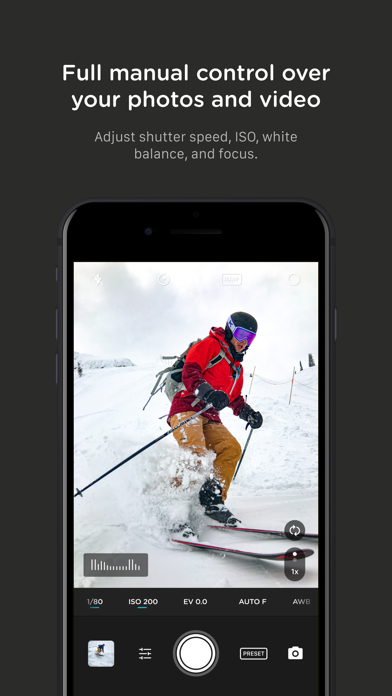
If you are looking for a powerful and easy-to-use camera app, Pro Camera is for you. We make it fast and intuitive to switch between modes, dial in your shot, and keep shooting. Plus, we give you all the manual controls you’ll need: shutter speed, ISO, white balance, focus, and more. Your favorite settings can be saved and recalled on demand.
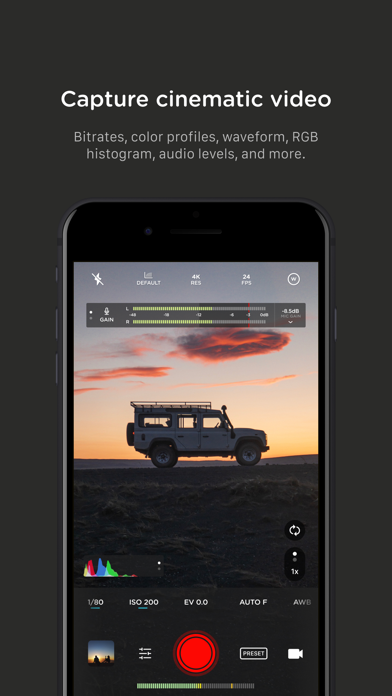
For filmmakers – the features you need, not the ones you don’t. LUTs, color spaces, bitrates, dual-channel audio meters, real-time waveforms, fast access to frame rates, and more.
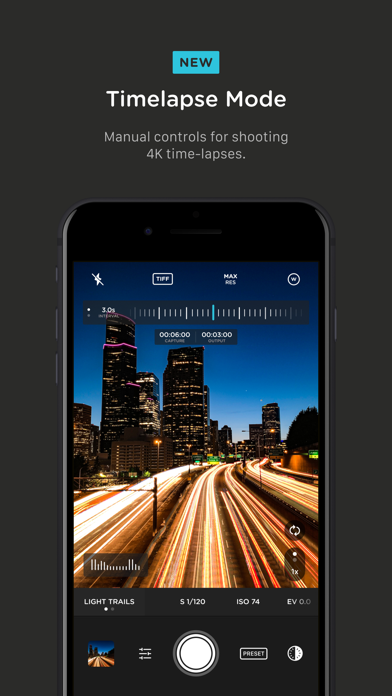
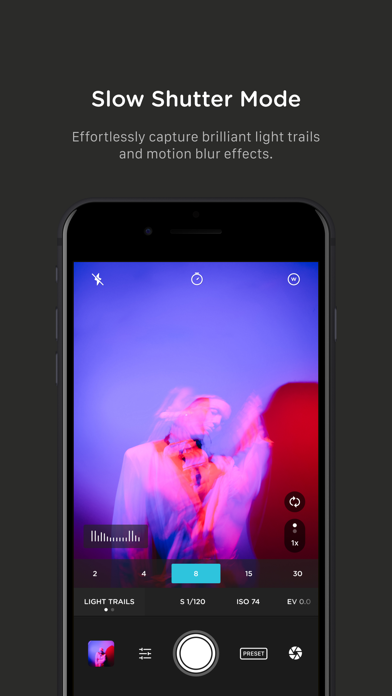
For photographers – easier than shooting on your DSLR. Shoot in RAW (even in bursts), capture brackets, and more. You can even create stunning timelapses and light trail effects (in-app purchase required).
For everyone else – inspired by the pros we made the interface simple, fast, and easy to use. We provide getting started tips, video tutorials, and full-time customer service to get you set up.
We love hearing from you. If you have any features, ideas, or feedback please email us at [email protected] or DM us on Instagram @moment.
GENERAL FEATURES
+ Full manual: control shutter speed, iso, exposure, focus, and white balance with easy-to-use sliders
+ Focus peaking: manually dial in your focus using highlighted in-focus regions
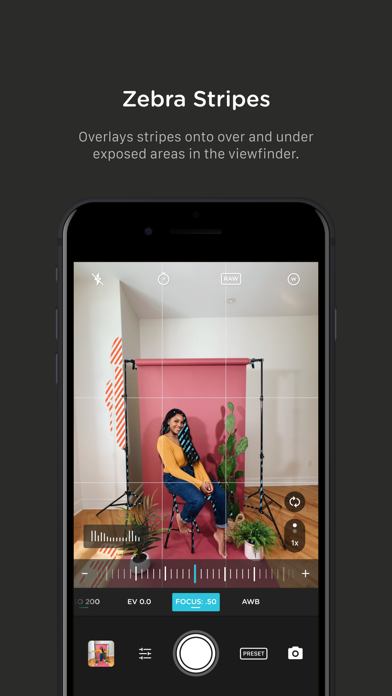
+ Zebra stripes: quickly determine over- and under-exposed areas in the viewfinder
+ Split focus and exposure: take control of tricky lighting scenarios
+ Viewfinder grid: choose from thirds, square, and golden ratio
+ Gyroscope: ensure your shot is level with an on-screen gyroscope and haptic feedback
PHOTOGRAPHY FEATURES
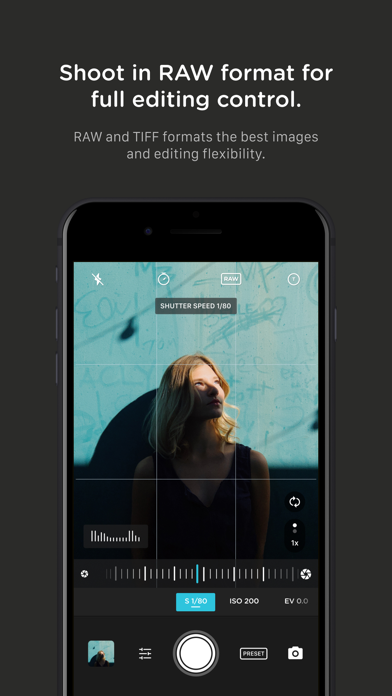
+ RAW and TIFF: shoot photos in RAW/ProRAW format for better editing, or TIFF for high-quality printing
+ RAW+JPG option: simultaneously get the best of both worlds
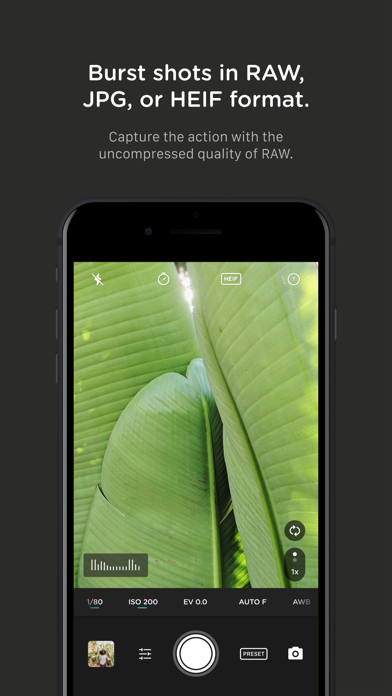
+ Burst mode: capture burst shots in RAW format – capture action while maintaining the uncompressed quality pros want with RAW
+ Bracketing: capture multiple exposures to stack later in your favorite editing apps
FILMMAKER FEATURES
+ Import, organize, and use your favorite LUTs
+ Color spaces: choose between Rec.709, Rec.2020 HDR, Display P3, and Apple Log (on compatible devices)
+ Codecs: shoot in HEVC, H.264, or any of the 422 ProRes variants
+ Video bitrates: get precise control over video quality with standard, medium, and high bitrate options
+ RGB histogram: dial in your video color, balance, and exposure
+ Waveform monitor: evaluate video brightness and exposure across your shot in real time
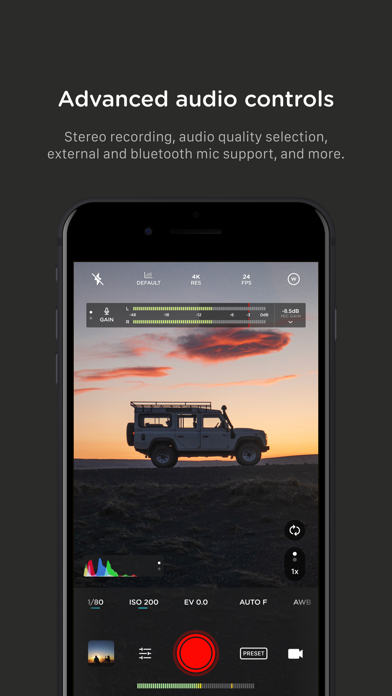
+ Audio meters: get just the right sound levels with real-time, precise, dual-channel audio levels
+ HDMI clean feed output: preview on a bigger screen
+ Video stabilization: make your videos buttery smooth
+ Video formats: change your resolution and frame rate on screen, without digging into a settings menu
+ Anamorphic: use the Moment Anamorphic lens to shoot amazing, letterbox style photos and videos, with a de-squeeze option built in
PREMIUM FEATURES (In-App Purchases)
+ Timelapse mode: capture stunning time-lapse videos
+ Slow Shutter mode: long exposure shots with motion blur or light trails
WORKS WITH
+ iPhone 16 Camera Control: get quick access to manual settings
+ Lens control: manually control which of the triple/dual lenses you want to shoot with so you can use Moment lenses over each one
+ Moment lenses: access options like anamorphic de-squeeze and distortion correction
+ Moment battery case: works with the DSLR-like shutter button on our photography cases for half-press and full-press capture. Take better photos, faster.
+ Apple Watch: use your watch as a remote to shoot photos or record videos
+ Siri Shortcuts: quick access to capture a photo or start a video
- iPhone ou iPad sem jailbreak/jailed ou com jailbreak.
- Sideloadly ou alternativas.
- Computador com Windows/macOS/Linux e iTunes instalado.
PASSO 1: Baixe o arquivo .IPA pré-hackeado do link acima para o seu computador. Para baixar pelo iOSGods App, veja nosso Tutorial de download de IPA do iOSGods App, que inclui um exemplo em vídeo.
PASSO 2: Baixe o Sideloadly e instale-o no seu Windows ou Mac.
PASSO 3: Abra o Sideloadly no seu computador, conecte seu dispositivo iOS e aguarde até que o nome do dispositivo apareça no Sideloadly.
PASSO 4: Assim que seu iDevice for reconhecido, arraste o arquivo .IPA modificado que você baixou e solte-o no aplicativo Sideloadly.
PASSO 5: Digite o e-mail da sua Apple Account e pressione “Start”. Em seguida, será solicitada a sua senha. Prossiga e forneça as informações solicitadas.
PASSO 6: Aguarde o Sideloadly finalizar o sideload/instalação do IPA hackeado. Se houver problemas durante a instalação, leia a observação abaixo.
PASSO 7: Quando a instalação estiver concluída e você vir o app na Tela de Início, será necessário acessar Ajustes → Geral → Perfis / Gerenciamento de VPN e Dispositivo. Lá, toque no e-mail que você inseriu no passo 6 e, em seguida, toque em “Confiar em [email protected]”.
PASSO 8: Agora vá para a Tela de Início e abra o app recém-instalado; tudo deve funcionar normalmente. Você pode precisar seguir instruções adicionais específicas no popup do hack dentro do jogo.
OBSERVAÇÃO: No iOS/iPadOS 16 e versões posteriores, você deve ativar o Modo de Desenvolvedor. Para contas Apple Developer gratuitas, será necessário repetir este processo a cada 7 dias. Se tiver dúvidas ou problemas, leia nossa seção de FAQ do Sideloadly no tópico.