Требуется вход
Войдите в учётную запись iOSGods, чтобы продолжить.
Войдите в учётную запись iOSGods, чтобы продолжить.

Снимайте фото и видео профессионального качества с ручными элементами управления, как в зеркальных камерах, в этом бесплатном Mod IPA приложения Pro Camera by Moment. Получите доступ к съемке в RAW, волновым формам в реальном времени, двухканальным измерителям звука, цветовым профилям и управлению частотой кадров без оплаты премиум-версии приложения. Независимо от того, являетесь ли вы кинематографистом, нуждающимся в точных настройках битрейта и звука, или фотографом, который хочет раздельное управление фокусом и экспозицией с полным ручным контролем над выдержкой, ISO, балансом белого и фокусировкой, эта модифицированная версия открывает профессиональный набор инструментов в быстром и интуитивном интерфейсе.
Это приложение также поставляется с iGameGod, который открывает доступ к Auto Touch для автоматизации повторяющихся действий, App Speed Manager для регулируемой скорости игры, редактированию значений Memory Engine и другим мощным инструментам для iOS-игр.
Скачайте Pro Camera by Moment modded IPA по ссылкам выше. Нажмите кнопку установки и следуйте инструкциям, чтобы установить этот хак iOS на iPhone, iPad или Mac с Apple Silicon.
Нужна помощь? Посмотрите наши Часто задаваемые вопросы по приложению iOSGods, чтобы получить подробные ответы и советы по устранению неполадок.
Pro Camera by Moment is the manual camera app that gives you full creative control and professional-level performance, all at an affordable price. It brings us closer to what we love about our DSLR and mirrorless cameras – exposure controls, precise focus, rich colors, smooth video, crisp audio – without being complicated.
If you are looking for a powerful and easy-to-use camera app, Pro Camera is for you. We make it fast and intuitive to switch between modes, dial in your shot, and keep shooting. Plus, we give you all the manual controls you’ll need: shutter speed, ISO, white balance, focus, and more. Your favorite settings can be saved and recalled on demand.
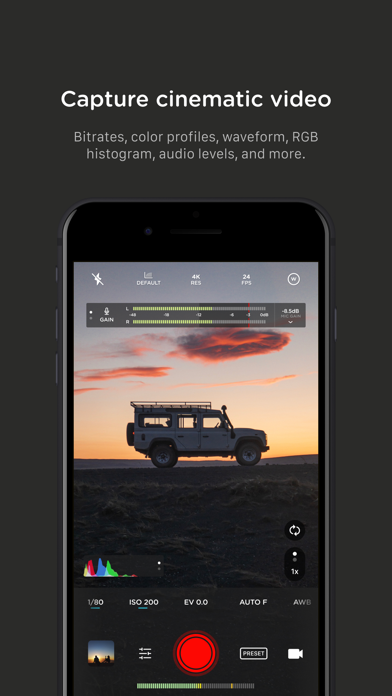
For filmmakers – the features you need, not the ones you don’t. LUTs, color spaces, bitrates, dual-channel audio meters, real-time waveforms, fast access to frame rates, and more.
For photographers – easier than shooting on your DSLR. Shoot in RAW (even in bursts), capture brackets, and more. You can even create stunning timelapses and light trail effects (in-app purchase required).
For everyone else – inspired by the pros we made the interface simple, fast, and easy to use. We provide getting started tips, video tutorials, and full-time customer service to get you set up.
We love hearing from you. If you have any features, ideas, or feedback please email us at [email protected] or DM us on Instagram @moment.
GENERAL FEATURES
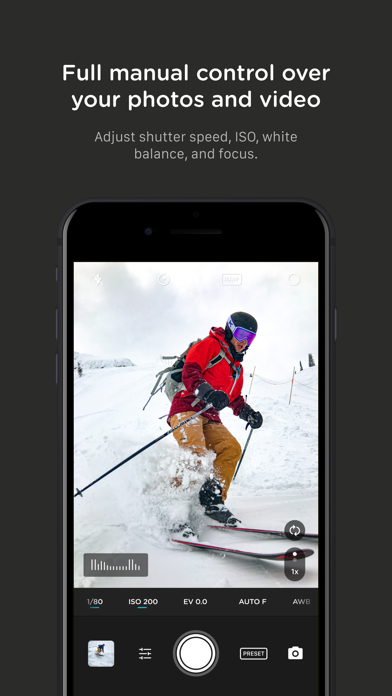
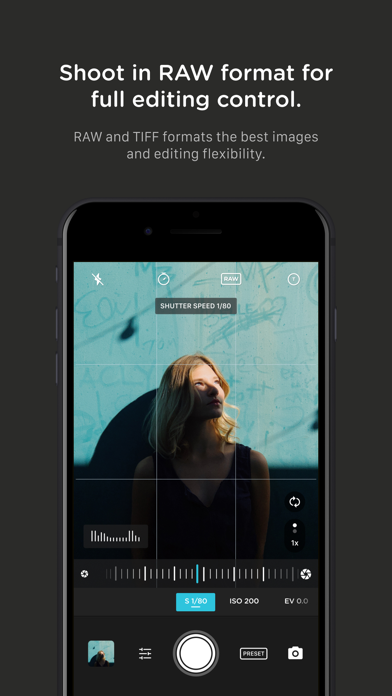
+ Full manual: control shutter speed, iso, exposure, focus, and white balance with easy-to-use sliders
+ Focus peaking: manually dial in your focus using highlighted in-focus regions
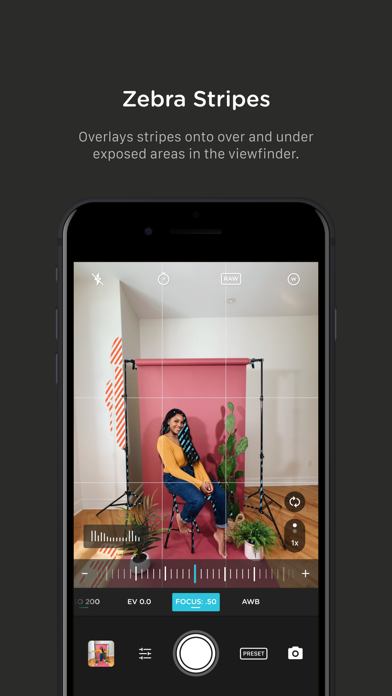
+ Zebra stripes: quickly determine over- and under-exposed areas in the viewfinder
+ Split focus and exposure: take control of tricky lighting scenarios
+ Viewfinder grid: choose from thirds, square, and golden ratio
+ Gyroscope: ensure your shot is level with an on-screen gyroscope and haptic feedback
PHOTOGRAPHY FEATURES
+ RAW and TIFF: shoot photos in RAW/ProRAW format for better editing, or TIFF for high-quality printing
+ RAW+JPG option: simultaneously get the best of both worlds
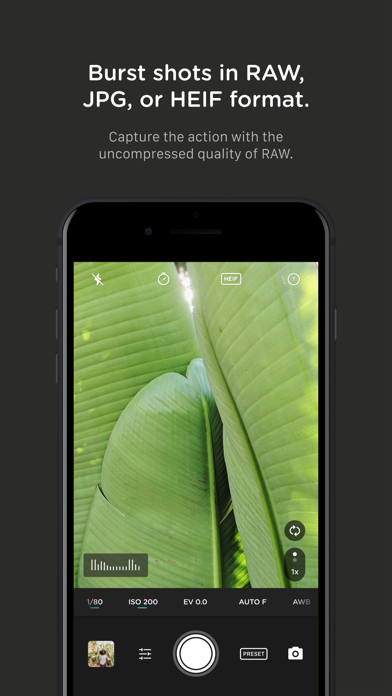
+ Burst mode: capture burst shots in RAW format – capture action while maintaining the uncompressed quality pros want with RAW
+ Bracketing: capture multiple exposures to stack later in your favorite editing apps
FILMMAKER FEATURES
+ Import, organize, and use your favorite LUTs
+ Color spaces: choose between Rec.709, Rec.2020 HDR, Display P3, and Apple Log (on compatible devices)
+ Codecs: shoot in HEVC, H.264, or any of the 422 ProRes variants
+ Video bitrates: get precise control over video quality with standard, medium, and high bitrate options
+ RGB histogram: dial in your video color, balance, and exposure
+ Waveform monitor: evaluate video brightness and exposure across your shot in real time
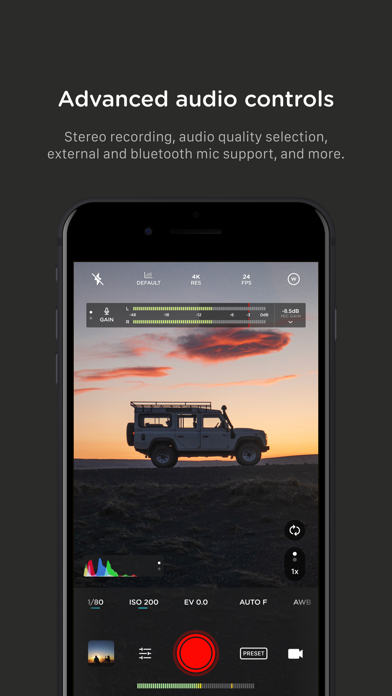
+ Audio meters: get just the right sound levels with real-time, precise, dual-channel audio levels
+ HDMI clean feed output: preview on a bigger screen
+ Video stabilization: make your videos buttery smooth
+ Video formats: change your resolution and frame rate on screen, without digging into a settings menu
+ Anamorphic: use the Moment Anamorphic lens to shoot amazing, letterbox style photos and videos, with a de-squeeze option built in
PREMIUM FEATURES (In-App Purchases)
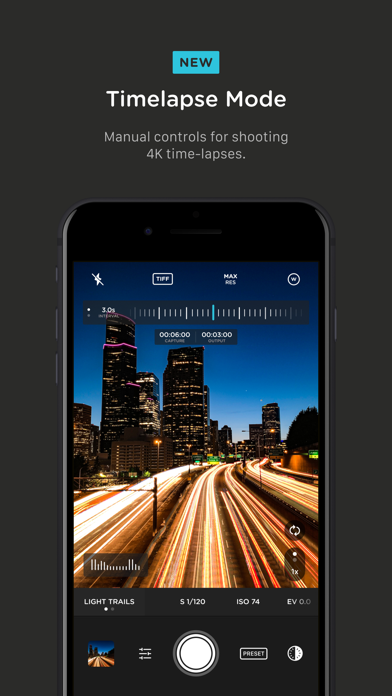
+ Timelapse mode: capture stunning time-lapse videos
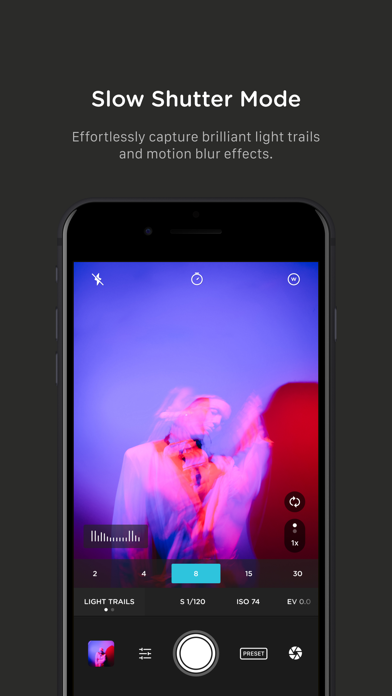
+ Slow Shutter mode: long exposure shots with motion blur or light trails
WORKS WITH
+ iPhone 16 Camera Control: get quick access to manual settings
+ Lens control: manually control which of the triple/dual lenses you want to shoot with so you can use Moment lenses over each one
+ Moment lenses: access options like anamorphic de-squeeze and distortion correction
+ Moment battery case: works with the DSLR-like shutter button on our photography cases for half-press and full-press capture. Take better photos, faster.
+ Apple Watch: use your watch as a remote to shoot photos or record videos
+ Siri Shortcuts: quick access to capture a photo or start a video
- iPhone или iPad без джейлбрейка/в обычном режиме или с джейлбрейком.
- Sideloadly или альтернативы.
- Компьютер с Windows/macOS/Linux и установленным iTunes.
ШАГ 1: Скачайте предварительно взломанный файл .IPA по ссылке выше на свой компьютер. Чтобы скачать его из приложения iOSGods, посмотрите наш Туториал по скачиванию IPA в приложении iOSGods, в котором есть видеопример.
ШАГ 2: Скачайте Sideloadly и установите его на Windows или Mac.
ШАГ 3: Откройте Sideloadly на компьютере, подключите iOS-устройство и дождитесь, пока его имя появится в Sideloadly.
ШАГ 4: Когда устройство будет распознано, перетащите скачанный модифицированный файл .IPA в окно Sideloadly.
ШАГ 5: Введите адрес электронной почты вашего Apple Account, затем нажмите «Start». После этого вас попросят ввести пароль. Укажите необходимые данные.
ШАГ 6: Дождитесь, пока Sideloadly завершит sideload/установку взломанного IPA. При возникновении проблем во время установки ознакомьтесь с примечанием ниже.
ШАГ 7: После завершения установки и появления приложения на главном экране перейдите в Настройки → Основные → Профили / VPN и управление устройством. Там нажмите на email, который вы ввели на шаге 6, а затем нажмите «Доверять [email protected]».
ШАГ 8: Теперь перейдите на главный экран и откройте установленное приложение — всё должно работать. Возможно, потребуется выполнить дополнительные инструкции в попапе мода внутри игры.
ПРИМЕЧАНИЕ: На iOS/iPadOS 16 и новее необходимо включить режим разработчика. Для бесплатных учётных записей Apple Developer этот процесс нужно повторять каждые 7 дней. Если возникнут вопросы или проблемы, ознакомьтесь с нашим разделом FAQ по Sideloadly в теме.