Anmeldung erforderlich
Melden Sie sich mit Ihrem iOSGods-Konto an, um fortzufahren.
Melden Sie sich mit Ihrem iOSGods-Konto an, um fortzufahren.

Befehlige über 940 Mobile Suits aus 98 Gundam-Universen in SD Gundam G Generation ETERNAL, einem Strategie-Spiel-Hack, der dir ermöglicht, die Kraft deines Teams zu verstärken und jede Einsatzmission mit verbessertem Schaden, Verteidigung und Energiekontrolle zu dominieren.
Egal ob du ein Gundam-Veteran bist oder neu in der Serie, diese Mod IPA transformiert deine taktischen Möglichkeiten: steigere deinen Schadensausstoß, verstärke deine Verteidigungen, behalte unbegrenzte Fähigkeitenenergie für längere Kämpfe und passe die Spielgeschwindigkeit deinem Spielstil an. Baue dein ultimatives Team auf und erlebe das vollständige Roster ohne Grind-Einschränkungen.
- Schadensvervielfacher → verstärke die Angriffspower deines Teams
- Verteidigungsvervielfacher → erhöhe die Haltbarkeit deiner Mobile Suits
- Unbegrenzte Fähigkeitenenergie → setze Fähigkeiten ohne Ressourcenbeschränkungen ein
- Spielgeschwindigkeitsvervielfacher → kontrolliere das Kampftempo nach deinen Vorlieben
Diese App wird zusätzlich mit iGameGod geliefert und bietet Ihnen Zugriff auf Auto Touch zur Automatisierung sich wiederholender Aufgaben, App Speed Manager für eine anpassbare Spielgeschwindigkeit, Memory Engine zur Wertbearbeitung und weitere leistungsstarke iOS-Spielwerkzeuge.
Laden Sie SD Gundam G Generation ETERNAL Hack modded IPA über die obigen Links herunter. Tippen Sie auf den Installations-Button und folgen Sie den Anweisungen, um diese iOS-App auf Ihrem iPhone, iPad oder Apple Silicon zu installieren.
Brauchen Sie mehr Hilfe? In unseren iOSGods App häufig gestellten Fragen finden Sie ausführliche Antworten und Tipps zur Fehlerbehebung.
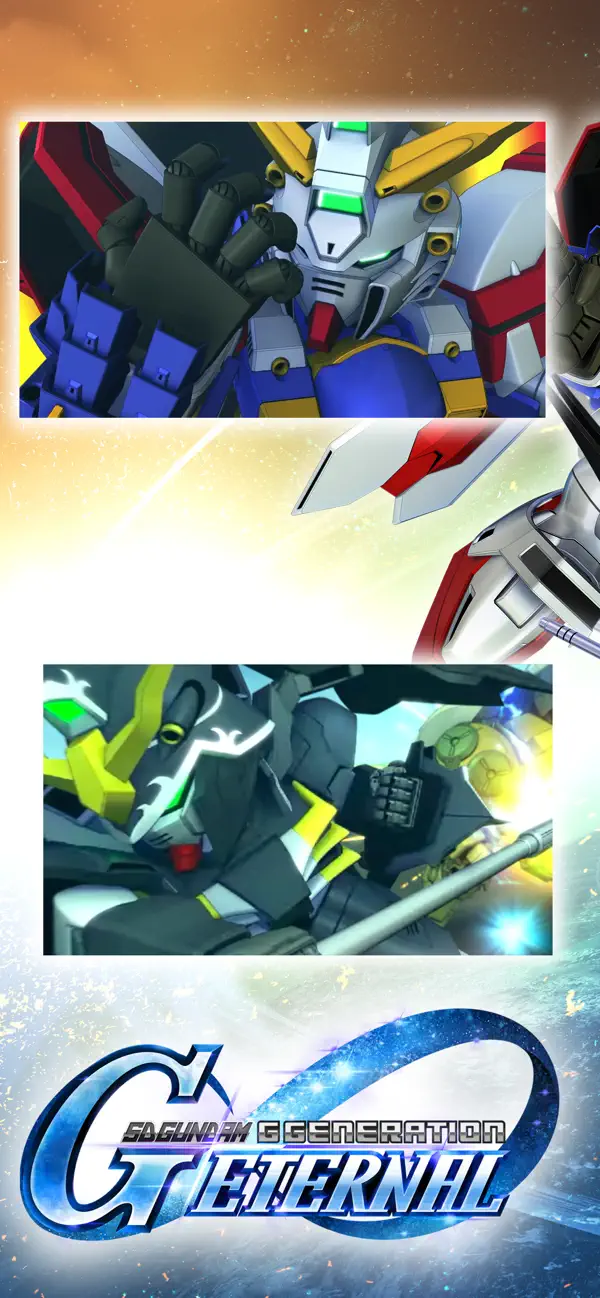
The latest title from the Gundam strategy game series "G Generation" is finally available on your smartphone!
[Game Features]
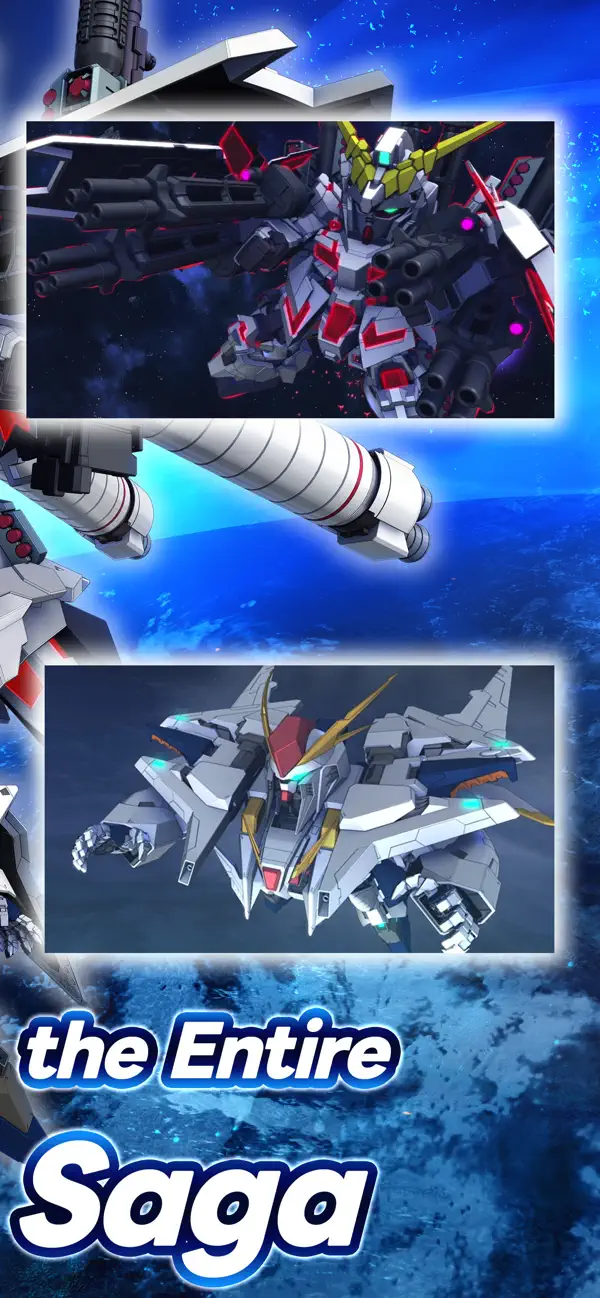
■ The most Mobile Suits and characters ever!
Play with over 940 Mobile Suits from 98 different Gundam titles! Choose your favorite characters and Mobile Suits, form the ultimate squad, and sortie into battle!
Are you ready to embark on more Gundam adventures?
[Official Social Media Channels]
Check the latest info and Events here! And don't forget to follow us!
X: https://x.com/ggene_eternalEN
Facebook: https://www.facebook.com/ggene.eternal/
Bandai Namco Entertainment Inc. Website:
https://bandainamcoent.co.jp/english/
By downloading or installing this app, you agree to the Bandai Namco Entertainment Terms of Service.
Note:
This game contains some items available for in-app purchase that can enhance gameplay and speed up your progress. In-app purchases can be disabled in your device settings, see https://support.apple.com/en-us/HT201304 for more details.
This application is distributed under the official rights from the license holder.
■About [Eternal Pass]
It is a monthly service that allows for increased stage challenge attempts and item grants.
■Service Content 1
Upgrade Stages (Capital) Challenge Limit 1Up
Upgrade Stages (Units) Challenge Limit 1Up
Upgrade Stages (Characters) Challenge Limit 1Up
Upgrade Stages (Supporters) Challenge Limit 1Up
・The above effects will be applied during the subscription period.
■Service Content 2
Premium Unit Assembly Ticket×5
Limited Time AP Pack (Effective for 30 days)×5
・The items will be granted upon logging in after the purchase or renewal.
*If the maximum holding limit is exceeded, the items will be granted to the present box.
*The Limited Time AP Pack is effective for 30 days from the granting date.
It will expire 30 days later even if not used.
■Validity Period and Auto-Renewal
・The effective period of the Eternal Pass is one month after purchase and it will be automatically renewed.
*One month refers to the same date and time of the next month from the purchase date.
Example: If purchased at 1:00 AM on January 1, it is valid until 0:59 AM on February 1.
*If the same date does not exist in the next month, it will be valid until the closest date within the next month.
Example: If purchased at 1:00 AM on March 31, it is valid until 0:59 AM on April 30.
*Depending on the timing of the purchase or renewal, such as around the turn of the month, there may be a few days' discrepancy in the reflection timing on the platform side.
・To cancel the Eternal Pass, please cancel it at least 3 days (72 hours) before the automatic renewal.
*If you miss the 3 days (72 hours) deadline, there may be a timing discrepancy on the platform side, preventing the intended cancellation timing.
・Even if you cancel during the validity period, you will receive the Eternal Pass benefits until the expiration of the validity period.
Example: If purchased at 1:00 AM on January 1 and canceled on January 2 during the validity period, you will still receive the benefits until 0:59 AM on February 1.
■How to Cancel
You can cancel the subscription by following the steps below:
1. Select your username from [Settings].
2. Select [Subscription].
3. Select the subscription for [SD Gundam G Generation Eternal].
4. Select [Cancel Subscription] to proceed with the cancellation.
*Please note that deleting the app or game data (account) does not cancel the subscription. Be cautious.
*If you are unsure about the steps, please contact the platform you are using.
■Terms of Use
https://legal.bandainamcoent.co.jp/terms/
■Privacy Policy
https://legal.bandainamcoent.co.jp/privacy/
- Nicht-Jailbroken/Jailed oder Jailbroken iPhone oder iPad.
- Sideloadly oder Alternativen.
- Computer mit Windows/macOS/Linux und installiertem iTunes.
SCHRITT 1: Laden Sie die vorinstallierte .IPA-Datei über den obigen Link auf Ihren Computer herunter. Zum Herunterladen aus der iOSGods-App siehe unser iOSGods App IPA Download-Tutorial mit Videobeispiel.
SCHRITT 2: Laden Sie Sideloadly herunter und installieren Sie es auf Ihrem Windows oder Mac.
SCHRITT 3: Öffnen Sie Sideloadly auf Ihrem Computer, verbinden Sie Ihr iOS-Gerät und warten Sie, bis Ihr Gerätename in Sideloadly erscheint.
SCHRITT 4: Sobald Ihr iDevice erkannt wird, ziehen Sie die heruntergeladene gemoddete .IPA-Datei in die Sideloadly-Anwendung.
SCHRITT 5: Geben Sie Ihre Apple-Account-E-Mail ein und drücken Sie „Start". Sie werden dann nach Ihrem Passwort gefragt. Geben Sie die erforderlichen Informationen ein.
SCHRITT 6: Warten Sie, bis Sideloadly das Sideloading/Installieren der gehackten IPA abgeschlossen hat. Bei Problemen während der Installation lesen Sie bitte den Hinweis unten.
SCHRITT 7: Sobald die Installation abgeschlossen ist und die App auf Ihrem Home-Bildschirm angezeigt wird, müssen Sie zu Einstellungen → Allgemein → Profile / VPN & Geräteverwaltung gehen. Tippen Sie dort auf die E-Mail, die Sie in Schritt 6 eingegeben haben, und dann auf „Trust [email protected]".
SCHRITT 8: Gehen Sie nun zu Ihrem Home-Bildschirm und öffnen Sie die neu installierte App – alles sollte einwandfrei funktionieren. Möglicherweise müssen Sie weitere App-spezifische Anweisungen im Hack-Popup im Spiel befolgen.
HINWEIS: iOS/iPadOS 16 und höher: Sie müssen den Entwicklermodus aktivieren. Bei kostenlosen Apple Developer-Accounts müssen Sie diesen Vorgang alle 7 Tage wiederholen. Bei Fragen oder Problemen lesen Sie bitte unsere Sideloadly-FAQ-Sektion im Thema.