تسجيل الدخول مطلوب
سجّل الدخول بحساب iOSGods للمتابعة.
سجّل الدخول بحساب iOSGods للمتابعة.
Overgeared Hero هي لعبة roguelike بكسل حيث يعتمد كل معركة على وضع العناصر الاستراتيجي وتآزر المعدات، وهذا Mod IPA يمنحك القوة للهيمنة بضرر ودفاع محسّن. اجمع المعدات النادرة والملحمية والأسطورية، ادمج النسخ المكررة في نسخ أقوى، ورتبها في حقيبتك لفتح التآزرات بينما يقاتل بطلك تلقائياً بناءً على بنيتك. مع هذه النسخة المعدلة، عزز إحصائيات بطلك واستمتع بموارد غير محدودة لتجربة كل استراتيجية بدون قيود.
- مضاعف الضرر → عزز إخراج هجوم بطلك
- مضاعف الدفاع → قلل الضرر الوارد
- موارد غير محدودة → احصل على جميع الموارد بدون قيود
يأتي هذا التطبيق أيضًا مع iGameGod، مما يتيح لك الوصول إلى Auto Touch لأتمتة المهام المتكررة، وApp Speed Manager لضبط سرعة اللعب، وتعديل القيم عبر Memory Engine، والمزيد من أدوات ألعاب iOS القوية.
قم بتنزيل Overgeared Hero: Merge RPG iOS Mod IPA من الروابط أعلاه. اضغط على زر التثبيت واتبع التعليمات لتثبيت هذا التعديل لـ iOS على iPhone أو iPad أو Apple Silicon.
هل تحتاج إلى مزيد من المساعدة؟ راجع الأسئلة الشائعة لتطبيق iOSGods للحصول على إجابات مفصلة ونصائح لاستكشاف الأخطاء.
Pack your backpack, build your power - Overgeared Hero is the pixel roguelike auto-battler where every item placement decides the fight.
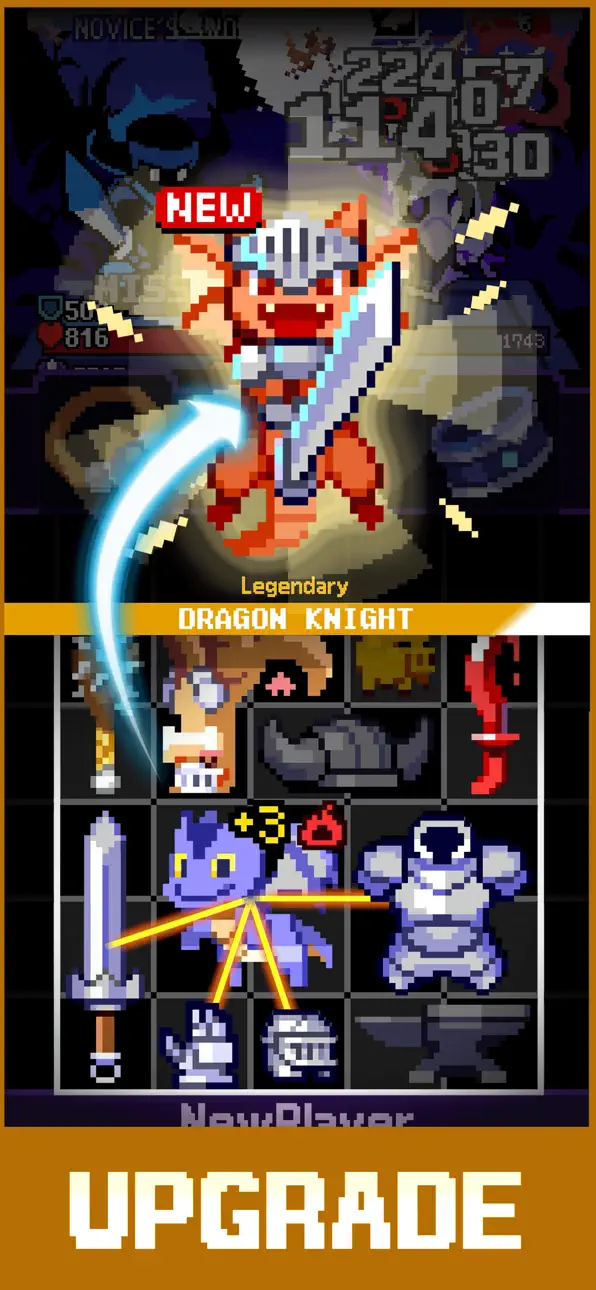
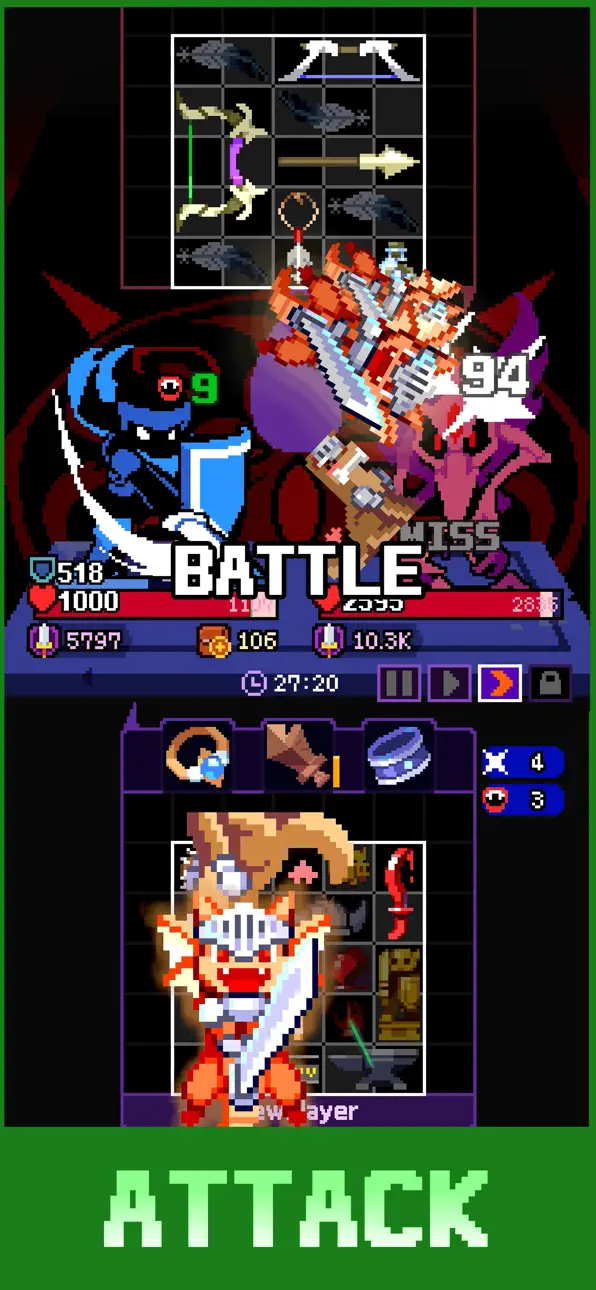
In Overgeared Hero, you collect rare, epic, and legendary gear, merge duplicates into stronger versions, and arrange them in your backpack to unlock powerful synergies. Then your hero auto-battles based on the build you designed. Every run is different, every backpack tells a different story.
Pro tips before you start:
- Item placement is everything. Plan your backpack like a chessboard.
- Train your pets. They pull their weight in every fight.
- Chase the epic and legendary items. Class-specific gear changes everything.
KEY FEATURES
Merge, Build, Battle
- Merge duplicate items to evolve them into epic-tier gear
- Arrange your backpack to unlock attack and defense synergies
- Combine gear, pets, and class skills into unique combat builds
- Watch your auto-battles play out based on your strategy
A Real Pixel Roguelike Auto-Battler
- Procedural roguelike runs with fresh challenges every time
- Auto-battles driven by your backpack design, not luck
- No two runs are the same
- Quick sessions, deep replayability
Heroes, Pets, and Class Builds
- Pick a class that fits your playstyle
- Train pets that fight alongside you
- Unlock rare and legendary gear as you progress
- Expand your backpack and refine your build
Compete and Climb
- Test your build against other players in PvP
- Smart backpack design beats raw power, every time
- Climb the leaderboards and prove your strategy
Retro Pixel Style
- Beautiful retro pixel art with modern combat feel
- Easy to start, deep to master
- Designed for short sessions and long obsessions
If you love merge games, roguelike runs, auto-battlers, or backpack strategy, Overgeared Hero is your next obsession.
Download Overgeared Hero now and start your run!

- iPhone أو iPad بجيلبريك أو بدون جيلبريك.
- Sideloadly أو بدائلها.
- كمبيوتر يعمل بنظام Windows/macOS/Linux مع تثبيت iTunes.
الخطوة 1: قم بتنزيل ملف .IPA المعدّل مسبقًا من الرابط أعلاه إلى الكمبيوتر الخاص بك. للتنزيل من تطبيق iOSGods App، اطلع على دليل تنزيل IPA من تطبيق iOSGods App الذي يتضمن مثالًا بالفيديو.
الخطوة 2: قم بتنزيل Sideloadly وتثبيته على جهاز Windows أو Mac.
الخطوة 3: افتح Sideloadly على الكمبيوتر، ووصّل جهاز iOS الخاص بك، وانتظر حتى يظهر اسم جهازك داخل Sideloadly.
الخطوة 4: بمجرد التعرّف على جهاز iDevice الخاص بك، اسحب ملف .IPA المعدّل الذي قمت بتنزيله وأفلِته داخل تطبيق Sideloadly.
الخطوة 5: أدخل البريد الإلكتروني لحساب Apple Account الخاص بك، ثم اضغط على «Start». سيُطلب منك بعد ذلك إدخال كلمة المرور. تابع وأدخل المعلومات المطلوبة.
الخطوة 6: انتظر حتى ينتهي Sideloadly من تحميل/تثبيت ملف IPA المعدّل. في حال واجهت أي مشاكل أثناء التثبيت، يرجى قراءة الملاحظة أدناه.
الخطوة 7: بعد اكتمال التثبيت ورؤية التطبيق على الشاشة الرئيسية، انتقل إلى Settings → General → Profiles / VPN & Device Management. ثم اضغط على البريد الإلكتروني الذي أدخلته في الخطوة 6، ثم اضغط على «الوثوق بـ [email protected]».
الخطوة 8: الآن انتقل إلى الشاشة الرئيسية وافتح التطبيق الذي تم تثبيته للتو وسيعمل كل شيء بشكل صحيح. قد تحتاج إلى اتباع تعليمات إضافية خاصة بكل تطبيق داخل النافذة المنبثقة للتعديل أثناء اللعب.
ملاحظة: بدءًا من iOS/iPadOS 16 وما بعده، يجب تفعيل وضع المطور (Developer Mode). بالنسبة لحسابات Apple Developer المجانية، ستحتاج إلى تكرار هذه العملية كل 7 أيام. إذا كانت لديك أي أسئلة أو مشاكل، يرجى قراءة قسم الأسئلة الشائعة حول Sideloadly في الموضوع.
Hack Features:
- Inf Coins (Spend)
App Installation Instructions:
---------------------------------------------------------
----------------------------------------------------------
If you require more information or help, please read our Frequently Asked Questions topic on iOSGods.com.
----------------------------------------------------------
--------------------------------------------------