Требуется вход
Войдите в учётную запись iOSGods, чтобы продолжить.
Войдите в учётную запись iOSGods, чтобы продолжить.

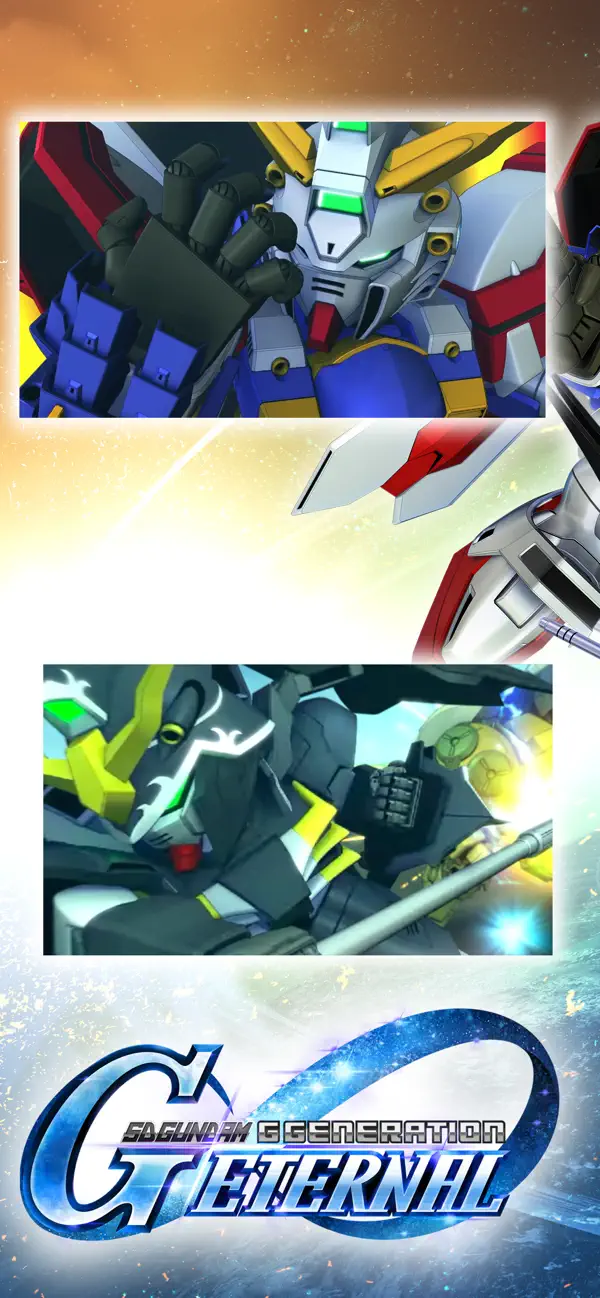
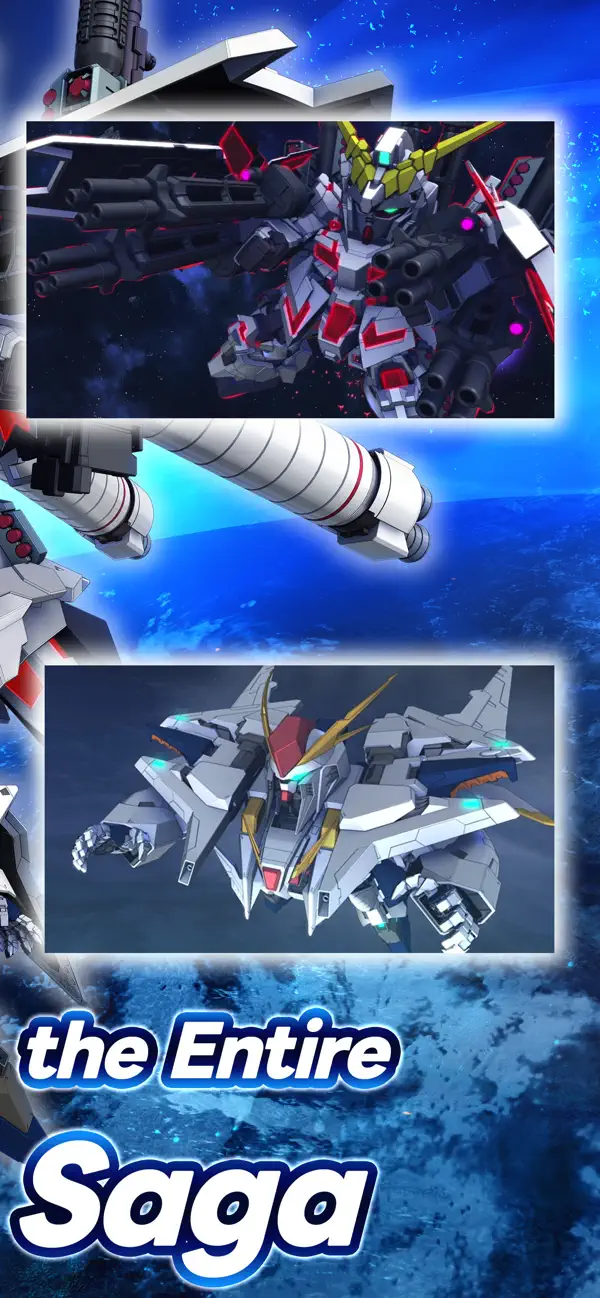
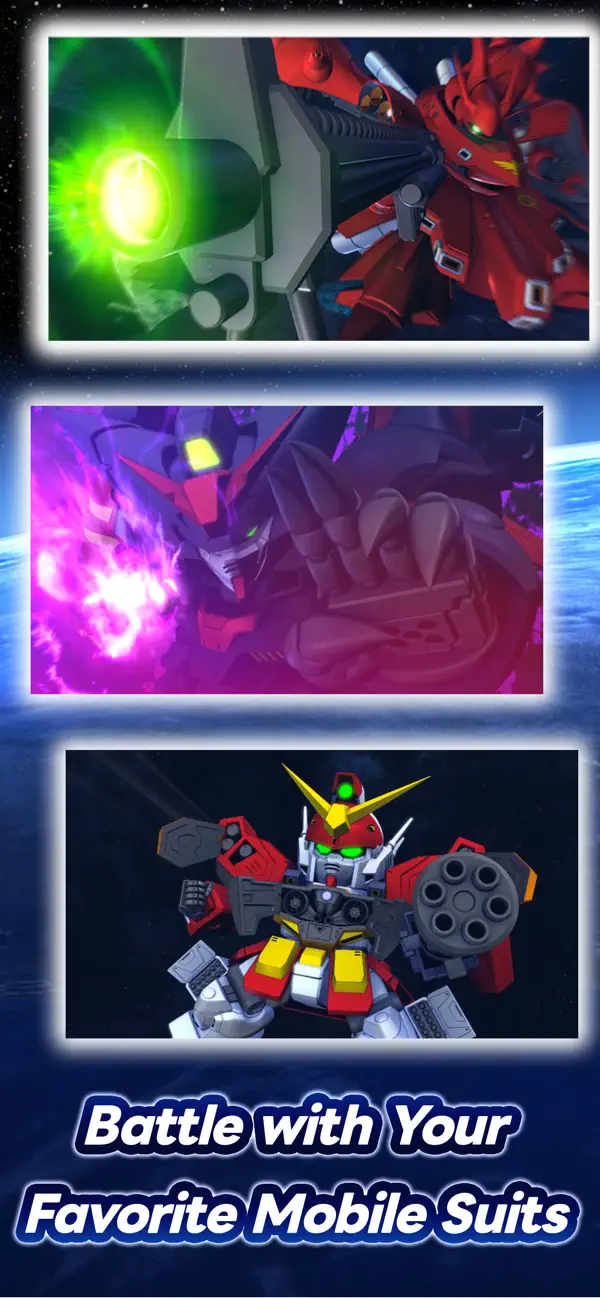
Командуйте более чем 940 мобильными костюмами в 98 вселенных Gundam в SD Gundam G Generation ETERNAL, стратегической игре с расширенными возможностями, которая позволяет усилить мощь вашего отряда и доминировать в каждом боевом вылете с улучшенным уроном, защитой и управлением энергией.
Независимо от того, являетесь ли вы ветераном Gundam или новичком в серии, этот Mod IPA трансформирует ваши тактические возможности: увеличьте выходной урон, укрепите защиту, поддерживайте неограниченную энергию навыков для продолжительных боев и регулируйте скорость игры в соответствии с вашим стилем игры. Соберите свою идеальную команду и испытайте весь состав без ограничений на прокачку.
- Множитель урона → усилить наступательную мощь вашего отряда
- Множитель защиты → повысить прочность ваших мобильных костюмов
- Неограниченная энергия навыков → используйте способности без ограничений ресурсов
- Множитель скорости игры → контролируйте темп боя по своему предпочтению
Это приложение также поставляется с iGameGod, который открывает доступ к Auto Touch для автоматизации повторяющихся действий, App Speed Manager для регулируемой скорости игры, редактированию значений Memory Engine и другим мощным инструментам для iOS-игр.
Скачайте SD Gundam G Generation ETERNAL Hack modded IPA по ссылкам выше. Нажмите кнопку установки и следуйте инструкциям, чтобы установить этот хак iOS на iPhone, iPad или Mac с Apple Silicon.
Нужна помощь? Посмотрите наши Часто задаваемые вопросы по приложению iOSGods, чтобы получить подробные ответы и советы по устранению неполадок.
The latest title from the Gundam strategy game series "G Generation" is finally available on your smartphone!
[Game Features]
■ The most Mobile Suits and characters ever!
Play with over 940 Mobile Suits from 98 different Gundam titles! Choose your favorite characters and Mobile Suits, form the ultimate squad, and sortie into battle!
Are you ready to embark on more Gundam adventures?
[Official Social Media Channels]
Check the latest info and Events here! And don't forget to follow us!
X: https://x.com/ggene_eternalEN
Facebook: https://www.facebook.com/ggene.eternal/
Bandai Namco Entertainment Inc. Website:
https://bandainamcoent.co.jp/english/
By downloading or installing this app, you agree to the Bandai Namco Entertainment Terms of Service.
Note:
This game contains some items available for in-app purchase that can enhance gameplay and speed up your progress. In-app purchases can be disabled in your device settings, see https://support.apple.com/en-us/HT201304 for more details.
This application is distributed under the official rights from the license holder.
■About [Eternal Pass]
It is a monthly service that allows for increased stage challenge attempts and item grants.
■Service Content 1
Upgrade Stages (Capital) Challenge Limit 1Up
Upgrade Stages (Units) Challenge Limit 1Up
Upgrade Stages (Characters) Challenge Limit 1Up
Upgrade Stages (Supporters) Challenge Limit 1Up
・The above effects will be applied during the subscription period.
■Service Content 2
Premium Unit Assembly Ticket×5
Limited Time AP Pack (Effective for 30 days)×5
・The items will be granted upon logging in after the purchase or renewal.
*If the maximum holding limit is exceeded, the items will be granted to the present box.
*The Limited Time AP Pack is effective for 30 days from the granting date.
It will expire 30 days later even if not used.
■Validity Period and Auto-Renewal
・The effective period of the Eternal Pass is one month after purchase and it will be automatically renewed.
*One month refers to the same date and time of the next month from the purchase date.
Example: If purchased at 1:00 AM on January 1, it is valid until 0:59 AM on February 1.
*If the same date does not exist in the next month, it will be valid until the closest date within the next month.
Example: If purchased at 1:00 AM on March 31, it is valid until 0:59 AM on April 30.
*Depending on the timing of the purchase or renewal, such as around the turn of the month, there may be a few days' discrepancy in the reflection timing on the platform side.
・To cancel the Eternal Pass, please cancel it at least 3 days (72 hours) before the automatic renewal.
*If you miss the 3 days (72 hours) deadline, there may be a timing discrepancy on the platform side, preventing the intended cancellation timing.
・Even if you cancel during the validity period, you will receive the Eternal Pass benefits until the expiration of the validity period.
Example: If purchased at 1:00 AM on January 1 and canceled on January 2 during the validity period, you will still receive the benefits until 0:59 AM on February 1.
■How to Cancel
You can cancel the subscription by following the steps below:
1. Select your username from [Settings].
2. Select [Subscription].
3. Select the subscription for [SD Gundam G Generation Eternal].
4. Select [Cancel Subscription] to proceed with the cancellation.
*Please note that deleting the app or game data (account) does not cancel the subscription. Be cautious.
*If you are unsure about the steps, please contact the platform you are using.
■Terms of Use
https://legal.bandainamcoent.co.jp/terms/
■Privacy Policy
https://legal.bandainamcoent.co.jp/privacy/
- iPhone или iPad без джейлбрейка/в обычном режиме или с джейлбрейком.
- Sideloadly или альтернативы.
- Компьютер с Windows/macOS/Linux и установленным iTunes.
ШАГ 1: Скачайте предварительно взломанный файл .IPA по ссылке выше на свой компьютер. Чтобы скачать его из приложения iOSGods, посмотрите наш Туториал по скачиванию IPA в приложении iOSGods, в котором есть видеопример.
ШАГ 2: Скачайте Sideloadly и установите его на Windows или Mac.
ШАГ 3: Откройте Sideloadly на компьютере, подключите iOS-устройство и дождитесь, пока его имя появится в Sideloadly.
ШАГ 4: Когда устройство будет распознано, перетащите скачанный модифицированный файл .IPA в окно Sideloadly.
ШАГ 5: Введите адрес электронной почты вашего Apple Account, затем нажмите «Start». После этого вас попросят ввести пароль. Укажите необходимые данные.
ШАГ 6: Дождитесь, пока Sideloadly завершит sideload/установку взломанного IPA. При возникновении проблем во время установки ознакомьтесь с примечанием ниже.
ШАГ 7: После завершения установки и появления приложения на главном экране перейдите в Настройки → Основные → Профили / VPN и управление устройством. Там нажмите на email, который вы ввели на шаге 6, а затем нажмите «Доверять [email protected]».
ШАГ 8: Теперь перейдите на главный экран и откройте установленное приложение — всё должно работать. Возможно, потребуется выполнить дополнительные инструкции в попапе мода внутри игры.
ПРИМЕЧАНИЕ: На iOS/iPadOS 16 и новее необходимо включить режим разработчика. Для бесплатных учётных записей Apple Developer этот процесс нужно повторять каждые 7 дней. Если возникнут вопросы или проблемы, ознакомьтесь с нашим разделом FAQ по Sideloadly в теме.