Connexion requise
Connectez-vous avec votre compte iOSGods pour continuer.
Connectez-vous avec votre compte iOSGods pour continuer.

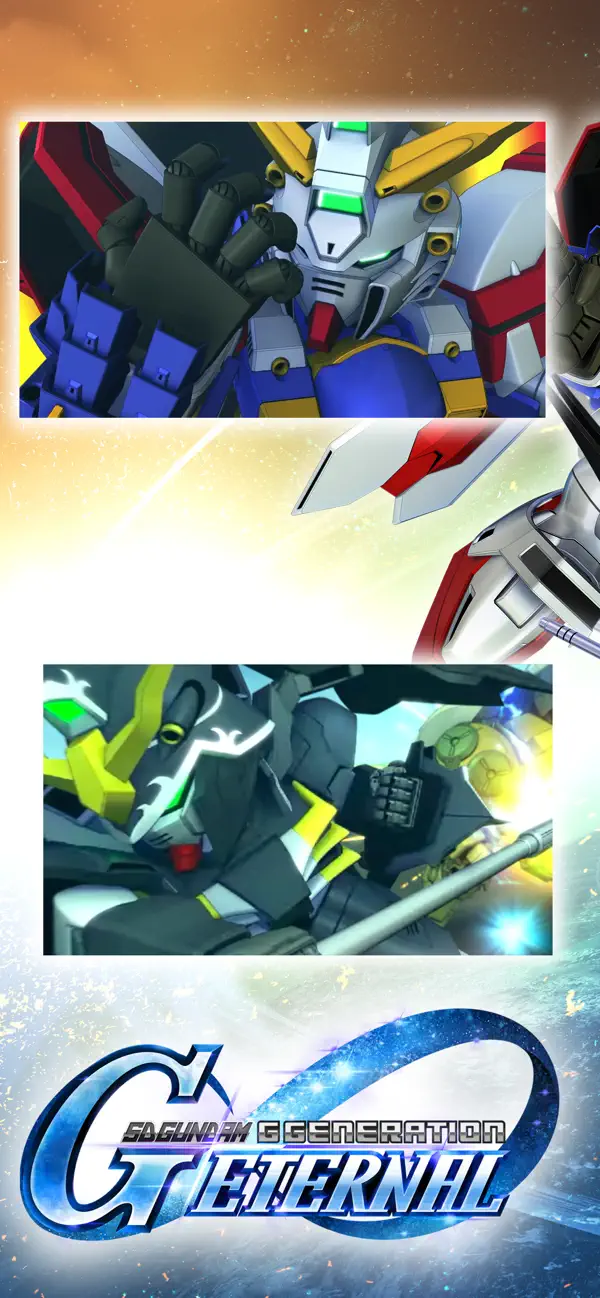
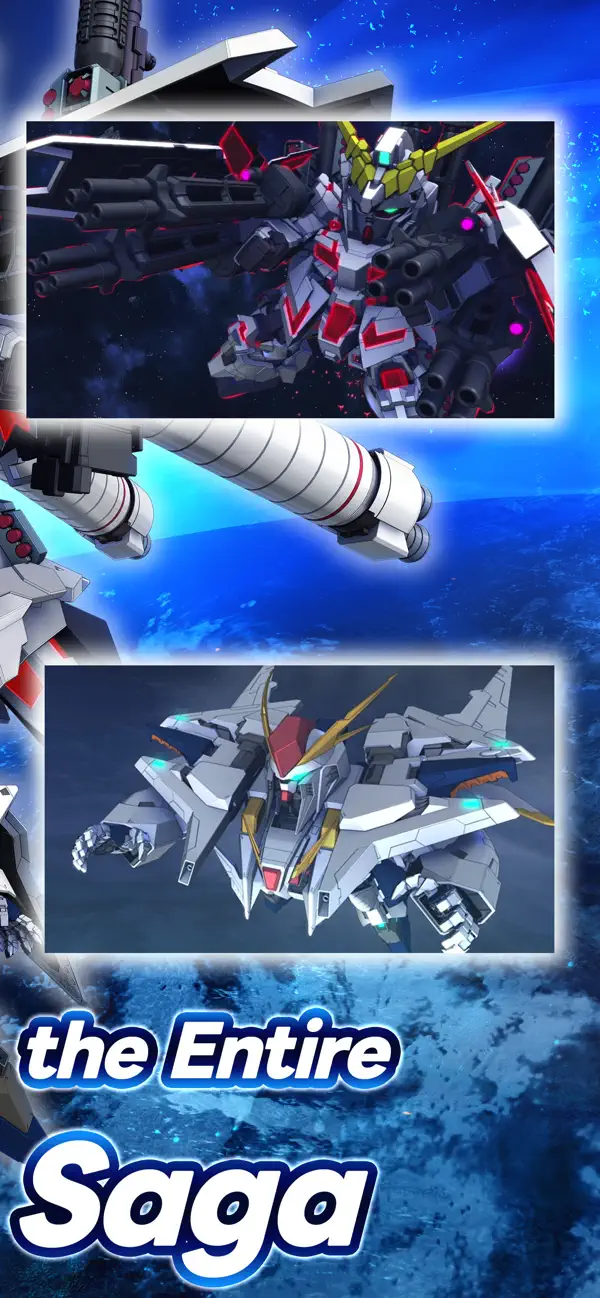
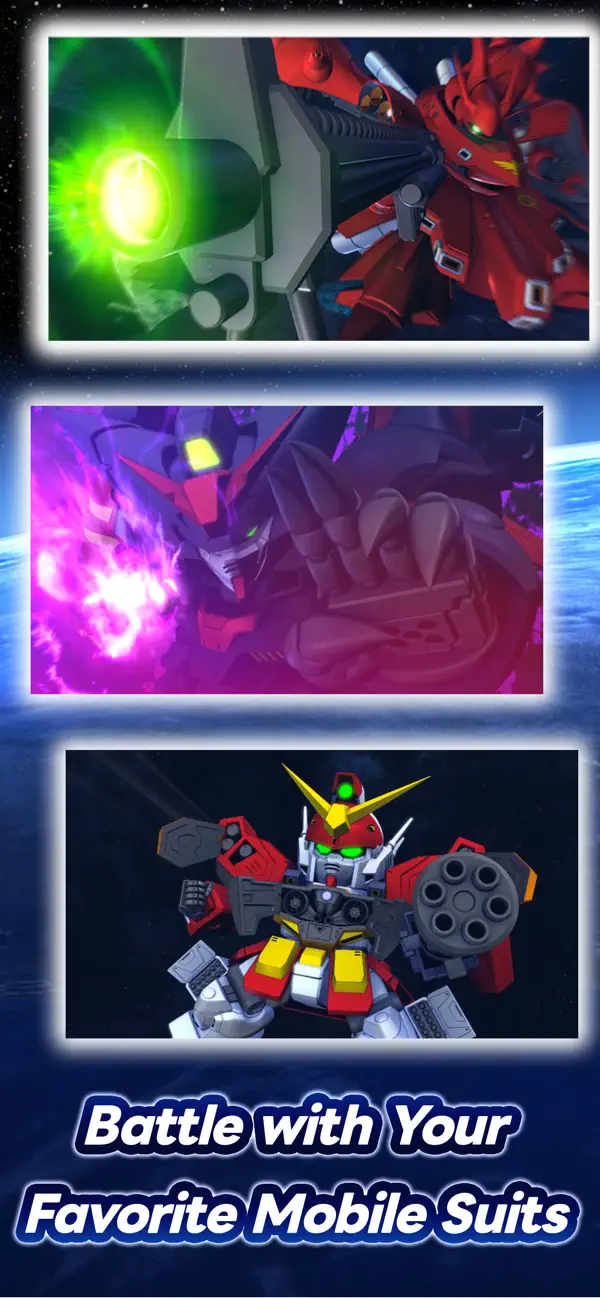
Commandez plus de 940 Mobile Suits à travers 98 univers Gundam dans SD Gundam G Generation ETERNAL, un jeu de stratégie avec triche qui vous permet d'amplifier la puissance de votre escouade et de dominer chaque sortie avec des dégâts, une défense et des contrôles d'énergie améliorés.
Que vous soyez un vétéran de Gundam ou nouveau dans la série, ce Mod IPA transforme vos options tactiques : augmentez votre puissance de dégâts, renforcez vos défenses, maintenez une énergie de compétences illimitée pour les batailles prolongées, et ajustez la vitesse du jeu selon votre style de jeu. Construisez votre équipe ultime et expérimentez l'intégralité de l'effectif sans limitations de grind.
- Multiplicateur de dégâts → amplifiez la puissance offensive de votre escouade
- Multiplicateur de défense → renforcez la durabilité de vos Mobile Suits
- Énergie de compétences illimitée → lancez des capacités sans contraintes de ressources
- Multiplicateur de vitesse de jeu → contrôlez le rythme des batailles selon vos préférences
Cette app est également livrée avec iGameGod, qui vous donne accès à Auto Touch pour automatiser les tâches répétitives, App Speed Manager pour ajuster la vitesse de jeu, à l'édition de valeurs avec Memory Engine, et à d'autres outils puissants pour les jeux iOS.
Téléchargez SD Gundam G Generation ETERNAL Hack modded IPA depuis les liens ci-dessus. Appuyez sur le bouton d'installation et suivez les instructions pour installer ce hack iOS sur votre iPhone, iPad ou Apple Silicon.
Besoin de plus d'aide ? Consultez notre FAQ de l'app iOSGods pour des réponses détaillées et des conseils de dépannage.
'SD건담 지 제네레이션' 시리즈의 최신작이 스마트폰에 등장!
출시 초기 기준 건담의 역대 작품 중 98개 작품, 940기 이상의 모빌슈트 및 캐릭터가 집결!
[게임 특징]
■참전 작품 수 98개, 모빌슈트 940기 이상
역대 건담 작품에서 940기 이상의 모빌슈트가 플레이 가능한 유닛으로 참전합니다.
캐릭터와 모빌슈트를 조합한 자신만의 최강 부대로 전장에 출격하세요!
※참전 작품, 모빌슈트, 캐릭터는 업데이트를 통해 순차적으로 추가될 예정입니다.
■18개의 원작 시나리오 체험 가능!
"기동전사 건담", "기동전사 Z건담 A New Translation", "기동전사 ZZ건담", "기동무투전 G건담", "신기동전기 건담 W", "기동신세기 건담 X", "기동전사 건담 SEED", "기동전사 건담 00", "기동전사 건담 철혈의 오펀스", "기동전사 건담 수성의 마녀","기동전사 건담 SEED Recollection" ,"기동전사 건담 SEED DESTINY" ,"기동전사 건담 역습의 샤아" , "기동전사 건담 UC" , "기동전사 건담 섬광의 하사웨이" ,"기동전사 건담 AGE" ,"신기동전기 건담 W Endless Waltz","기동전사 건담 NT" ,의 총 18개 작품이 출시 초기에 수록됩니다.
충실한 스토리 및 각종 미션을 통해, 이미 알고 있는 작품과 모르고 있던 작품의 스테이지를 공략하면서 명대사, 명장면을 체험하세요!
※시나리오는 업데이트를 통해 순차적으로 추가될 예정입니다.
■개발을 통해 670기 이상의 기체 획득 가능
지 제네레이션 시리즈만의 '개발'에서 670기 이상의 기체를 개발할 수 있습니다.
작품별로 준비된 개발 경로도의 컴플리트를 노리세요!
■건담 시뮬레이션 전략성
시리즈 고유의 턴제 시뮬레이션 배틀을 즐길 수 있습니다.
유닛의 특성 및 배치, 캐릭터의 스킬을 활용한 자신만의 부대와 전략으로 다양한 조건이 설정된 스테이지를 클리어하고 적을 격파하세요!
[SD건담 지 제네레이션 이터널은 이런 분들에게 추천!]
・좋아하는 건담 작품이 있다.
・건담 애니메이션을 지금도 자주 보고 있다.
・앞으로 건담에 대해 알고 싶다.
・전략 시뮬레이션 게임/전략 게임을 좋아한다.
・자신만의 부대를 편성하고 배틀에서 승리하고 싶다.
・육성과 커스터마이즈를 즐기고 싶다.
・역대 건담 작품을 한 번에 즐기고 싶다.
・시뮬레이션 RPG나 전략 게임을 자주 플레이한다.
[공식 SNS]
최신 정보와 이벤트 정보를 보내드립니다! 라운지에 가입하고 최신 정보를 체크하세요.
https://game.naver.com/lounge/SD_Gundam_G_Generation_ETERNAL
Bandai Namco Entertainment Inc. 공식 사이트:
https://bandainamcoent.co.jp/english/
이 앱을 다운로드 또는 설치함으로써 귀하는 Bandai Namco Entertainment 이용약관에 동의한 것으로 간주됩니다.
주의사항:
본 게임은 게임플레이를 향상시키고 귀하의 게임 진행을 더 빠르게 할 수 있는 앱 내 구입이 가능한 아이템을 포함하고 있습니다. 앱 내 구입은 귀하의 디바이스 설정을 통하여 그 사용을 제한할 수 있습니다.
보다 자세한 사항은 https://support.apple.com/ko-kr/HT201304 를 참조하여 주시기 바랍니다.
This application is distributed under the official rights from the license holder.
■ (이터널 패스)에 대하여
스테이지 도전 횟수 증가 효과 및 아이템 지급을 받을 수 있는 월정액 서비스입니다.
■ 유효 기간 및 자동 갱신에 대하여
・ 이터널 패스의 유효 기간은 구매 후 1개월간이며, 자동으로 갱신됩니다.
예시: 1월 1일 1시 00분에 구매한 경우, 2월 1일 0시 59분까지 유효합니다.
예시: 3월 31일 1시 00분에 구매한 경우, 4월 30일 0시 59분까지 유효합니다.
・ 이터널 패스를 해지하고자 하는 경우, 자동 갱신일 3일 (72시간) 전까지 해지하여 주십시오.
・ 유효 기간 중 해지한 경우에도 유효 기간이 종료될 때까지는 이터널 패스 서비스를 이용하실 수 있습니다.
예시: 1월 1일 1시 00분에 구매하고 유효 기간 중인 1월 2일에 해지한 경우에도 2월 1일 0시 59분까지 서비스를 이용하실 수 있습니다.
■ 해지 방법에 대하여
구독 해지는 아래 절차에 따라 진행할 수 있습니다.
1. [설정]에서 본인의 사용자 이름을 선택합니다.
2. [구독]을 선택합니다.
3. [SD건담 지 제네레이션 이터널] 구독을 선택합니다.
4. [구독 취소]를 선택하면 해지할 수 있습니다.
■ 기타
・ 구독은 구매 시점에 이용 중인 게임 데이터에 대하여 유효하게 적용됩니다.
・ 구독 이용을 위한 처리에 문제가 발생할 수 있습니다. 구매 처리(통신)를 진행 중인 경우 앱을 중단하지 마십시오.
・ 구독 구매 후 앱 내에 효과가 반영되지 않는 경우, 아래와 같은 조작을 진행하여 주십시오.
・ 구독 구매 또한 만 18세 미만 미성년자의 구매 한도액에 포함됩니다.
■ 이용 약관
https://legal.bandainamcoent.co.jp/terms/
■ 개인정보 처리방침
https://legal.bandainamcoent.co.jp/privacy/
- iPhone ou iPad avec ou sans Jailbreak.
- Sideloadly ou alternatives.
- Ordinateur sous Windows/macOS/Linux avec iTunes installé.
ÉTAPE 1: Téléchargez le fichier .IPA pré-modifié depuis le lien ci-dessus sur votre ordinateur. Pour le télécharger depuis l'iOSGods App, consultez notre Tutoriel de téléchargement de l'IPA depuis l'iOSGods App qui comprend un exemple en vidéo.
ÉTAPE 2: Téléchargez Sideloadly et installez-le sur votre Windows ou Mac.
ÉTAPE 3: Ouvrez Sideloadly sur votre ordinateur, connectez votre appareil iOS et attendez que le nom de votre appareil apparaisse dans Sideloadly.
ÉTAPE 4: Une fois votre iDevice reconnu, glissez le fichier .IPA modifié que vous avez téléchargé et déposez-le dans l'application Sideloadly.
ÉTAPE 5: Saisissez l'adresse e-mail de votre Apple Account, puis appuyez sur « Start ». Il vous sera ensuite demandé d'entrer votre mot de passe. Fournissez les informations requises.
ÉTAPE 6: Attendez que Sideloadly termine le sideloading/l'installation de l'IPA modifié. En cas de problème durant l'installation, veuillez lire la remarque ci-dessous.
ÉTAPE 7: Une fois l'installation terminée et l'app visible sur votre écran d'accueil, vous devez aller dans Réglages → Général → Profils / VPN et gestion de l'appareil. Là, appuyez sur l'adresse e-mail saisie à l'étape 6, puis appuyez sur « Faire confiance à [email protected] ».
ÉTAPE 8: Allez maintenant sur votre écran d'accueil et ouvrez l'app nouvellement installée ; tout devrait fonctionner correctement. Vous devrez peut-être suivre des instructions supplémentaires propres à chaque app, dans la fenêtre du hack en jeu.
REMARQUE : À partir d'iOS/iPadOS 16, vous devez activer le mode Développeur. Pour les comptes Apple Developer gratuits, vous devrez répéter ce processus tous les 7 jours. Pour toute question ou problème, lisez notre section FAQ Sideloadly du sujet.