로그인 필요
계속하려면 iOSGods 계정으로 로그인하세요.
계속하려면 iOSGods 계정으로 로그인하세요.
SD Gundam G Generation ETERNAL의 전략 게임 Hack에서 98개의 건담 우주를 아우르는 940개 이상의 모빌슈트를 지휘하세요. 강화된 데미지, 방어력, 에너지 조절로 당신의 부대의 힘을 증폭시키고 모든 출격에서 지배력을 발휘하세요.
건담 베테랑이든 시리즈 신규 유저든, 이 Mod IPA는 당신의 전술 옵션을 변화시킵니다: 데미지 출력을 높이고, 방어력을 강화하며, 장시간 전투를 위해 무제한 스킬 에너지를 유지하고, 게임 속도를 당신의 플레이 스타일에 맞게 조정하세요. 궁극의 팀을 구성하고 그라인딩 제한 없이 전체 로스터를 경험하세요.
- 데미지 배수 → 부대의 공격력 증폭
- 방어력 배수 → 모빌슈트의 내구성 강화
- 무제한 스킬 에너지 → 자원 제약 없이 능력 사용
- 게임 속도 배수 → 전투 속도를 당신의 선호도에 맞게 조절
이 앱에는 iGameGod도 포함되어 있어 반복 작업을 자동화하는 Auto Touch, 게임 속도를 조절할 수 있는 App Speed Manager, Memory Engine 값 편집 등 강력한 iOS 게임 도구를 사용할 수 있습니다.
위의 링크에서 SD Gundam G Generation ETERNAL Hack modded IPA을 다운로드합니다. 설치 버튼을 누르고 화면 안내에 따라 iPhone, iPad 또는 Apple Silicon에 이 iOS 앱 해킹을 설치합니다.
더 많은 도움이 필요하신가요? 자세한 답변과 문제 해결 팁은 iOSGods 앱 자주 묻는 질문을 확인하세요.
The latest title from the Gundam strategy game series "G Generation" is finally available on your smartphone!
[Game Features]
■ The most Mobile Suits and characters ever!
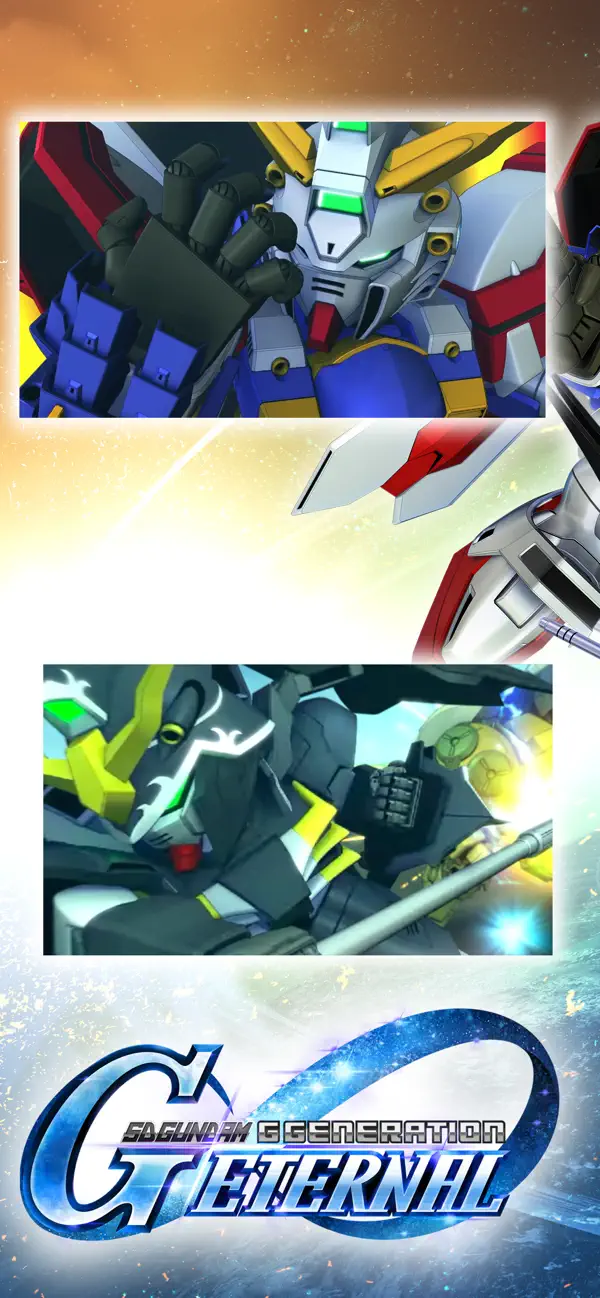
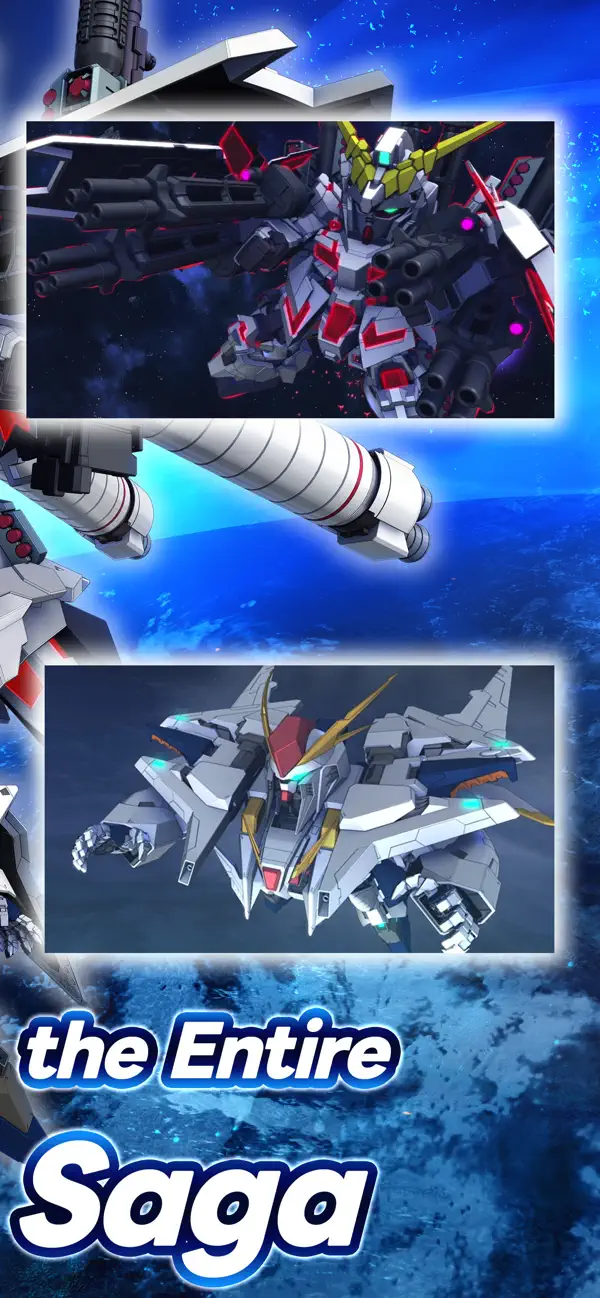
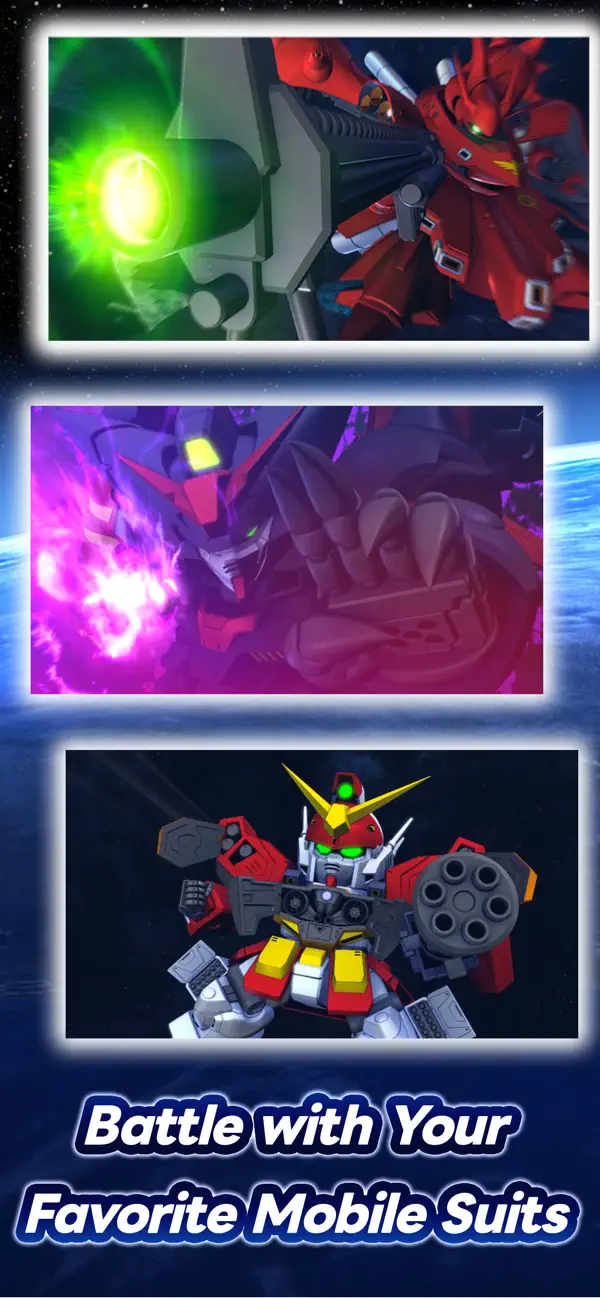
Play with over 940 Mobile Suits from 98 different Gundam titles! Choose your favorite characters and Mobile Suits, form the ultimate squad, and sortie into battle!
Are you ready to embark on more Gundam adventures?
[Official Social Media Channels]
Check the latest info and Events here! And don't forget to follow us!
X: https://x.com/ggene_eternalEN
Facebook: https://www.facebook.com/ggene.eternal/
Bandai Namco Entertainment Inc. Website:
https://bandainamcoent.co.jp/english/
By downloading or installing this app, you agree to the Bandai Namco Entertainment Terms of Service.
Note:
This game contains some items available for in-app purchase that can enhance gameplay and speed up your progress. In-app purchases can be disabled in your device settings, see https://support.apple.com/en-us/HT201304 for more details.
This application is distributed under the official rights from the license holder.
■About [Eternal Pass]
It is a monthly service that allows for increased stage challenge attempts and item grants.
■Service Content 1
Upgrade Stages (Capital) Challenge Limit 1Up
Upgrade Stages (Units) Challenge Limit 1Up
Upgrade Stages (Characters) Challenge Limit 1Up
Upgrade Stages (Supporters) Challenge Limit 1Up
・The above effects will be applied during the subscription period.
■Service Content 2
Premium Unit Assembly Ticket×5
Limited Time AP Pack (Effective for 30 days)×5
・The items will be granted upon logging in after the purchase or renewal.
*If the maximum holding limit is exceeded, the items will be granted to the present box.
*The Limited Time AP Pack is effective for 30 days from the granting date.
It will expire 30 days later even if not used.
■Validity Period and Auto-Renewal
・The effective period of the Eternal Pass is one month after purchase and it will be automatically renewed.
*One month refers to the same date and time of the next month from the purchase date.
Example: If purchased at 1:00 AM on January 1, it is valid until 0:59 AM on February 1.
*If the same date does not exist in the next month, it will be valid until the closest date within the next month.
Example: If purchased at 1:00 AM on March 31, it is valid until 0:59 AM on April 30.
*Depending on the timing of the purchase or renewal, such as around the turn of the month, there may be a few days' discrepancy in the reflection timing on the platform side.
・To cancel the Eternal Pass, please cancel it at least 3 days (72 hours) before the automatic renewal.
*If you miss the 3 days (72 hours) deadline, there may be a timing discrepancy on the platform side, preventing the intended cancellation timing.
・Even if you cancel during the validity period, you will receive the Eternal Pass benefits until the expiration of the validity period.
Example: If purchased at 1:00 AM on January 1 and canceled on January 2 during the validity period, you will still receive the benefits until 0:59 AM on February 1.
■How to Cancel
You can cancel the subscription by following the steps below:
1. Select your username from [Settings].
2. Select [Subscription].
3. Select the subscription for [SD Gundam G Generation Eternal].
4. Select [Cancel Subscription] to proceed with the cancellation.
*Please note that deleting the app or game data (account) does not cancel the subscription. Be cautious.
*If you are unsure about the steps, please contact the platform you are using.
■Terms of Use
https://legal.bandainamcoent.co.jp/terms/
■Privacy Policy
https://legal.bandainamcoent.co.jp/privacy/

- 탈옥/제일 또는 탈옥된 iPhone 또는 iPad가 필요합니다.
- Sideloadly 또는 대체 도구가 필요합니다.
- iTunes가 설치된 Windows/macOS/Linux 컴퓨터가 필요합니다.
1단계: 위 링크에서 미리 해킹된 .IPA 파일을 컴퓨터에 다운로드합니다. iOSGods App에서 다운로드하려면 동영상 예시가 포함된 iOSGods App IPA 다운로드 튜토리얼를 참고하십시오.
2단계: Sideloadly를 다운로드하여 Windows 또는 Mac에 설치합니다.
3단계: 컴퓨터에서 Sideloadly를 실행하고 iOS 기기를 연결한 후, Sideloadly에 기기 이름이 표시될 때까지 기다립니다.
4단계: iDevice가 인식되면, 다운로드한 모드된 .IPA 파일을 Sideloadly 애플리케이션에 끌어다 놓습니다.
5단계: Apple Account 이메일을 입력한 후 “Start”를 누릅니다. 그러면 비밀번호를 입력하라는 메시지가 표시됩니다. 요청된 정보를 제공해 주십시오.
6단계: Sideloadly가 해킹된 IPA의 사이드로드/설치를 완료할 때까지 기다리십시오. 설치 중 문제가 발생하면 아래 참고 사항을 읽어 주십시오.
7단계: 설치가 완료되어 홈 화면에서 앱이 보이면 설정 → 일반 → 프로파일 / VPN 및 기기 관리 경로로 이동해야 합니다. 그곳에서 6단계에서 입력한 이메일을 탭한 다음 “[email protected] 신뢰”를 탭하십시오.
8단계: 이제 홈 화면으로 돌아가 새로 설치된 앱을 열면 모든 것이 정상적으로 작동할 것입니다. 게임 내 해킹 팝업에서 앱별 추가 안내를 따라야 할 수도 있습니다.
참고: iOS/iPadOS 16 이상에서는 개발자 모드를 활성화해야 합니다. 무료 Apple Developer 계정의 경우 이 과정을 7일마다 반복해야 합니다. 질문이나 문제가 있는 경우 해당 토픽의 Sideloadly FAQ 섹션를 읽어보십시오.