تسجيل الدخول مطلوب
سجّل الدخول بحساب iOSGods للمتابعة.
سجّل الدخول بحساب iOSGods للمتابعة.
تحكم بأكثر من 940 وحدة متحركة عبر 98 كون من أكوان Gundam في SD Gundam G Generation ETERNAL، لعبة استراتيجية تهكير تتيح لك تضخيم قوة فريقك والهيمنة على كل مهمة بأضرار محسّنة وحماية معززة وتحكم في الطاقة.
سواء كنت من محاربي Gundam الأصليين أو جديداً على السلسلة، فإن هذا Mod IPA يحول خياراتك التكتيكية: عزز إنتاج الأضرار لديك، وقوّ دفاعات وحداتك المتحركة، واحتفظ بطاقة مهارات غير محدودة للمعارك الطويلة، واضبط سرعة اللعبة لتتناسب مع أسلوب لعبك. بناء فريقك النهائي واختبر القائمة الكاملة بدون قيود الطحن.
- مضاعف الأضرار → عزز القوة الهجومية لفريقك
- مضاعف الحماية → قوّ متانة وحداتك المتحركة
- طاقة المهارات غير المحدودة → أطلق القدرات بدون قيود الموارد
- مضاعف سرعة اللعبة → تحكم بوتيرة المعركة حسب تفضيلك
يأتي هذا التطبيق أيضًا مع iGameGod، مما يتيح لك الوصول إلى Auto Touch لأتمتة المهام المتكررة، وApp Speed Manager لضبط سرعة اللعب، وتعديل القيم عبر Memory Engine، والمزيد من أدوات ألعاب iOS القوية.
قم بتنزيل SD Gundam G Generation ETERNAL Hack modded IPA من الروابط أعلاه. اضغط على زر التثبيت واتبع التعليمات لتثبيت هذا التعديل لـ iOS على iPhone أو iPad أو Apple Silicon.
هل تحتاج إلى مزيد من المساعدة؟ راجع الأسئلة الشائعة لتطبيق iOSGods للحصول على إجابات مفصلة ونصائح لاستكشاف الأخطاء.
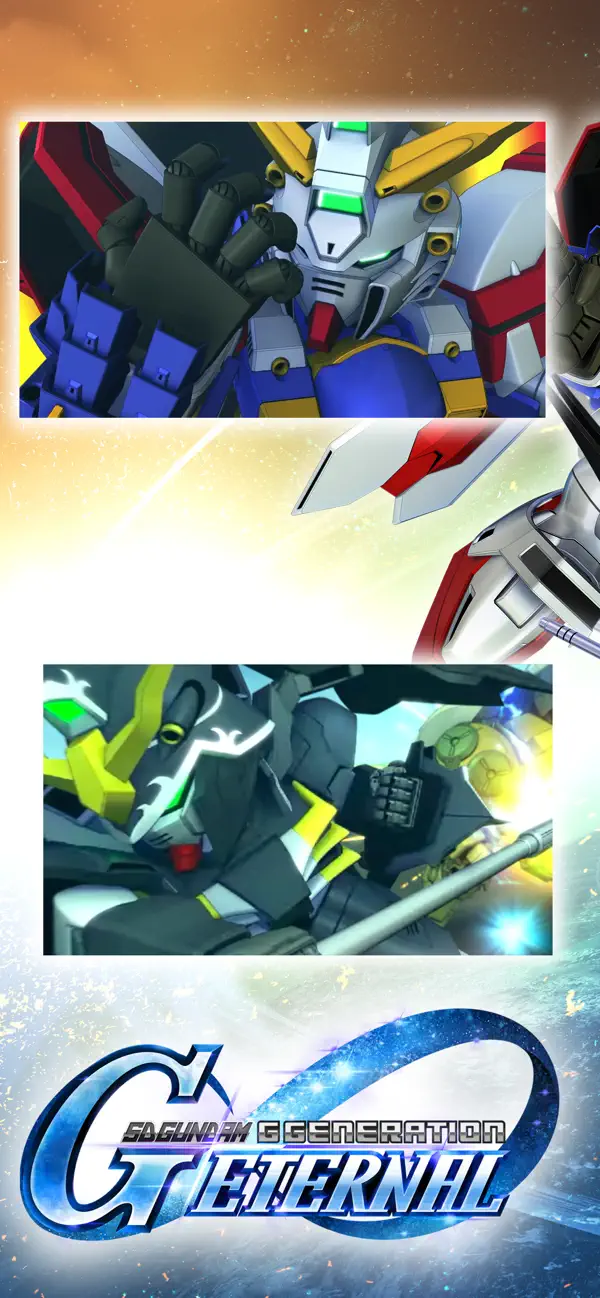
The latest title from the Gundam strategy game series "G Generation" is finally available on your smartphone!
[Game Features]
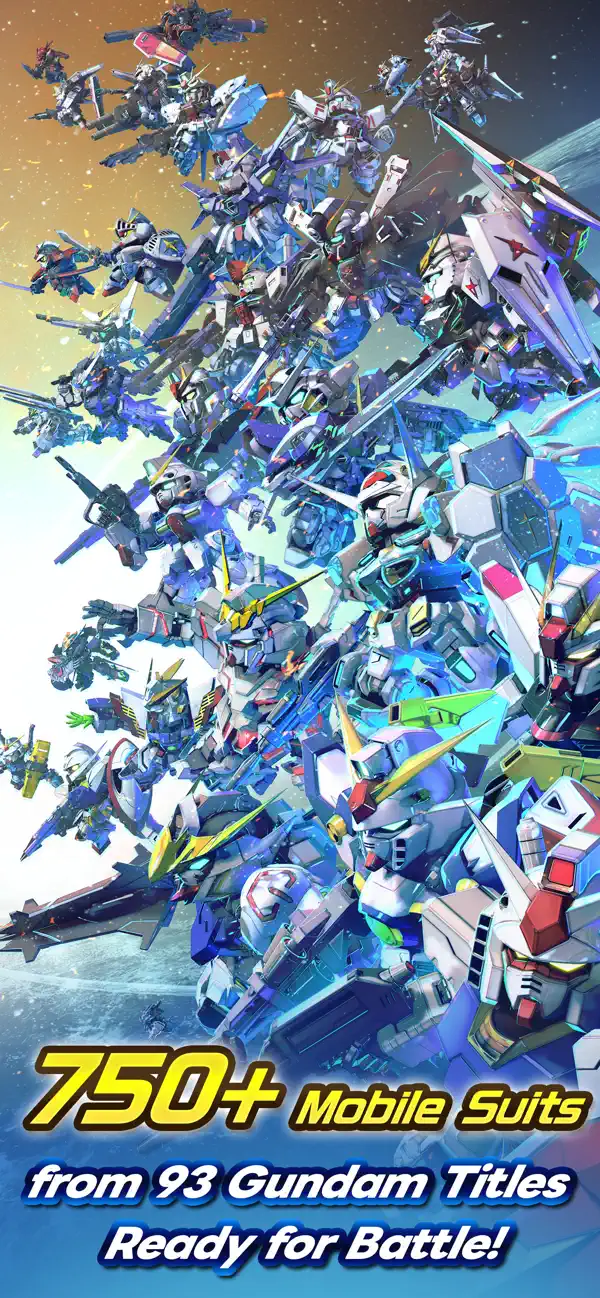
■ The most Mobile Suits and characters ever!
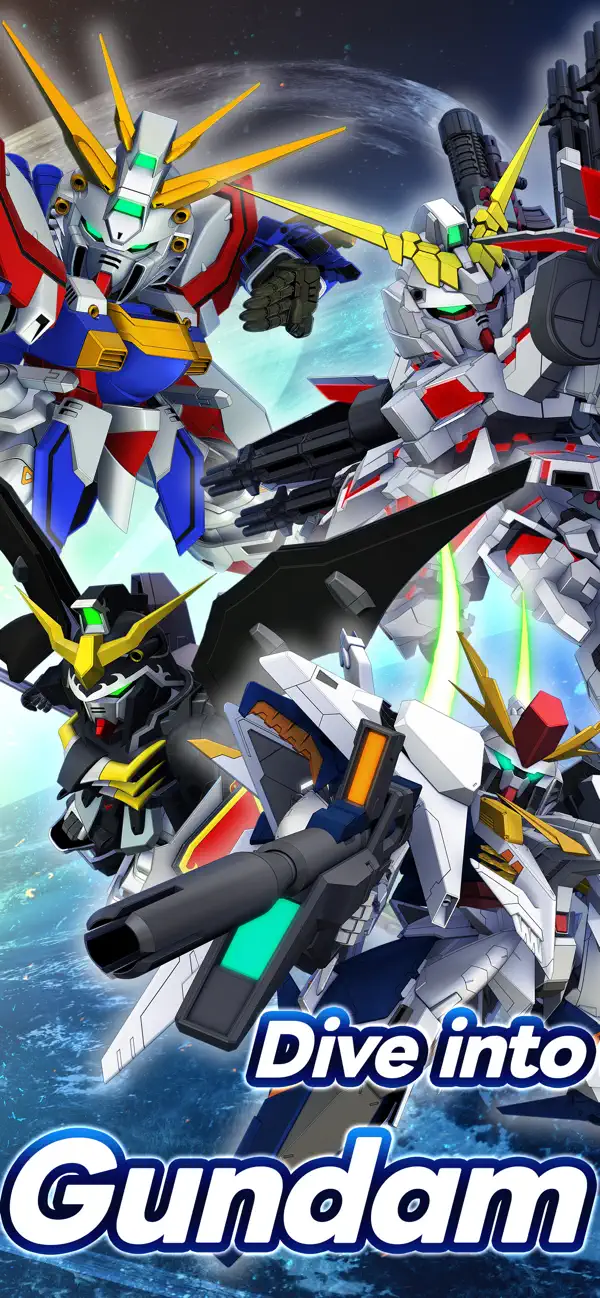
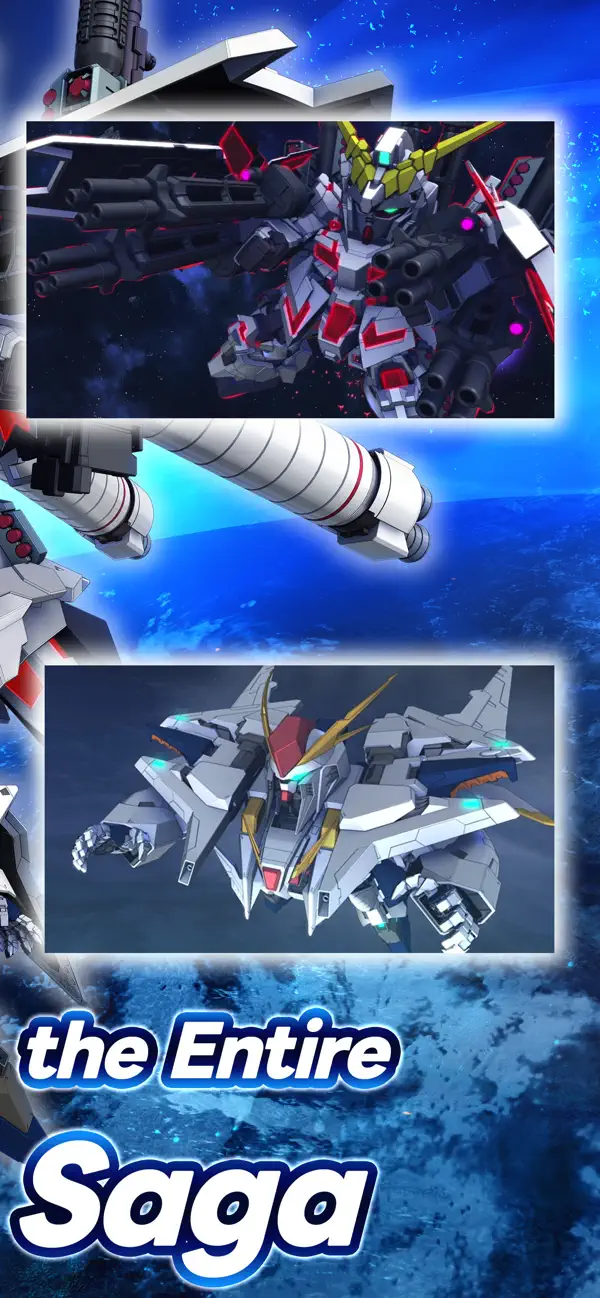
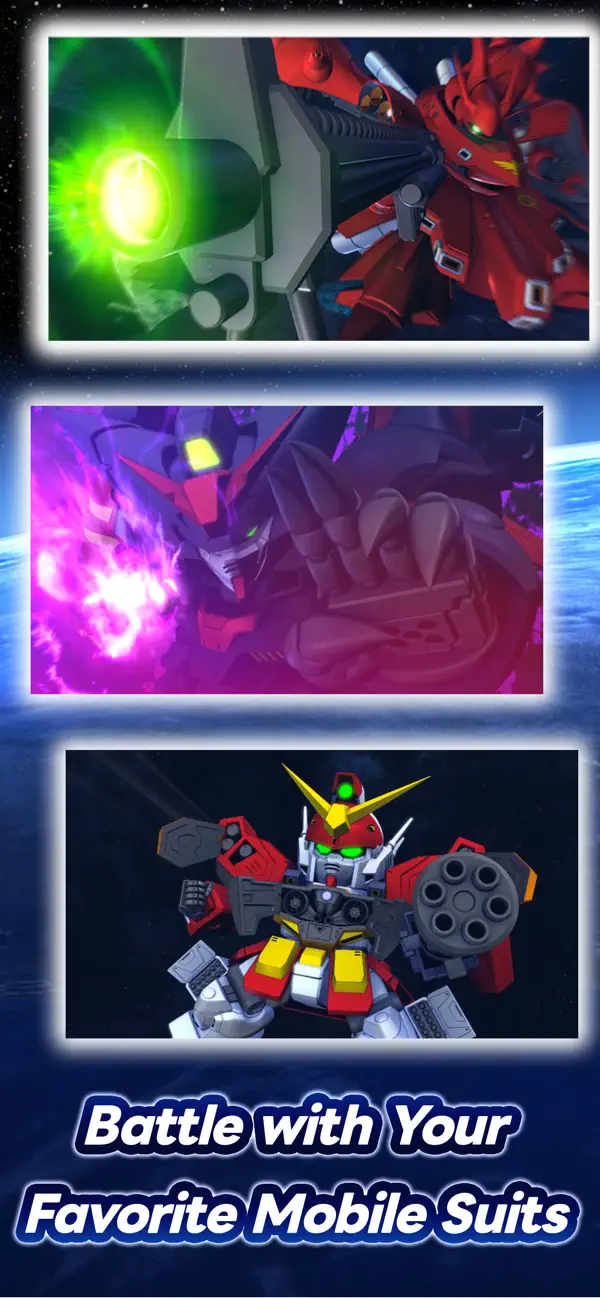
Play with over 940 Mobile Suits from 98 different Gundam titles! Choose your favorite characters and Mobile Suits, form the ultimate squad, and sortie into battle!
Are you ready to embark on more Gundam adventures?
[Official Social Media Channels]
Check the latest info and Events here! And don't forget to follow us!
X: https://x.com/ggene_eternalEN
Facebook: https://www.facebook.com/ggene.eternal/
Bandai Namco Entertainment Inc. Website:
https://bandainamcoent.co.jp/english/
By downloading or installing this app, you agree to the Bandai Namco Entertainment Terms of Service.
Note:
This game contains some items available for in-app purchase that can enhance gameplay and speed up your progress. In-app purchases can be disabled in your device settings, see https://support.apple.com/en-us/HT201304 for more details.
This application is distributed under the official rights from the license holder.
■About [Eternal Pass]
It is a monthly service that allows for increased stage challenge attempts and item grants.
■Service Content 1
Upgrade Stages (Capital) Challenge Limit 1Up
Upgrade Stages (Units) Challenge Limit 1Up
Upgrade Stages (Characters) Challenge Limit 1Up
Upgrade Stages (Supporters) Challenge Limit 1Up
・The above effects will be applied during the subscription period.
■Service Content 2
Premium Unit Assembly Ticket×5
Limited Time AP Pack (Effective for 30 days)×5
・The items will be granted upon logging in after the purchase or renewal.
*If the maximum holding limit is exceeded, the items will be granted to the present box.
*The Limited Time AP Pack is effective for 30 days from the granting date.
It will expire 30 days later even if not used.
■Validity Period and Auto-Renewal
・The effective period of the Eternal Pass is one month after purchase and it will be automatically renewed.
*One month refers to the same date and time of the next month from the purchase date.
Example: If purchased at 1:00 AM on January 1, it is valid until 0:59 AM on February 1.
*If the same date does not exist in the next month, it will be valid until the closest date within the next month.
Example: If purchased at 1:00 AM on March 31, it is valid until 0:59 AM on April 30.
*Depending on the timing of the purchase or renewal, such as around the turn of the month, there may be a few days' discrepancy in the reflection timing on the platform side.
・To cancel the Eternal Pass, please cancel it at least 3 days (72 hours) before the automatic renewal.
*If you miss the 3 days (72 hours) deadline, there may be a timing discrepancy on the platform side, preventing the intended cancellation timing.
・Even if you cancel during the validity period, you will receive the Eternal Pass benefits until the expiration of the validity period.
Example: If purchased at 1:00 AM on January 1 and canceled on January 2 during the validity period, you will still receive the benefits until 0:59 AM on February 1.
■How to Cancel
You can cancel the subscription by following the steps below:
1. Select your username from [Settings].
2. Select [Subscription].
3. Select the subscription for [SD Gundam G Generation Eternal].
4. Select [Cancel Subscription] to proceed with the cancellation.
*Please note that deleting the app or game data (account) does not cancel the subscription. Be cautious.
*If you are unsure about the steps, please contact the platform you are using.
■Terms of Use
https://legal.bandainamcoent.co.jp/terms/
■Privacy Policy
https://legal.bandainamcoent.co.jp/privacy/

- iPhone أو iPad بجيلبريك أو بدون جيلبريك.
- Sideloadly أو بدائلها.
- كمبيوتر يعمل بنظام Windows/macOS/Linux مع تثبيت iTunes.
الخطوة 1: قم بتنزيل ملف .IPA المعدّل مسبقًا من الرابط أعلاه إلى الكمبيوتر الخاص بك. للتنزيل من تطبيق iOSGods App، اطلع على دليل تنزيل IPA من تطبيق iOSGods App الذي يتضمن مثالًا بالفيديو.
الخطوة 2: قم بتنزيل Sideloadly وتثبيته على جهاز Windows أو Mac.
الخطوة 3: افتح Sideloadly على الكمبيوتر، ووصّل جهاز iOS الخاص بك، وانتظر حتى يظهر اسم جهازك داخل Sideloadly.
الخطوة 4: بمجرد التعرّف على جهاز iDevice الخاص بك، اسحب ملف .IPA المعدّل الذي قمت بتنزيله وأفلِته داخل تطبيق Sideloadly.
الخطوة 5: أدخل البريد الإلكتروني لحساب Apple Account الخاص بك، ثم اضغط على «Start». سيُطلب منك بعد ذلك إدخال كلمة المرور. تابع وأدخل المعلومات المطلوبة.
الخطوة 6: انتظر حتى ينتهي Sideloadly من تحميل/تثبيت ملف IPA المعدّل. في حال واجهت أي مشاكل أثناء التثبيت، يرجى قراءة الملاحظة أدناه.
الخطوة 7: بعد اكتمال التثبيت ورؤية التطبيق على الشاشة الرئيسية، انتقل إلى Settings → General → Profiles / VPN & Device Management. ثم اضغط على البريد الإلكتروني الذي أدخلته في الخطوة 6، ثم اضغط على «الوثوق بـ [email protected]».
الخطوة 8: الآن انتقل إلى الشاشة الرئيسية وافتح التطبيق الذي تم تثبيته للتو وسيعمل كل شيء بشكل صحيح. قد تحتاج إلى اتباع تعليمات إضافية خاصة بكل تطبيق داخل النافذة المنبثقة للتعديل أثناء اللعب.
ملاحظة: بدءًا من iOS/iPadOS 16 وما بعده، يجب تفعيل وضع المطور (Developer Mode). بالنسبة لحسابات Apple Developer المجانية، ستحتاج إلى تكرار هذه العملية كل 7 أيام. إذا كانت لديك أي أسئلة أو مشاكل، يرجى قراءة قسم الأسئلة الشائعة حول Sideloadly في الموضوع.