Inloggning krävs
Logga in med ditt iOSGods-konto för att fortsätta.

Hack Features:
- Unlocked All Premium Features
Ladda ner OfficeSuite & PDF editor Modded modded IPA från länkarna ovan. Tryck på installationsknappen och följ instruktionerna för att installera denna iOS-apphack på iPhone, iPad eller Apple Silicon.
Behöver du mer hjälp? Se våra iOSGods-appens vanliga frågor för detaljerade svar och felsökningstips.
5 years and 5 million downloads later we are the best office app for editing documents on the App Store.
OfficeSuite lets you easily create, view and edit Word, Excel, and PowerPoint documents, and perform advanced PDF operations.
Get all of this, combined with a File and Cloud storage manager in one complete application.
OFFICESUITE FEATURES
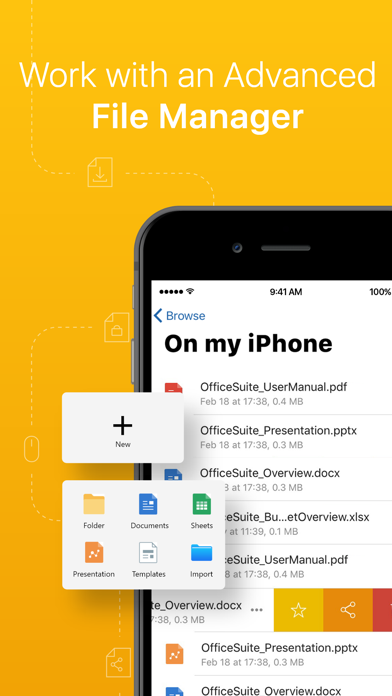
INTEGRATED FILE MANAGER
• 5GB Free cloud space in MobiDrive available via Sign in
• Dropbox, Google Drive, OneDrive, OneDrive for Business, Yandex Drive and Box cloud support
• WiFi file transfer – access your device’s files from a web browser
• Easy access to your Favorite and Recent files
• Manage multiple files – search, copy, paste or delete
• Unzip archive or create new via the integrated zip functionality
• Work with common file types/extensions - .ZIP, .PNG, .JPG, .TIFF, .MP3, .MOV, .MP4, .M4A, OpenDocument & more
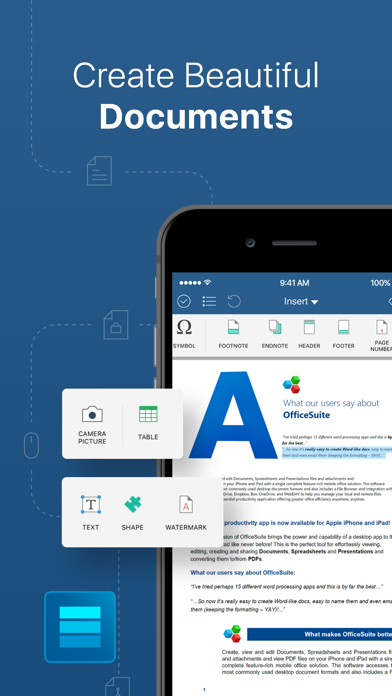
DOCUMENTS
• Compatible with Microsoft Word office formats - .DOC, .DOCX, .DOCM + .RTF, .TXT
• Font package with 70+ fonts
• Rich text and paragraph formatting features
• Insert tables, pictures, text boxes, shapes, bookmarks and special symbols
• Create and edit notes, headers & footers, footnotes, page numbers
• Format page setup, page print options, margins, orientation, page size & more
• Multiple authors with track changes
SHEETS
• Compatible with Microsoft Excel office formats - .XLS, .XLSX, .XLSM + .CSV
• Use 250+ functions or edit formulas
• Create, preview and edit advanced charts
• Format cells with cell styles, font & border formatting or use format painter
• Filter and sort data or use data validation
• Freeze panes, hide and resize rows & columns
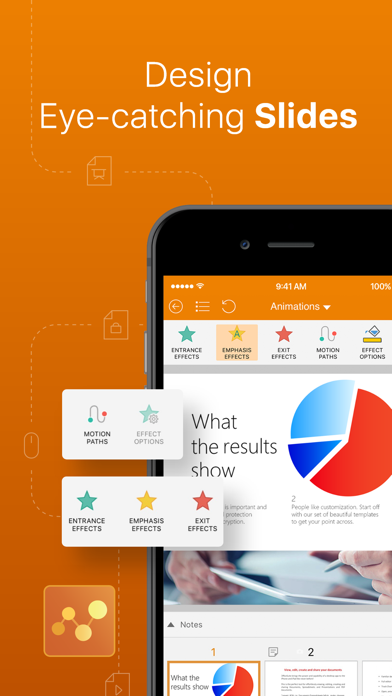
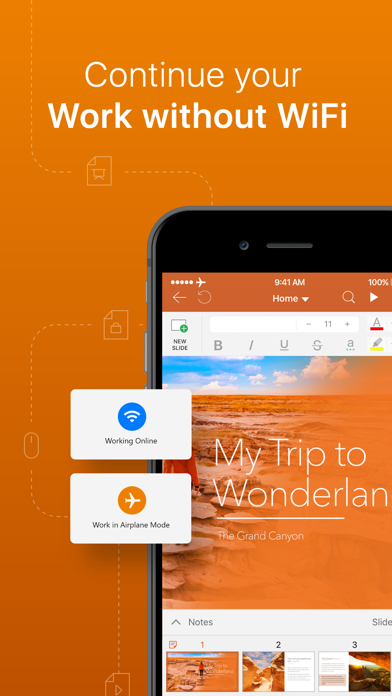
SLIDES
• Compatible with Microsoft PowerPoint office formats - .PPT, .PPTX, .PPS, .PPSX, .PPTM, .PPSM
• Presenter mode enables to deliver engaging & interactive presentations
• Sync with Apple Watch to control your presentation from your hand
• Insert charts, tables, pictures, text boxes & shapes
• Draw on slides even during presentations
• Change slide theme, layout, slide size or background
• Add, edit and manage slide transitions
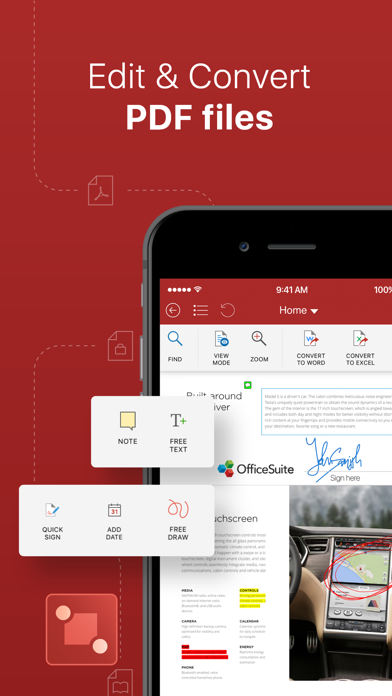
PDF READER WITH ANNOTATIONS
• Open and annotate PDF files
• Multiple reading options available
• View Table of contents and annotations
UPGRADE TO PREMIUM
• Try 7-day FREE trial before you upgrade
• Get 20+ Premium features and PDF converter
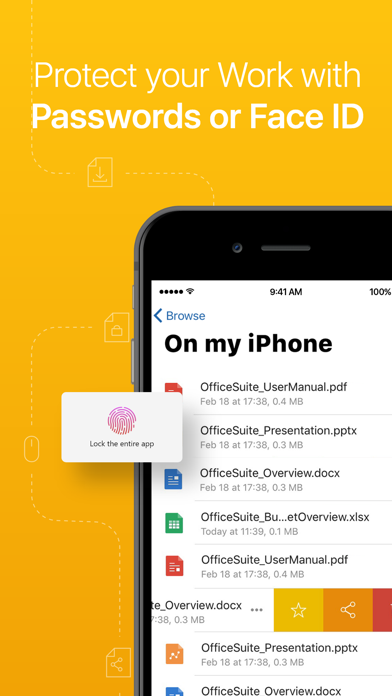
• Set document passwords
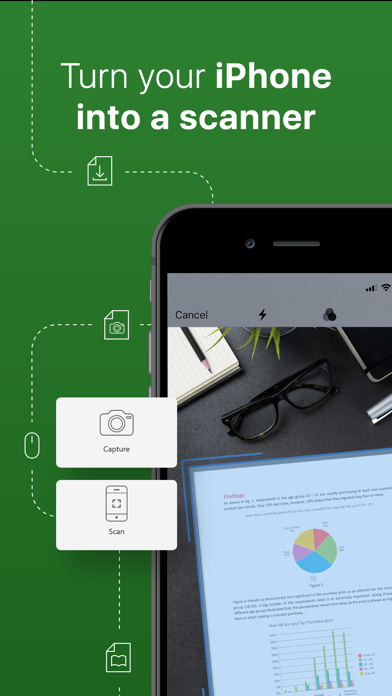
• Snap and insert camera pictures
PREMIUM DOCUMENTS
• Save as .doc
• Track changes from multiple authors
PREMIUM SHEETS
• Save as .xls and .csv
• Work with conditional formatting
• Create & edit comments
• Insert & edit hyperlinks
PREMIUM SLIDES
• Save as .ppt
• Create and edit animations
• Add notes to your slides
PREMIUM PDFs
• Convert PDFs to Word, Excel and ePub
• Work with Fillable PDF forms and handwritten signature with Quick Sign
• Create and edit annotations and markups
• Night mode to ease your eyes
------
PRICING & SUBSCRIPTIONS
OfficeSuite offers an auto-renewable yearly subscription for $29.99 per year.
The price corresponds to the same price segment, which is set in the "Apple's App Store Matrix" for other currencies.
• Your free trial subscription will automatically renew to a paid subscription unless auto-renew is turned off at least 24 hours before the end of the free trial period.
• Any unused portion of a free trial period (if offered) will be forfeited when you purchase a premium subscription.
• You can cancel a free trial or subscription anytime by turning off auto-renewal through your iTunes account settings. This must be done 24 hours before the end of a free trial or subscription period to avoid being charged. The cancellation will take effect the day after the last day of the current subscription period, and you will be downgraded to the free service.
Privacy Policy: https://www.mobisystems.com/policies/
Terms of Use: https://www.mobisystems.com/terms-of-use/
- iPhone eller iPad utan jailbreak/jailad eller med jailbreak.
- Sideloadly eller alternativ.
- Dator med Windows/macOS/Linux och iTunes installerat.
STEG 1: Ladda ner den förhackade .IPA-filen från länken ovan till din dator. För att ladda ner från iOSGods App, se vår Guide för att ladda ner IPA i iOSGods App som även innehåller ett videoexempel.
STEG 2: Ladda ner Sideloadly och installera det på din Windows eller Mac.
STEG 3: Öppna Sideloadly på din dator, anslut din iOS-enhet och vänta tills enhetens namn visas i Sideloadly.
STEG 4: När din iEnhet känns igen drar du den moddade .IPA-filen du laddat ner och släpper den i Sideloadly-programmet.
STEG 5: Ange e-postadressen till ditt Apple Account och tryck sedan på ”Start”. Du ombeds sedan ange ditt lösenord. Fyll i de uppgifter som krävs.
STEG 6: Vänta tills Sideloadly är klar med att sideloada/installera den hackade IPA-filen. Om problem uppstår under installationen, läs noten nedan.
STEG 7: När installationen är klar och du ser appen på din hemskärm behöver du gå till Inställningar → Allmänt → Profiler / VPN & enhetshantering. Tryck där på e-postadressen du angav i steg 6 och tryck sedan på ”Lita på [email protected]”.
STEG 8: Gå nu till din hemskärm och öppna den nyligen installerade appen — allt ska fungera som det ska. Du kan behöva följa ytterligare app-specifika instruktioner i hackets popup inne i spelet.
OBS: På iOS/iPadOS 16 och senare måste du aktivera Utvecklarläge. För gratis Apple Developer-konton behöver du upprepa processen var sjunde dag. Om du har frågor eller problem, läs vår Sideloadly FAQ-avsnitt i tråden.