Cần đăng nhập
Đăng nhập bằng tài khoản iOSGods để tiếp tục.
Đăng nhập bằng tài khoản iOSGods để tiếp tục.
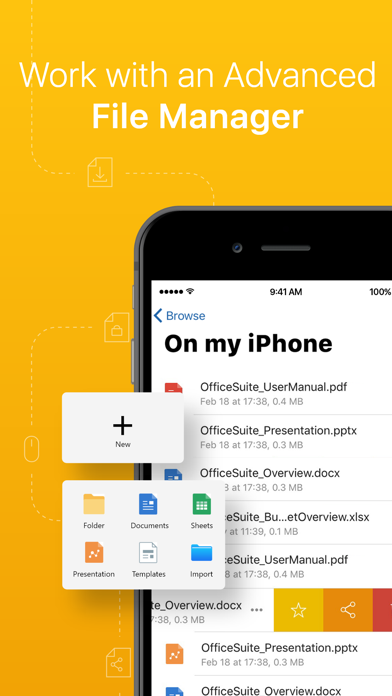
OfficeSuite & PDF editor là một ứng dụng năng suất toàn diện để tạo, xem và chỉnh sửa các tài liệu Word, Excel và PowerPoint trên iOS, hiện có phiên bản modded mở khóa các khả năng cao cấp. Mod IPA này cấp cho bạn quyền truy cập đầy đủ vào các hoạt động PDF nâng cao, tích hợp lưu trữ đám mây và các công cụ chỉnh sửa chuyên nghiệp mà không có hạn chế, cho phép bạn làm việc với các tài liệu và quản lý tệp trên Dropbox, Google Drive, OneDrive và các dịch vụ khác một cách liền mạch.
- Mở khóa tất cả các tính năng cao cấp → quyền truy cập đầy đủ vào các công cụ chỉnh sửa và tài liệu chuyên nghiệp
Ứng dụng này cũng đi kèm với iGameGod, cho phép bạn truy cập Auto Touch để tự động hóa các thao tác lặp lại, App Speed Manager để điều chỉnh tốc độ chơi game, chỉnh sửa giá trị bằng Memory Engine, và nhiều công cụ mạnh mẽ khác cho game iOS.
Tải OfficeSuite & PDF editor Modded modded IPA từ các liên kết ở trên. Nhấn nút cài đặt và làm theo hướng dẫn để cài bản hack iOS lên iPhone, iPad hoặc Apple Silicon.
Cần thêm trợ giúp? Hãy xem Câu hỏi thường gặp ứng dụng iOSGods để có câu trả lời chi tiết và mẹo khắc phục sự cố.
MobiOffice is the smart choice for office productivity. 5 years and 5 million downloads later, we give people the power to create, edit, comment, format, convert, and protect documents, spreadsheets and presentations - as well as the ability to view and sign PDF files. Compatible with Microsoft Office (Word, Excel, PowerPoint), Google Docs, Google Sheets, Google Slides, OpenOffice, LibreOffice, WPS Office, Polaris Office, Adobe PDF & more.
General features
• Work with common file types/extensions - .zip, .png, .jpg, .tiff, .mp3, .mov, .mp4, .m4a, OpenDocument & more
• 5GB Free cloud space in MobiDrive available via sign in
• Link your Google Drive, OneDrive, Box or Dropbox accounts to save all your files.
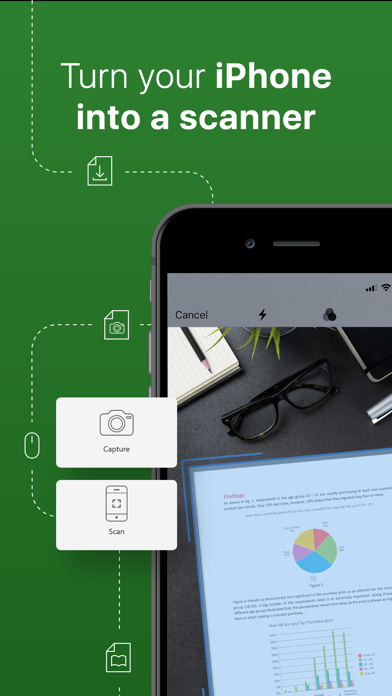
• Scan paper documents to digital ones with your camera
• Unzip archive or create new via the integrated zip functionality
MobiOffice offers you powerful applications packed with helpful tools to handle any task:
MobiDocs
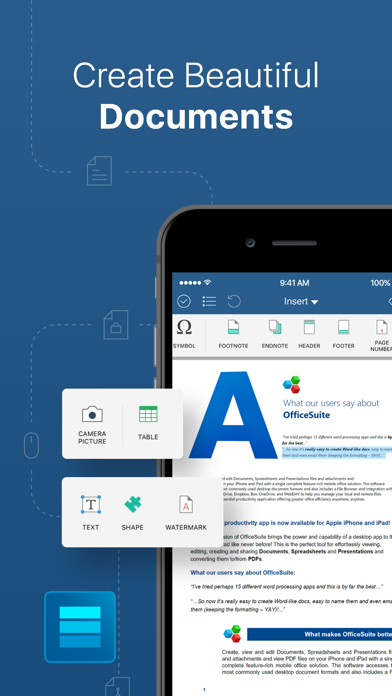
• Microsoft Word office formats - .doc, .docx, .docm + .rtf, .txt.
• Font package with 70+ fonts
• Rich text and paragraph formatting features
• Insert tables, pictures, text boxes, shapes, bookmarks and special symbols
• Create and edit notes, headers & footers, footnotes, page numbers
• Format page setup, page print options, margins, orientation, page size & more
MobiSheets
• Compatible with Microsoft Excel office formats - .XLS, .XLSX, .XLSM + .CSV
• Use 250+ functions or edit formulas
• Create, preview and edit advanced charts
• Filter and sort data or use data validation
• Freeze panes, hide and resize rows & columns
MobiSlides
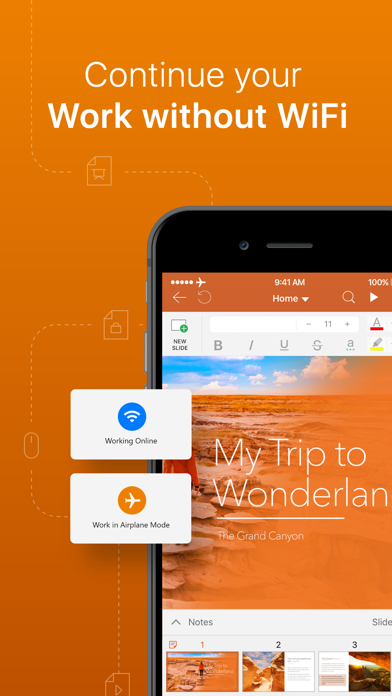
• Compatible with Microsoft PowerPoint office formats - .PPT, .PPTX, .PPS, .PPSX, .PPTM, .PPSM
• Insert charts, tables, pictures, text boxes & shapes
• Change slide theme, layout, slide size or background
• Presenter mode enables to deliver engaging & interactive presentations
• Add, edit and manage slide transitions
MobiOffice PDF
• Open and annotate PDF files
• Multiple reading options available
• View Table of contents and annotations
Download MobiOffice now and start your free trial.
Our Premium version will give you the possibility to store even more data, with 50GB cloud storage on MobiDrive. Also, you’ll have access to 20+ Premium features, a PDF converter, and the ability to set document passwords to keep your security on point. Other Premium features include:
• Premium MobiDocs - Save as .docs and other different formats, and track changes from multiple authors.
• Premium MobiSheets - Save as .xls, .csv and other different formats, work with conditional formatting, create & edit comments, and insert & edit hyperlinks.
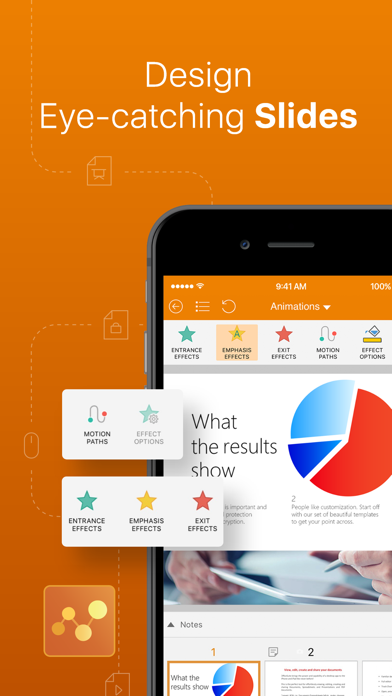
• Premium MobiSlides - Save as .ppt and other different formats, create and edit animations, and add notes to your slides.
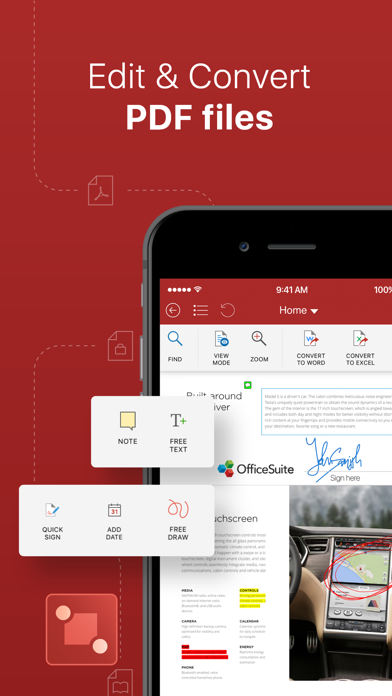
• Premium MobiOffice PDF - Convert PDFs to Word, Excel and ePub, work with fillable PDF forms and handwritten signatures with Quick Sign, create and edit annotations and markups - with a night mode that goes easy on the eyes.
-----
Pricing and subscriptions
MobiOffice offers an auto-renewable yearly subscription for $39.99 per year.
The price corresponds to the same price segment, which is set in the "Apple's App Store Matrix" for other currencies.
• Your free trial subscription will automatically renew to a paid subscription unless auto-renew is turned off at least 24 hours before the end of the free trial period.
• Any unused portion of a free trial period (if offered) will be forfeited when you purchase a premium subscription.
• You can cancel a free trial or subscription anytime by turning off auto-renewal through your iTunes account settings, 24 hours before the end of a free trial or subscription period. The cancellation will take effect the day after the last day of the current subscription period, and you will be downgraded to the free service.
Privacy Policy: https://mobisystems.com/privacy-policy
Terms of Use: https://www.mobisystems.com/terms-of-use

- iPhone hoặc iPad chưa jailbreak/đã đóng hoặc đã jailbreak.
- Sideloadly hoặc các lựa chọn thay thế.
- Máy tính chạy Windows/macOS/Linux đã cài iTunes.
BƯỚC 1: Tải tệp .IPA đã được hack sẵn từ liên kết phía trên về máy tính của bạn. Để tải từ iOSGods App, hãy xem Hướng dẫn tải IPA bằng iOSGods App của chúng tôi, có kèm ví dụ bằng video.
BƯỚC 2: Tải Sideloadly và cài đặt trên Windows hoặc Mac của bạn.
BƯỚC 3: Mở Sideloadly trên máy tính, kết nối thiết bị iOS của bạn và chờ cho đến khi tên thiết bị hiển thị trong Sideloadly.
BƯỚC 4: Khi thiết bị iOS của bạn đã được nhận diện, hãy kéo tệp .IPA đã chỉnh sửa mà bạn tải về và thả vào ứng dụng Sideloadly.
BƯỚC 5: Nhập email Apple Account của bạn, sau đó nhấn "Start." Bạn sẽ được yêu cầu nhập mật khẩu. Hãy cung cấp các thông tin cần thiết.
BƯỚC 6: Chờ Sideloadly hoàn tất quá trình sideload/cài đặt tệp IPA đã hack. Nếu gặp sự cố trong quá trình cài đặt, vui lòng đọc lưu ý bên dưới.
BƯỚC 7: Khi cài đặt hoàn tất và bạn thấy ứng dụng trên Màn hình chính, bạn cần truy cập Cài đặt → Cài đặt chung → Hồ sơ / VPN & Quản lý thiết bị. Tại đó, nhấn vào email bạn đã nhập ở bước 6, rồi nhấn "Tin cậy [email protected]".
BƯỚC 8: Bây giờ hãy về Màn hình chính và mở ứng dụng vừa cài đặt, mọi thứ sẽ hoạt động bình thường. Bạn có thể cần làm theo hướng dẫn riêng của từng ứng dụng trong cửa sổ popup của bản hack trong game.
LƯU Ý: Trên iOS/iPadOS 16 trở lên, bạn phải bật Chế độ nhà phát triển. Với tài khoản Apple Developer miễn phí, bạn sẽ cần lặp lại quy trình này mỗi 7 ngày. Nếu bạn có thắc mắc hoặc gặp sự cố, hãy đọc mục FAQ về Sideloadly trong chủ đề của chúng tôi.