تسجيل الدخول مطلوب
سجّل الدخول بحساب iOSGods للمتابعة.
سجّل الدخول بحساب iOSGods للمتابعة.
OfficeSuite & PDF editor هو تطبيق إنتاجية شامل لإنشاء وعرض وتحرير مستندات Word و Excel و PowerPoint على iOS، مع نسخة معدلة تفتح القدرات المميزة. يمنحك هذا Mod IPA إمكانية الوصول الكامل إلى عمليات PDF المتقدمة وتكامل التخزين السحابي وأدوات التحرير الاحترافية بدون قيود، مما يتيح لك العمل مع المستندات وإدارة الملفات عبر Dropbox و Google Drive و OneDrive والخدمات الأخرى بسلاسة.
- فتح جميع الميزات المميزة → إمكانية الوصول الكامل إلى أدوات التحرير والمستندات الاحترافية
يأتي هذا التطبيق أيضًا مع iGameGod، مما يتيح لك الوصول إلى Auto Touch لأتمتة المهام المتكررة، وApp Speed Manager لضبط سرعة اللعب، وتعديل القيم عبر Memory Engine، والمزيد من أدوات ألعاب iOS القوية.
قم بتنزيل OfficeSuite & PDF editor Modded modded IPA من الروابط أعلاه. اضغط على زر التثبيت واتبع التعليمات لتثبيت هذا التعديل لـ iOS على iPhone أو iPad أو Apple Silicon.
هل تحتاج إلى مزيد من المساعدة؟ راجع الأسئلة الشائعة لتطبيق iOSGods للحصول على إجابات مفصلة ونصائح لاستكشاف الأخطاء.
MobiOffice is the smart choice for office productivity. 5 years and 5 million downloads later, we give people the power to create, edit, comment, format, convert, and protect documents, spreadsheets and presentations - as well as the ability to view and sign PDF files. Compatible with Microsoft Office (Word, Excel, PowerPoint), Google Docs, Google Sheets, Google Slides, OpenOffice, LibreOffice, WPS Office, Polaris Office, Adobe PDF & more.
General features
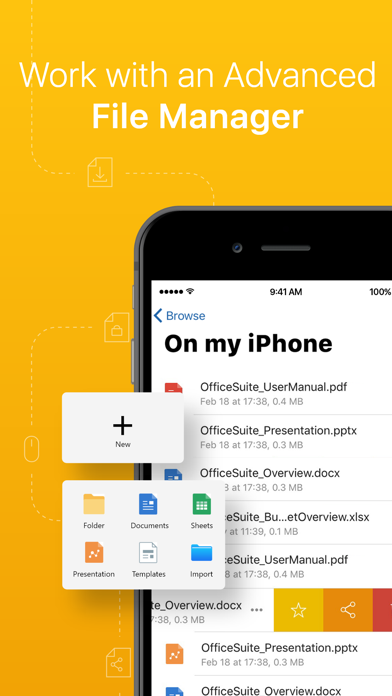
• Work with common file types/extensions - .zip, .png, .jpg, .tiff, .mp3, .mov, .mp4, .m4a, OpenDocument & more
• 5GB Free cloud space in MobiDrive available via sign in
• Link your Google Drive, OneDrive, Box or Dropbox accounts to save all your files.
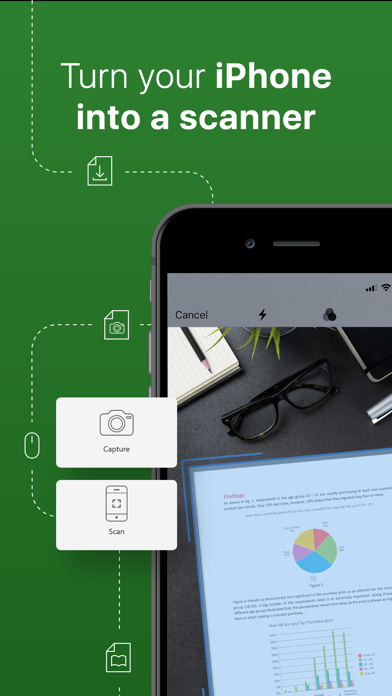
• Scan paper documents to digital ones with your camera
• Unzip archive or create new via the integrated zip functionality
MobiOffice offers you powerful applications packed with helpful tools to handle any task:
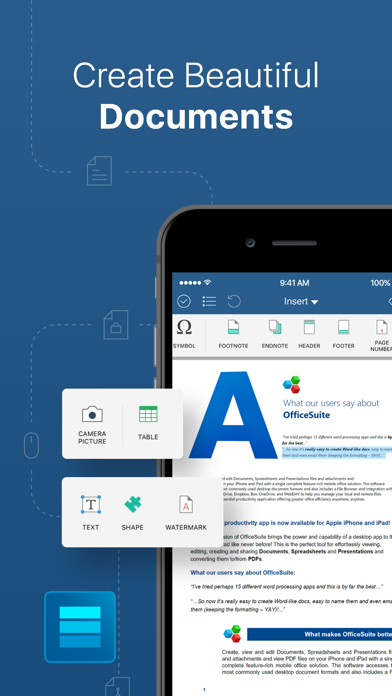
MobiDocs
• Microsoft Word office formats - .doc, .docx, .docm + .rtf, .txt.
• Font package with 70+ fonts
• Rich text and paragraph formatting features
• Insert tables, pictures, text boxes, shapes, bookmarks and special symbols
• Create and edit notes, headers & footers, footnotes, page numbers
• Format page setup, page print options, margins, orientation, page size & more
MobiSheets
• Compatible with Microsoft Excel office formats - .XLS, .XLSX, .XLSM + .CSV
• Use 250+ functions or edit formulas
• Create, preview and edit advanced charts
• Filter and sort data or use data validation
• Freeze panes, hide and resize rows & columns
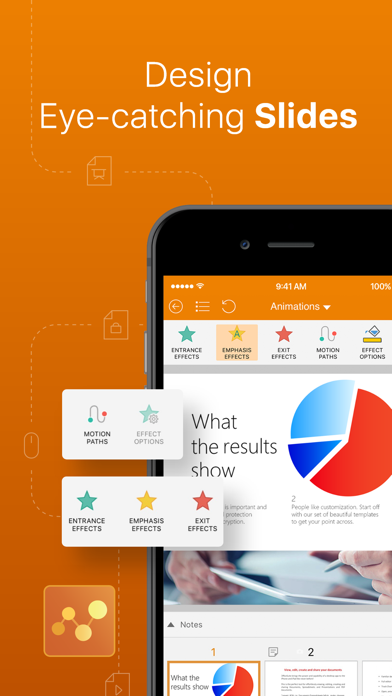
MobiSlides
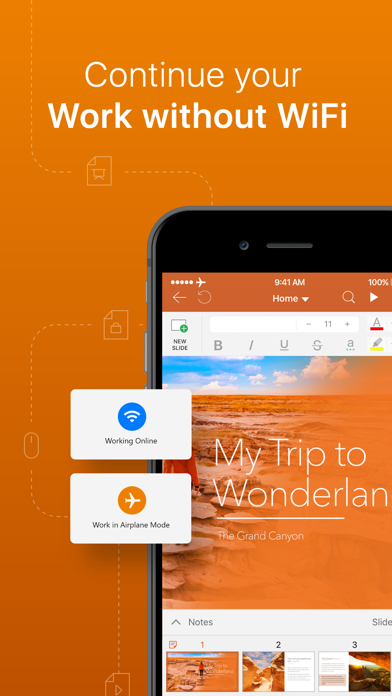
• Compatible with Microsoft PowerPoint office formats - .PPT, .PPTX, .PPS, .PPSX, .PPTM, .PPSM
• Insert charts, tables, pictures, text boxes & shapes
• Change slide theme, layout, slide size or background
• Presenter mode enables to deliver engaging & interactive presentations
• Add, edit and manage slide transitions
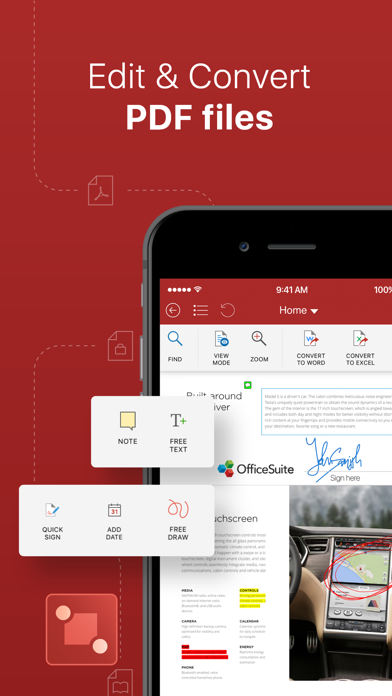
MobiOffice PDF
• Open and annotate PDF files
• Multiple reading options available
• View Table of contents and annotations
Download MobiOffice now and start your free trial.
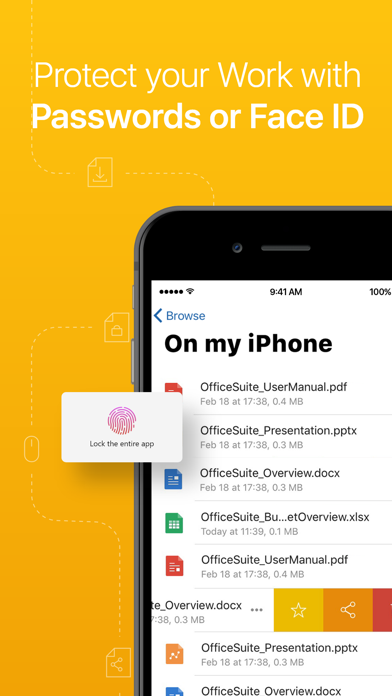
Our Premium version will give you the possibility to store even more data, with 50GB cloud storage on MobiDrive. Also, you’ll have access to 20+ Premium features, a PDF converter, and the ability to set document passwords to keep your security on point. Other Premium features include:
• Premium MobiDocs - Save as .docs and other different formats, and track changes from multiple authors.
• Premium MobiSheets - Save as .xls, .csv and other different formats, work with conditional formatting, create & edit comments, and insert & edit hyperlinks.
• Premium MobiSlides - Save as .ppt and other different formats, create and edit animations, and add notes to your slides.
• Premium MobiOffice PDF - Convert PDFs to Word, Excel and ePub, work with fillable PDF forms and handwritten signatures with Quick Sign, create and edit annotations and markups - with a night mode that goes easy on the eyes.
-----
Pricing and subscriptions
MobiOffice offers an auto-renewable yearly subscription for $39.99 per year.
The price corresponds to the same price segment, which is set in the "Apple's App Store Matrix" for other currencies.
• Your free trial subscription will automatically renew to a paid subscription unless auto-renew is turned off at least 24 hours before the end of the free trial period.
• Any unused portion of a free trial period (if offered) will be forfeited when you purchase a premium subscription.
• You can cancel a free trial or subscription anytime by turning off auto-renewal through your iTunes account settings, 24 hours before the end of a free trial or subscription period. The cancellation will take effect the day after the last day of the current subscription period, and you will be downgraded to the free service.
Privacy Policy: https://mobisystems.com/privacy-policy
Terms of Use: https://www.mobisystems.com/terms-of-use

- iPhone أو iPad بجيلبريك أو بدون جيلبريك.
- Sideloadly أو بدائلها.
- كمبيوتر يعمل بنظام Windows/macOS/Linux مع تثبيت iTunes.
الخطوة 1: قم بتنزيل ملف .IPA المعدّل مسبقًا من الرابط أعلاه إلى الكمبيوتر الخاص بك. للتنزيل من تطبيق iOSGods App، اطلع على دليل تنزيل IPA من تطبيق iOSGods App الذي يتضمن مثالًا بالفيديو.
الخطوة 2: قم بتنزيل Sideloadly وتثبيته على جهاز Windows أو Mac.
الخطوة 3: افتح Sideloadly على الكمبيوتر، ووصّل جهاز iOS الخاص بك، وانتظر حتى يظهر اسم جهازك داخل Sideloadly.
الخطوة 4: بمجرد التعرّف على جهاز iDevice الخاص بك، اسحب ملف .IPA المعدّل الذي قمت بتنزيله وأفلِته داخل تطبيق Sideloadly.
الخطوة 5: أدخل البريد الإلكتروني لحساب Apple Account الخاص بك، ثم اضغط على «Start». سيُطلب منك بعد ذلك إدخال كلمة المرور. تابع وأدخل المعلومات المطلوبة.
الخطوة 6: انتظر حتى ينتهي Sideloadly من تحميل/تثبيت ملف IPA المعدّل. في حال واجهت أي مشاكل أثناء التثبيت، يرجى قراءة الملاحظة أدناه.
الخطوة 7: بعد اكتمال التثبيت ورؤية التطبيق على الشاشة الرئيسية، انتقل إلى Settings → General → Profiles / VPN & Device Management. ثم اضغط على البريد الإلكتروني الذي أدخلته في الخطوة 6، ثم اضغط على «الوثوق بـ [email protected]».
الخطوة 8: الآن انتقل إلى الشاشة الرئيسية وافتح التطبيق الذي تم تثبيته للتو وسيعمل كل شيء بشكل صحيح. قد تحتاج إلى اتباع تعليمات إضافية خاصة بكل تطبيق داخل النافذة المنبثقة للتعديل أثناء اللعب.
ملاحظة: بدءًا من iOS/iPadOS 16 وما بعده، يجب تفعيل وضع المطور (Developer Mode). بالنسبة لحسابات Apple Developer المجانية، ستحتاج إلى تكرار هذه العملية كل 7 أيام. إذا كانت لديك أي أسئلة أو مشاكل، يرجى قراءة قسم الأسئلة الشائعة حول Sideloadly في الموضوع.