Inicio de sesión requerido
Inicia sesión con tu cuenta de iOSGods para continuar.

Hack Features:
- Unlocked All Premium Features
Descarga OfficeSuite & PDF editor Modded modded IPA desde los enlaces de arriba. Toca el botón de instalación y sigue las instrucciones para instalar este hack iOS en tu iPhone, iPad o Mac con Apple Silicon.
¿Necesitas más ayuda? Consulta nuestras Preguntas frecuentes de la app iOSGods para respuestas detalladas y consejos de solución de problemas.
5 years and 5 million downloads later we are the best office app for editing documents on the App Store.
OfficeSuite lets you easily create, view and edit Word, Excel, and PowerPoint documents, and perform advanced PDF operations.
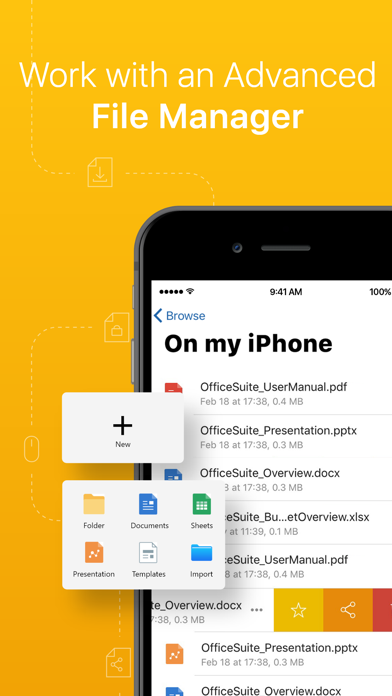
Get all of this, combined with a File and Cloud storage manager in one complete application.
OFFICESUITE FEATURES
INTEGRATED FILE MANAGER
• 5GB Free cloud space in MobiDrive available via Sign in
• Dropbox, Google Drive, OneDrive, OneDrive for Business, Yandex Drive and Box cloud support
• WiFi file transfer – access your device’s files from a web browser
• Easy access to your Favorite and Recent files
• Manage multiple files – search, copy, paste or delete
• Unzip archive or create new via the integrated zip functionality
• Work with common file types/extensions - .ZIP, .PNG, .JPG, .TIFF, .MP3, .MOV, .MP4, .M4A, OpenDocument & more
DOCUMENTS
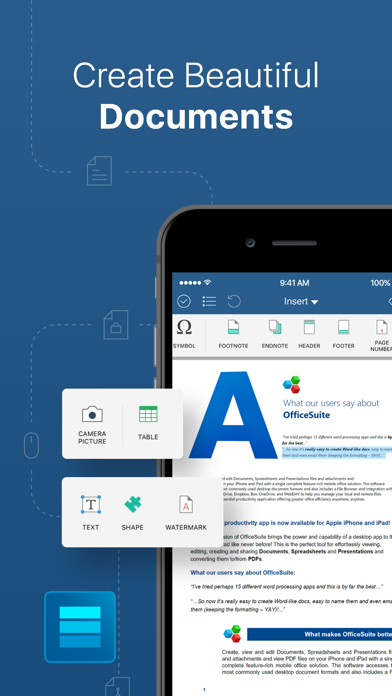
• Compatible with Microsoft Word office formats - .DOC, .DOCX, .DOCM + .RTF, .TXT
• Font package with 70+ fonts
• Rich text and paragraph formatting features
• Insert tables, pictures, text boxes, shapes, bookmarks and special symbols
• Create and edit notes, headers & footers, footnotes, page numbers
• Format page setup, page print options, margins, orientation, page size & more
• Multiple authors with track changes
SHEETS
• Compatible with Microsoft Excel office formats - .XLS, .XLSX, .XLSM + .CSV
• Use 250+ functions or edit formulas
• Create, preview and edit advanced charts
• Format cells with cell styles, font & border formatting or use format painter
• Filter and sort data or use data validation
• Freeze panes, hide and resize rows & columns
SLIDES
• Compatible with Microsoft PowerPoint office formats - .PPT, .PPTX, .PPS, .PPSX, .PPTM, .PPSM
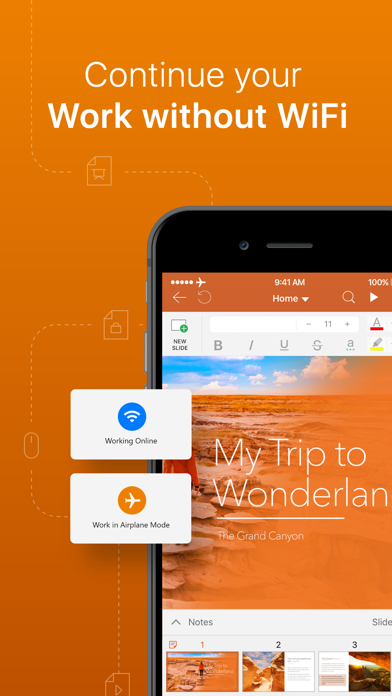
• Presenter mode enables to deliver engaging & interactive presentations
• Sync with Apple Watch to control your presentation from your hand
• Insert charts, tables, pictures, text boxes & shapes
• Draw on slides even during presentations
• Change slide theme, layout, slide size or background
• Add, edit and manage slide transitions
PDF READER WITH ANNOTATIONS
• Open and annotate PDF files
• Multiple reading options available
• View Table of contents and annotations
UPGRADE TO PREMIUM
• Try 7-day FREE trial before you upgrade
• Get 20+ Premium features and PDF converter
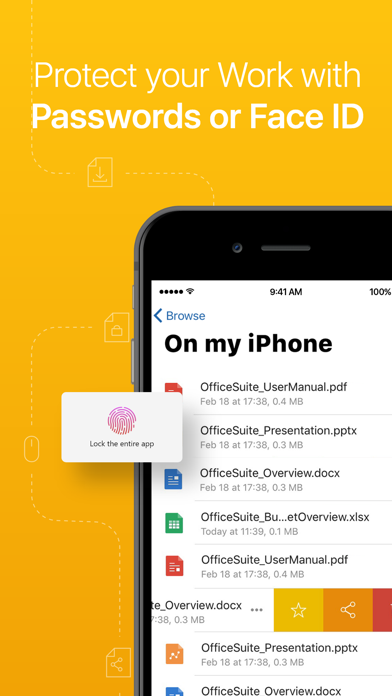
• Set document passwords
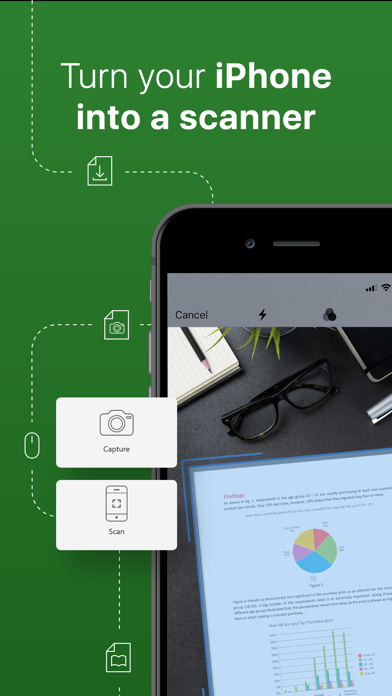
• Snap and insert camera pictures
PREMIUM DOCUMENTS
• Save as .doc
• Track changes from multiple authors
PREMIUM SHEETS
• Save as .xls and .csv
• Work with conditional formatting
• Create & edit comments
• Insert & edit hyperlinks
PREMIUM SLIDES
• Save as .ppt
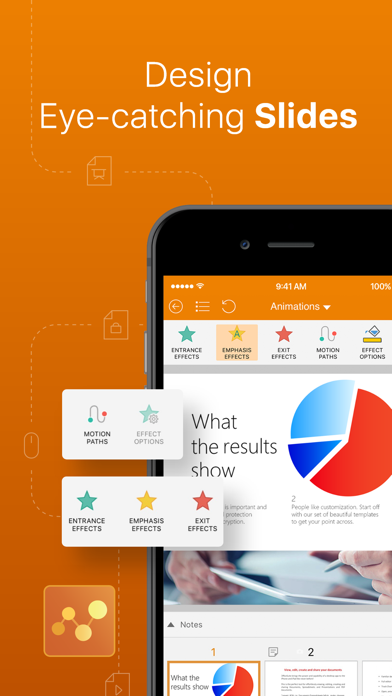
• Create and edit animations
• Add notes to your slides
PREMIUM PDFs
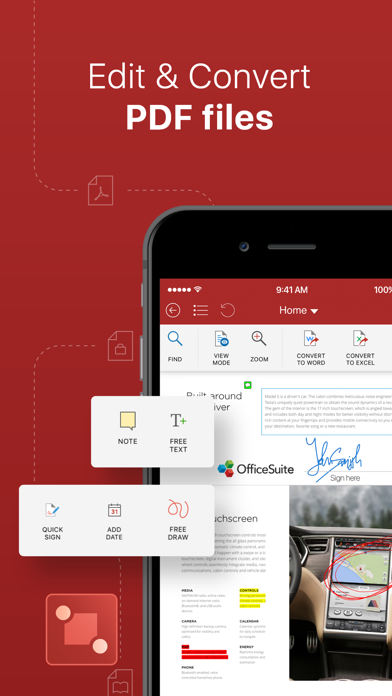
• Convert PDFs to Word, Excel and ePub
• Work with Fillable PDF forms and handwritten signature with Quick Sign
• Create and edit annotations and markups
• Night mode to ease your eyes
------
PRICING & SUBSCRIPTIONS
OfficeSuite offers an auto-renewable yearly subscription for $29.99 per year.
The price corresponds to the same price segment, which is set in the "Apple's App Store Matrix" for other currencies.
• Your free trial subscription will automatically renew to a paid subscription unless auto-renew is turned off at least 24 hours before the end of the free trial period.
• Any unused portion of a free trial period (if offered) will be forfeited when you purchase a premium subscription.
• You can cancel a free trial or subscription anytime by turning off auto-renewal through your iTunes account settings. This must be done 24 hours before the end of a free trial or subscription period to avoid being charged. The cancellation will take effect the day after the last day of the current subscription period, and you will be downgraded to the free service.
Privacy Policy: https://www.mobisystems.com/policies/
Terms of Use: https://www.mobisystems.com/terms-of-use/
- iPhone o iPad con o sin Jailbreak.
- Sideloadly u otras alternativas.
- Ordenador con Windows/macOS/Linux e iTunes instalado.
PASO 1: Descargue el archivo .IPA pre-modificado desde el enlace de arriba a su ordenador. Para descargarlo desde la iOSGods App, consulte nuestro Tutorial de descarga del IPA desde la iOSGods App, que incluye un ejemplo en vídeo.
PASO 2: Descargue Sideloadly e instálelo en su Windows o Mac.
PASO 3: Abra Sideloadly en su ordenador, conecte su dispositivo iOS y espere hasta que el nombre del dispositivo aparezca en Sideloadly.
PASO 4: Una vez que su iDevice sea reconocido, arrastre el archivo .IPA modificado que descargó y suéltelo en la aplicación Sideloadly.
PASO 5: Introduzca el correo electrónico de su Apple Account y, a continuación, pulse «Start». Le pedirá que introduzca su contraseña. Proporcione la información solicitada.
PASO 6: Espere a que Sideloadly termine de hacer sideload/instalar el IPA modificado. Si surgen problemas durante la instalación, por favor lea la nota a continuación.
PASO 7: Una vez completada la instalación y al ver la app en la pantalla de inicio, deberá ir a Ajustes → General → Perfiles / VPN y Gestión de Dispositivos. Una vez allí, toque el correo electrónico que introdujo en el paso 6 y, después, toque en «Confiar en [email protected]».
PASO 8: Ahora vaya a la pantalla de inicio y abra la app recién instalada; todo debería funcionar correctamente. Es posible que tenga que seguir instrucciones adicionales específicas de cada app dentro del popup del hack en el juego.
NOTA: En iOS/iPadOS 16 y posteriores, debe activar el Modo Desarrollador. Para cuentas gratuitas de Apple Developer, deberá repetir este proceso cada 7 días. Si tiene alguna pregunta o problema, lea nuestra sección de Preguntas Frecuentes de Sideloadly del tema.