تسجيل الدخول مطلوب
سجّل الدخول بحساب iOSGods للمتابعة.
سجّل الدخول بحساب iOSGods للمتابعة.
قم بتنزيل Infuse Plus (iOS 14) modded IPA من الروابط أعلاه. اضغط على زر التثبيت واتبع التعليمات لتثبيت هذا التعديل لـ iOS على iPhone أو iPad أو Apple Silicon.
هل تحتاج إلى مزيد من المساعدة؟ راجع الأسئلة الشائعة لتطبيق iOSGods للحصول على إجابات مفصلة ونصائح لاستكشاف الأخطاء.
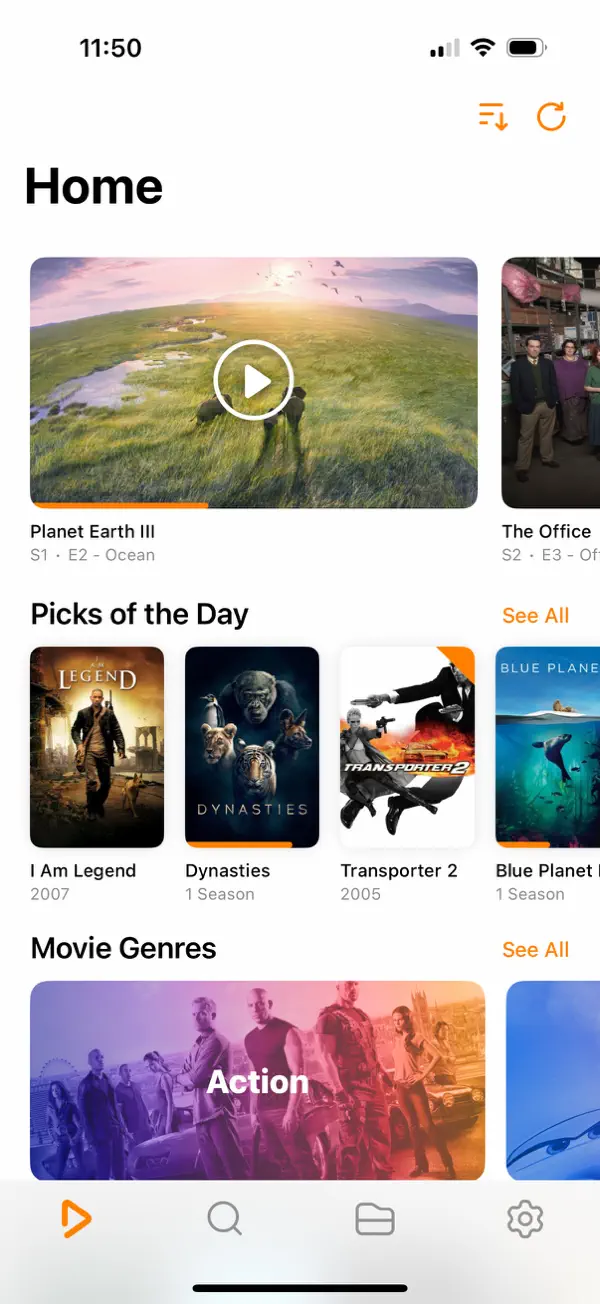
Ignite your video content with Infuse – the beautiful way to watch almost any video format on your iPhone, iPad, Apple TV, Mac, and Vision. No need to convert files! Infuse is optimized for iOS 26, with powerful streaming options, Trakt sync, and unmatched AirPlay & subtitle support. Gorgeous interface. Precise controls. And silky-smooth playback.
- PLAY MORE VIDEO TYPES
A powerful video player that plays just about anything, including MP4, MKV, M4V and MOV – plus many others. Includes support for HDR, HDR10+, Dolby Vision, plus Dolby and DTS audio.
- STREAM FROM OTHER DEVICES
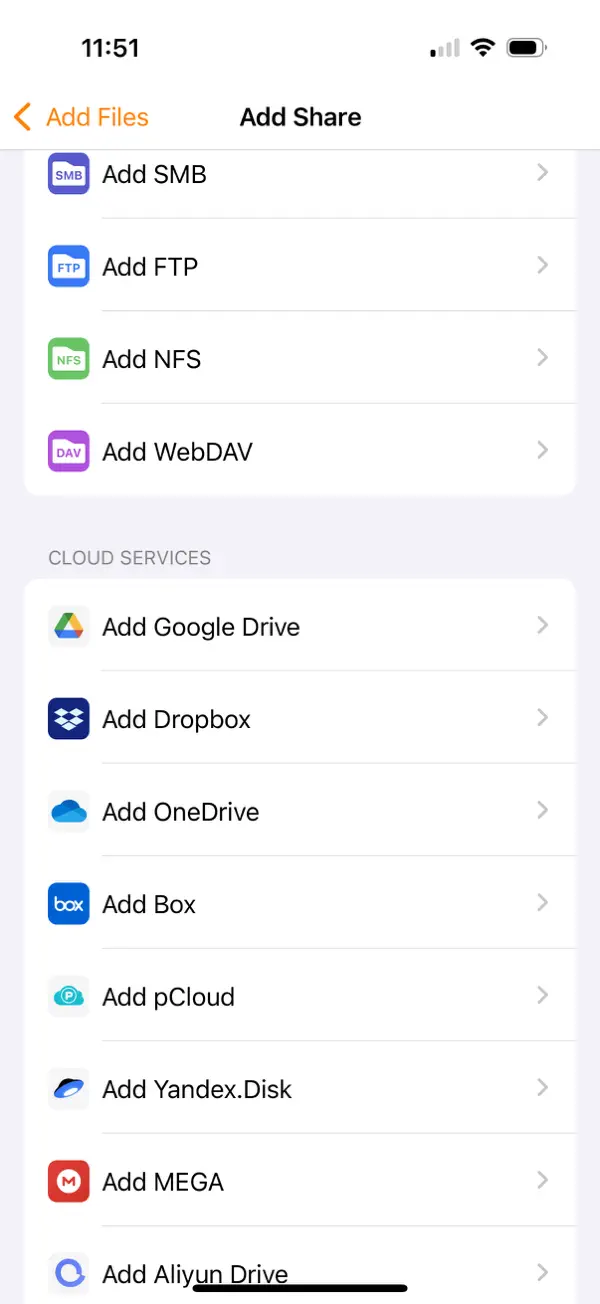
Browse and play videos stored on your Mac, PC, NAS, Wi-Fi hard drive, apps like Plex, Emby, and Jellyfin, or from cloud services like Dropbox, Google Drive, OneDrive, Box, pCloud, Yandex.Disk, MEGA, Aliyun Drive, and others – no syncing required!
- AIRPLAY & GOOGLE CAST OPTIONS
Stream a wide variety of videos types such as MKV, MP4, M4V, and others over AirPlay & Google Cast with full surround sound and subtitles.
- TRAKT 2-WAY SYNC
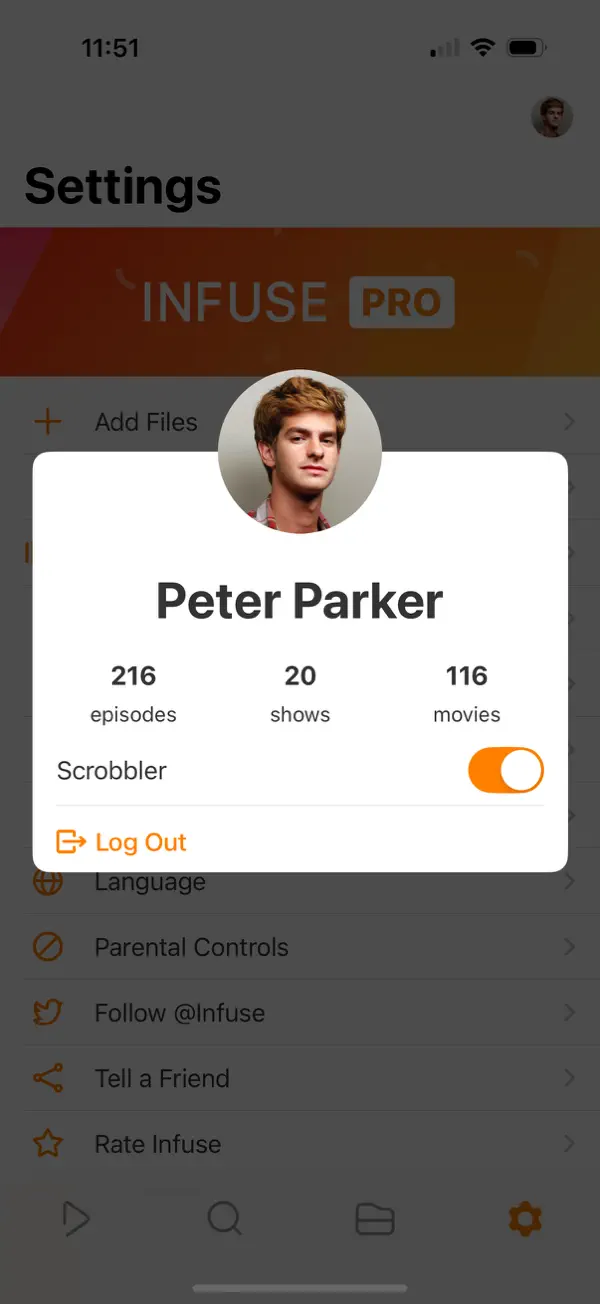
Connect with Trakt to sync watched history, submit ratings and post comments.
- OPTIMIZED SUBTITLES POWERED BY OPENSUBTITLES
Bring your own subtitles, or download them on the fly (for free) in virtually any language.
=====
“Looks great, plays anything you throw at it...surprisingly powerful”
- Lifehacker
“The best media player for iPhone and iPad...superior to VLC.”
- Cult of Mac
“I can't give the UI high enough praise. It's great.”
- 9to5Mac
“I see no reason whatsoever to remove Infuse from my Home screen anytime soon.”
- iDownloadBlog
“A beautiful UI.”
- Trakt co-founder
“A mini Kodi!”
- Infuse user
=====
MORE THAN JUST A PRETTY FACE
THE BASICS
- Silky-smooth video player (plays full 4K w/ HDR & Dolby Vision)
- Stream from a Mac, PC, NAS or Wi-Fi enabled hard drive
- Connect with Plex, Emby, Jellyfin, Kodi (XBMC), WMC and other media servers
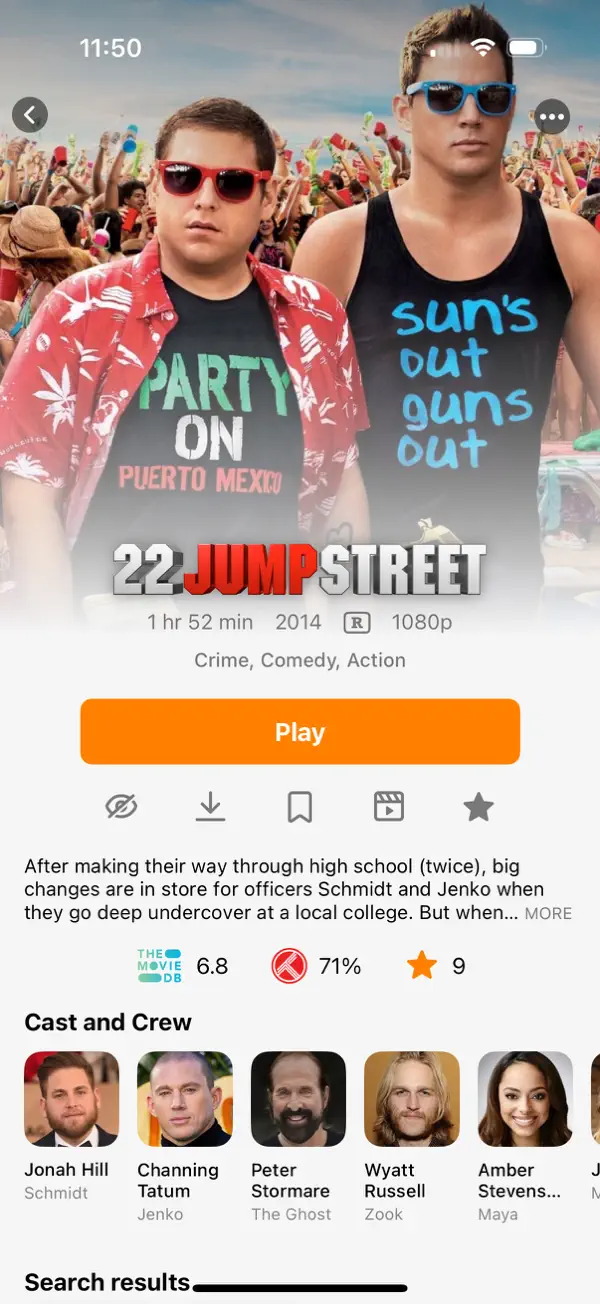
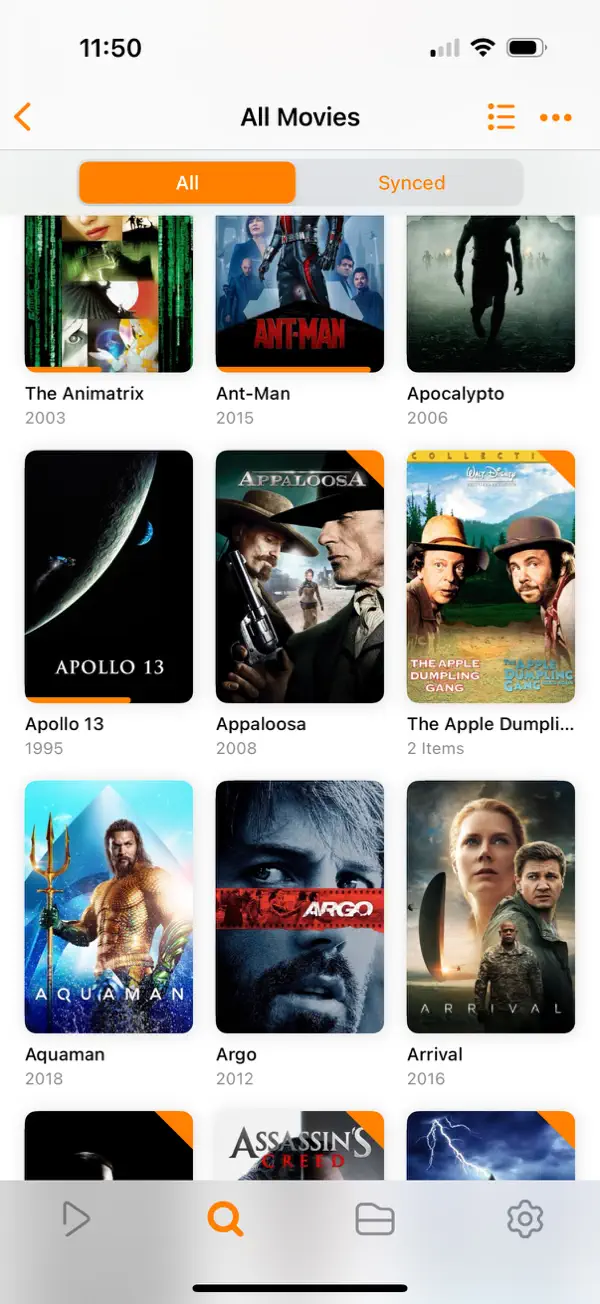
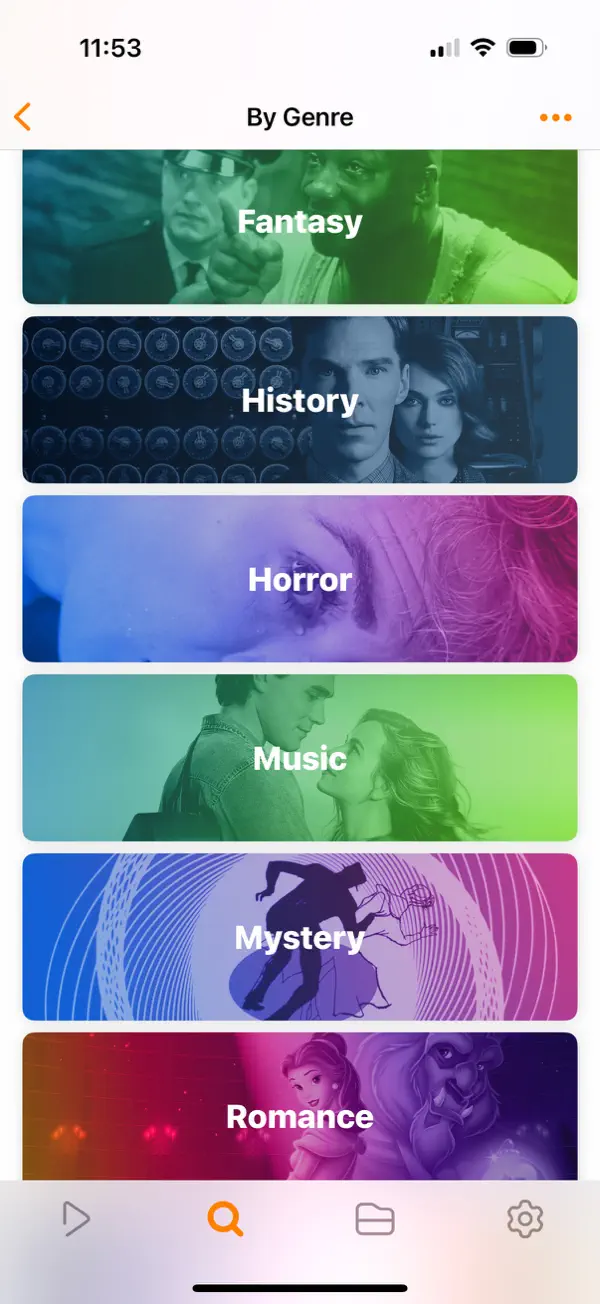
- Beautiful layout with quick access to video info
- Artwork and metadata added automatically
- Split View & PIP
- Spatial audio
SUPPORTED FORMATS
- Video: 33GP, AVI, AV1, ASF, BDMV, DIVX, DVDMEDIA, DVR-MS, FLV, H.264 (AVC), H.265 (HEVC), ISO/IMG, M4V, MKV, MOV, MP4, MPEG, MTS/M2TS, MXF, OGM, OGV, RMVB, TS, VC1, VIDEO_TS, VOB, VP9, WEBM, WMV, WTV
- Audio: AAC, AC3/E-AC3, DOLBY TRUEHD, DTS, DTS-HD MA, FLAC, MP3, OGG, PCM, WMA
- Subtitles: DVB, DVDSUB, MICRODVD, MPL2, PGS, SMI, SSA/ASS, SRT, SUB, SUP, TIMED TEXT, TXT, VOBSUB, VTT, XSUB
PLAYER FEATURES
- Multiple audio tracks
- Chapters
- Gesture controls
- 8 video zoom options
- Continuous playback
- TV out via HDMI or VGA adapter
- Deinterlacing
EXTRAS
- Folders
- One-click subtitle downloads from OpenSubtitles
- Scrobble plays to Trakt
- Download videos from networked devices
- Drag and drop uploads via web browser
- Get extra onboard storage with SanDisk iXpand and other USB drives
GET MORE WITH INFUSE PRO!
- Play even more video formats
- Stream video trailers for movies and TV shows
- Enjoy high-resolution Dolby® and DTS® audio
- Access videos stored in cloud services like Dropbox, Google Drive, Box, OneDrive, pCloud, Yandex.Disk, MEGA, Aliyun Drive, and more
- Stream a wide variety of video types over AirPlay and Google Cast
- Sync libraries, settings, watched history, and playback progress between devices
====
Note: DRM-protected movies & TV shows purchased from the iTunes store are not supported.
Metadata and artwork provided by TMDB, which is a community maintained movie and TV show database.
====
Infuse Pro is available as a optional subscription, and includes a free trial period that begins once your purchase has been confirmed with your iTunes Account. When the trial period concludes, your subscription will start and renew automatically. Your iTunes Account will be charged for the upcoming period unless you disable auto-renew or cancel your subscription in your Account Settings at least 24-hours prior to the end of the current period. Visit firecore.com/terms-privacy for full terms and privacy policy.

- iPhone أو iPad بجيلبريك أو بدون جيلبريك.
- Sideloadly أو بدائلها.
- كمبيوتر يعمل بنظام Windows/macOS/Linux مع تثبيت iTunes.
الخطوة 1: قم بتنزيل ملف .IPA المعدّل مسبقًا من الرابط أعلاه إلى الكمبيوتر الخاص بك. للتنزيل من تطبيق iOSGods App، اطلع على دليل تنزيل IPA من تطبيق iOSGods App الذي يتضمن مثالًا بالفيديو.
الخطوة 2: قم بتنزيل Sideloadly وتثبيته على جهاز Windows أو Mac.
الخطوة 3: افتح Sideloadly على الكمبيوتر، ووصّل جهاز iOS الخاص بك، وانتظر حتى يظهر اسم جهازك داخل Sideloadly.
الخطوة 4: بمجرد التعرّف على جهاز iDevice الخاص بك، اسحب ملف .IPA المعدّل الذي قمت بتنزيله وأفلِته داخل تطبيق Sideloadly.
الخطوة 5: أدخل البريد الإلكتروني لحساب Apple Account الخاص بك، ثم اضغط على «Start». سيُطلب منك بعد ذلك إدخال كلمة المرور. تابع وأدخل المعلومات المطلوبة.
الخطوة 6: انتظر حتى ينتهي Sideloadly من تحميل/تثبيت ملف IPA المعدّل. في حال واجهت أي مشاكل أثناء التثبيت، يرجى قراءة الملاحظة أدناه.
الخطوة 7: بعد اكتمال التثبيت ورؤية التطبيق على الشاشة الرئيسية، انتقل إلى Settings → General → Profiles / VPN & Device Management. ثم اضغط على البريد الإلكتروني الذي أدخلته في الخطوة 6، ثم اضغط على «الوثوق بـ [email protected]».
الخطوة 8: الآن انتقل إلى الشاشة الرئيسية وافتح التطبيق الذي تم تثبيته للتو وسيعمل كل شيء بشكل صحيح. قد تحتاج إلى اتباع تعليمات إضافية خاصة بكل تطبيق داخل النافذة المنبثقة للتعديل أثناء اللعب.
ملاحظة: بدءًا من iOS/iPadOS 16 وما بعده، يجب تفعيل وضع المطور (Developer Mode). بالنسبة لحسابات Apple Developer المجانية، ستحتاج إلى تكرار هذه العملية كل 7 أيام. إذا كانت لديك أي أسئلة أو مشاكل، يرجى قراءة قسم الأسئلة الشائعة حول Sideloadly في الموضوع.