Anmeldung erforderlich
Melden Sie sich mit Ihrem iOSGods-Konto an, um fortzufahren.

Laden Sie Pro Camera by Moment modded IPA über die obigen Links herunter. Tippen Sie auf den Installations-Button und folgen Sie den Anweisungen, um diese iOS-App auf Ihrem iPhone, iPad oder Apple Silicon zu installieren.
Brauchen Sie mehr Hilfe? In unseren iOSGods App häufig gestellten Fragen finden Sie ausführliche Antworten und Tipps zur Fehlerbehebung.
We are @moment and Pro Camera is the app we’ve always wanted. Manual controls, better video, long exposure and quick access to the settings we need. It gives us the features of a DSLR but in a fast, easy to use camera app.
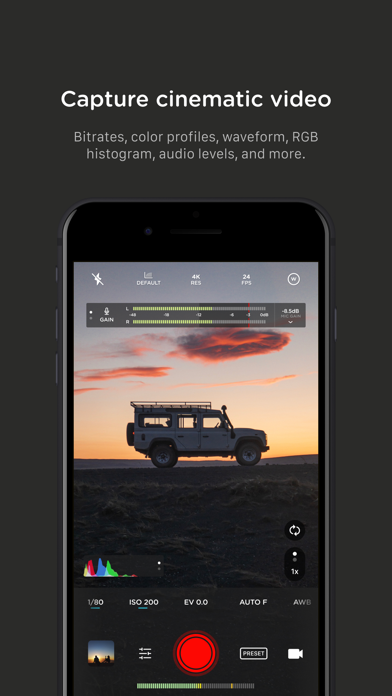
For Filmmakers - the features you need, not the ones you don’t. Color profiles, bitrates, dual-channel audio meters, real-time waveforms, and fast access to frame rates.
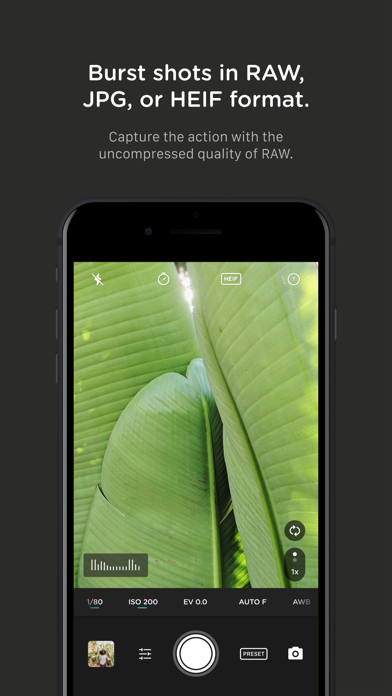
For Photographers - easier than shooting on your DSLR. Shoot in RAW (even in BURST), split focus / exposure, and manually control everything (exposure, iso, shutter speed, white balance and focus).
For Everyone Else - inspired by the pro’s we made the interface simple, fast, and easy to use. We provide getting started tips, video tutorials, and full time customer service to get you setup.
We love hearing from you. If you have any features, ideas, or feedback please email us at [email protected] or DM us on Instagram @moment.
## Premium Features
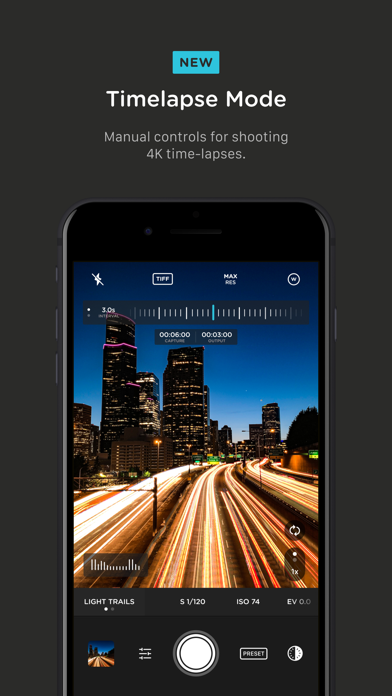
+ NEW Timelapse mode - capture stunning time-lapse videos.
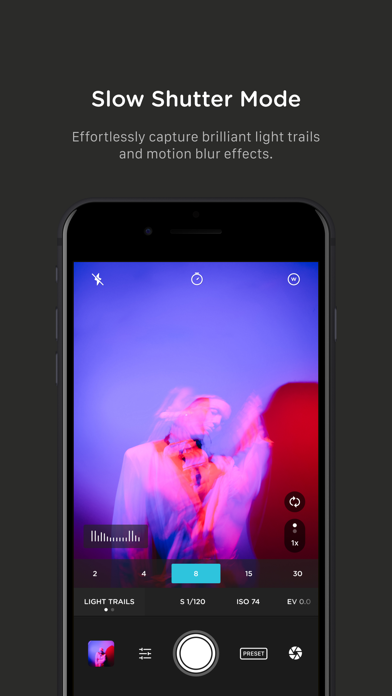
+ Slow Shutter mode - long exposure shots with motion blur and light trails.
## Photography Features
+ Focus peaking - the green edges will help you dial in your focus.
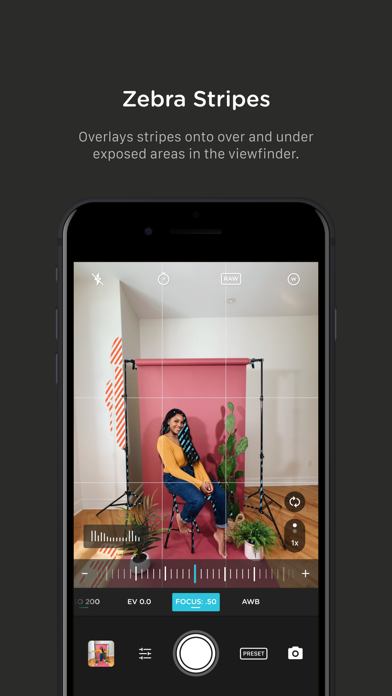
+ Zebra stripes - We overlay stripes onto the over and underexposed areas in the viewfinder.
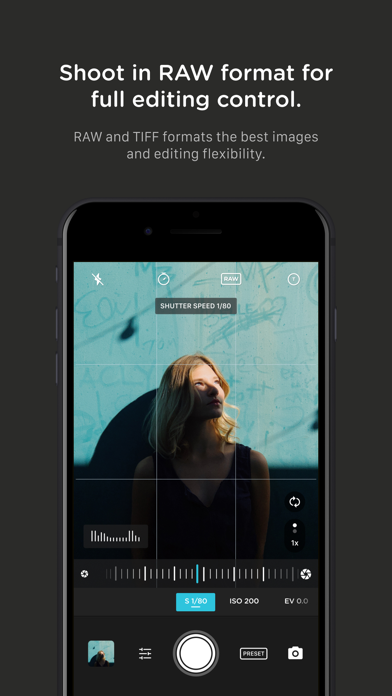
+ RAW and TIFF - Shoot photos in RAW format for better editing, or TIFF for high-quality printing.
+ Split Focus and Exposure - Take control of tricky lighting scenarios.
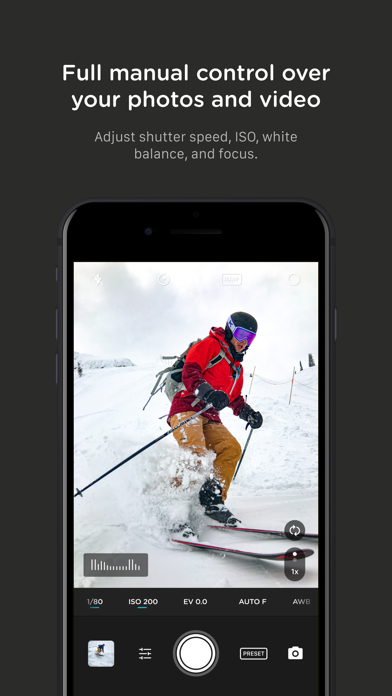
+ Full Manual - Control shutter speed, iso, exposure, focus, and white balance with easy to use sliders and double taps to reset.
+ Burst mode - Capture burst shots in RAW format. This is big as now you can capture action with burst but at the uncompressed quality pros want with RAW.
+ HEIF and HEVC - Seamless support for the latest Apple file formats across photos and videos.
## Filmmaker Features
+ Focus peaking - the yellow edge glow will help you find dial in the focus.
+ Zebra stripes - We overlay stripes onto the over and underexposed areas in the viewfinder.
+ Color Profiles - Select from default, flat, or log color profiles to get the most out of your files in post-processing.
+ Video Bitrates - Get precise control over video quality with standard, medium, and high bitrates to choose from.
+ RGB Histogram: Dial in your video color, balance, and exposure with a live RGB histogram.
+ Waveform monitor - Evaluate video brightness and exposure across your image in real time.
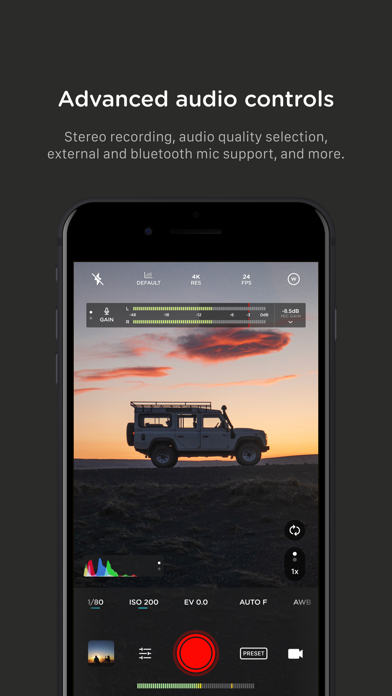
+ Audio meters - Get just the right sound levels with real-time, precise, dual-channel (when available) audio levels.
+ Live Histogram - Get your exposure right every time.
+ Video Stabilization - Make your videos buttery smooth.
+ Precise Video - Change your resolution and frame rate on screen, without digging into a settings menu.
+ Anamorphic - Use the Moment Anamorphic lens to shoot amazing, letterbox style photos and videos.
## Works With
+ Triple/Dual Lens Control - Manually control which side of the triple/dual lens you want to shoot with so you can use Moment lenses over either one.
+ Moment Lens - select which lens you are shooting with.
+ Moment Battery Case - Works with the DSLR-like shutter button on our photography cases for half-press and full-press capture. Take better photos, faster.
+ Apple Watch - Use your watch as a remote to shoot photos or record videos.
+ Siri Shortcuts - Quick access to capture a photo or start a video
RAW and 3D shutter require an iPhone 6S or later (6S, 7, 8, X, XS, XR, SE)
- Nicht-Jailbroken/Jailed oder Jailbroken iPhone oder iPad.
- Sideloadly oder Alternativen.
- Computer mit Windows/macOS/Linux und installiertem iTunes.
SCHRITT 1: Laden Sie die vorinstallierte .IPA-Datei über den obigen Link auf Ihren Computer herunter. Zum Herunterladen aus der iOSGods-App siehe unser iOSGods App IPA Download-Tutorial mit Videobeispiel.
SCHRITT 2: Laden Sie Sideloadly herunter und installieren Sie es auf Ihrem Windows oder Mac.
SCHRITT 3: Öffnen Sie Sideloadly auf Ihrem Computer, verbinden Sie Ihr iOS-Gerät und warten Sie, bis Ihr Gerätename in Sideloadly erscheint.
SCHRITT 4: Sobald Ihr iDevice erkannt wird, ziehen Sie die heruntergeladene gemoddete .IPA-Datei in die Sideloadly-Anwendung.
SCHRITT 5: Geben Sie Ihre Apple-Account-E-Mail ein und drücken Sie „Start". Sie werden dann nach Ihrem Passwort gefragt. Geben Sie die erforderlichen Informationen ein.
SCHRITT 6: Warten Sie, bis Sideloadly das Sideloading/Installieren der gehackten IPA abgeschlossen hat. Bei Problemen während der Installation lesen Sie bitte den Hinweis unten.
SCHRITT 7: Sobald die Installation abgeschlossen ist und die App auf Ihrem Home-Bildschirm angezeigt wird, müssen Sie zu Einstellungen → Allgemein → Profile / VPN & Geräteverwaltung gehen. Tippen Sie dort auf die E-Mail, die Sie in Schritt 6 eingegeben haben, und dann auf „Trust [email protected]".
SCHRITT 8: Gehen Sie nun zu Ihrem Home-Bildschirm und öffnen Sie die neu installierte App – alles sollte einwandfrei funktionieren. Möglicherweise müssen Sie weitere App-spezifische Anweisungen im Hack-Popup im Spiel befolgen.
HINWEIS: iOS/iPadOS 16 und höher: Sie müssen den Entwicklermodus aktivieren. Bei kostenlosen Apple Developer-Accounts müssen Sie diesen Vorgang alle 7 Tage wiederholen. Bei Fragen oder Problemen lesen Sie bitte unsere Sideloadly-FAQ-Sektion im Thema.