ログインが必要
iOSGodsアカウントでサインインして続けてください。
iOSGodsアカウントでサインインして続けてください。
VideoShow Video Editor & Maker Modded Mod IPAで、プレミアム機能をアンロックして、制限なくすべてのプロフェッショナル編集ツールにアクセスできます。VideoShowは世界で最も人気のあるビデオエディターで、5億人のユーザーに信頼されており、カット、マージ、トリミング、リバース、ビデオ変換を高度なエフェクト、オーバーレイ、フィルターで実現します。このHackはペイウォールを削除し、外出先でプロのように編集できます。
- プレミアムアンロック → すべてのプロ編集ツールとエフェクトが利用可能
このアプリにはiGameGodも搭載されており、繰り返し作業を自動化するAuto Touch、ゲーム速度を調整できるApp Speed Manager、Memory Engineによる値の編集など、強力なiOSゲーム用ツールをご利用いただけます。
VideoShow Video Editor & Maker Modded modded IPAを上のリンクからダウンロードします。インストールボタンをタップし、画面の指示に従ってiPhone、iPad、Apple SiliconにこのiOSアプリハックをインストールします。
さらにヘルプが必要ですか? 詳しい回答とトラブルシューティングはiOSGodsアプリ よくある質問をご覧ください。
樂秀VideoShow專注於影片剪輯與音訊剪輯,輕鬆打造原創vlog、小影片和電子相簿。無論是製作創意短片、甜美美妝視頻,還是個人化電子相冊,都能輕鬆實現。全新AI影片功能全面升級,支援AI文改影片、AI圖生影片、AI文生影片與AI特效範本創作,讓每個靈感都能瞬間變成酷炫短片。
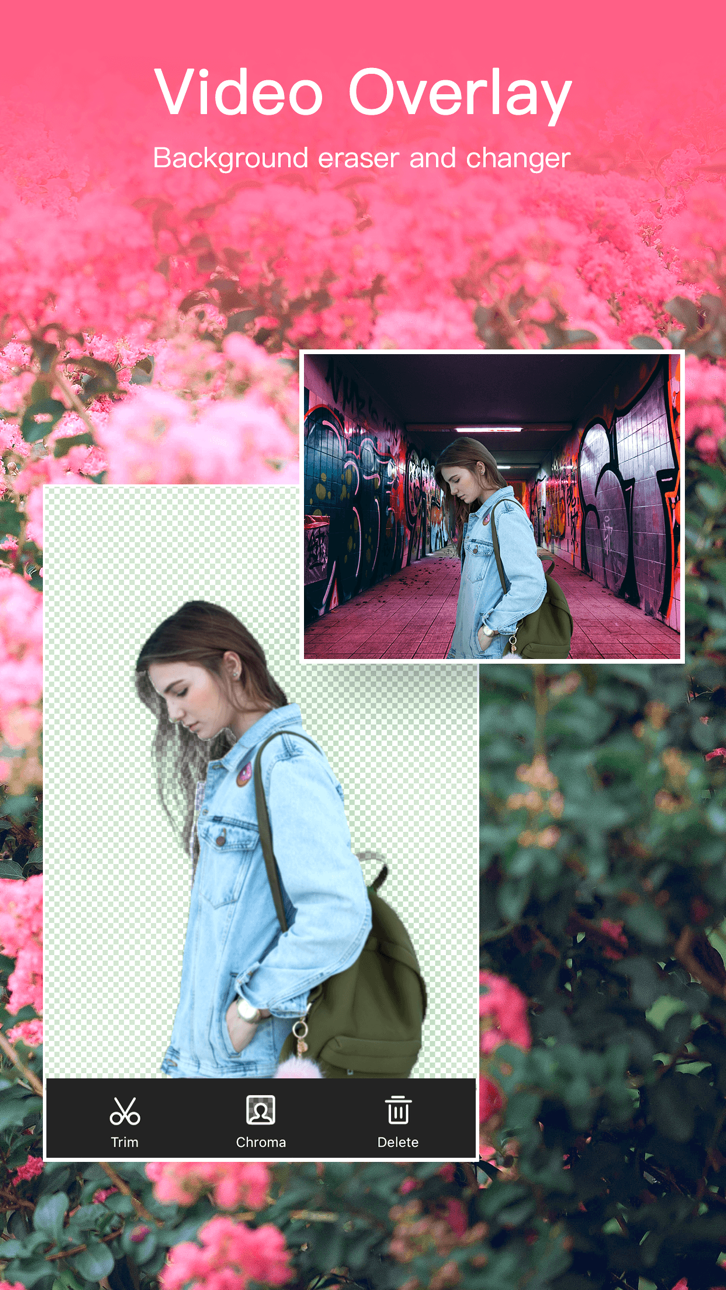
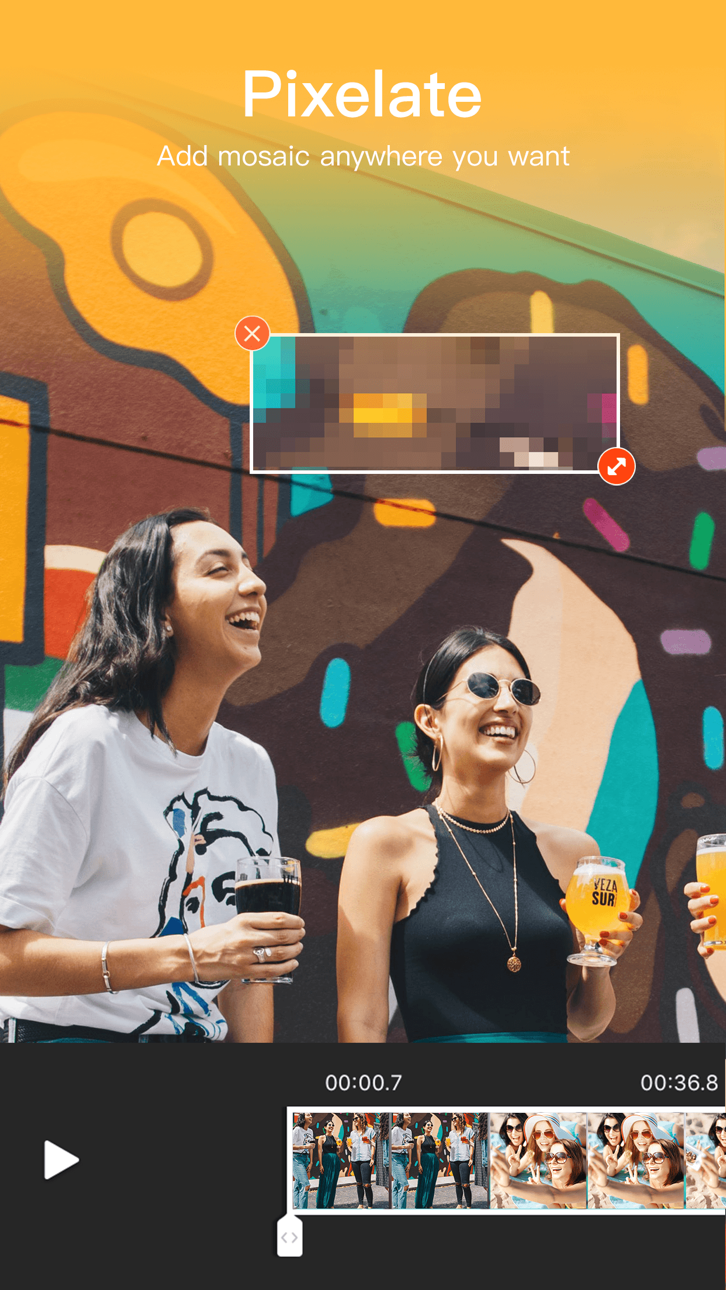
提供大量素材,包括浪漫音樂、底片濾鏡、酷炫轉場、夢幻特效、滾動字幕、動畫貼紙、繽紛主題等。更有畫中畫、影片拼接、卡片影片、馬賽克處理、自訂封面、影片疊加、Gif製作、配音塗鴉等特色功能。支援高清視訊導出。樂秀VideoShow是一款集短影片製作、影片剪輯、照片美化和相簿製作於一體的手機影片編輯工具,讓每個創作瞬間更加精彩難忘!樂秀影片編輯器是攝影發燒友,vlogger的手機微視訊DIY創作編輯工具。
**【AI智慧視頻功能】**
【AI文改影片】透過文字提示或參考圖即可一鍵重繪畫面。輕鬆增刪元素,切換場景、天氣、晝夜與藝術風格,保留自然運鏡,並支援AI綠幕摳像與智慧補光,讓普通短片也能快速變成更有氛圍感和創意表現力的影片。
【AI一鏡到底】上傳3-10張靜態照片,AI自動生成一段無縫銜接的運鏡大片,輕鬆實現照片成片,打造電影感AI短片。
【AI特效模板】豐富的熱門AI特效玩法,如AI卡通化、AI老照片復活、AI人偶手辦、AI肌肉變身、AI豪車炫富、AI迷你小人世界等,助你快速製作爆款短視頻,輕鬆登上社交平台熱榜。
【AI圖生影片】只要上傳照片,AI即可自動產生動態影片!讓靜態照片動起來,可實現AI擁抱、AI跳舞、AI換裝、AI變身等特效,打造創意短片、節慶影片、趣味社交內容。
【AI文生影片】輸入任意文字,AI自動產生完整影片。無論是小說故事、科學解說、影視旁白還是行銷推廣,只需一句話,就能生成高品質視頻,輕鬆實現圖文轉視頻。
【AI一鍵成片】只要選擇素材照片,AI自動加入濾鏡、轉場、節奏和主題,一鍵產生視覺大片。適合旅行相簿、節日祝福、情感記錄、產品宣傳等多種用途。
**【影片剪輯功能】**
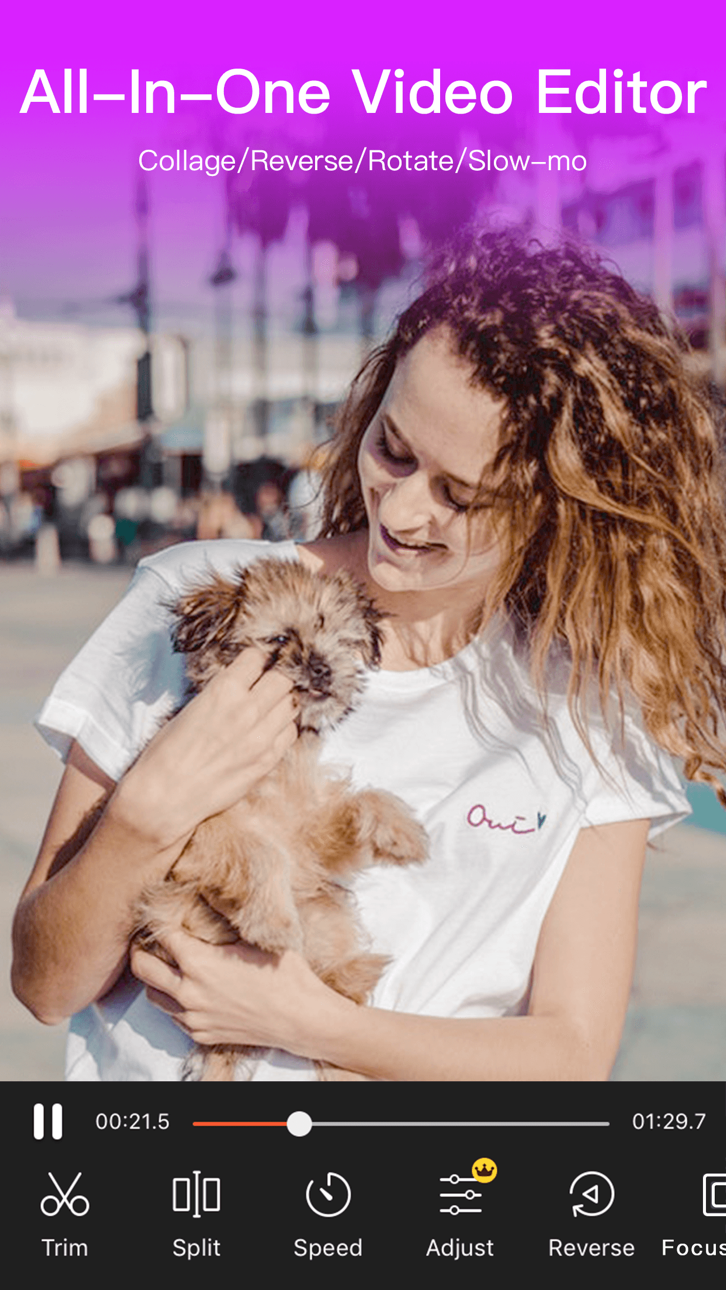
【視頻剪輯】免費製作短視頻,剪切多段視頻,分割、合併、倒放、疊加任意操作。支援影片裁剪、格式轉換、關鍵影格動畫、GIF頭像製作、tempo卡點、影片轉MP3等。
【視訊速度調節】支援0.25倍慢鏡頭至4倍加速,打造節奏感十足的卡點特效。
【影片畫面調整】亮度、對比、飽和度、銳利化等參數自由調整,影片旋轉,鏡面翻轉,滿足不同創作風格。
【視訊拼接與佈局】多種拼圖模板、邊框樣式,支援三螢幕、九宮格等電影級分割畫面效果。
**【特色功能】**
【智慧摳像】AI精準辨識人物,影片/GIF一鍵摳圖,輕鬆更換影片背景,實現自然過渡。
【智慧馬賽克】可同時增加多個馬賽克,一鍵打碼,保護隱私。
【卡點影片】多種影片模板可選,轉場酷炫,契合各種音樂。
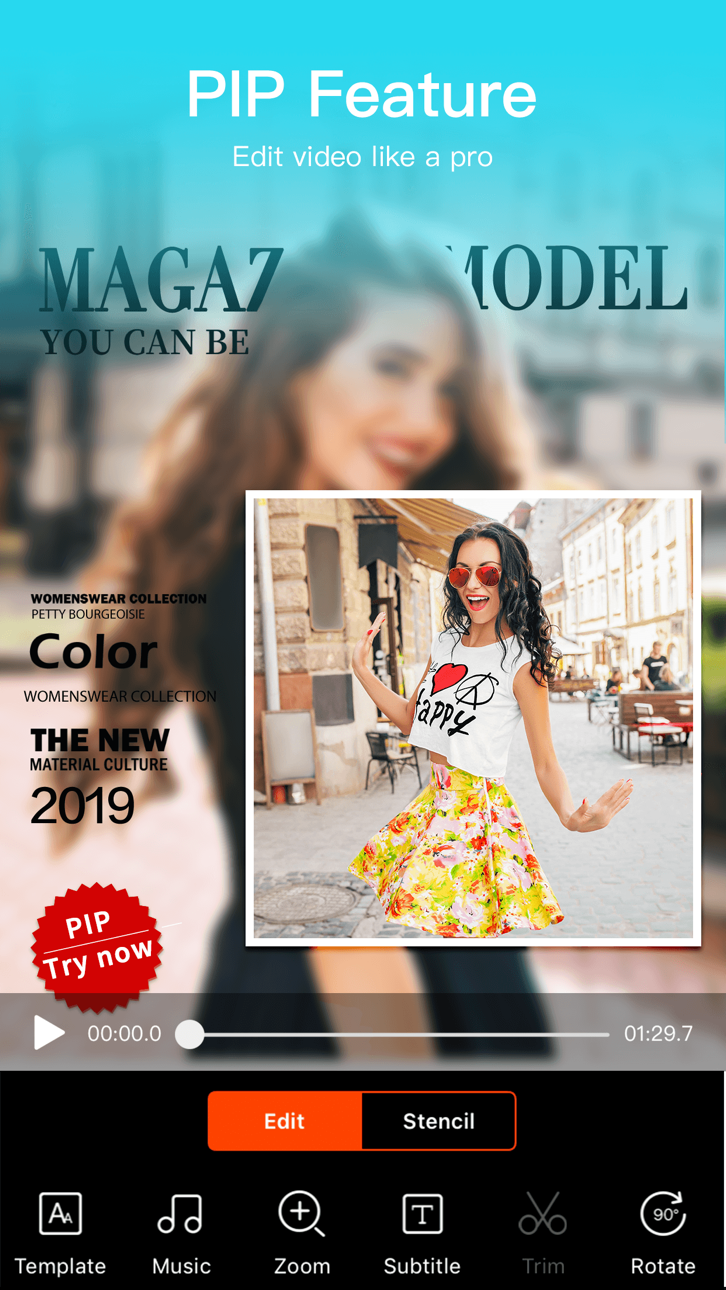
【畫中畫特效】把你的影片鑲嵌在戲院大屏,電視螢幕,海報賀卡上。
【自訂封面】可截取影片中的畫面,也可從相簿挑選圖片作為封面,製作獵奇視頻,抓住觀眾的目光。
【AI增強照片】自動提升照片的清晰度和細節,還原真實質感,讓每個細節栩栩如生。
【AI智能上色】為黑白照片重新上色,讓舊時光中的珍貴記憶煥發全新色彩,重現繽紛世界。
【AI物體消除】一鍵去除照片中不需要的物體,瞬間淨化畫面,讓每張照片都呈現出完美無瑕的效果。
**【音頻創作】**
【AI變聲】AI智能辨識與音色轉換,輕鬆生成多種人物聲線,讓你的作品更具戲劇性與感染力。
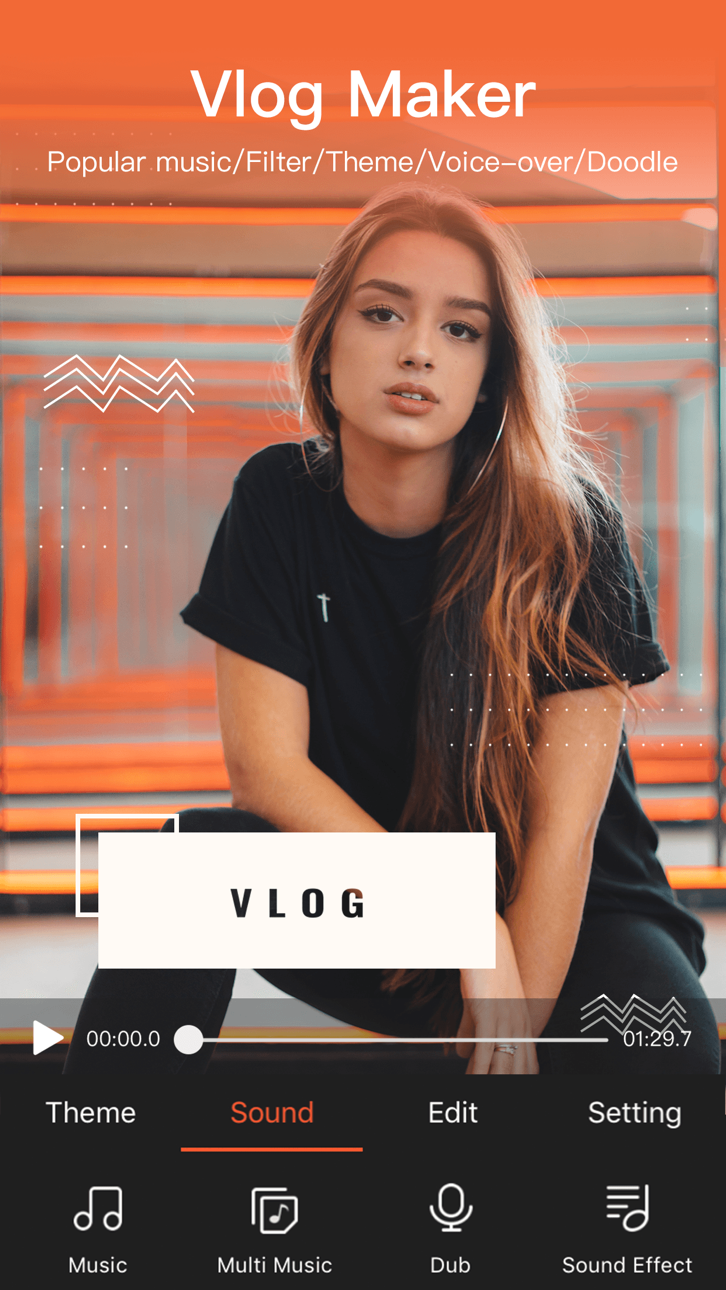
【影片配樂】內建上百首正版授權音樂:浪漫、搖滾、二次元、民謠、嘻哈、原聲…支援多段音樂編輯和本地音樂導入。
【錄音配音】內建變聲器,可變蘿莉音、禦姐音、正太音、機器人音等,自訂音調音速,打造趣味解說。
**【視覺特效】**
【經典主題】提供各式主題摸板,快速製作,輕鬆成片。專業嚴選的影片主題:親情、友誼、愛情、旅遊、婚禮、萌寵、愛豆、寶貝、節日、美食、個性、文藝、時尚、趣味、珍貴回憶、美好時光、感恩節、平安夜、萬聖節、聖誕節、元旦、春節、情人節……適用於各種場景:記錄成長,見證愛情,分享旅行,宣傳公司,讓您成為微電影主角。
【潮流濾鏡】電影膠卷影片濾鏡,AI特效濾鏡,美顏、魔焰、卡通、日系、美白、懷舊、復古、Lomo、寶麗來、黑白、HDR、光暈、浮雕、素描,潤飾點滴片段,記錄大眾百態,方寸間成為微電影達人。
【轉場特效】豐富的轉場效果,簡約如淡入淡出、溶解、閃黑,紛繁個性如塗鴉、縱橫、閃爍、百葉窗、縮放,愛心。多段影片接合效果自然,令人耳目一新,加入酷炫FX特效與音效。泡泡、閃電、玫瑰雨、流星、火山、氣球、花瓣等場景特效,幫助你輕鬆製作原創影片。
【字幕塗鴉】可新增多段視訊字幕,控製字幕時間,使用淡入淡出、滾入等字幕特效,設定字幕顏色,精選文藝字體。字幕描邊、排版、透明度皆可隨心所欲調節,也可添加滾動字幕,控製字幕滾動速度與方向,給你想要的小清新。更可在影片任意位置添加塗鴉,畫心、寫字、打碼。
【GIF貼紙】素材商店提供大量表情包貼紙、動態貼紙、本地相簿貼紙、照片貼圖,並貼心保留貼紙使用記錄,提供呆萌泰迪熊、鬼畜表情包、惡搞emoji等各類素材。
**【高清拍攝與導出】**
【高清相機】可用樂秀直接拍攝視頻,支援多段拍攝。可在拍攝前選擇背景音樂,伴隨音樂錄影表情,畫面聲音同步,輕鬆製作卡片影片。
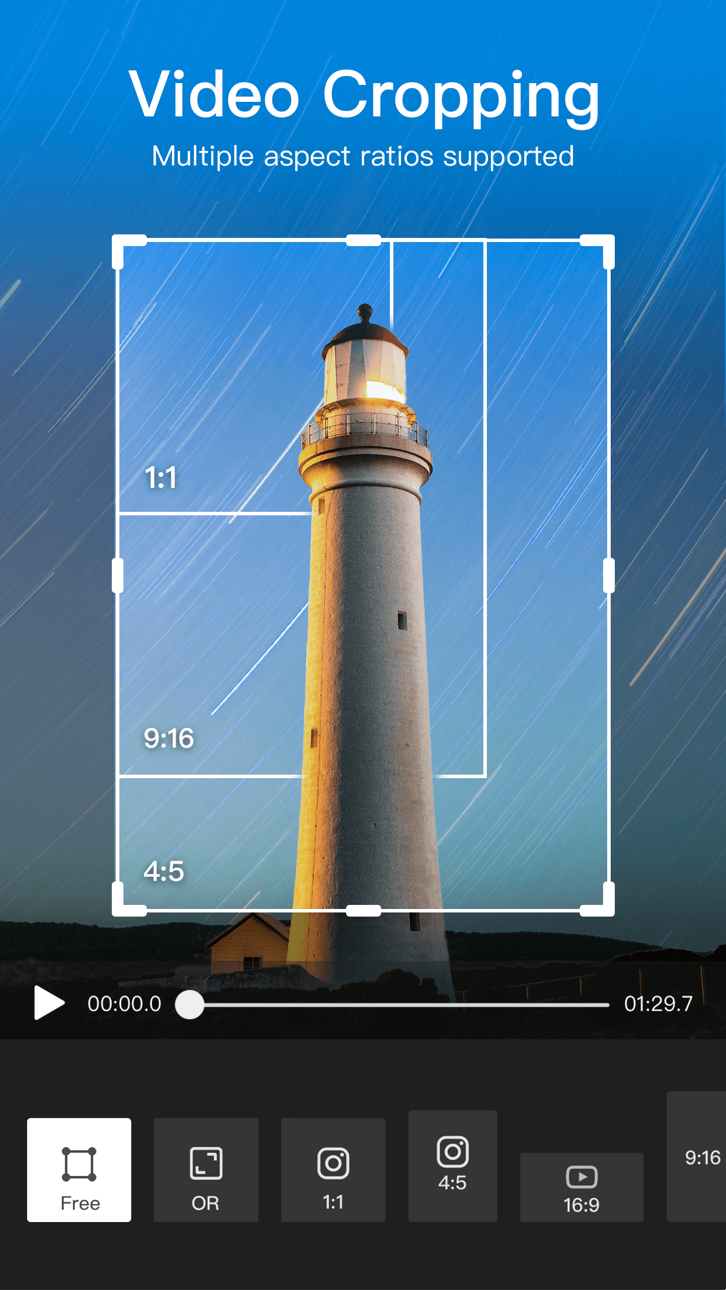
【超清導出】支援多比例視訊匯出,如:1:1/16:9/9:16/3:4/4:3,橫豎螢幕無縫切換,適配各社群媒體。輕鬆製作各種MV、舞蹈、親子、創意、搞笑、街拍視頻,收穫更多的粉絲和關注!
樂秀VideoShow,實用的剪輯工具,AI助力創作,讓你愛剪輯愛生活,打造熱門短視頻,驚艷QQ群、刷屏朋友圈、貼吧,成為剪輯大師!
[樂秀VIP訂閱服務]
1.訂閱樂秀(VideoShow) VIP會員資格包括以下功能:無水印,支援高清視訊匯出,滾動字幕,長視訊GIF製作,自訂視訊封面,視訊參數調節,視訊疊加,新增馬賽克,視視訊同框,頻轉音頻,視訊壓縮,畫面裁切,以及所有付費素材/音樂/字幕/主題/貼紙特權。
2.訂閱時間:取決於您的選擇,樂秀(VideoShow) VIP提供免費試用(按月費續訂),按年訂閱。價格取決於您選擇的訂閱套餐,並在您確認購買時收取訂閱費用。樂秀(VideoShow)的所有付費功能和內容均可在會員期間內無限制使用。
3.確認購買時,將向iTunes帳戶收取付款。
4.帳戶將在目前會員期結束前24小時內收取續訂費用,並確定續訂費用。 訂閱會自動續訂與原始「一個月」/「一年」套餐相同的價格和持續時間,除非在當前會員期結束前至少24小時關閉自動續訂。您可以透過iTunes帳戶的訂閱設定在免費試用期內取消訂閱,在訂閱期結束前24小時完成,以避免被收費。您可以隨時前往iTunes帳戶設定來管理訂閱並關閉自動續訂。在有效訂閱期間,不允許取消目前訂閱。
有關更多信息,請訪問http://support.apple.com/kb/ht4098
5.免費試用期間任何未使用的部分將在購買樂秀(VideoShow)VIP會員訂閱後作廢。
6.所有價格如有變更,恕不另行通知。我們偶爾會採用促銷價格作為激勵或限時促銷,以便在促銷期間進行符合資格的購買。由於這些活動具有時效性和促銷性,我們無法為以往降價或促銷活動中進行的購買提供價格保護或追溯折扣或退款。
7.隱私權政策:https://cdnzonestatic.magicut.cn/privacy/privacy_policy_ios.html
使用條款:https://cdnzonestatic.magicut.cn/privacy/videoshow_user_agreement_ios.html
【歡迎隨時來撩】
樂秀粉絲官方QQ群:824939373
樂秀官網: http://www.videoshowapp.cn
新浪微博:樂秀
微信民眾號:樂秀VideoShow
Facebook:Videoshow
Instagram:videoshowapp
回饋信箱:[email protected]
スクリーンショット © 各権利者 · App Store


iOSGods は Apple Inc.、Google LLC、および掲載アプリの開発者と提携しておらず、承認や協賛も受けていません。Apple、iOS、App Store は Apple Inc. の商標です。Android および Google Play は Google LLC の商標です。その他のアプリ名、アイコン、画像、商標はすべて各権利者に帰属します。

- 脱獄/Jailed済みまたは脱獄済みのiPhoneまたはiPad。
- Sideloadlyまたは代替手段。
- iTunesがインストールされているWindows/macOS/Linuxを実行しているコンピュータ。
ステップ1: 上のリンクから事前にハックされた.IPAファイルをコンピュータにダウンロードします。iOSGodsアプリからダウンロードする方法は、ビデオ例付きのiOSGodsアプリIPAダウンロードチュートリアルをご覧ください。
ステップ2: SideloadlyをダウンロードしてWindowsまたはMacにインストールします。
ステップ3: コンピュータでSideloadlyを開き、iOSデバイスを接続して、デバイス名がSideloadlyに表示されるまで待ちます。
ステップ4: iDeviceが認識されたら、ダウンロードしたModされた.IPAファイルをSideloadlyアプリにドラッグ&ドロップします。
ステップ5: Apple Accountのメールアドレスを入力し、「Start」を押します。次にパスワードの入力を求められます。必要な情報を入力してください。
ステップ6: Sideloadlyがハックされたipaのサイドロード/インストールを完了するのを待ちます。インストール中に問題が発生した場合は、以下の注意事項をお読みください。
ステップ7: インストールが完了し、ホーム画面にアプリが表示されたら、設定 → 一般 → プロファイル / VPNとデバイス管理に移動する必要があります。そこで、ステップ6で入力したメールをタップし、「Trust [email protected]」をタップします。
ステップ8: ホーム画面に戻り、新しくインストールされたアプリを開けば、すべて正常に動作するはずです。ゲーム内のハックのポップアップで、アプリごとの追加指示に従う必要がある場合があります。
注意: iOS/iPadOS 16以降では、デベロッパモードを有効にするが必要です。無料のApple Developerアカウントの場合、このプロセスを7日ごとに繰り返す必要があります。質問や問題がある場合は、トピックのSideloadly FAQセクションをお読みください。
Game Name iOS Mod IPA is an action adventure game enhanced with powerful gameplay boosts and quality-of-life improvements. Win battles faster, earn rewards quicker, and enjoy uninterrupted play without ads.
- Unlimited Gold - spend freely to unlock premium content
- Damage Multiplier - deal significantly more damage in combat
- Defense Multiplier - take less damage and survive longer
- Reward Multiplier - earn more loot from every battle
- Max Level - instantly reach the highest player rank
- No Ads - play without interruptions or advertisements
This app also comes with iGameGod, giving you access to Auto Touch to automate repetitive tasks, App Speed Manager for adjustable gameplay speed, Memory Engine value editing, and more powerful iOS game tools.
Game Name Mod IPAを上のリンクからダウンロードします。インストールボタンをタップし、画面の指示に従ってiPhone、iPad、Apple SiliconにこのiOSアプリハックをインストールします。
さらにヘルプが必要ですか 詳しい回答とトラブルシューティングはiOSGodsアプリ よくある質問をご覧ください。
----------------------------------------------------------
--------------------------------------------------