ログインが必要
iOSGodsアカウントでサインインして続けてください。
iOSGodsアカウントでサインインして続けてください。
VideoShow Video Editor & Maker Modded Mod IPAで、プレミアム機能をアンロックして、制限なくすべてのプロフェッショナル編集ツールにアクセスできます。VideoShowは世界で最も人気のあるビデオエディターで、5億人のユーザーに信頼されており、カット、マージ、トリミング、リバース、ビデオ変換を高度なエフェクト、オーバーレイ、フィルターで実現します。このHackはペイウォールを削除し、外出先でプロのように編集できます。
- プレミアムアンロック → すべてのプロ編集ツールとエフェクトが利用可能
このアプリにはiGameGodも搭載されており、繰り返し作業を自動化するAuto Touch、ゲーム速度を調整できるApp Speed Manager、Memory Engineによる値の編集など、強力なiOSゲーム用ツールをご利用いただけます。
VideoShow Video Editor & Maker Modded modded IPAを上のリンクからダウンロードします。インストールボタンをタップし、画面の指示に従ってiPhone、iPad、Apple SiliconにこのiOSアプリハックをインストールします。
さらにヘルプが必要ですか? 詳しい回答とトラブルシューティングはiOSGodsアプリ よくある質問をご覧ください。
VideoShow - AI Video Editor & AI Video Generator helps you create stunning videos effortlessly. Transform your favorite moments into beautiful videos with photos, music, stickers, filters, and AI effects—making every memory unforgettable.
Key Features:
AI Video Generator: Turn photos or text into amazing AI-powered videos. Generate from photo to video, image to video, or text to video instantly. Create stylish story clips or viral effects with ease.
AI Smooth Movie: Upload 3-10 photos and let AI weave them into a seamless cinematic video. Smooth camera flights, zero edits, one click to share.
AI Text to Video Editing: Reimagine any short video with AI using a text prompt or reference image. Add or remove objects, transform backgrounds, weather, lighting, or style, and use AI green screen cutout and relighting to create a newly reimagined video with natural motion and effortless editing.
AI Video Editing: Choose your content and let AI automatically add effects, filters, transitions, and subtitles—crafting cinematic videos with visuals, voiceovers, and captions in one tap.
AI Text to Image: Turn your words into stunning AI-generated images. Describe your idea, and convert your creation into a photo with one tap.
AI Image Edit: Reimagine any photo with AI using simple text prompts. Replace content, transform styles, rewrite specific areas, or upload a reference image to guide the look and feel of your edit.
Trending AI Effects: Explore viral templates like AI Anime, AI Dance, and more! Create unique, eye-catching AI videos that stand out on TikTok, Instagram, and Facebook.
Now upgraded with HappyHorse 1.0 & Seedance 2.0 for Text-to-Video & Image-to-Video — Generate higher-quality AI videos from text or photo with smoother motion, stronger visual storytelling, and more cinematic results.
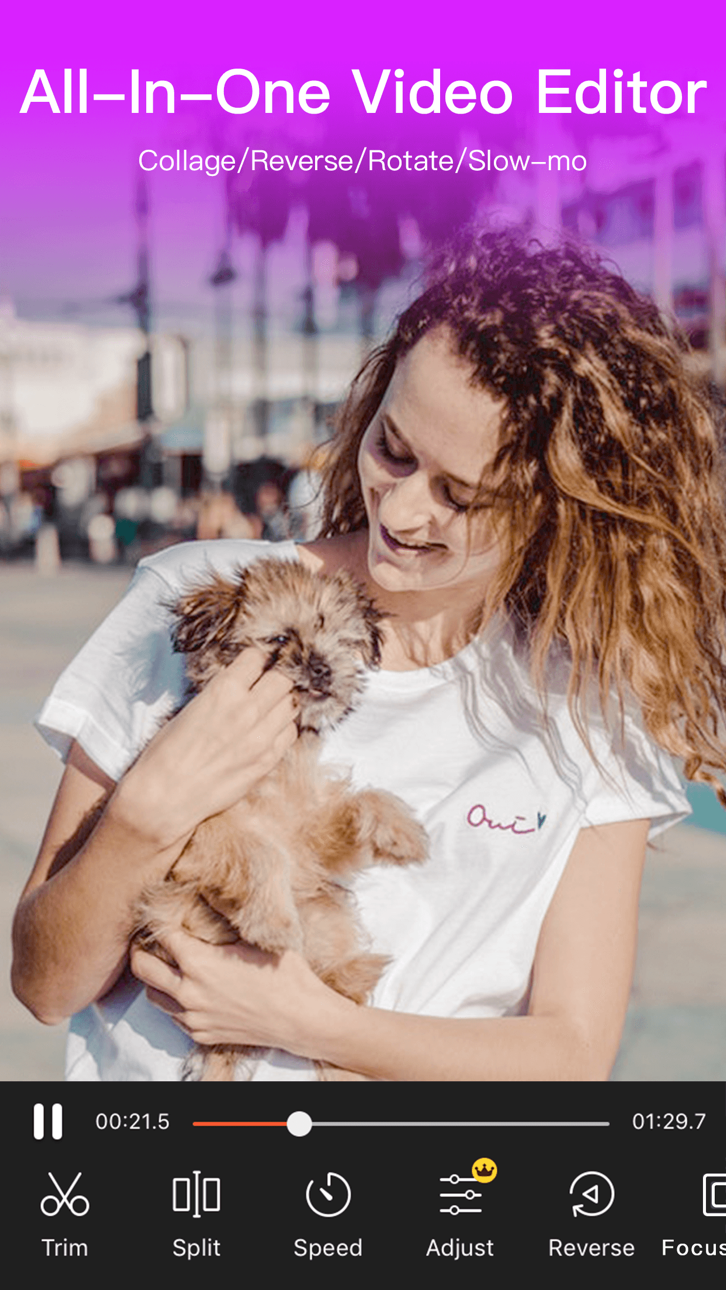
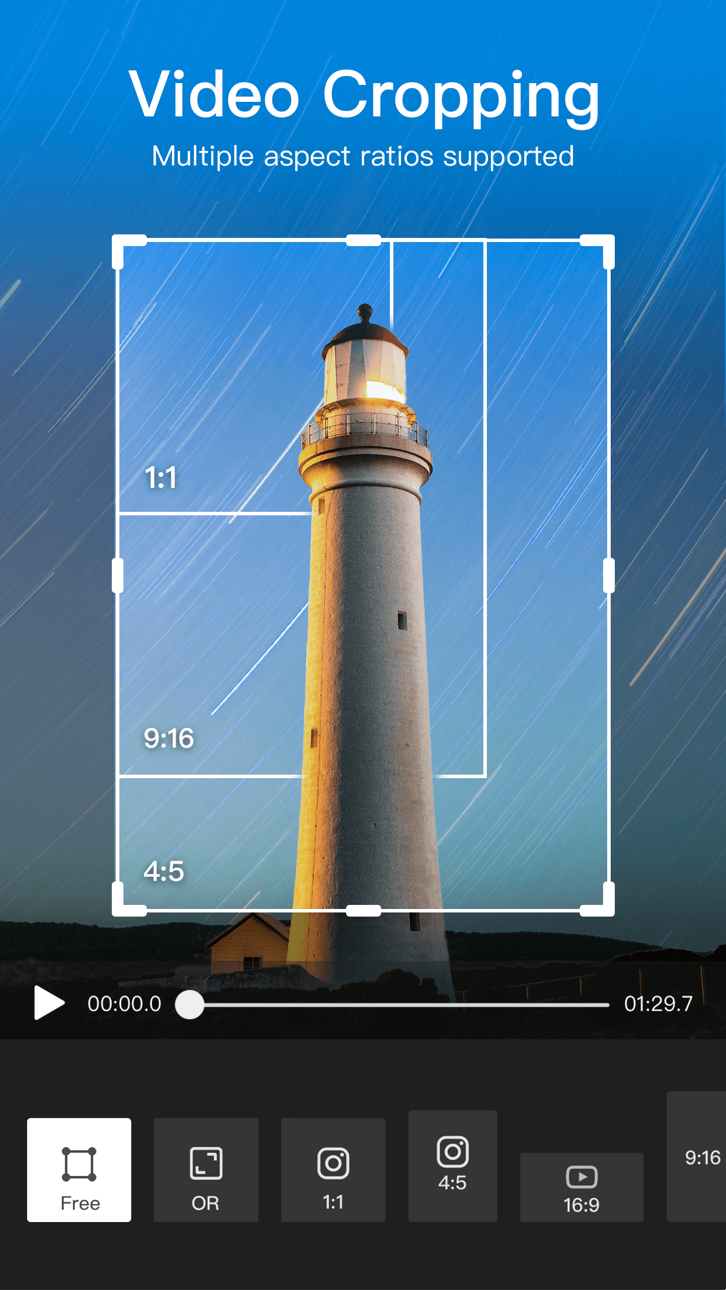
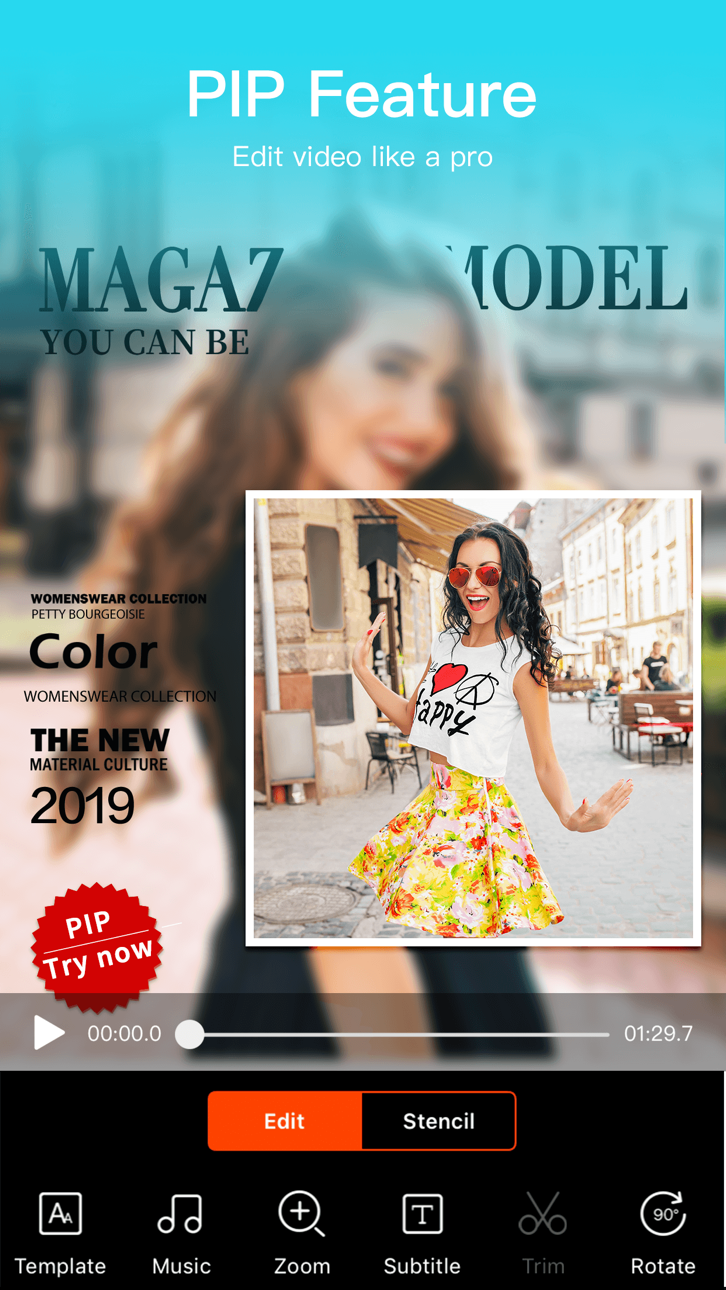
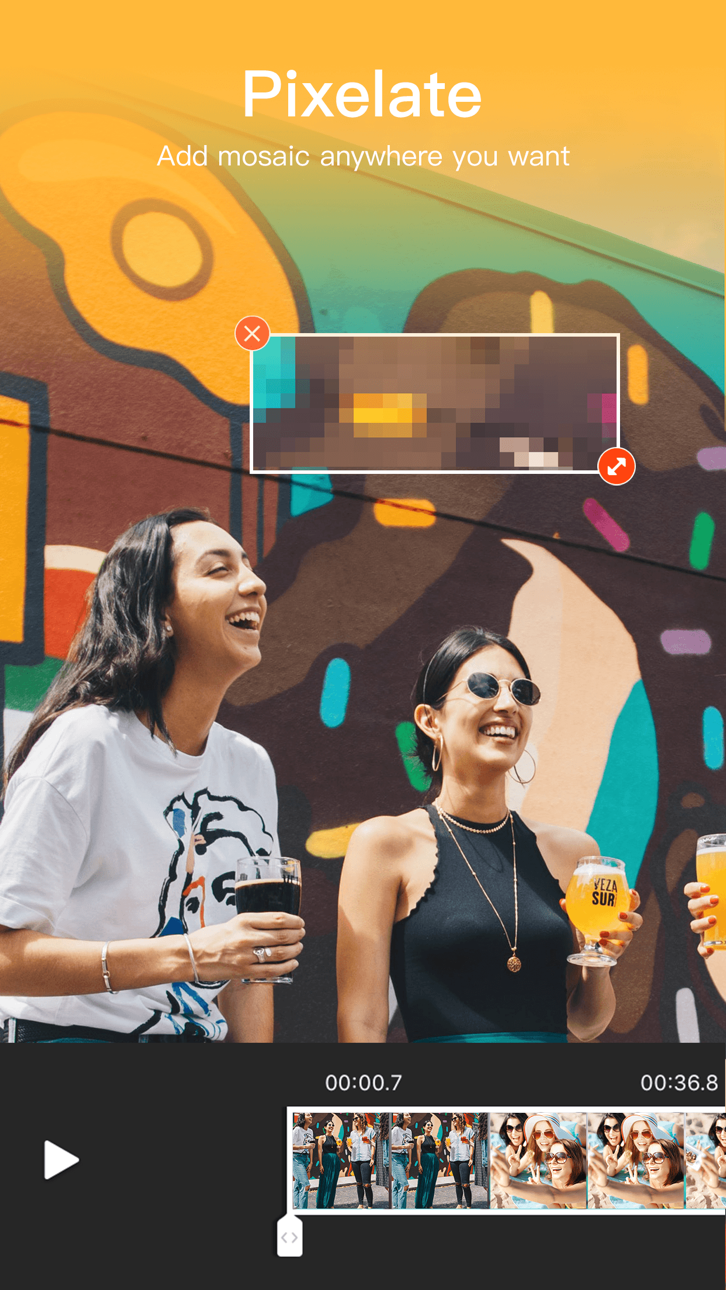
Smart Video Editing: Merge, crop, split, reverse, copy, or rotate clips easily. Adjust video speed, zoom in/out, or blur backgrounds to focus attention.
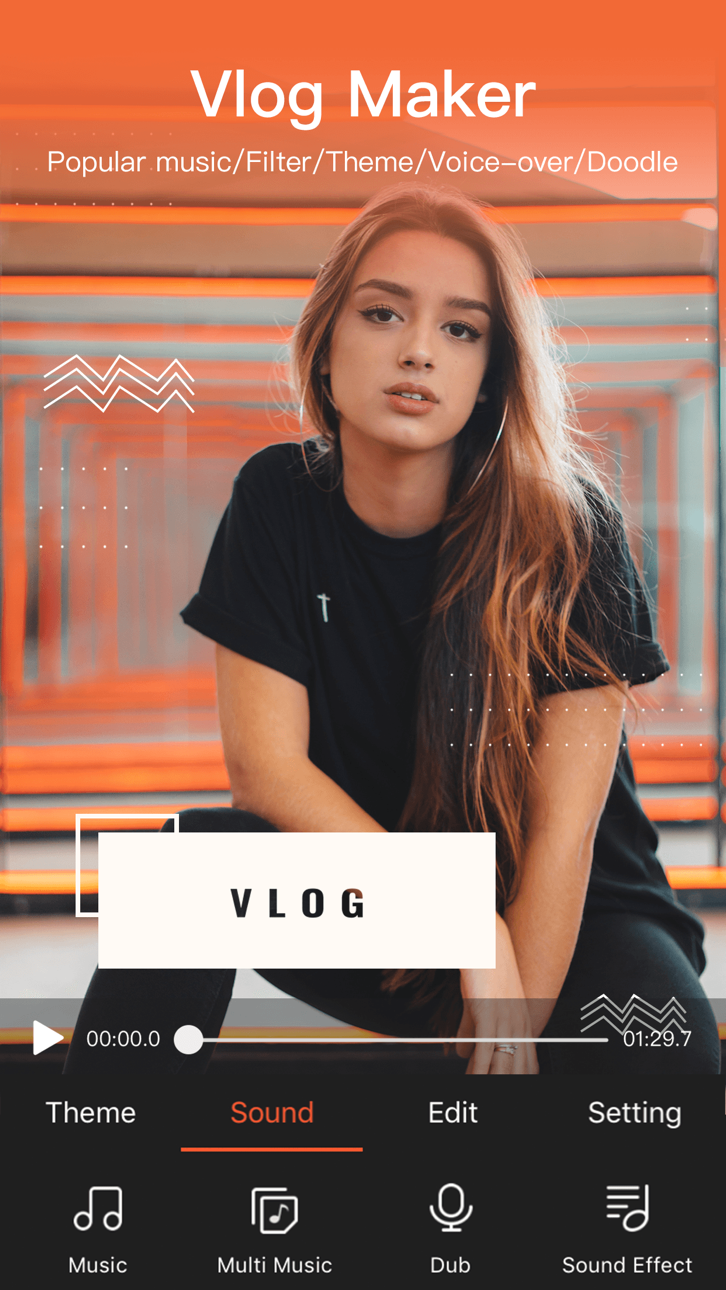
Creative Elements: Enjoy 30+ filters, fun stickers, dynamic transitions, GIFs, and stylish text options. Access the best content center with themes, effects, stickers, emojis, and sound FX.
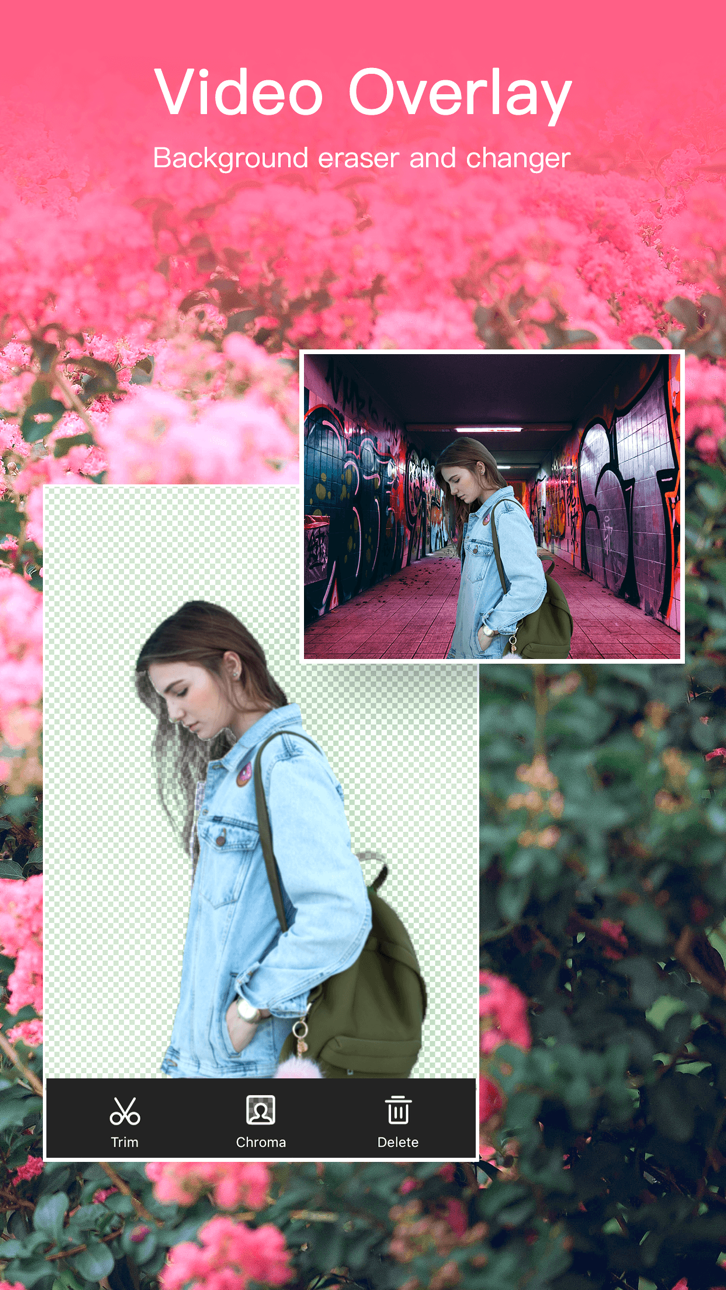
AI Cutout Tools: Instantly remove video or image backgrounds with AI-powered Video Cutout & Image Cutout, simplify editing and create professional-quality results.
Compress & Optimize: Reduce video size in seconds without losing quality. Export in 720P/1080P/4K HD—fast, clear, and smooth.
AI Music Generator: Transform text into unique music tracks with AI. Generate original melodies from your words for vlogs, short films, or storytelling.
AI Photo Enhancer: Bring photos to life with AI-powered upscaling and detail enhancement.
AI Colorizer: Turn old black & white photos into colorful, vibrant images using intelligent color restoration.
AI Object Removal: Perfect your videos or photos by removing unwanted objects instantly with precision AI.
AI Voice Changer: Change your voice to cute, mature, robotic, or funny tones—add personality and fun to your videos.
Music & Sound: Choose from hundreds of background tracks or import your own music to match your vibe.
VideoShow makes editing and AI generation easy, fun, and powerful—all in one app. Whether you want to edit, enhance, or create videos from text or photos, VideoShow turns imagination into stunning reality!
[VideoShow VIP Membership Service]
Unlock all premium features. Payment is charged to your iTunes account and renews automatically unless canceled 24 hours before the current period ends. Manage or cancel anytime in iTunes settings.
スクリーンショット © 各権利者 · App Store


iOSGods は Apple Inc.、Google LLC、および掲載アプリの開発者と提携しておらず、承認や協賛も受けていません。Apple、iOS、App Store は Apple Inc. の商標です。Android および Google Play は Google LLC の商標です。その他のアプリ名、アイコン、画像、商標はすべて各権利者に帰属します。

- 脱獄/Jailed済みまたは脱獄済みのiPhoneまたはiPad。
- Sideloadlyまたは代替手段。
- iTunesがインストールされているWindows/macOS/Linuxを実行しているコンピュータ。
ステップ1: 上のリンクから事前にハックされた.IPAファイルをコンピュータにダウンロードします。iOSGodsアプリからダウンロードする方法は、ビデオ例付きのiOSGodsアプリIPAダウンロードチュートリアルをご覧ください。
ステップ2: SideloadlyをダウンロードしてWindowsまたはMacにインストールします。
ステップ3: コンピュータでSideloadlyを開き、iOSデバイスを接続して、デバイス名がSideloadlyに表示されるまで待ちます。
ステップ4: iDeviceが認識されたら、ダウンロードしたModされた.IPAファイルをSideloadlyアプリにドラッグ&ドロップします。
ステップ5: Apple Accountのメールアドレスを入力し、「Start」を押します。次にパスワードの入力を求められます。必要な情報を入力してください。
ステップ6: Sideloadlyがハックされたipaのサイドロード/インストールを完了するのを待ちます。インストール中に問題が発生した場合は、以下の注意事項をお読みください。
ステップ7: インストールが完了し、ホーム画面にアプリが表示されたら、設定 → 一般 → プロファイル / VPNとデバイス管理に移動する必要があります。そこで、ステップ6で入力したメールをタップし、「Trust [email protected]」をタップします。
ステップ8: ホーム画面に戻り、新しくインストールされたアプリを開けば、すべて正常に動作するはずです。ゲーム内のハックのポップアップで、アプリごとの追加指示に従う必要がある場合があります。
注意: iOS/iPadOS 16以降では、デベロッパモードを有効にするが必要です。無料のApple Developerアカウントの場合、このプロセスを7日ごとに繰り返す必要があります。質問や問題がある場合は、トピックのSideloadly FAQセクションをお読みください。
Game Name iOS Mod IPA is an action adventure game enhanced with powerful gameplay boosts and quality-of-life improvements. Win battles faster, earn rewards quicker, and enjoy uninterrupted play without ads.
- Unlimited Gold - spend freely to unlock premium content
- Damage Multiplier - deal significantly more damage in combat
- Defense Multiplier - take less damage and survive longer
- Reward Multiplier - earn more loot from every battle
- Max Level - instantly reach the highest player rank
- No Ads - play without interruptions or advertisements
This app also comes with iGameGod, giving you access to Auto Touch to automate repetitive tasks, App Speed Manager for adjustable gameplay speed, Memory Engine value editing, and more powerful iOS game tools.
Game Name Mod IPAを上のリンクからダウンロードします。インストールボタンをタップし、画面の指示に従ってiPhone、iPad、Apple SiliconにこのiOSアプリハックをインストールします。
さらにヘルプが必要ですか 詳しい回答とトラブルシューティングはiOSGodsアプリ よくある質問をご覧ください。
----------------------------------------------------------
--------------------------------------------------