ログインが必要
iOSGodsアカウントでサインインして続けてください。
iOSGodsアカウントでサインインして続けてください。
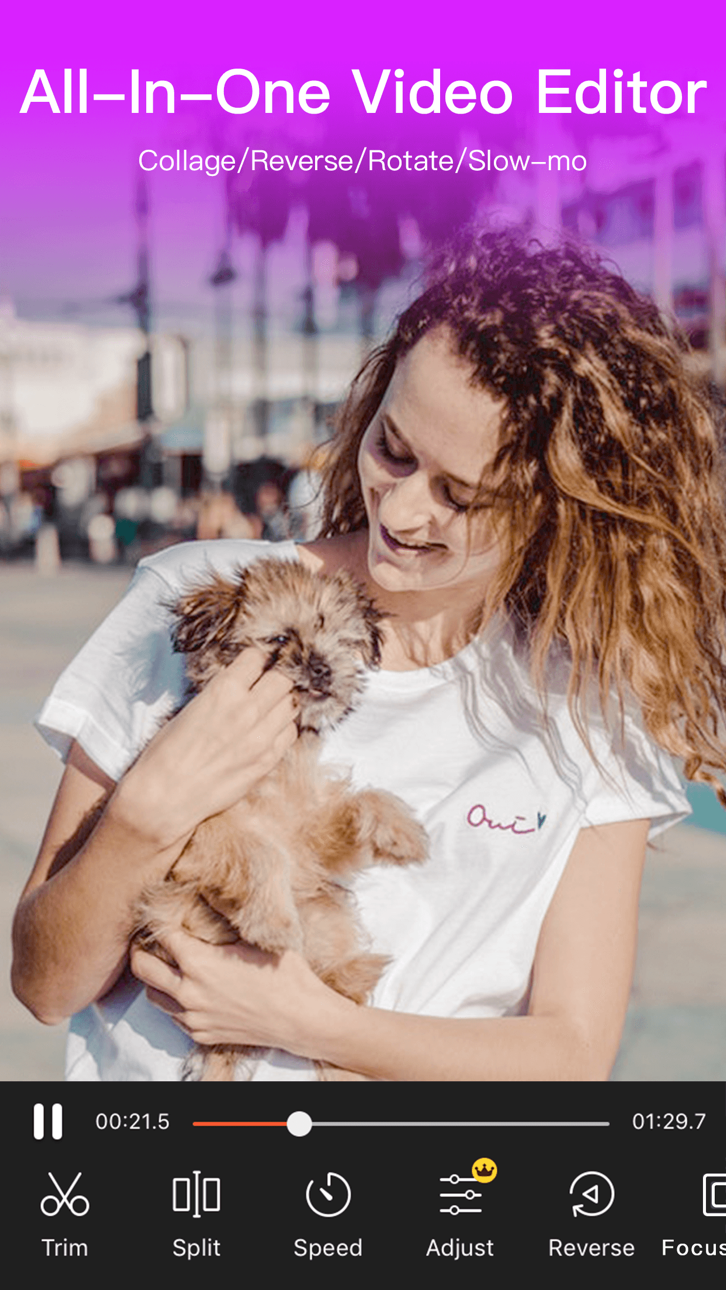
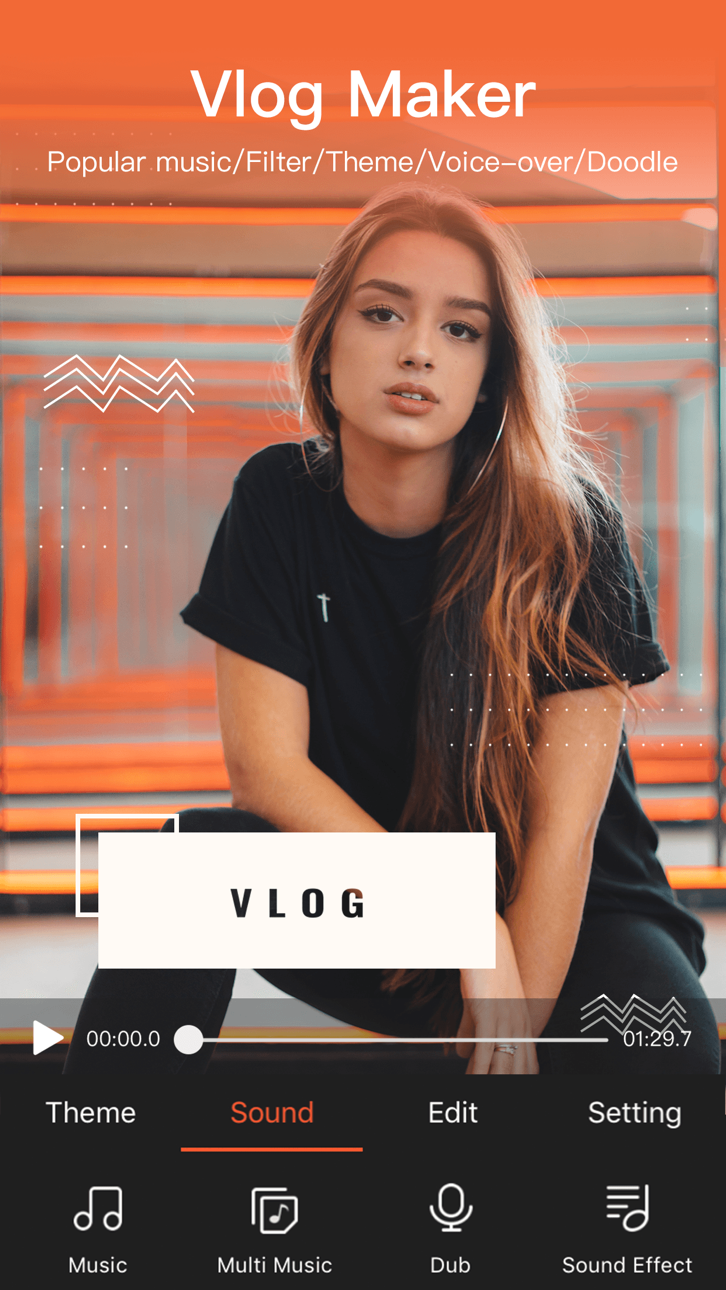
VideoShow Video Editor & Maker Modded Mod IPAで、プレミアム機能をアンロックして、制限なくすべてのプロフェッショナル編集ツールにアクセスできます。VideoShowは世界で最も人気のあるビデオエディターで、5億人のユーザーに信頼されており、カット、マージ、トリミング、リバース、ビデオ変換を高度なエフェクト、オーバーレイ、フィルターで実現します。このHackはペイウォールを削除し、外出先でプロのように編集できます。
- プレミアムアンロック → すべてのプロ編集ツールとエフェクトが利用可能
このアプリにはiGameGodも搭載されており、繰り返し作業を自動化するAuto Touch、ゲーム速度を調整できるApp Speed Manager、Memory Engineによる値の編集など、強力なiOSゲーム用ツールをご利用いただけます。
VideoShow Video Editor & Maker Modded modded IPAを上のリンクからダウンロードします。インストールボタンをタップし、画面の指示に従ってiPhone、iPad、Apple SiliconにこのiOSアプリハックをインストールします。
さらにヘルプが必要ですか? 詳しい回答とトラブルシューティングはiOSGodsアプリ よくある質問をご覧ください。
VideoShow – KI-Videoeditor & KI-Videogenerator – hilft Ihnen, mühelos atemberaubende Videos zu erstellen. Verwandeln Sie Ihre Lieblingsmomente mit Fotos, Musik, Stickern, Filtern und KI-Effekten in wunderschöne Videos – für unvergessliche Erinnerungen.
Hauptfunktionen:
AI-Videogenerator: Verwandle Fotos oder Text in beeindruckende KI-gestützte Videos. Erstelle sofort Videos aus Fotos, Bildern oder Text. Erzeuge mühelos stilvolle Story-Clips oder virale Effekte.
KI Smooth Movie: Lade 3–10 Fotos hoch und lass die KI daraus ein nahtloses, filmreifes Video erstellen. Sanfte Kamerafahrten, kein Schnittaufwand, mit einem Klick teilen.
KI Text-zu-Video-Bearbeitung: Gestalte jedes kurze Video mit KI neu – mithilfe eines Text-Prompts oder Referenzbildes. Füge Objekte hinzu oder entferne sie, verändere Hintergründe, Wetter, Beleuchtung oder Stil und nutze KI-Greenscreen-Freistellung und Relighting, um ein neu interpretiertes Video mit natürlicher Bewegung und müheloser Bearbeitung zu erstellen.
KI-Videobearbeitung: Wähle deine Inhalte aus und lass KI automatisch Effekte, Filter, Übergänge und Untertitel hinzufügen – für filmische Videos mit Bildern, Voiceovers und Captions mit nur einem Fingertipp.
KI Text zu Bild: Verwandle deine Worte in beeindruckende KI-generierte Bilder. Beschreibe deine Idee und verwandle deine Kreation mit nur einem Fingertipp in ein Foto.
KI-Bildbearbeitung: Gestalte jedes Foto mit KI und einfachen Text-Prompts neu. Ersetze Inhalte, transformiere Stile, überarbeite bestimmte Bereiche oder lade ein Referenzbild hoch, um Look und Feeling deiner Bearbeitung zu steuern.
Trendige KI-Effekte: Entdecke virale Vorlagen wie AI Anime, AI Dance und mehr! Erstelle einzigartige, auffällige KI-Videos, die auf TikTok, Instagram und Facebook herausstechen.
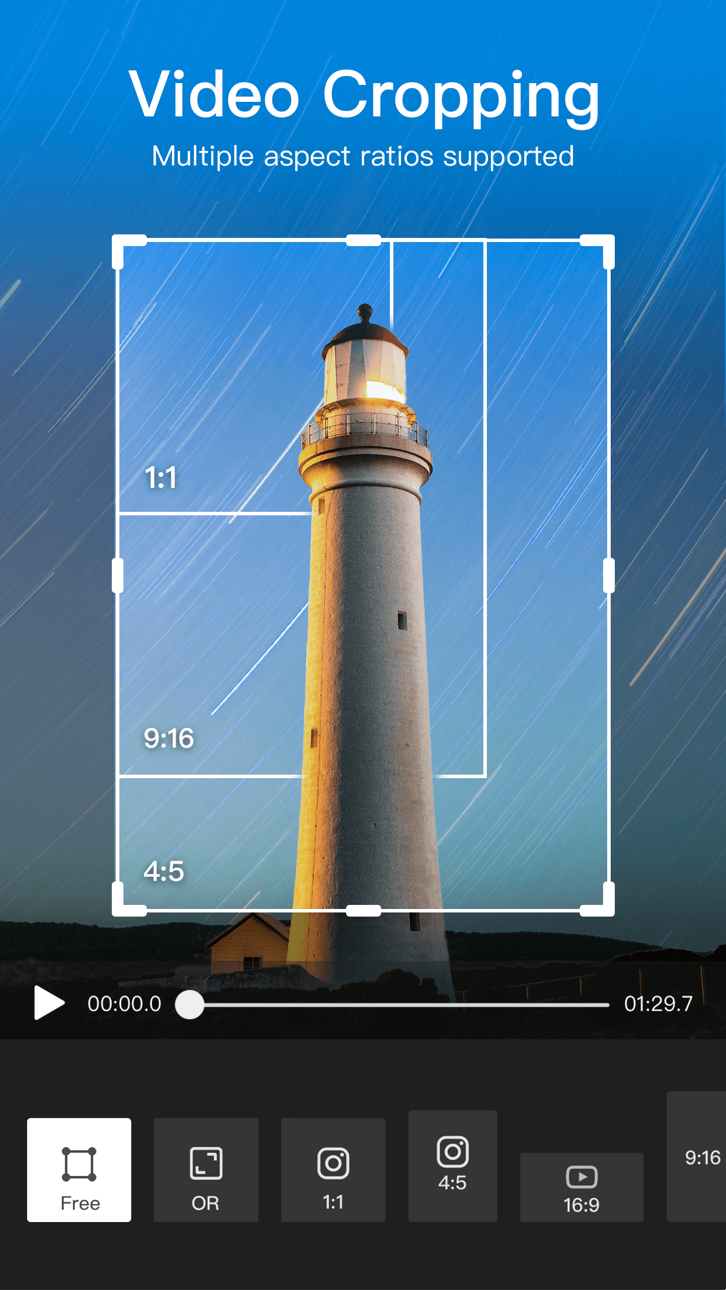
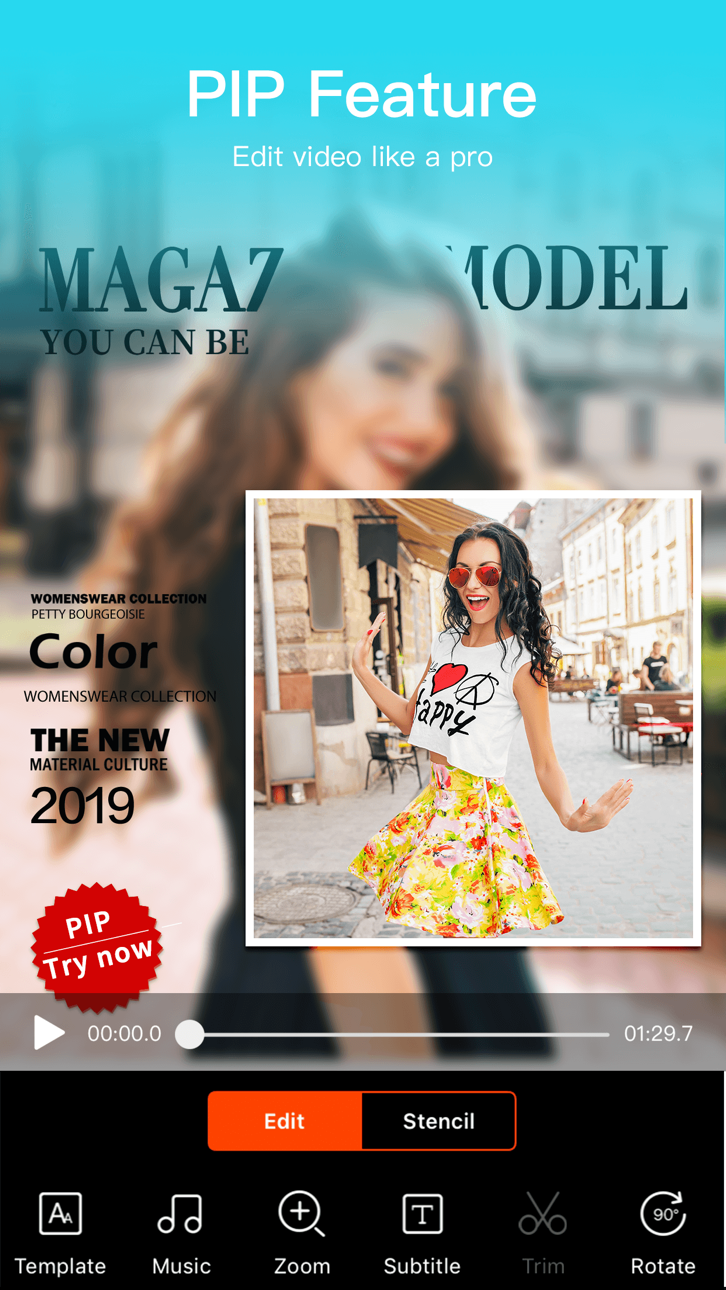
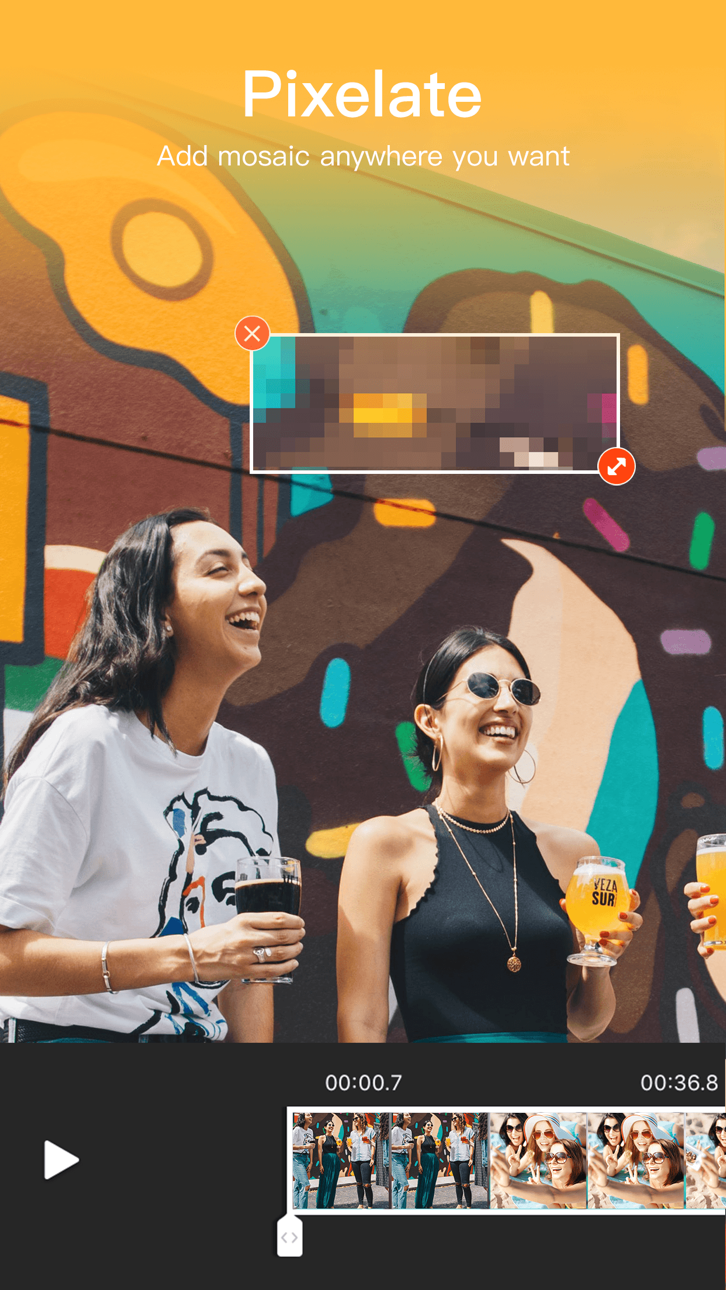
Intelligente Videobearbeitung: Clips einfach zusammenfügen, zuschneiden, teilen, umkehren, kopieren oder drehen. Passen Sie die Videogeschwindigkeit an, zoomen Sie hinein/heraus oder verwischen Sie Hintergründe, um die Aufmerksamkeit zu lenken.
Kreative Elemente: Über 30 Filter, lustige Sticker, dynamische Übergänge, GIFs und stilvolle Textoptionen stehen Ihnen zur Verfügung. Greifen Sie auf das beste Content Center mit Themen, Effekten, Stickern, Emojis und Soundeffekten zu.
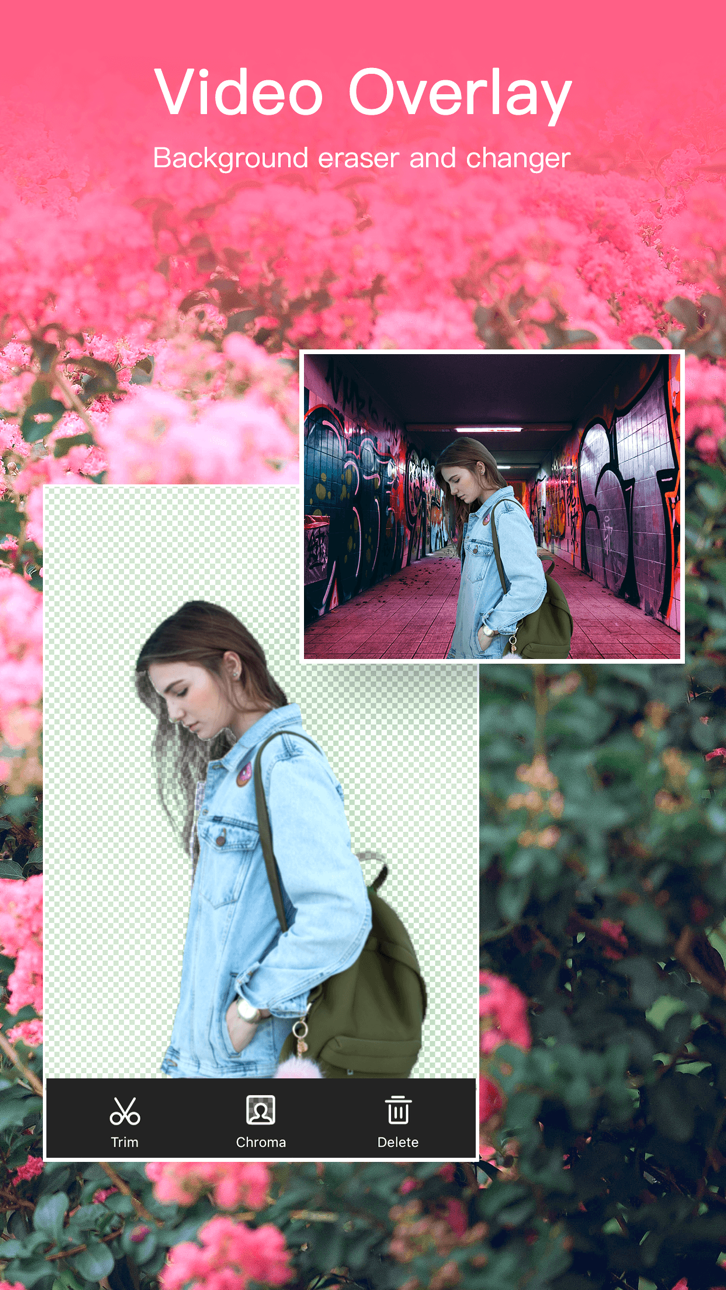
KI-Ausschneidetools: Entfernen Sie Video- oder Bildhintergründe sofort mit KI-gestütztem Video- und Bildausschnitt, vereinfachen Sie die Bearbeitung und erzielen Sie professionelle Ergebnisse.
Komprimieren & Optimieren: Reduzieren Sie die Videogröße in Sekundenschnelle ohne Qualitätsverlust. Exportieren Sie in 720P/1080P/4K HD – schnell, klar und flüssig.
KI-Musikgenerator: Verwandeln Sie Text mithilfe von KI in einzigartige Musiktitel. Generieren Sie aus Ihren Texten originelle Melodien für Vlogs, Kurzfilme oder Storytelling.
KI-Fotooptimierung: Erwecken Sie Fotos mit KI-gestützter Hochskalierung und Detailverbesserung zum Leben.
KI-Kolorierer: Verwandeln Sie alte Schwarzweißfotos dank intelligenter Farbwiederherstellung in farbenfrohe, lebendige Bilder.
KI-Objektentfernung: Optimieren Sie Ihre Videos oder Fotos, indem Sie unerwünschte Objekte mithilfe präziser KI sofort entfernen.
KI-Stimmverzerrer: Verändern Sie Ihre Stimme in einen süßen, erwachsenen, roboterhaften oder lustigen Ton – verleihen Sie Ihren Videos Persönlichkeit und Spaß.
Musik & Sound: Wählen Sie aus Hunderten von Hintergrundmusiken oder importieren Sie Ihre eigene, die zu Ihrer Stimmung passt.
[VideoShow VIP-Mitgliedschaft]
Schalten Sie alle Premium-Funktionen frei. Die Zahlung wird Ihrem iTunes-Konto belastet und verlängert sich automatisch, sofern Sie nicht 24 Stunden vor Ablauf des aktuellen Zeitraums kündigen. Sie können die Mitgliedschaft jederzeit in den iTunes-Einstellungen verwalten oder kündigen.
Datenschutzrichtlinie: https://d10nkoc3mu17gd.cloudfront.net/privacy/VideoShow_Privacy_Policy_ios_en.html
Nutzungsbedingungen: https://d10nkoc3mu17gd.cloudfront.net/privacy/videoshow_user_agreement_ios_en.html
スクリーンショット © 各権利者 · App Store


iOSGods は Apple Inc.、Google LLC、および掲載アプリの開発者と提携しておらず、承認や協賛も受けていません。Apple、iOS、App Store は Apple Inc. の商標です。Android および Google Play は Google LLC の商標です。その他のアプリ名、アイコン、画像、商標はすべて各権利者に帰属します。

- 脱獄/Jailed済みまたは脱獄済みのiPhoneまたはiPad。
- Sideloadlyまたは代替手段。
- iTunesがインストールされているWindows/macOS/Linuxを実行しているコンピュータ。
ステップ1: 上のリンクから事前にハックされた.IPAファイルをコンピュータにダウンロードします。iOSGodsアプリからダウンロードする方法は、ビデオ例付きのiOSGodsアプリIPAダウンロードチュートリアルをご覧ください。
ステップ2: SideloadlyをダウンロードしてWindowsまたはMacにインストールします。
ステップ3: コンピュータでSideloadlyを開き、iOSデバイスを接続して、デバイス名がSideloadlyに表示されるまで待ちます。
ステップ4: iDeviceが認識されたら、ダウンロードしたModされた.IPAファイルをSideloadlyアプリにドラッグ&ドロップします。
ステップ5: Apple Accountのメールアドレスを入力し、「Start」を押します。次にパスワードの入力を求められます。必要な情報を入力してください。
ステップ6: Sideloadlyがハックされたipaのサイドロード/インストールを完了するのを待ちます。インストール中に問題が発生した場合は、以下の注意事項をお読みください。
ステップ7: インストールが完了し、ホーム画面にアプリが表示されたら、設定 → 一般 → プロファイル / VPNとデバイス管理に移動する必要があります。そこで、ステップ6で入力したメールをタップし、「Trust [email protected]」をタップします。
ステップ8: ホーム画面に戻り、新しくインストールされたアプリを開けば、すべて正常に動作するはずです。ゲーム内のハックのポップアップで、アプリごとの追加指示に従う必要がある場合があります。
注意: iOS/iPadOS 16以降では、デベロッパモードを有効にするが必要です。無料のApple Developerアカウントの場合、このプロセスを7日ごとに繰り返す必要があります。質問や問題がある場合は、トピックのSideloadly FAQセクションをお読みください。
Game Name iOS Mod IPA is an action adventure game enhanced with powerful gameplay boosts and quality-of-life improvements. Win battles faster, earn rewards quicker, and enjoy uninterrupted play without ads.
- Unlimited Gold - spend freely to unlock premium content
- Damage Multiplier - deal significantly more damage in combat
- Defense Multiplier - take less damage and survive longer
- Reward Multiplier - earn more loot from every battle
- Max Level - instantly reach the highest player rank
- No Ads - play without interruptions or advertisements
This app also comes with iGameGod, giving you access to Auto Touch to automate repetitive tasks, App Speed Manager for adjustable gameplay speed, Memory Engine value editing, and more powerful iOS game tools.
Game Name Mod IPAを上のリンクからダウンロードします。インストールボタンをタップし、画面の指示に従ってiPhone、iPad、Apple SiliconにこのiOSアプリハックをインストールします。
さらにヘルプが必要ですか 詳しい回答とトラブルシューティングはiOSGodsアプリ よくある質問をご覧ください。
----------------------------------------------------------
--------------------------------------------------