ログインが必要
iOSGodsアカウントでサインインして続けてください。
iOSGodsアカウントでサインインして続けてください。
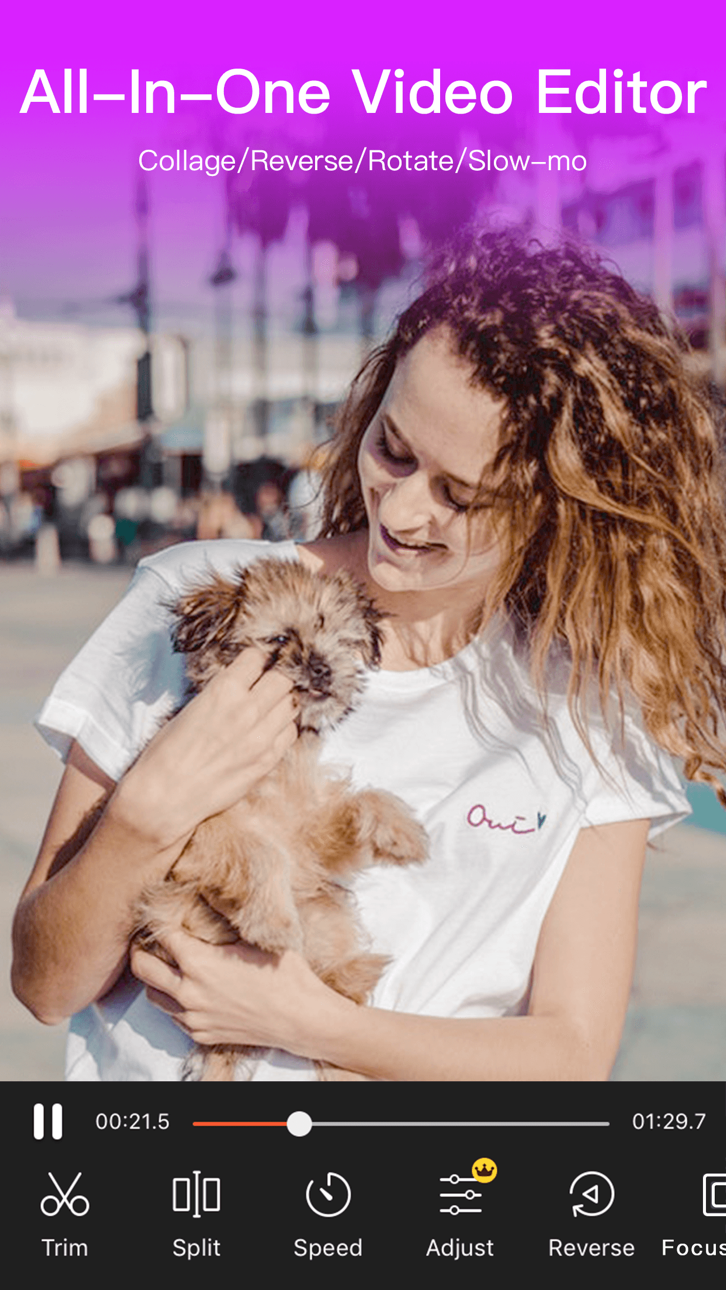
VideoShow Video Editor & Maker Modded Mod IPAで、プレミアム機能をアンロックして、制限なくすべてのプロフェッショナル編集ツールにアクセスできます。VideoShowは世界で最も人気のあるビデオエディターで、5億人のユーザーに信頼されており、カット、マージ、トリミング、リバース、ビデオ変換を高度なエフェクト、オーバーレイ、フィルターで実現します。このHackはペイウォールを削除し、外出先でプロのように編集できます。
- プレミアムアンロック → すべてのプロ編集ツールとエフェクトが利用可能
このアプリにはiGameGodも搭載されており、繰り返し作業を自動化するAuto Touch、ゲーム速度を調整できるApp Speed Manager、Memory Engineによる値の編集など、強力なiOSゲーム用ツールをご利用いただけます。
VideoShow Video Editor & Maker Modded modded IPAを上のリンクからダウンロードします。インストールボタンをタップし、画面の指示に従ってiPhone、iPad、Apple SiliconにこのiOSアプリハックをインストールします。
さらにヘルプが必要ですか? 詳しい回答とトラブルシューティングはiOSGodsアプリ よくある質問をご覧ください。
VideoShow - Editor Video e Generatore Video con IA ti aiuta a creare video straordinari senza sforzo. Trasforma i tuoi momenti preferiti in splendidi video con foto, musica, adesivi, filtri ed effetti IA, rendendo ogni ricordo indimenticabile.
Funzionalità principali:
Generatore video AI: Trasforma foto o testo in incredibili video basati sull’AI. Genera istantaneamente video da foto, immagine o testo. Crea facilmente clip story eleganti o effetti virali.
Film fluido con IA: Carica 3-10 foto e lascia che l’IA le trasformi in un video cinematografico senza interruzioni. Movimenti di camera fluidi, zero montaggio, condivisione con un clic.
Editing AI da testo a video: Reimmagina qualsiasi breve video con l’AI usando un prompt testuale o un’immagine di riferimento. Aggiungi o rimuovi oggetti, trasforma sfondi, meteo, illuminazione o stile, e usa il ritaglio green screen e il relighting AI per creare un video reinventato con movimento naturale e modifica senza sforzo.
Editing video AI: Scegli il tuo contenuto e lascia che l’AI aggiunga automaticamente effetti, filtri, transizioni e sottotitoli—creando video cinematografici con elementi visivi, voiceover e didascalie con un solo tocco.
AI da testo a immagine: Trasforma le tue parole in splendide immagini generate dall’AI. Descrivi la tua idea e converti la tua creazione in una foto con un solo tocco.
Editing immagini AI: Reimmagina qualsiasi foto con l’AI usando semplici prompt testuali. Sostituisci contenuti, trasforma stili, riscrivi aree specifiche o carica un’immagine di riferimento per guidare l’aspetto e l’atmosfera della tua modifica.
Effetti AI di tendenza: Esplora modelli virali come AI Anime, AI Dance e molto altro! Crea video AI unici e accattivanti che si distinguono su TikTok, Instagram e Facebook.
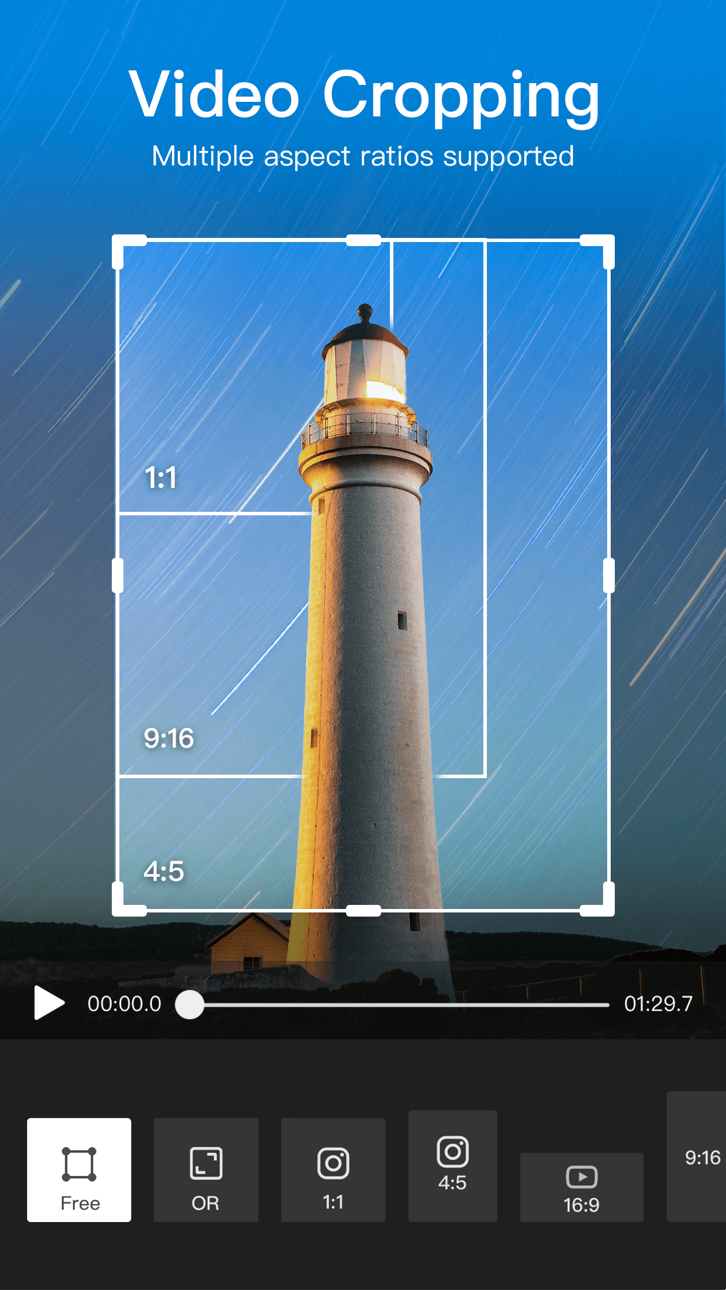
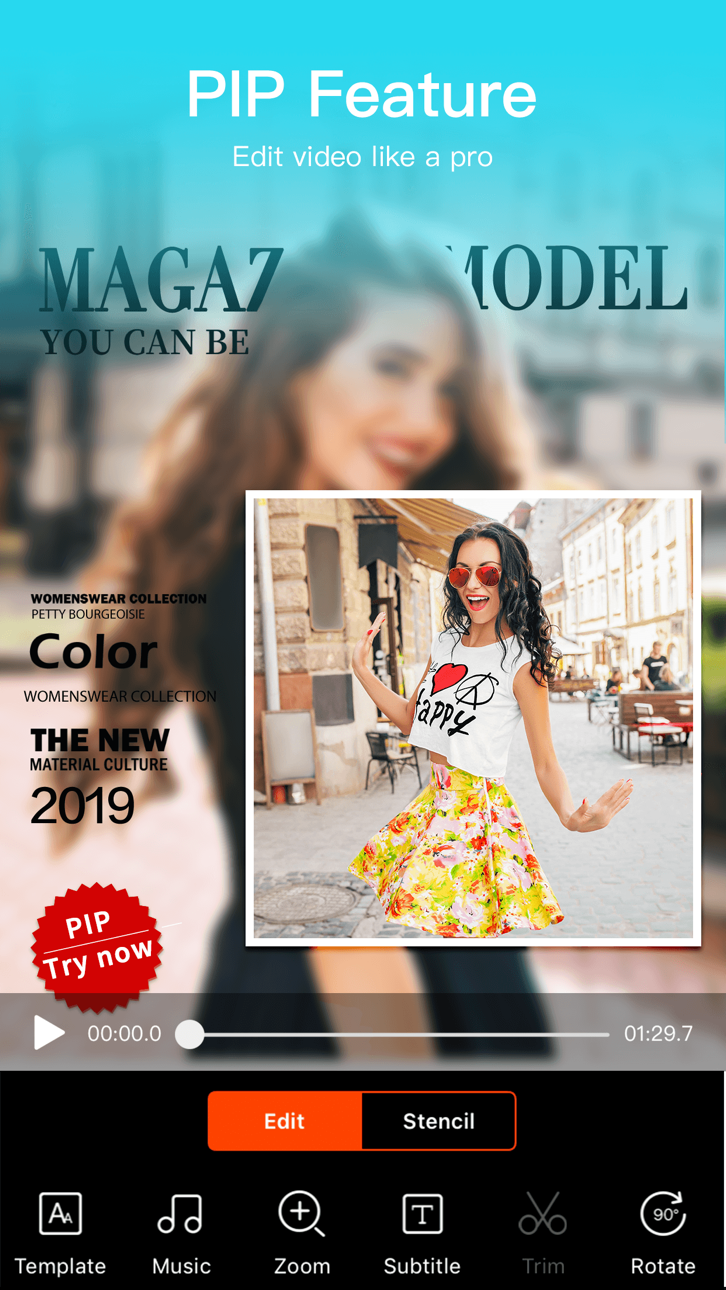
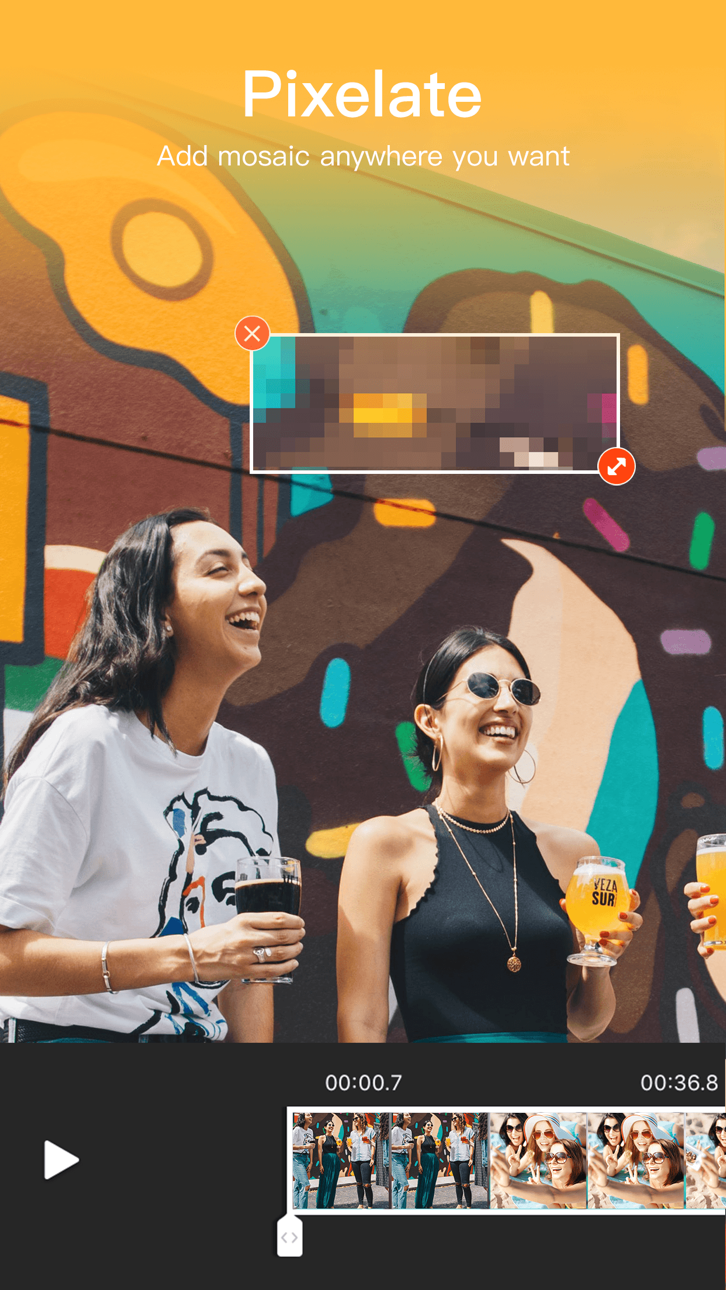
Modifica Video Intelligente: unisci, ritaglia, dividi, inverti, copia o ruota le clip facilmente. Regola la velocità del video, ingrandisci/riduci o sfoca gli sfondi per focalizzare l'attenzione.
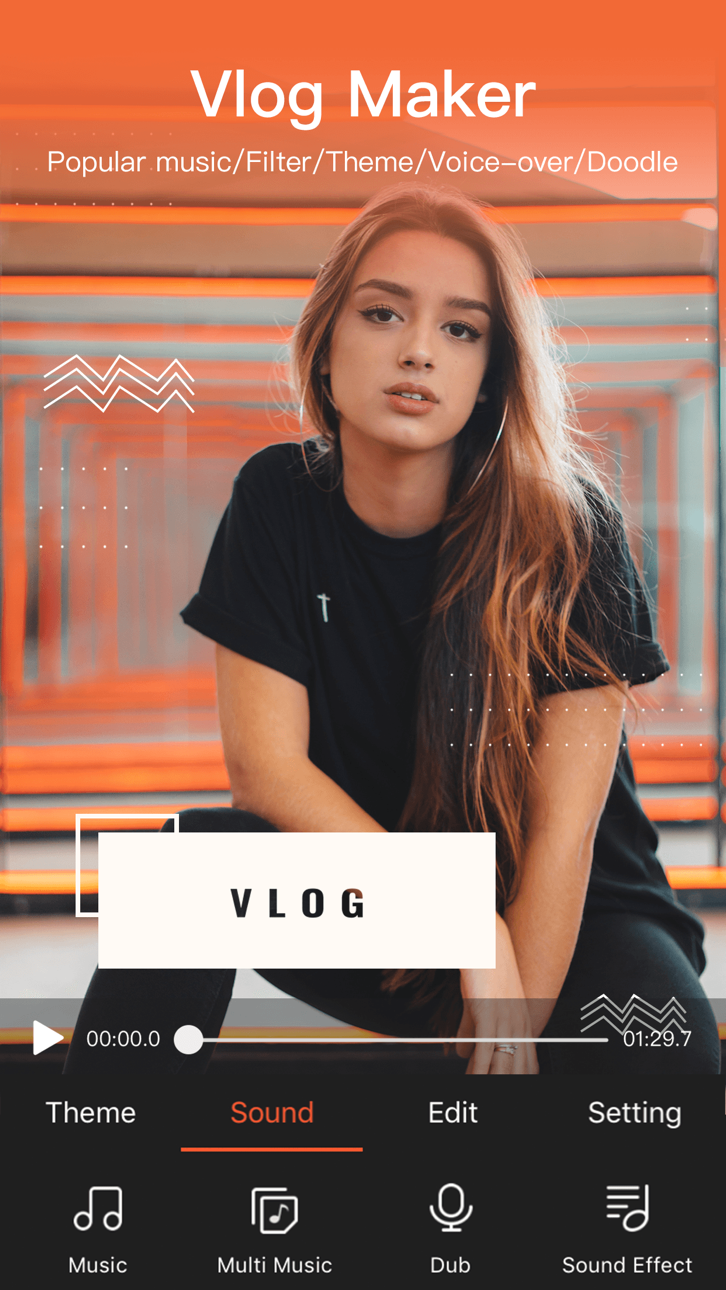
Elementi creativi: goditi oltre 30 filtri, adesivi divertenti, transizioni dinamiche, GIF e opzioni di testo eleganti. Accedi al miglior centro contenuti con temi, effetti, adesivi, emoji ed effetti sonori.
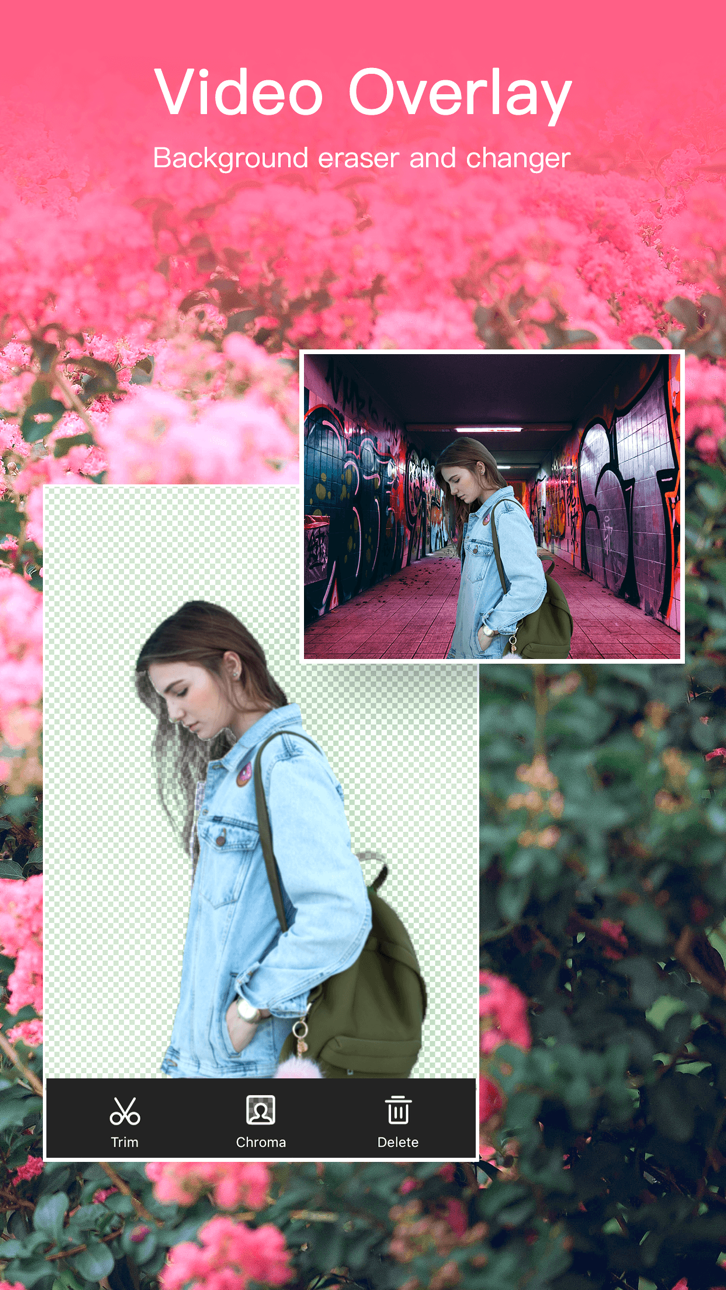
Strumenti di ritaglio AI: rimuovi istantaneamente sfondi di video o immagini con il ritaglio video e il ritaglio immagine basati sull'intelligenza artificiale, semplifica l'editing e crea risultati di qualità professionale.
Generatore musicale AI: trasforma il testo in tracce musicali uniche con l'intelligenza artificiale. Genera melodie originali dalle tue parole per vlog, cortometraggi o storytelling.
Miglioratore foto AI: dai vita alle foto con l'upscaling e il miglioramento dei dettagli basati sull'intelligenza artificiale.
Colorizzatore AI: trasforma vecchie foto in bianco e nero in immagini colorate e vivaci utilizzando il ripristino intelligente del colore.
Rimozione oggetti AI: perfeziona i tuoi video o foto rimuovendo istantaneamente oggetti indesiderati con l'intelligenza artificiale di precisione.
Cambia voce con intelligenza artificiale: cambia la tua voce in toni carini, maturi, robotici o divertenti, aggiungendo personalità e divertimento ai tuoi video.
Musica e audio: scegli tra centinaia di tracce di sottofondo o importa la tua musica preferita per adattarla al tuo stile.
VideoShow rende l'editing e la generazione di contenuti tramite intelligenza artificiale facili, divertenti e potenti, tutto in un'unica app!
[Servizio di abbonamento VIP VideoShow]
Sblocca tutte le funzionalità premium. Il pagamento viene addebitato sul tuo account iTunes e si rinnova automaticamente, a meno che non venga annullato 24 ore prima della scadenza del periodo di abbonamento. Gestisci o annulla in qualsiasi momento nelle impostazioni di iTunes.
Informativa sulla privacy: https://d10nkoc3mu17gd.cloudfront.net/privacy/VideoShow_Privacy_Policy_ios_en.html
Termini di utilizzo: https://d10nkoc3mu17gd.cloudfront.net/privacy/videoshow_user_agreement_ios_en.html
スクリーンショット © 各権利者 · App Store


iOSGods は Apple Inc.、Google LLC、および掲載アプリの開発者と提携しておらず、承認や協賛も受けていません。Apple、iOS、App Store は Apple Inc. の商標です。Android および Google Play は Google LLC の商標です。その他のアプリ名、アイコン、画像、商標はすべて各権利者に帰属します。

- 脱獄/Jailed済みまたは脱獄済みのiPhoneまたはiPad。
- Sideloadlyまたは代替手段。
- iTunesがインストールされているWindows/macOS/Linuxを実行しているコンピュータ。
ステップ1: 上のリンクから事前にハックされた.IPAファイルをコンピュータにダウンロードします。iOSGodsアプリからダウンロードする方法は、ビデオ例付きのiOSGodsアプリIPAダウンロードチュートリアルをご覧ください。
ステップ2: SideloadlyをダウンロードしてWindowsまたはMacにインストールします。
ステップ3: コンピュータでSideloadlyを開き、iOSデバイスを接続して、デバイス名がSideloadlyに表示されるまで待ちます。
ステップ4: iDeviceが認識されたら、ダウンロードしたModされた.IPAファイルをSideloadlyアプリにドラッグ&ドロップします。
ステップ5: Apple Accountのメールアドレスを入力し、「Start」を押します。次にパスワードの入力を求められます。必要な情報を入力してください。
ステップ6: Sideloadlyがハックされたipaのサイドロード/インストールを完了するのを待ちます。インストール中に問題が発生した場合は、以下の注意事項をお読みください。
ステップ7: インストールが完了し、ホーム画面にアプリが表示されたら、設定 → 一般 → プロファイル / VPNとデバイス管理に移動する必要があります。そこで、ステップ6で入力したメールをタップし、「Trust [email protected]」をタップします。
ステップ8: ホーム画面に戻り、新しくインストールされたアプリを開けば、すべて正常に動作するはずです。ゲーム内のハックのポップアップで、アプリごとの追加指示に従う必要がある場合があります。
注意: iOS/iPadOS 16以降では、デベロッパモードを有効にするが必要です。無料のApple Developerアカウントの場合、このプロセスを7日ごとに繰り返す必要があります。質問や問題がある場合は、トピックのSideloadly FAQセクションをお読みください。
Game Name iOS Mod IPA is an action adventure game enhanced with powerful gameplay boosts and quality-of-life improvements. Win battles faster, earn rewards quicker, and enjoy uninterrupted play without ads.
- Unlimited Gold - spend freely to unlock premium content
- Damage Multiplier - deal significantly more damage in combat
- Defense Multiplier - take less damage and survive longer
- Reward Multiplier - earn more loot from every battle
- Max Level - instantly reach the highest player rank
- No Ads - play without interruptions or advertisements
This app also comes with iGameGod, giving you access to Auto Touch to automate repetitive tasks, App Speed Manager for adjustable gameplay speed, Memory Engine value editing, and more powerful iOS game tools.
Game Name Mod IPAを上のリンクからダウンロードします。インストールボタンをタップし、画面の指示に従ってiPhone、iPad、Apple SiliconにこのiOSアプリハックをインストールします。
さらにヘルプが必要ですか 詳しい回答とトラブルシューティングはiOSGodsアプリ よくある質問をご覧ください。
----------------------------------------------------------
--------------------------------------------------