로그인 필요
계속하려면 iOSGods 계정으로 로그인하세요.
계속하려면 iOSGods 계정으로 로그인하세요.
Cambridge English Dictionary는 전 세계 영어 학습자를 위한 신뢰할 수 있는 참고 앱으로 140,000개의 단어, 구문 및 예제를 제공합니다. 이 Mod IPA는 프리미엄 액세스를 해제하여 전체 사전 콘텐츠, 동의어가 포함된 유의어 섹션, 그리고 제한 없이 영국 영어와 미국 영어 발음을 제공합니다.
- 프리미엄 잠금 해제 → 페이월 없이 전체 사전 액세스
이 앱에는 iGameGod도 포함되어 있어 반복 작업을 자동화하는 Auto Touch, 게임 속도를 조절할 수 있는 App Speed Manager, Memory Engine 값 편집 등 강력한 iOS 게임 도구를 사용할 수 있습니다.
위의 링크에서 Cambridge English Dictionary Modded modded IPA을 다운로드합니다. 설치 버튼을 누르고 화면 안내에 따라 iPhone, iPad 또는 Apple Silicon에 이 iOS 앱 해킹을 설치합니다.
더 많은 도움이 필요하신가요? 자세한 답변과 문제 해결 팁은 iOSGods 앱 자주 묻는 질문을 확인하세요.
FREE PREVIEW
Full wordlist and sample entries are available to preview the dictionary content and to try the app functionality.
_____________
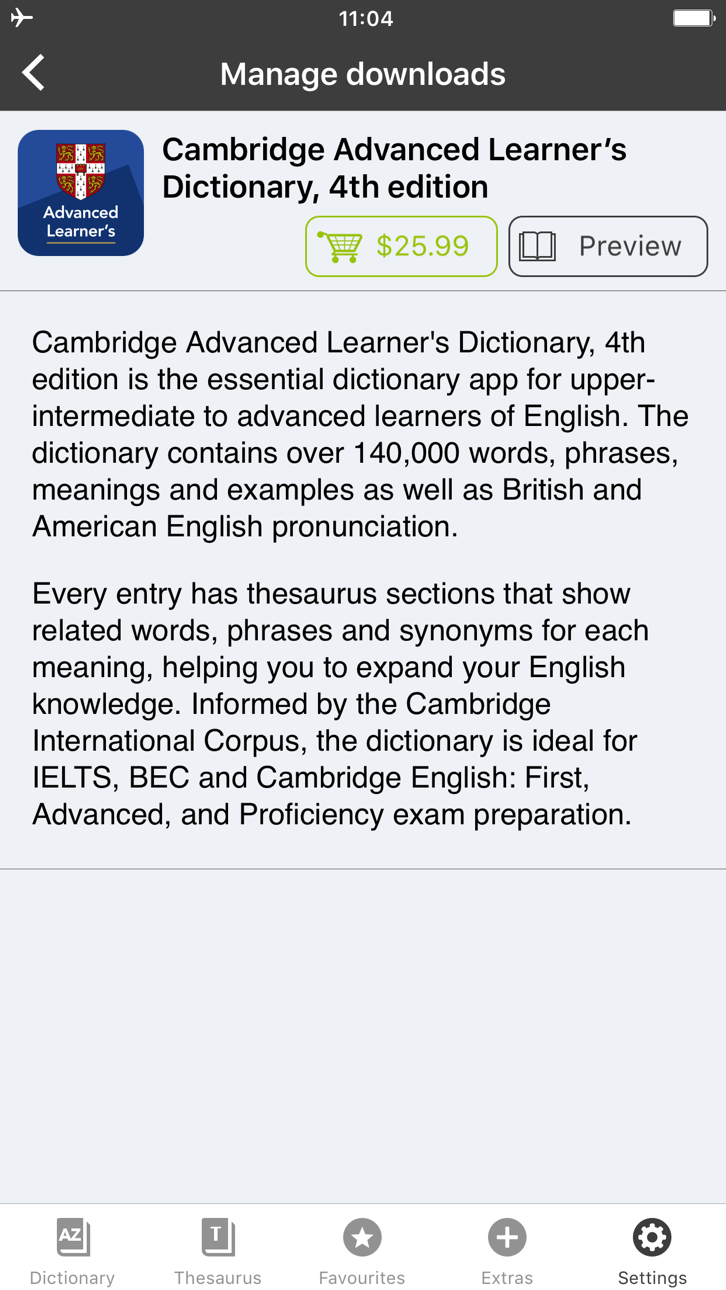
With 140,000 words, phrases and examples, meanings, British and American English word pronunciations, Cambridge Advanced Learner's Dictionary, fourth edition is trusted by millions of English learners worldwide.
Every dictionary entry has thesaurus sections that show related words, phrases and synonyms for each meaning, helping you to expand your English knowledge. Informed by the Cambridge International Corpus, the dictionary is ideal for IELTS, BEC and Cambridge English: First, Advanced, and Proficiency exam preparation.
User Reviews
***** Great for those who learn English.
***** My favorite dictionary ever!
***** Smart thesaurus is awesome!!
_____________
Learning Features:
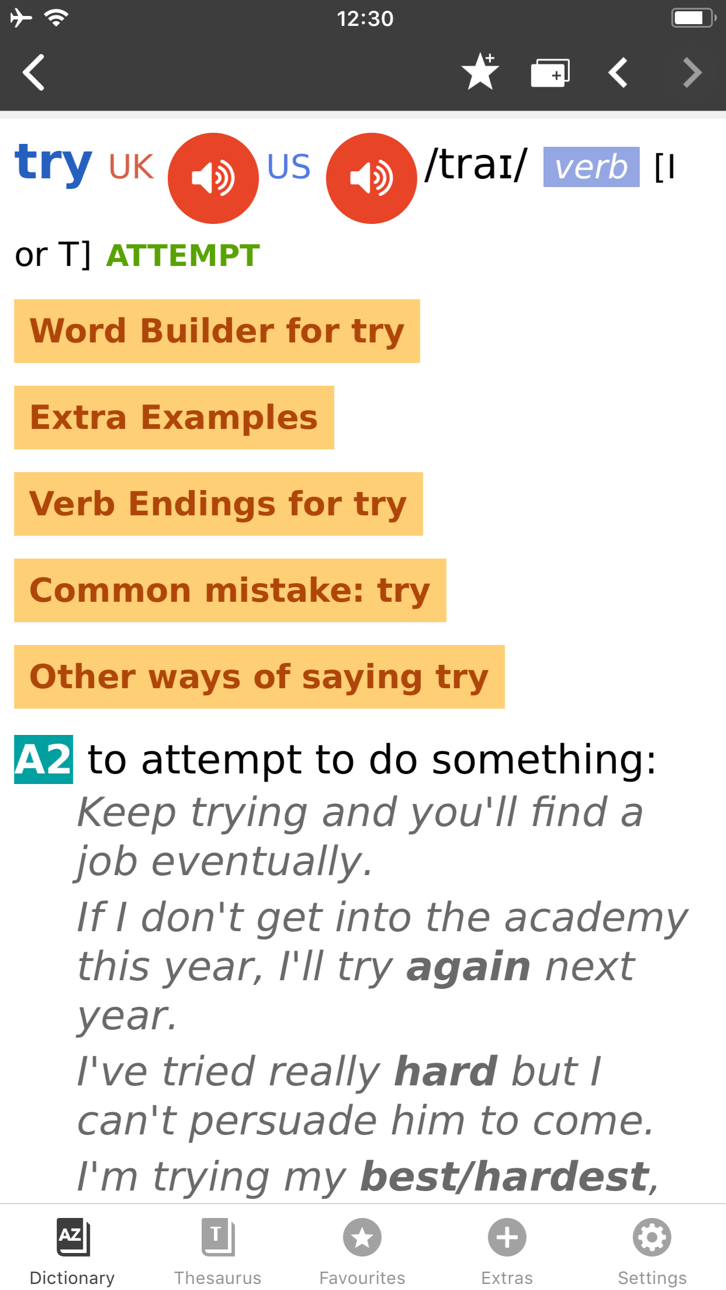
• British and American English audio pronunciations, recorded by native speakers
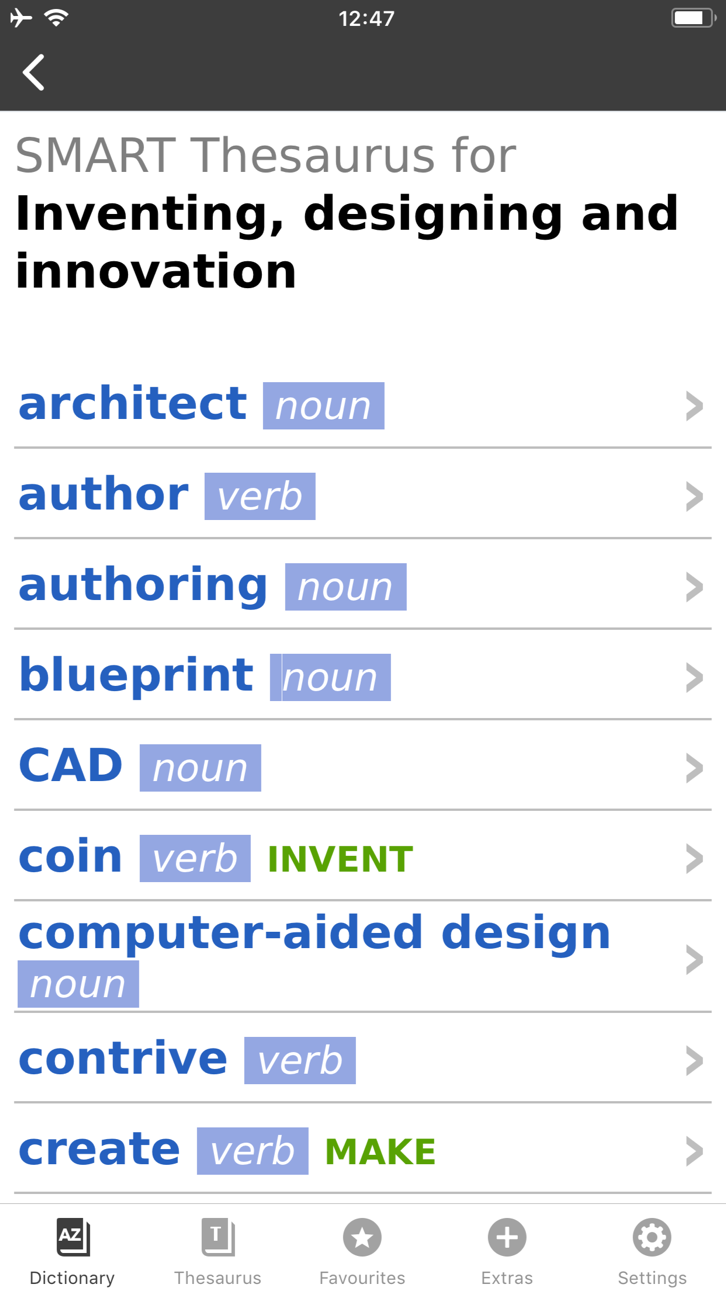
• SMART Thesaurus feature gives you related words and phrases at every definition, , not just synonyms
• Flash Card Quiz to help you memorize new words
• Favourites - to help you quickly access frequently searched words
• Search History to revise your recent searches
• Table of English Irregular Verbs provides a useful reference resource
Search Features:
• CALD will understand and find a word from any grammatical form
• iOS Share. Select any text on Safari sites, emails and share with CALD to get words’ definitions
• Multiple clipboard look-up. Copy any text from other apps and view the words’ definitions one by one when you open the CALD
• Full Text Search. Look up words throughout the whole dictionary content, including headwords and usage examples
• Similar Words Search in case of misspelling
• Wildcard Search. Use “?” and “*” symbols to replace letters if you’re unsure of the correct spelling.
• Anagram Search (e.g. tab-bat)
• Hyperlinks between entries: tap on the word in the article to see its definition
Interface Features:
• No Internet connection required
• Modify animated menus and choose background colours
• Enlarge or reduce font size for your comfort
• PenReader multilingual handwriting recognition support
About Cambridge
Founded in the mid-16th century, Cambridge University Press is a world-leading publisher of English learning materials. Playing a leading role in today's global educational market, Cambridge University Press publishes titles written by authors in over 100 different countries.
스크린샷 © 각 소유자 · App Store



iOSGods는 Apple Inc., Google LLC 및 여기에 등록된 앱의 개발사와 제휴 관계가 없으며, 승인이나 후원을 받지 않았습니다. Apple, iOS, App Store는 Apple Inc.의 상표입니다. Android와 Google Play는 Google LLC의 상표입니다. 그 외 모든 앱 이름, 아이콘, 이미지 및 상표는 각 소유자의 재산입니다.

- 탈옥/제일 또는 탈옥된 iPhone 또는 iPad가 필요합니다.
- Sideloadly 또는 대체 도구가 필요합니다.
- iTunes가 설치된 Windows/macOS/Linux 컴퓨터가 필요합니다.
1단계: 위 링크에서 미리 해킹된 .IPA 파일을 컴퓨터에 다운로드합니다. iOSGods App에서 다운로드하려면 동영상 예시가 포함된 iOSGods App IPA 다운로드 튜토리얼를 참고하십시오.
2단계: Sideloadly를 다운로드하여 Windows 또는 Mac에 설치합니다.
3단계: 컴퓨터에서 Sideloadly를 실행하고 iOS 기기를 연결한 후, Sideloadly에 기기 이름이 표시될 때까지 기다립니다.
4단계: iDevice가 인식되면, 다운로드한 모드된 .IPA 파일을 Sideloadly 애플리케이션에 끌어다 놓습니다.
5단계: Apple Account 이메일을 입력한 후 “Start”를 누릅니다. 그러면 비밀번호를 입력하라는 메시지가 표시됩니다. 요청된 정보를 제공해 주십시오.
6단계: Sideloadly가 해킹된 IPA의 사이드로드/설치를 완료할 때까지 기다리십시오. 설치 중 문제가 발생하면 아래 참고 사항을 읽어 주십시오.
7단계: 설치가 완료되어 홈 화면에서 앱이 보이면 설정 → 일반 → 프로파일 / VPN 및 기기 관리 경로로 이동해야 합니다. 그곳에서 6단계에서 입력한 이메일을 탭한 다음 “[email protected] 신뢰”를 탭하십시오.
8단계: 이제 홈 화면으로 돌아가 새로 설치된 앱을 열면 모든 것이 정상적으로 작동할 것입니다. 게임 내 해킹 팝업에서 앱별 추가 안내를 따라야 할 수도 있습니다.
참고: iOS/iPadOS 16 이상에서는 개발자 모드를 활성화해야 합니다. 무료 Apple Developer 계정의 경우 이 과정을 7일마다 반복해야 합니다. 질문이나 문제가 있는 경우 해당 토픽의 Sideloadly FAQ 섹션를 읽어보십시오.
Hack Features:
- Inf Coins (Spend)
App Installation Instructions:
---------------------------------------------------------
----------------------------------------------------------
If you require more information or help, please read our Frequently Asked Questions topic on iOSGods.com.
----------------------------------------------------------
--------------------------------------------------