需要登录
请使用您的 iOSGods 账户登录以继续。
请使用您的 iOSGods 账户登录以继续。
Cambridge English Dictionary是一款值得信赖的参考应用,拥有140,000个单词、短语和例句,为全球英语学习者服务。这个Mod IPA破解版解锁了高级功能,让您可以无限制地访问完整词典内容、同义词库部分以及英式和美式英语发音。
- 高级功能已解锁 → 无需付费即可访问完整词典
此应用还内置 iGameGod,让你能够使用 Auto Touch 自动执行重复操作、通过 App Speed Manager 调节游戏速度、使用 Memory Engine 修改内存数值,以及更多强大的 iOS 游戏工具。
从上方链接下载 Cambridge English Dictionary Modded modded IPA。点击安装按钮并按照屏幕提示在 iPhone、iPad 或 Apple Silicon 上安装此 iOS 应用修改版。
需要更多帮助?请查看我们的 iOSGods 应用常见问题解答 获取详细解答和故障排除技巧。
FREE PREVIEW
Full wordlist and sample entries are available to preview the dictionary content and to try the app functionality.
_____________
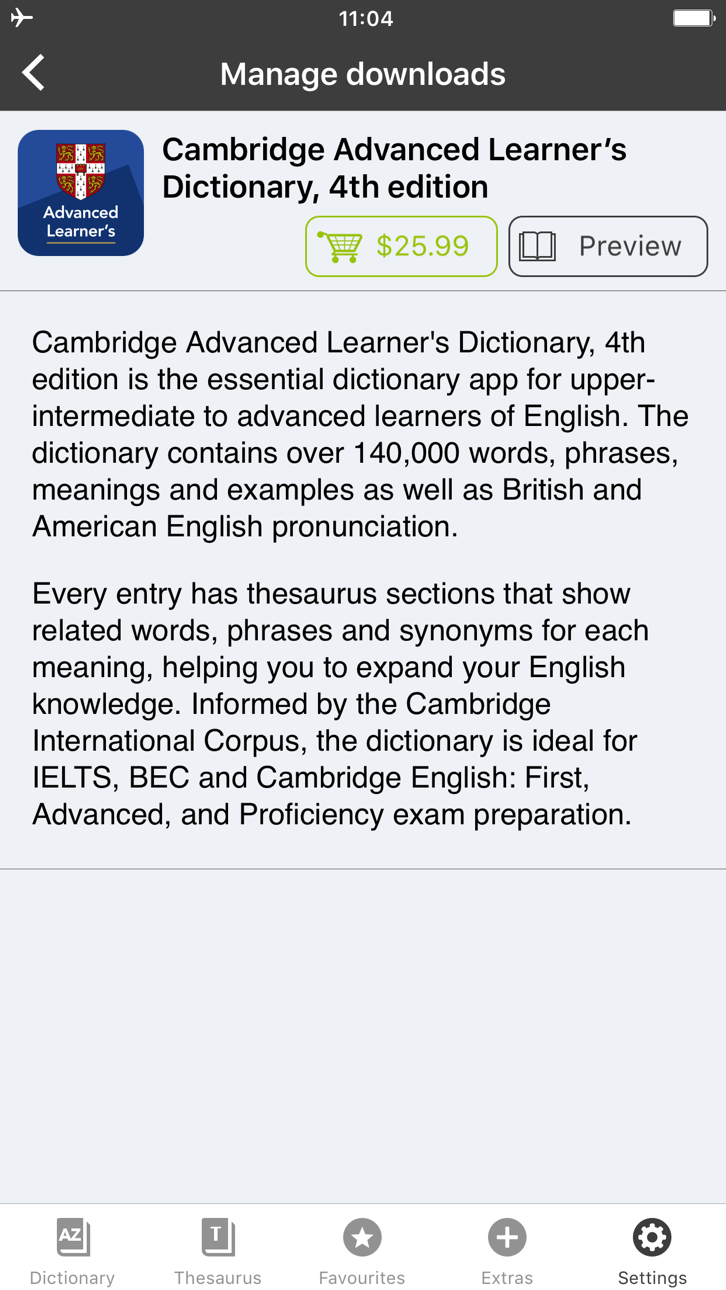
With 140,000 words, phrases and examples, meanings, British and American English word pronunciations, Cambridge Advanced Learner's Dictionary, fourth edition is trusted by millions of English learners worldwide.
Every dictionary entry has thesaurus sections that show related words, phrases and synonyms for each meaning, helping you to expand your English knowledge. Informed by the Cambridge International Corpus, the dictionary is ideal for IELTS, BEC and Cambridge English: First, Advanced, and Proficiency exam preparation.
User Reviews
***** Great for those who learn English.
***** My favorite dictionary ever!
***** Smart thesaurus is awesome!!
_____________
Learning Features:
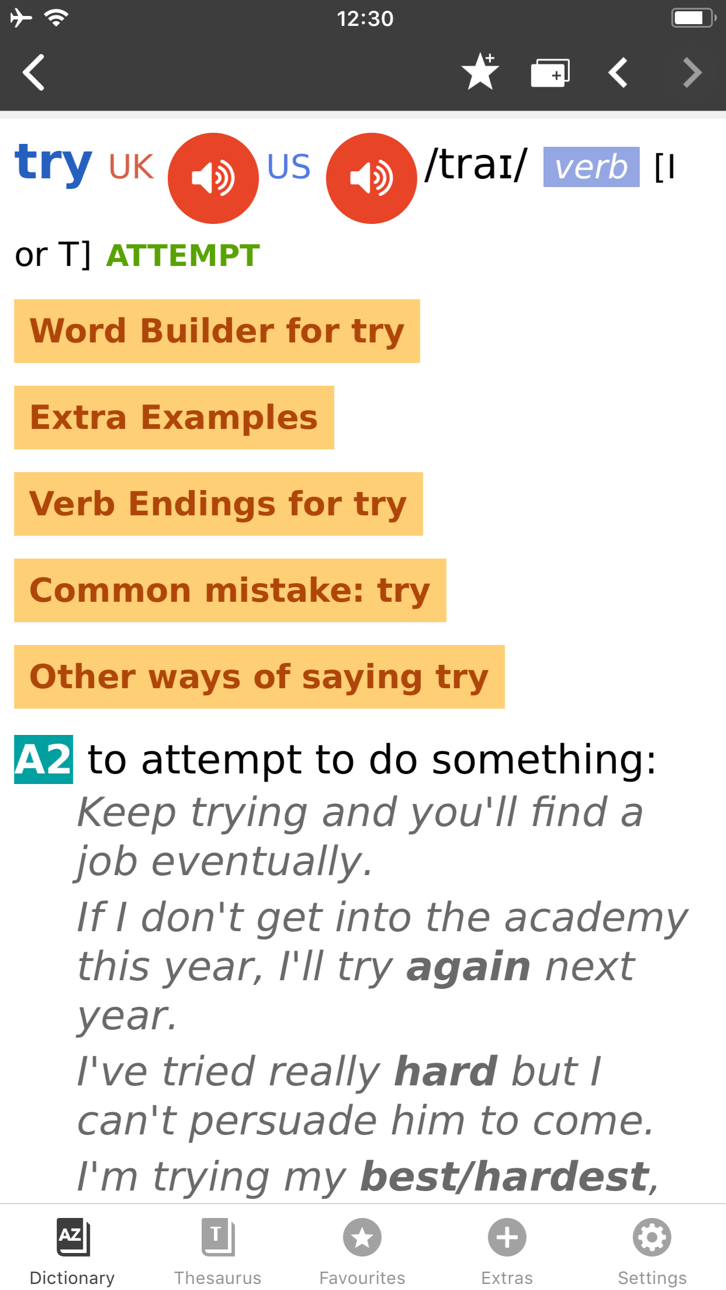
• British and American English audio pronunciations, recorded by native speakers
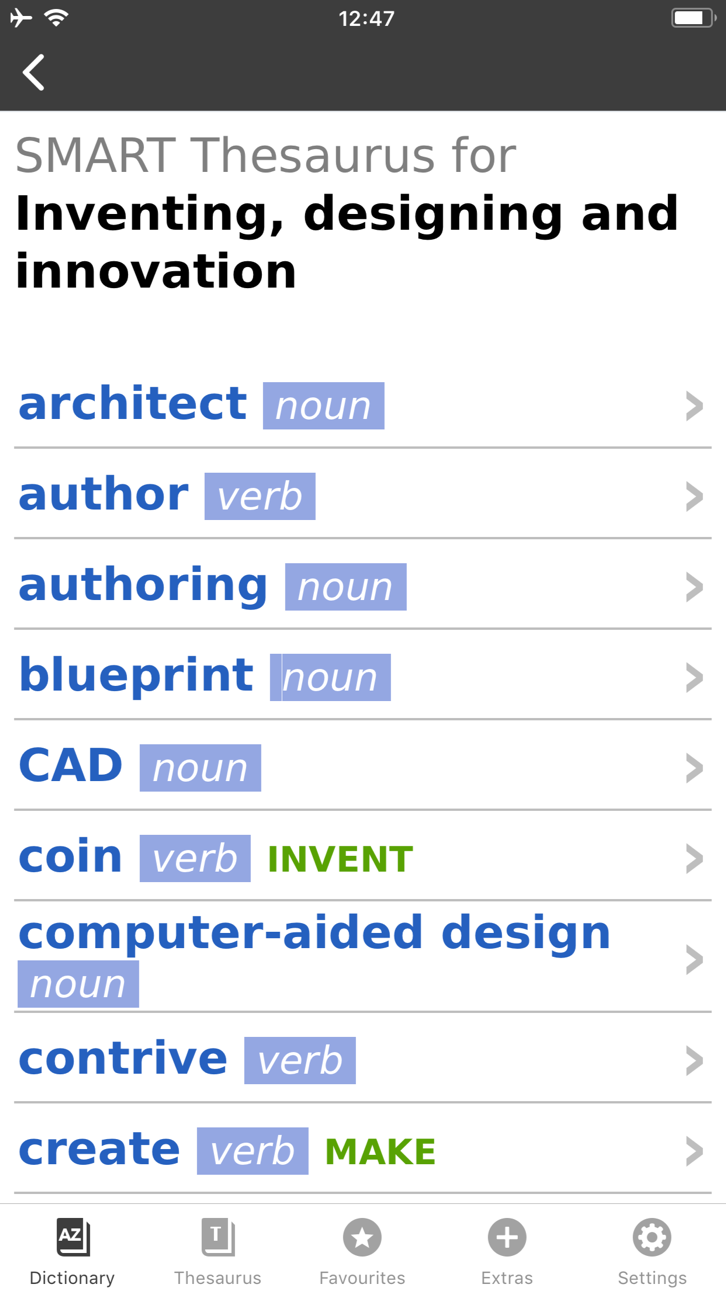
• SMART Thesaurus feature gives you related words and phrases at every definition, , not just synonyms
• Flash Card Quiz to help you memorize new words
• Favourites - to help you quickly access frequently searched words
• Search History to revise your recent searches
• Table of English Irregular Verbs provides a useful reference resource
Search Features:
• CALD will understand and find a word from any grammatical form
• iOS Share. Select any text on Safari sites, emails and share with CALD to get words’ definitions
• Multiple clipboard look-up. Copy any text from other apps and view the words’ definitions one by one when you open the CALD
• Full Text Search. Look up words throughout the whole dictionary content, including headwords and usage examples
• Similar Words Search in case of misspelling
• Wildcard Search. Use “?” and “*” symbols to replace letters if you’re unsure of the correct spelling.
• Anagram Search (e.g. tab-bat)
• Hyperlinks between entries: tap on the word in the article to see its definition
Interface Features:
• No Internet connection required
• Modify animated menus and choose background colours
• Enlarge or reduce font size for your comfort
• PenReader multilingual handwriting recognition support
About Cambridge
Founded in the mid-16th century, Cambridge University Press is a world-leading publisher of English learning materials. Playing a leading role in today's global educational market, Cambridge University Press publishes titles written by authors in over 100 different countries.
截图 © 各自所有者 · App Store



iOSGods 与 Apple Inc.、Google LLC 及此处列出应用的开发者没有任何关联,也未获得其认可或赞助。Apple、iOS 和 App Store 是 Apple Inc. 的商标。Android 和 Google Play 是 Google LLC 的商标。其他所有应用名称、图标、图片和商标均归各自所有者所有。

- 未越狱/受限或已越狱的 iPhone 或 iPad。
- Sideloadly 或替代方案。
- 运行 Windows/macOS/Linux 且已安装 iTunes 的电脑。
步骤 1: 通过上方链接将已破解的 .IPA 文件下载到您的电脑。如需从 iOSGods App 下载,请参阅我们的 iOSGods App IPA 下载教程,其中包含视频示例。
步骤 2: 下载 Sideloadly 并将其安装到您的 Windows 或 Mac 上。
步骤 3: 在电脑上打开 Sideloadly,连接您的 iOS 设备,等待设备名称在 Sideloadly 中显示。
步骤 4: 当 Sideloadly 识别到您的 iOS 设备后,将下载好的修改版 .IPA 文件拖放到 Sideloadly 应用中。
步骤 5: 输入您的 Apple Account 邮箱,然后点击 "Start"。系统会提示您输入密码,请按要求填写信息。
步骤 6: 等待 Sideloadly 完成已破解 IPA 的旁加载/安装。如果安装过程中出现问题,请阅读下方的注意事项。
步骤 7: 安装完成并在主屏幕上看到该应用后,您需要前往 设置 → 通用 → 描述文件 / VPN 与设备管理。进入后,点击您在第 6 步中输入的邮箱,然后点击 "信任 [email protected]"。
步骤 8: 现在返回主屏幕并打开新安装的应用,一切应可正常运行。您可能需要按照游戏内修改弹窗中的具体说明执行进一步操作。
注意: 在 iOS/iPadOS 16 及更高版本上,您必须 启用开发者模式。对于免费的 Apple Developer 账户,您需要每 7 天重复一次此操作。如有任何疑问或问题,请阅读我们的 主题中的 Sideloadly 常见问题部分。
Hack Features:
- Inf Coins (Spend)
App Installation Instructions:
---------------------------------------------------------
----------------------------------------------------------
If you require more information or help, please read our Frequently Asked Questions topic on iOSGods.com.
----------------------------------------------------------
--------------------------------------------------