Login Diperlukan
Masuk dengan akun iOSGods kamu untuk melanjutkan.
Masuk dengan akun iOSGods kamu untuk melanjutkan.
Cambridge English Dictionary adalah aplikasi referensi terpercaya dengan 140.000 kata, frasa, dan contoh untuk pelajar bahasa Inggris di seluruh dunia. Mod IPA yang dimodifikasi ini membuka akses premium, memberikan Anda konten kamus lengkap, bagian tesaurus dengan sinonim, dan pengucapan bahasa Inggris Britania dan Amerika tanpa batasan.
- Premium Dibuka → akses kamus lengkap tanpa paywall
Aplikasi ini juga dilengkapi dengan iGameGod, yang memberi Anda akses ke Auto Touch untuk mengotomatiskan tugas berulang, App Speed Manager untuk mengatur kecepatan permainan, pengeditan nilai Memory Engine, dan alat permainan iOS lainnya yang lebih canggih.
Unduh Cambridge English Dictionary Modded modded IPA dari tautan di atas. Ketuk tombol pasang dan ikuti petunjuk di layar untuk memasang hack iOS ini di iPhone, iPad, atau Apple Silicon.
Butuh bantuan lebih lanjut? Lihat Pertanyaan yang Sering Diajukan untuk Aplikasi iOSGods kami untuk jawaban dan tips lengkap.
FREE PREVIEW
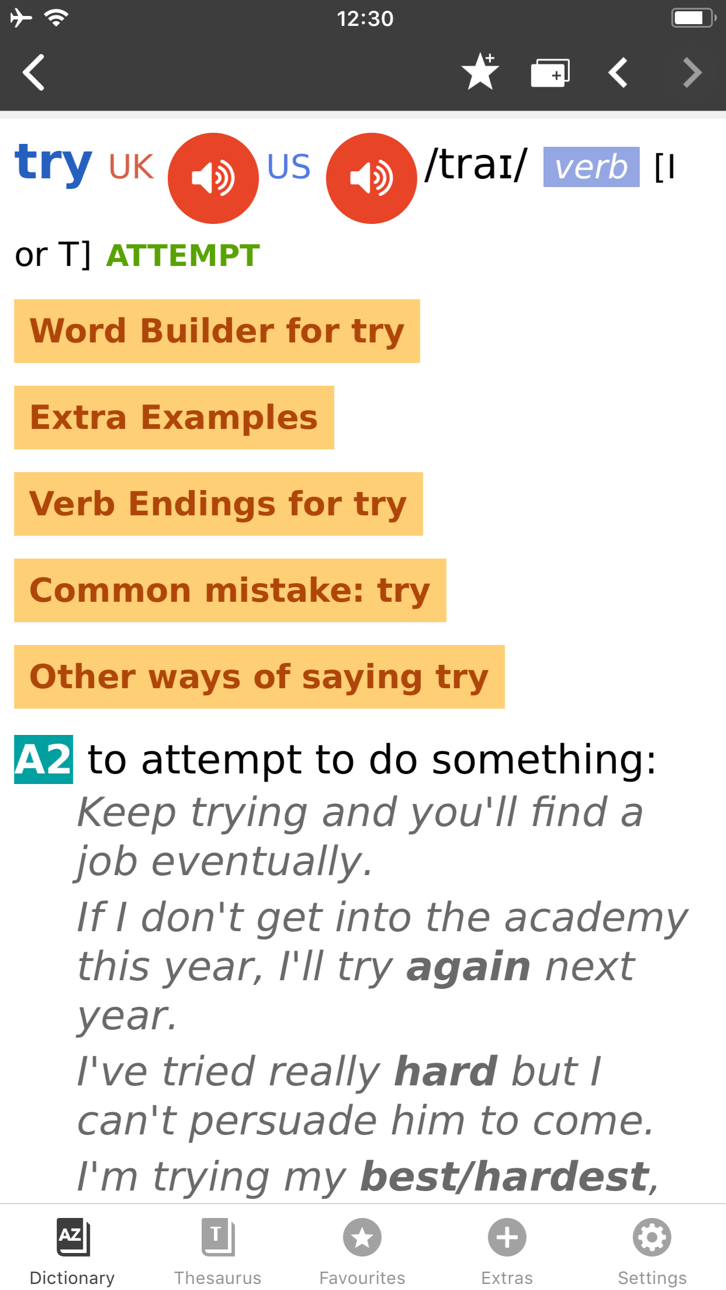
Full wordlist and sample entries are available to preview the dictionary content and to try the app functionality.
_____________
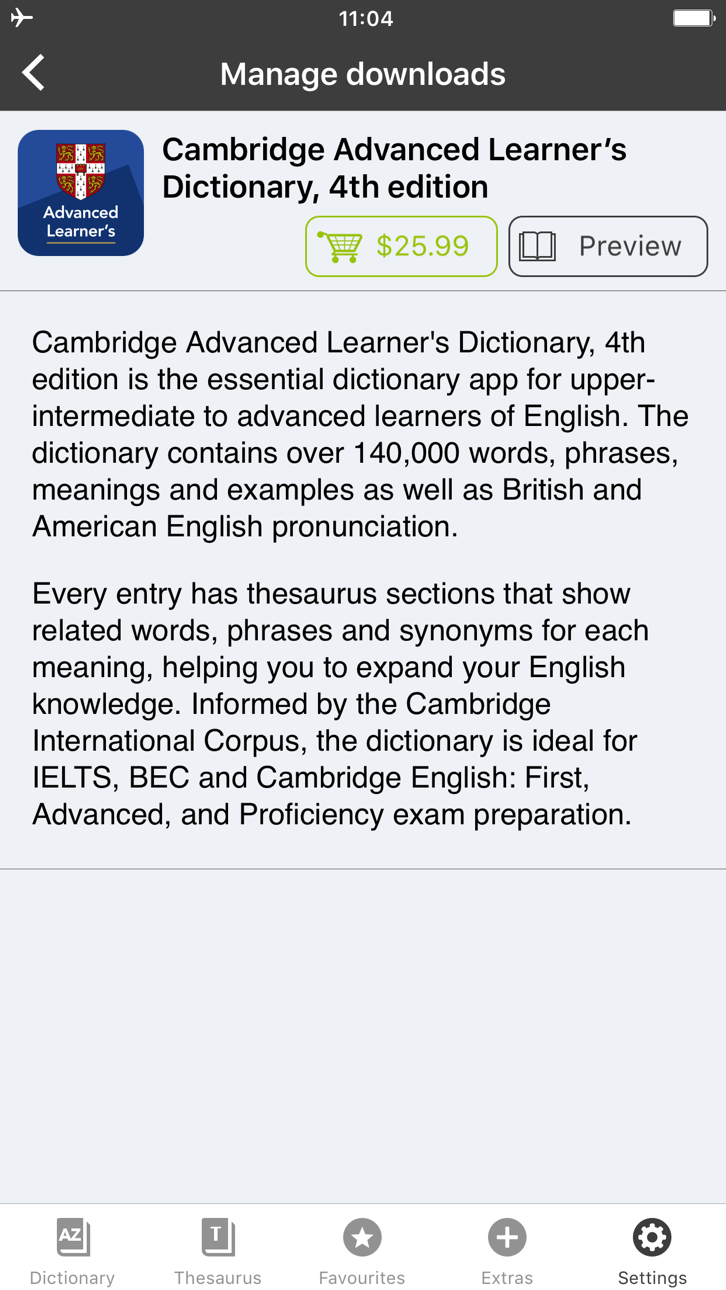
With 140,000 words, phrases and examples, meanings, British and American English word pronunciations, Cambridge Advanced Learner's Dictionary, fourth edition is trusted by millions of English learners worldwide.
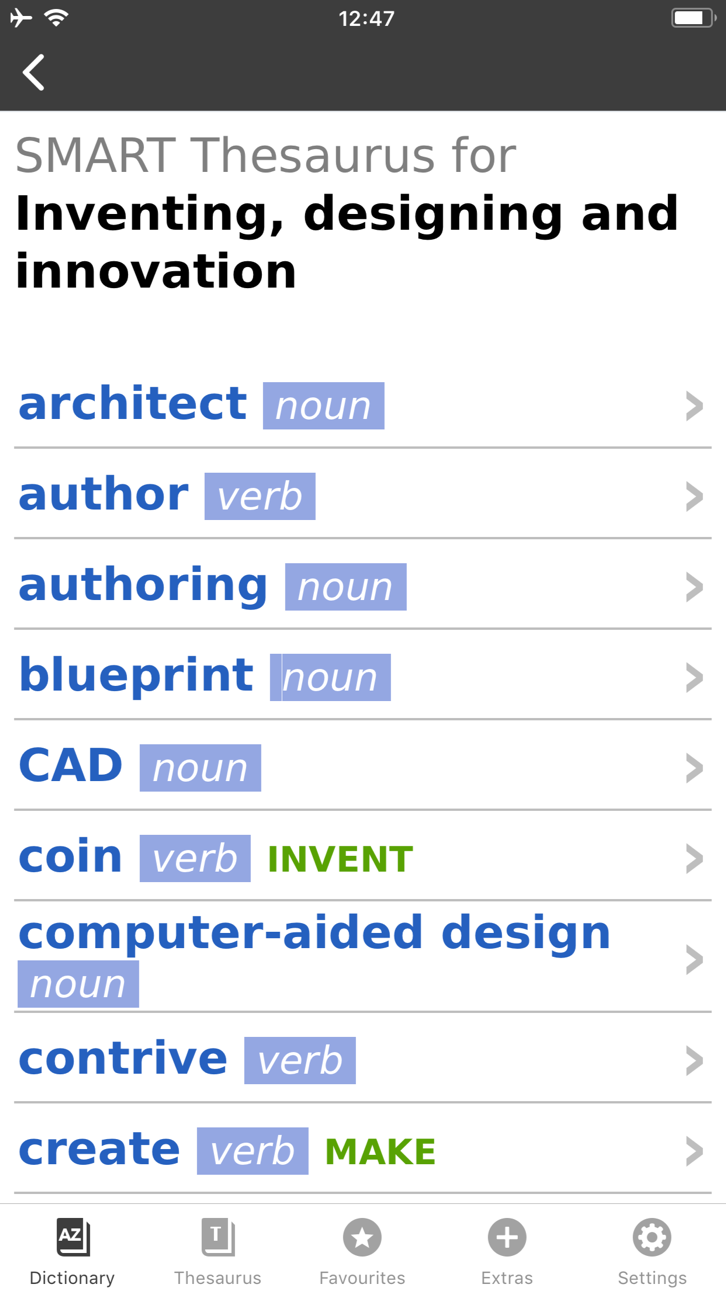
Every dictionary entry has thesaurus sections that show related words, phrases and synonyms for each meaning, helping you to expand your English knowledge. Informed by the Cambridge International Corpus, the dictionary is ideal for IELTS, BEC and Cambridge English: First, Advanced, and Proficiency exam preparation.
User Reviews
***** Great for those who learn English.
***** My favorite dictionary ever!
***** Smart thesaurus is awesome!!
_____________
Learning Features:
• British and American English audio pronunciations, recorded by native speakers
• SMART Thesaurus feature gives you related words and phrases at every definition, , not just synonyms
• Flash Card Quiz to help you memorize new words
• Favourites - to help you quickly access frequently searched words
• Search History to revise your recent searches
• Table of English Irregular Verbs provides a useful reference resource
Search Features:
• CALD will understand and find a word from any grammatical form
• iOS Share. Select any text on Safari sites, emails and share with CALD to get words’ definitions
• Multiple clipboard look-up. Copy any text from other apps and view the words’ definitions one by one when you open the CALD
• Full Text Search. Look up words throughout the whole dictionary content, including headwords and usage examples
• Similar Words Search in case of misspelling
• Wildcard Search. Use “?” and “*” symbols to replace letters if you’re unsure of the correct spelling.
• Anagram Search (e.g. tab-bat)
• Hyperlinks between entries: tap on the word in the article to see its definition
Interface Features:
• No Internet connection required
• Modify animated menus and choose background colours
• Enlarge or reduce font size for your comfort
• PenReader multilingual handwriting recognition support
About Cambridge
Founded in the mid-16th century, Cambridge University Press is a world-leading publisher of English learning materials. Playing a leading role in today's global educational market, Cambridge University Press publishes titles written by authors in over 100 different countries.
Tangkapan layar © pemiliknya masing-masing · App Store



iOSGods tidak berafiliasi, tidak didukung, dan tidak disponsori oleh Apple Inc., Google LLC, maupun pengembang aplikasi yang terdaftar di sini. Apple, iOS, dan App Store adalah merek dagang Apple Inc. Android dan Google Play adalah merek dagang Google LLC. Semua nama aplikasi, ikon, gambar, dan merek dagang lainnya adalah milik pemiliknya masing-masing.
- iPhone atau iPad tanpa Jailbreak atau dengan Jailbreak.
- Sideloadly atau alternatifnya.
- Komputer dengan Windows/macOS/Linux dan iTunes terpasang.
LANGKAH 1: Unduh file .IPA yang sudah di-hack dari tautan di atas ke komputer Anda. Untuk mengunduhnya dari iOSGods App, silakan lihat Tutorial Mengunduh IPA dari iOSGods App kami yang dilengkapi contoh video.
LANGKAH 2: Unduh Sideloadly dan pasang di Windows atau Mac Anda.
LANGKAH 3: Buka Sideloadly di komputer Anda, sambungkan perangkat iOS Anda, dan tunggu hingga nama perangkat Anda muncul di Sideloadly.
LANGKAH 4: Setelah iDevice Anda terdeteksi, seret file .IPA yang sudah dimodifikasi dan lepaskan ke dalam aplikasi Sideloadly.
LANGKAH 5: Masukkan email Apple Account Anda, lalu tekan "Start". Anda kemudian akan diminta memasukkan kata sandi. Silakan isi informasi yang diminta.
LANGKAH 6: Tunggu hingga Sideloadly selesai melakukan sideloading/pemasangan IPA yang di-hack. Jika terjadi masalah saat pemasangan, silakan baca catatan di bawah ini.
LANGKAH 7: Setelah pemasangan selesai dan Anda melihat aplikasi di Layar Beranda, Anda perlu masuk ke Pengaturan → Umum → Profil / VPN & Manajemen Perangkat. Setelah itu, ketuk email yang Anda masukkan pada langkah 6, lalu ketuk "Percayai [email protected]".
LANGKAH 8: Sekarang buka Layar Beranda dan jalankan aplikasi yang baru saja dipasang; semuanya seharusnya berjalan normal. Anda mungkin perlu mengikuti petunjuk tambahan per aplikasi yang muncul di popup hack di dalam game.
CATATAN: Pada iOS/iPadOS 16 dan yang lebih baru, Anda harus mengaktifkan Mode Pengembang. Untuk akun Apple Developer gratis, Anda perlu mengulangi proses ini setiap 7 hari. Jika Anda memiliki pertanyaan atau masalah, silakan baca bagian FAQ Sideloadly di topik tersebut kami.
Hack Features:
- Inf Coins (Spend)
App Installation Instructions:
---------------------------------------------------------
----------------------------------------------------------
If you require more information or help, please read our Frequently Asked Questions topic on iOSGods.com.
----------------------------------------------------------
--------------------------------------------------