Cần đăng nhập
Đăng nhập bằng tài khoản iOSGods để tiếp tục.
Đăng nhập bằng tài khoản iOSGods để tiếp tục.
Cambridge English Dictionary là một ứng dụng tham khảo đáng tin cậy với 140.000 từ, cụm từ và ví dụ cho những người học tiếng Anh trên toàn thế giới. Mod IPA được chỉnh sửa này mở khóa quyền truy cập cao cấp, cho phép bạn truy cập toàn bộ nội dung từ điển, các phần từ điển đồng nghĩa với các từ đồng nghĩa, và phát âm tiếng Anh Anh và Mỹ mà không có hạn chế.
- Mở khóa cao cấp → truy cập đầy đủ từ điển mà không có tường paywall
Ứng dụng này cũng đi kèm với iGameGod, cho phép bạn truy cập Auto Touch để tự động hóa các thao tác lặp lại, App Speed Manager để điều chỉnh tốc độ chơi game, chỉnh sửa giá trị bằng Memory Engine, và nhiều công cụ mạnh mẽ khác cho game iOS.
Tải Cambridge English Dictionary Modded modded IPA từ các liên kết ở trên. Nhấn nút cài đặt và làm theo hướng dẫn để cài bản hack iOS lên iPhone, iPad hoặc Apple Silicon.
Cần thêm trợ giúp? Hãy xem Câu hỏi thường gặp ứng dụng iOSGods để có câu trả lời chi tiết và mẹo khắc phục sự cố.
FREE PREVIEW
Full wordlist and sample entries are available to preview the dictionary content and to try the app functionality.
_____________
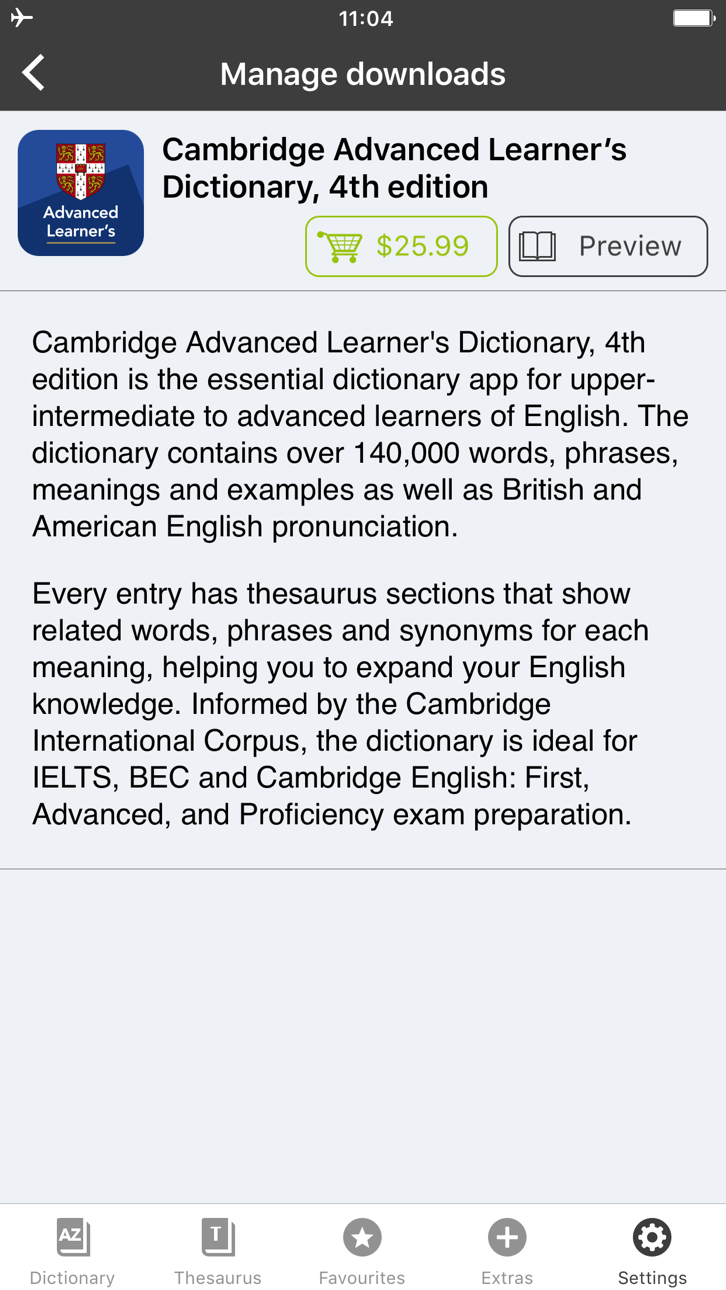
With 140,000 words, phrases and examples, meanings, British and American English word pronunciations, Cambridge Advanced Learner's Dictionary, fourth edition is trusted by millions of English learners worldwide.
Every dictionary entry has thesaurus sections that show related words, phrases and synonyms for each meaning, helping you to expand your English knowledge. Informed by the Cambridge International Corpus, the dictionary is ideal for IELTS, BEC and Cambridge English: First, Advanced, and Proficiency exam preparation.
User Reviews
***** Great for those who learn English.
***** My favorite dictionary ever!
***** Smart thesaurus is awesome!!
_____________
Learning Features:
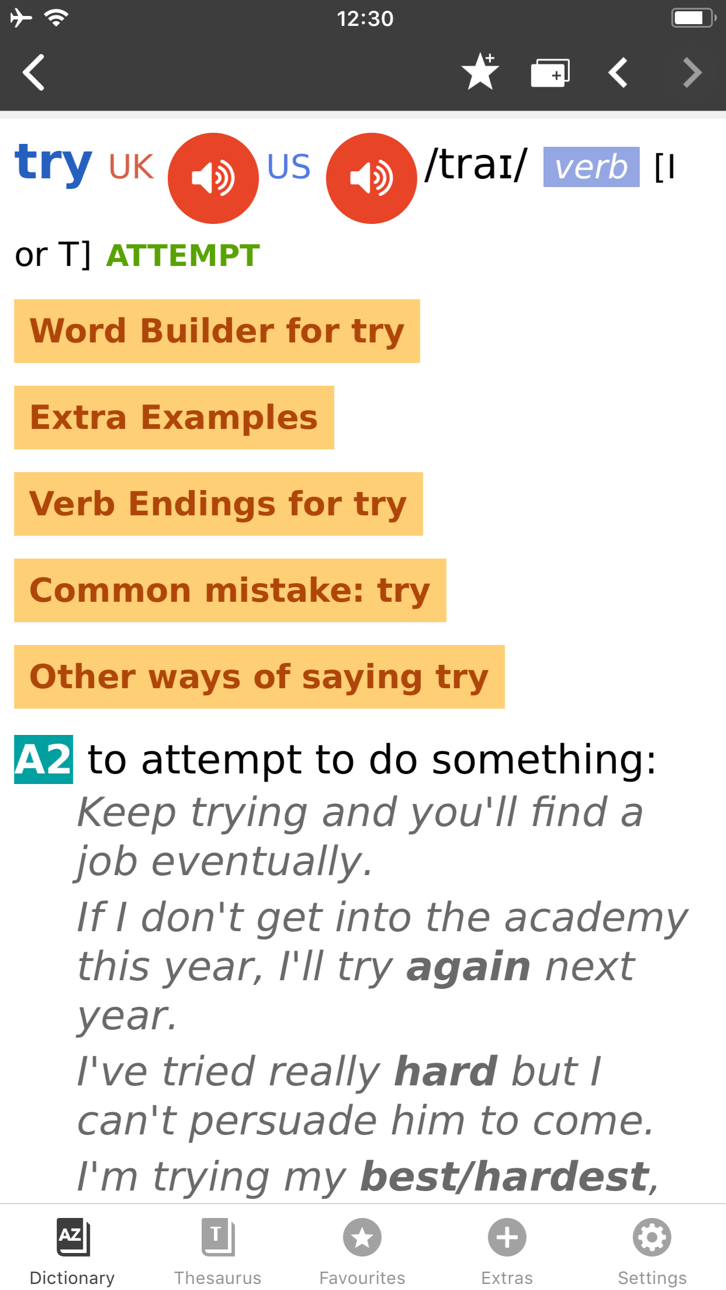
• British and American English audio pronunciations, recorded by native speakers
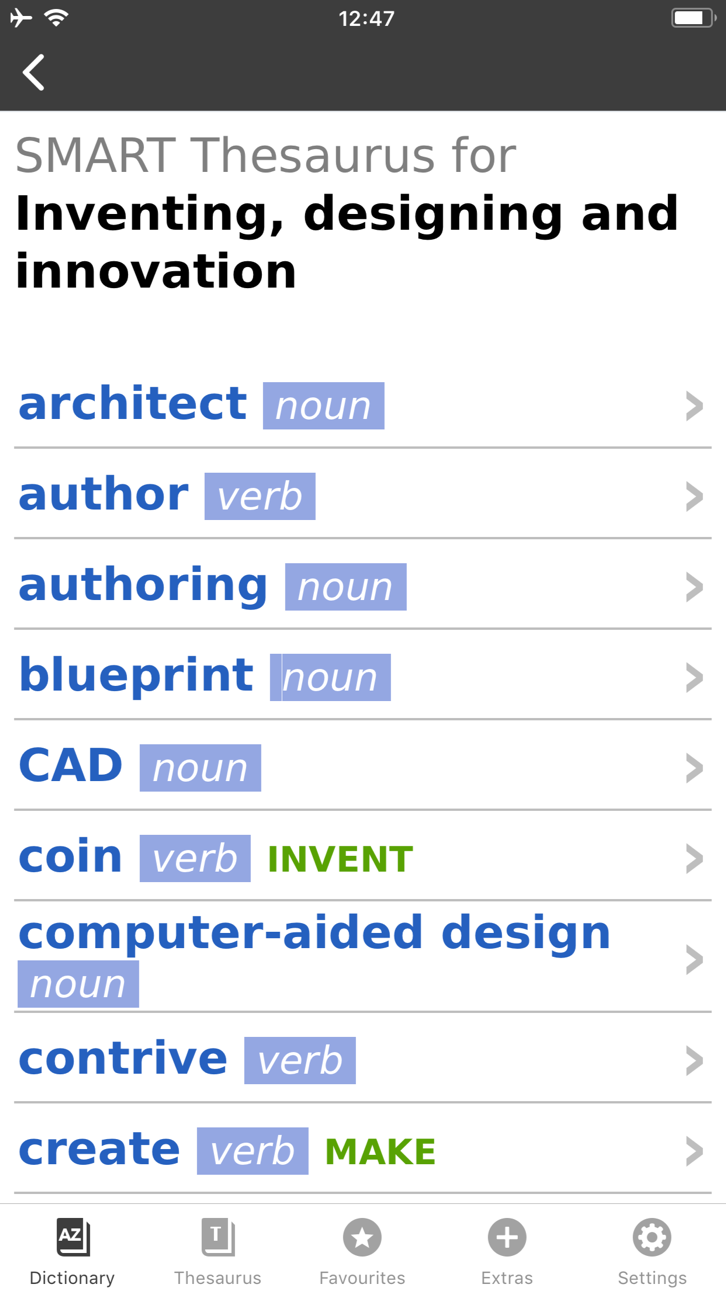
• SMART Thesaurus feature gives you related words and phrases at every definition, , not just synonyms
• Flash Card Quiz to help you memorize new words
• Favourites - to help you quickly access frequently searched words
• Search History to revise your recent searches
• Table of English Irregular Verbs provides a useful reference resource
Search Features:
• CALD will understand and find a word from any grammatical form
• iOS Share. Select any text on Safari sites, emails and share with CALD to get words’ definitions
• Multiple clipboard look-up. Copy any text from other apps and view the words’ definitions one by one when you open the CALD
• Full Text Search. Look up words throughout the whole dictionary content, including headwords and usage examples
• Similar Words Search in case of misspelling
• Wildcard Search. Use “?” and “*” symbols to replace letters if you’re unsure of the correct spelling.
• Anagram Search (e.g. tab-bat)
• Hyperlinks between entries: tap on the word in the article to see its definition
Interface Features:
• No Internet connection required
• Modify animated menus and choose background colours
• Enlarge or reduce font size for your comfort
• PenReader multilingual handwriting recognition support
About Cambridge
Founded in the mid-16th century, Cambridge University Press is a world-leading publisher of English learning materials. Playing a leading role in today's global educational market, Cambridge University Press publishes titles written by authors in over 100 different countries.
Ảnh chụp © chủ sở hữu tương ứng · App Store



iOSGods không liên kết, không được chứng thực hay tài trợ bởi Apple Inc., Google LLC hoặc các nhà phát triển của những ứng dụng được liệt kê ở đây. Apple, iOS và App Store là thương hiệu của Apple Inc. Android và Google Play là thương hiệu của Google LLC. Mọi tên ứng dụng, biểu tượng, hình ảnh và thương hiệu khác đều thuộc về chủ sở hữu tương ứng.

- iPhone hoặc iPad chưa jailbreak/đã đóng hoặc đã jailbreak.
- Sideloadly hoặc các lựa chọn thay thế.
- Máy tính chạy Windows/macOS/Linux đã cài iTunes.
BƯỚC 1: Tải tệp .IPA đã được hack sẵn từ liên kết phía trên về máy tính của bạn. Để tải từ iOSGods App, hãy xem Hướng dẫn tải IPA bằng iOSGods App của chúng tôi, có kèm ví dụ bằng video.
BƯỚC 2: Tải Sideloadly và cài đặt trên Windows hoặc Mac của bạn.
BƯỚC 3: Mở Sideloadly trên máy tính, kết nối thiết bị iOS của bạn và chờ cho đến khi tên thiết bị hiển thị trong Sideloadly.
BƯỚC 4: Khi thiết bị iOS của bạn đã được nhận diện, hãy kéo tệp .IPA đã chỉnh sửa mà bạn tải về và thả vào ứng dụng Sideloadly.
BƯỚC 5: Nhập email Apple Account của bạn, sau đó nhấn "Start." Bạn sẽ được yêu cầu nhập mật khẩu. Hãy cung cấp các thông tin cần thiết.
BƯỚC 6: Chờ Sideloadly hoàn tất quá trình sideload/cài đặt tệp IPA đã hack. Nếu gặp sự cố trong quá trình cài đặt, vui lòng đọc lưu ý bên dưới.
BƯỚC 7: Khi cài đặt hoàn tất và bạn thấy ứng dụng trên Màn hình chính, bạn cần truy cập Cài đặt → Cài đặt chung → Hồ sơ / VPN & Quản lý thiết bị. Tại đó, nhấn vào email bạn đã nhập ở bước 6, rồi nhấn "Tin cậy [email protected]".
BƯỚC 8: Bây giờ hãy về Màn hình chính và mở ứng dụng vừa cài đặt, mọi thứ sẽ hoạt động bình thường. Bạn có thể cần làm theo hướng dẫn riêng của từng ứng dụng trong cửa sổ popup của bản hack trong game.
LƯU Ý: Trên iOS/iPadOS 16 trở lên, bạn phải bật Chế độ nhà phát triển. Với tài khoản Apple Developer miễn phí, bạn sẽ cần lặp lại quy trình này mỗi 7 ngày. Nếu bạn có thắc mắc hoặc gặp sự cố, hãy đọc mục FAQ về Sideloadly trong chủ đề của chúng tôi.
Hack Features:
- Inf Coins (Spend)
App Installation Instructions:
---------------------------------------------------------
----------------------------------------------------------
If you require more information or help, please read our Frequently Asked Questions topic on iOSGods.com.
----------------------------------------------------------
--------------------------------------------------