Inicio de sesión requerido
Inicia sesión con tu cuenta de iOSGods para continuar.
Inicia sesión con tu cuenta de iOSGods para continuar.
Cambridge English Dictionary es una aplicación de referencia confiable con 140,000 palabras, frases y ejemplos para estudiantes de inglés en todo el mundo. Este Mod IPA modificado desbloquea acceso premium, brindándote contenido completo del diccionario, secciones de tesauro con sinónimos, y pronunciaciones del inglés británico y estadounidense sin restricciones.
- Premium Desbloqueado → acceso completo al diccionario sin muro de pago
Esta app también incluye iGameGod, que te ofrece acceso a Auto Touch para automatizar tareas repetitivas, App Speed Manager para ajustar la velocidad del juego, edición de valores con Memory Engine y más potentes herramientas para juegos de iOS.
Descarga Cambridge English Dictionary Modded modded IPA desde los enlaces de arriba. Toca el botón de instalación y sigue las instrucciones para instalar este hack iOS en tu iPhone, iPad o Mac con Apple Silicon.
¿Necesitas más ayuda? Consulta nuestras Preguntas frecuentes de la app iOSGods para respuestas detalladas y consejos de solución de problemas.
FREE PREVIEW
Full wordlist and sample entries are available to preview the dictionary content and to try the app functionality.
_____________
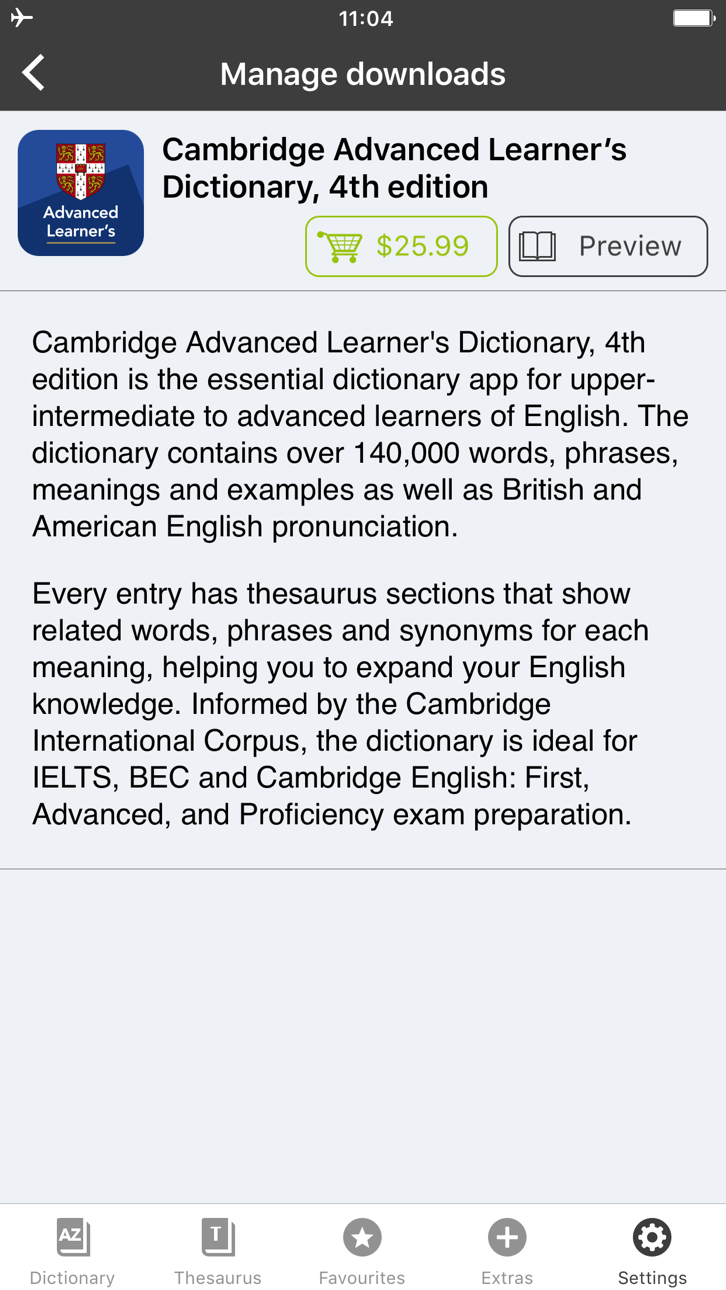
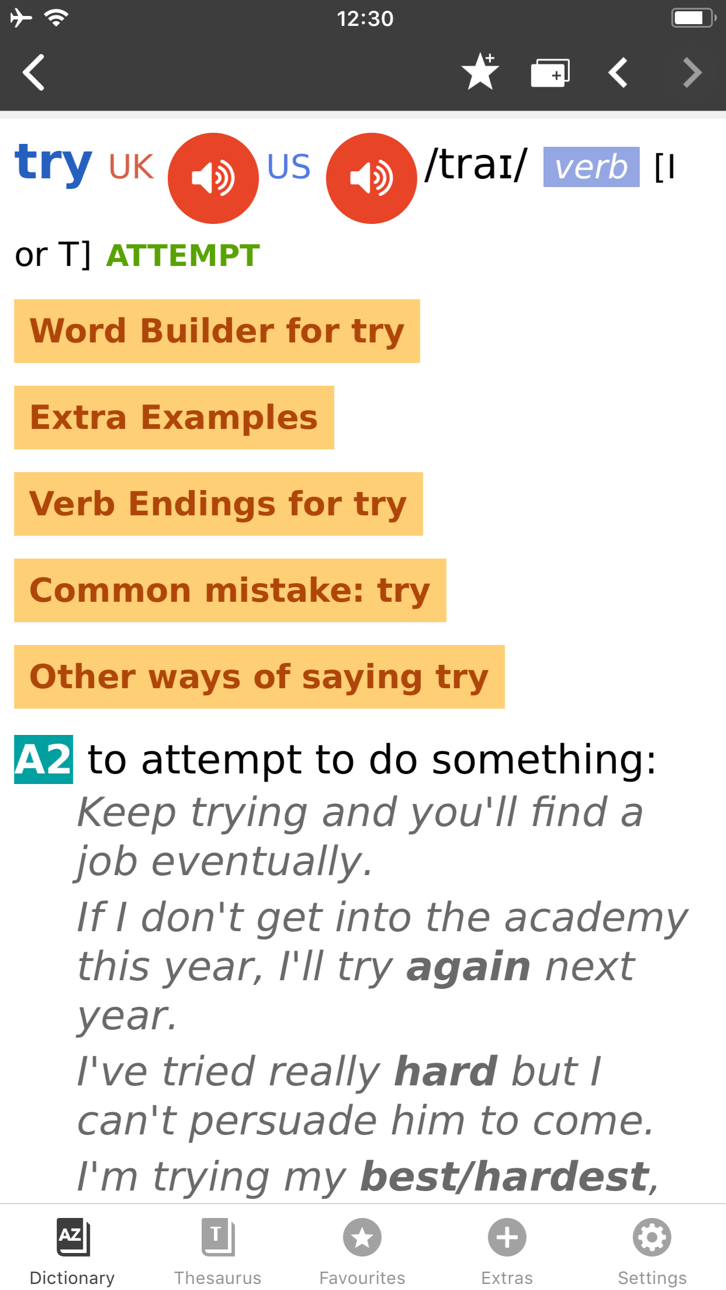
With 140,000 words, phrases and examples, meanings, British and American English word pronunciations, Cambridge Advanced Learner's Dictionary, fourth edition is trusted by millions of English learners worldwide.
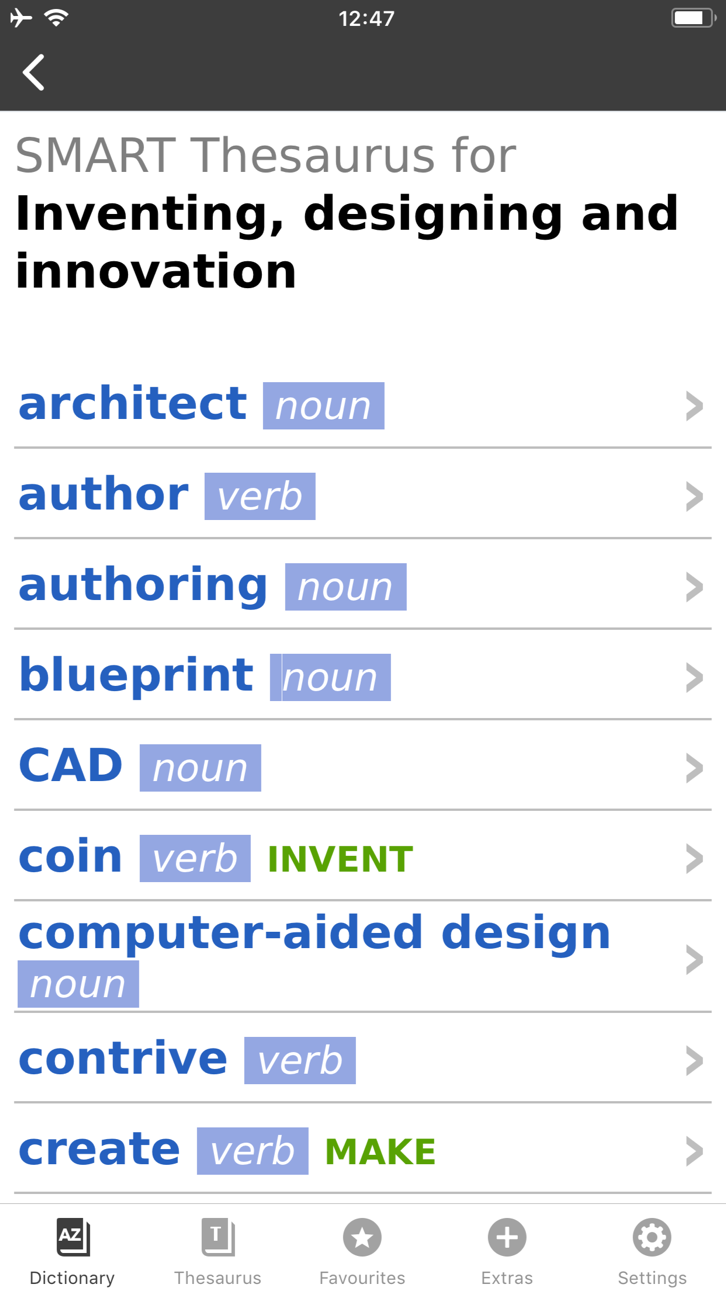
Every dictionary entry has thesaurus sections that show related words, phrases and synonyms for each meaning, helping you to expand your English knowledge. Informed by the Cambridge International Corpus, the dictionary is ideal for IELTS, BEC and Cambridge English: First, Advanced, and Proficiency exam preparation.
User Reviews
***** Great for those who learn English.
***** My favorite dictionary ever!
***** Smart thesaurus is awesome!!
_____________
Learning Features:
• British and American English audio pronunciations, recorded by native speakers
• SMART Thesaurus feature gives you related words and phrases at every definition, , not just synonyms
• Flash Card Quiz to help you memorize new words
• Favourites - to help you quickly access frequently searched words
• Search History to revise your recent searches
• Table of English Irregular Verbs provides a useful reference resource
Search Features:
• CALD will understand and find a word from any grammatical form
• iOS Share. Select any text on Safari sites, emails and share with CALD to get words’ definitions
• Multiple clipboard look-up. Copy any text from other apps and view the words’ definitions one by one when you open the CALD
• Full Text Search. Look up words throughout the whole dictionary content, including headwords and usage examples
• Similar Words Search in case of misspelling
• Wildcard Search. Use “?” and “*” symbols to replace letters if you’re unsure of the correct spelling.
• Anagram Search (e.g. tab-bat)
• Hyperlinks between entries: tap on the word in the article to see its definition
Interface Features:
• No Internet connection required
• Modify animated menus and choose background colours
• Enlarge or reduce font size for your comfort
• PenReader multilingual handwriting recognition support
About Cambridge
Founded in the mid-16th century, Cambridge University Press is a world-leading publisher of English learning materials. Playing a leading role in today's global educational market, Cambridge University Press publishes titles written by authors in over 100 different countries.
Capturas © sus respectivos dueños · App Store



iOSGods no está afiliado, avalado ni patrocinado por Apple Inc., Google LLC ni por los desarrolladores de las apps que aparecen aquí. Apple, iOS y App Store son marcas comerciales de Apple Inc. Android y Google Play son marcas comerciales de Google LLC. Todos los demás nombres de apps, iconos, imágenes y marcas pertenecen a sus respectivos dueños.

- iPhone o iPad con o sin Jailbreak.
- Sideloadly u otras alternativas.
- Ordenador con Windows/macOS/Linux e iTunes instalado.
PASO 1: Descargue el archivo .IPA pre-modificado desde el enlace de arriba a su ordenador. Para descargarlo desde la iOSGods App, consulte nuestro Tutorial de descarga del IPA desde la iOSGods App, que incluye un ejemplo en vídeo.
PASO 2: Descargue Sideloadly e instálelo en su Windows o Mac.
PASO 3: Abra Sideloadly en su ordenador, conecte su dispositivo iOS y espere hasta que el nombre del dispositivo aparezca en Sideloadly.
PASO 4: Una vez que su iDevice sea reconocido, arrastre el archivo .IPA modificado que descargó y suéltelo en la aplicación Sideloadly.
PASO 5: Introduzca el correo electrónico de su Apple Account y, a continuación, pulse «Start». Le pedirá que introduzca su contraseña. Proporcione la información solicitada.
PASO 6: Espere a que Sideloadly termine de hacer sideload/instalar el IPA modificado. Si surgen problemas durante la instalación, por favor lea la nota a continuación.
PASO 7: Una vez completada la instalación y al ver la app en la pantalla de inicio, deberá ir a Ajustes → General → Perfiles / VPN y Gestión de Dispositivos. Una vez allí, toque el correo electrónico que introdujo en el paso 6 y, después, toque en «Confiar en [email protected]».
PASO 8: Ahora vaya a la pantalla de inicio y abra la app recién instalada; todo debería funcionar correctamente. Es posible que tenga que seguir instrucciones adicionales específicas de cada app dentro del popup del hack en el juego.
NOTA: En iOS/iPadOS 16 y posteriores, debe activar el Modo Desarrollador. Para cuentas gratuitas de Apple Developer, deberá repetir este proceso cada 7 días. Si tiene alguna pregunta o problema, lea nuestra sección de Preguntas Frecuentes de Sideloadly del tema.
Hack Features:
- Inf Coins (Spend)
App Installation Instructions:
---------------------------------------------------------
----------------------------------------------------------
If you require more information or help, please read our Frequently Asked Questions topic on iOSGods.com.
----------------------------------------------------------
--------------------------------------------------