تسجيل الدخول مطلوب
سجّل الدخول بحساب iOSGods للمتابعة.
Hack Features:
- PREMIUM
قم بتنزيل Picsart AI Photo Editor, Video Modded modded IPA من الروابط أعلاه. اضغط على زر التثبيت واتبع التعليمات لتثبيت هذا التعديل لـ iOS على iPhone أو iPad أو Apple Silicon.
هل تحتاج إلى مزيد من المساعدة؟ راجع الأسئلة الشائعة لتطبيق iOSGods للحصول على إجابات مفصلة ونصائح لاستكشاف الأخطاء.
Ignite your creative potential with Picsart — the all-in-one, AI-powered design studio that’s free and easy to use. From pro-quality business designs to next-gen AI art, Picsart is the perfect companion for any creative project that lets you go from inspiration to creation in a flash. Easily switch scenes with Background Remover, finesse your photos & videos with effects, filters, and powerful photo & video editor tools, create inspiring mood boards with photo collages, and more with a full suite of intuitive graphic design tools.
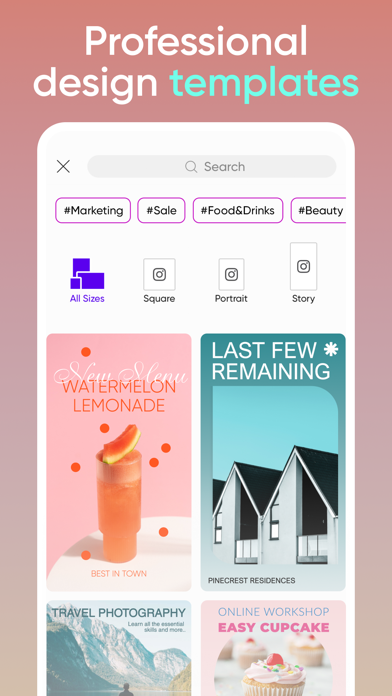
Kick-start projects with Templates
• Accelerate your design process with customizable graphic design templates made by professional editors.
• Make templates your own with just a few taps and create stunning brand logos, social stories, business cards, and more.
Transform designs with Background Remover tools
• Use advanced AI to create pro-quality product shots for your business.
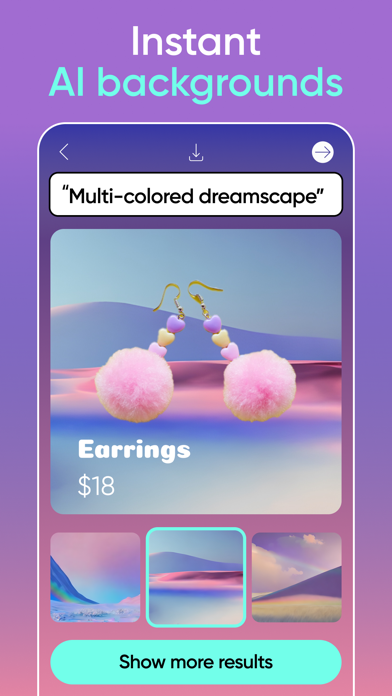
• Perfect for online sellers and solopreneurs, Smart Background seamlessly merges contextually suitable backgrounds using easy photo editor tools.
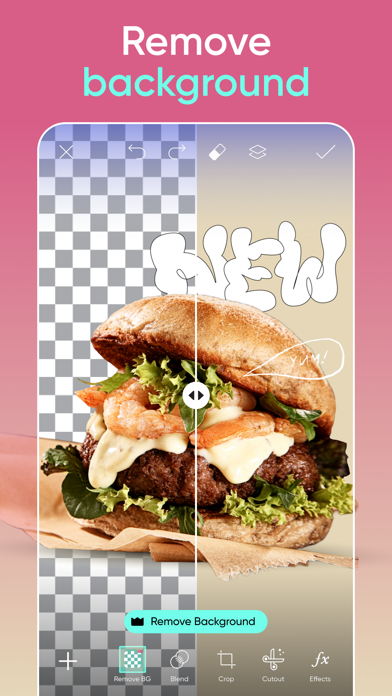
• Switching backdrops is easy with the Background Remover tool. Make precise changes with easy graphic design editor tools and create fresh aesthetic styles.
Get creative with AI
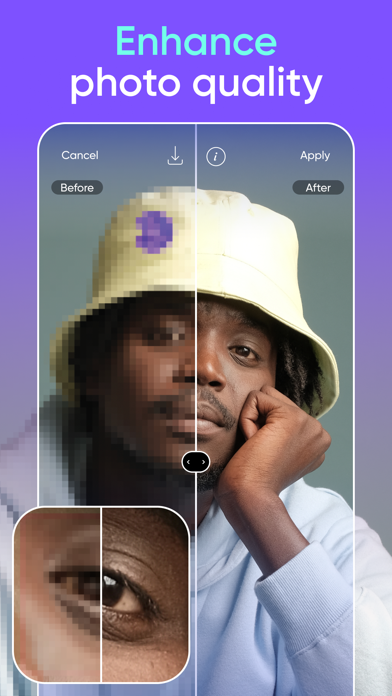
• Make any low-quality image pop with the easy AI Enhance photo editor tool.
• Remove Object quickly cleans up pictures and removes unwanted objects from the frame.
• Apply stylized AI filters to your shots to create stunning photo effects.
• Use AI Replace to instantly transform images with fun face swaps, hair color changes, selfie edits, and more.
• From memorable quotes for social to compelling captions for marketing campaigns, Picsart’s AI Writer creates unique texts for all your content needs.
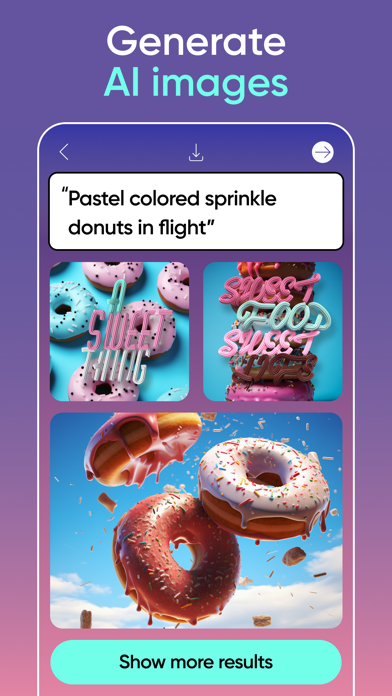
• Turn text into AI art with the AI Image Generator and create customizable images and GIFs automatically.
• Explore endless opportunities using AI Expand, the game-changing photo editor tool that seamlessly extends the boundaries of any image by adding new content that’s identical to the original.
• Upload selfies to generate unique, customized AI avatar portraits in different styles.
Edit videos like a pro
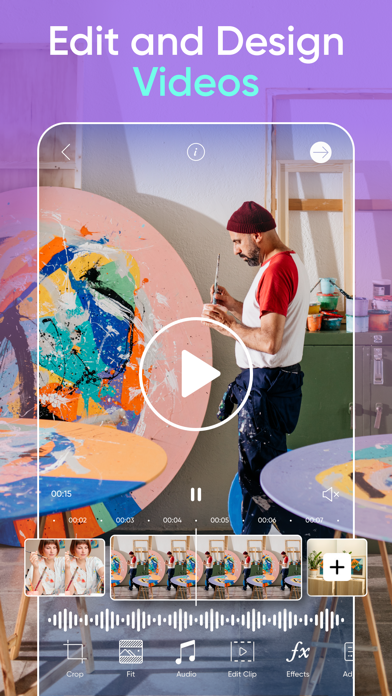
• Create videos that shine on any platform.
• Use the easy video editor to create and edit clips with music.
• Take your IG Stories, TikToks & Reels to the next level.
• Try retouch video effects and other trendy filters in the video editor.
• Add your best moments to a video collage.
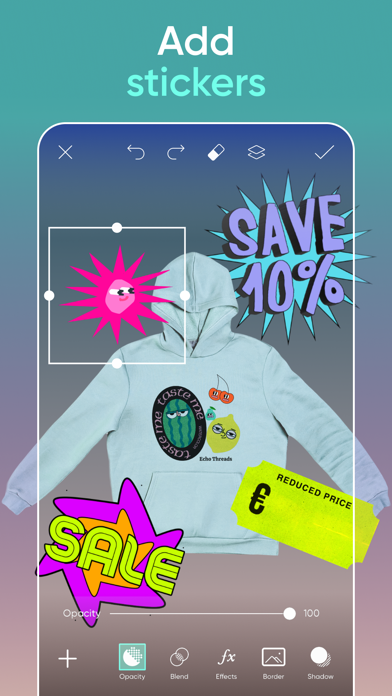
Add your flavor with the sticker maker
• Discover 60+ million options in the Picsart sticker maker library.
• Add stickers to pictures to turn up the fun level on your graphic designs or showcase special business promos.
• Use the sticker maker to create your own custom stickers.
Tell your story in text
• Create unforgettable designs by adding text to images with the Picsart Text Editor.
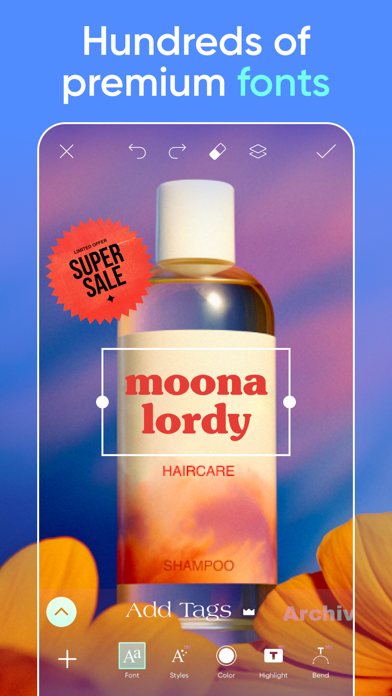
• Discover 100s of classic and trending fonts to create the look you want.
• Craft your own unique text styles with powerful customization options that elevate your graphic design game.
Discover endless inspiration
• From solopreneurs to graphic design enthusiasts, AI art pioneers, photo editors and more, share your ideas, and get inspiration for that next big project with Picsart Spaces.
Create collage magic
• Create on-trend photo collages with your favorite pictures.
• Try photo grid collage or freestyle collage for mood boards and frames for selfies and pictures
• Use the social media Story Maker and level up your Instagram game with templates.
Upgrade your design experience:
PICSART Plus
In addition to Background Remover and photo & video editing tools, elevate your graphic designs with premium content, templates, and retouch features.
Picsart Pro
Explore more premium possibilities with access to more AI tools, extra team seats for small businesses, and more storage space.
Terms and conditions: https://picsart.com/terms-and-conditions
About Ads: https://picsart.com/privacy-policy#interest-base
- iPhone أو iPad بجيلبريك أو بدون جيلبريك.
- Sideloadly أو بدائلها.
- كمبيوتر يعمل بنظام Windows/macOS/Linux مع تثبيت iTunes.
الخطوة 1: قم بتنزيل ملف .IPA المعدّل مسبقًا من الرابط أعلاه إلى الكمبيوتر الخاص بك. للتنزيل من تطبيق iOSGods App، اطلع على دليل تنزيل IPA من تطبيق iOSGods App الذي يتضمن مثالًا بالفيديو.
الخطوة 2: قم بتنزيل Sideloadly وتثبيته على جهاز Windows أو Mac.
الخطوة 3: افتح Sideloadly على الكمبيوتر، ووصّل جهاز iOS الخاص بك، وانتظر حتى يظهر اسم جهازك داخل Sideloadly.
الخطوة 4: بمجرد التعرّف على جهاز iDevice الخاص بك، اسحب ملف .IPA المعدّل الذي قمت بتنزيله وأفلِته داخل تطبيق Sideloadly.
الخطوة 5: أدخل البريد الإلكتروني لحساب Apple Account الخاص بك، ثم اضغط على «Start». سيُطلب منك بعد ذلك إدخال كلمة المرور. تابع وأدخل المعلومات المطلوبة.
الخطوة 6: انتظر حتى ينتهي Sideloadly من تحميل/تثبيت ملف IPA المعدّل. في حال واجهت أي مشاكل أثناء التثبيت، يرجى قراءة الملاحظة أدناه.
الخطوة 7: بعد اكتمال التثبيت ورؤية التطبيق على الشاشة الرئيسية، انتقل إلى Settings → General → Profiles / VPN & Device Management. ثم اضغط على البريد الإلكتروني الذي أدخلته في الخطوة 6، ثم اضغط على «الوثوق بـ [email protected]».
الخطوة 8: الآن انتقل إلى الشاشة الرئيسية وافتح التطبيق الذي تم تثبيته للتو وسيعمل كل شيء بشكل صحيح. قد تحتاج إلى اتباع تعليمات إضافية خاصة بكل تطبيق داخل النافذة المنبثقة للتعديل أثناء اللعب.
ملاحظة: بدءًا من iOS/iPadOS 16 وما بعده، يجب تفعيل وضع المطور (Developer Mode). بالنسبة لحسابات Apple Developer المجانية، ستحتاج إلى تكرار هذه العملية كل 7 أيام. إذا كانت لديك أي أسئلة أو مشاكل، يرجى قراءة قسم الأسئلة الشائعة حول Sideloadly في الموضوع.