Accesso richiesto
Accedi con il tuo account iOSGods per continuare.
Hack Features:
- PREMIUM
Scarica Picsart AI Photo Editor, Video Modded modded IPA dai link sopra. Tocca il pulsante di installazione e segui le istruzioni per installare questo hack iOS sul tuo iPhone, iPad o Mac con Apple Silicon.
Hai bisogno di altro aiuto? Consulta le nostre Domande frequenti sull'app iOSGods per risposte dettagliate e consigli per la risoluzione dei problemi.
Ignite your creative potential with Picsart — the all-in-one, AI-powered design studio that’s free and easy to use. From pro-quality business designs to next-gen AI art, Picsart is the perfect companion for any creative project that lets you go from inspiration to creation in a flash. Easily switch scenes with Background Remover, finesse your photos & videos with effects, filters, and powerful photo & video editor tools, create inspiring mood boards with photo collages, and more with a full suite of intuitive graphic design tools.
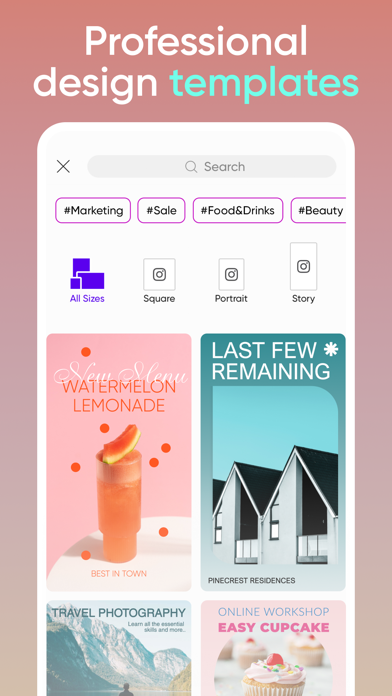
Kick-start projects with Templates
• Accelerate your design process with customizable graphic design templates made by professional editors.
• Make templates your own with just a few taps and create stunning brand logos, social stories, business cards, and more.
Transform designs with Background Remover tools
• Use advanced AI to create pro-quality product shots for your business.
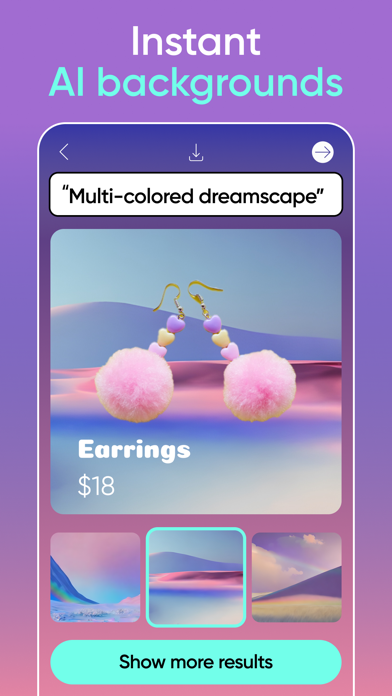
• Perfect for online sellers and solopreneurs, Smart Background seamlessly merges contextually suitable backgrounds using easy photo editor tools.
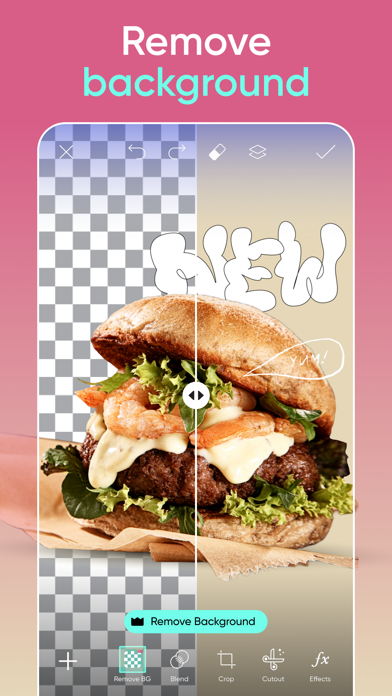
• Switching backdrops is easy with the Background Remover tool. Make precise changes with easy graphic design editor tools and create fresh aesthetic styles.
Get creative with AI
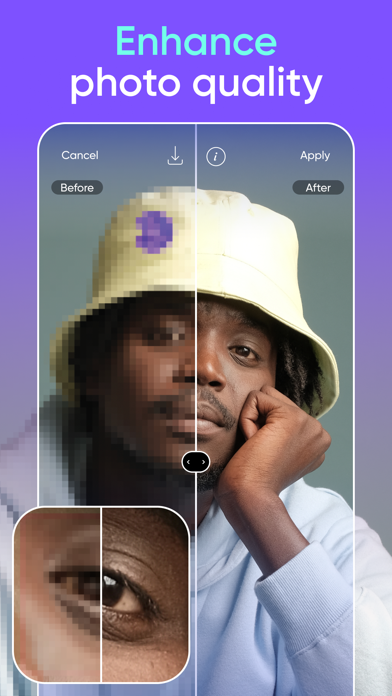
• Make any low-quality image pop with the easy AI Enhance photo editor tool.
• Remove Object quickly cleans up pictures and removes unwanted objects from the frame.
• Apply stylized AI filters to your shots to create stunning photo effects.
• Use AI Replace to instantly transform images with fun face swaps, hair color changes, selfie edits, and more.
• From memorable quotes for social to compelling captions for marketing campaigns, Picsart’s AI Writer creates unique texts for all your content needs.
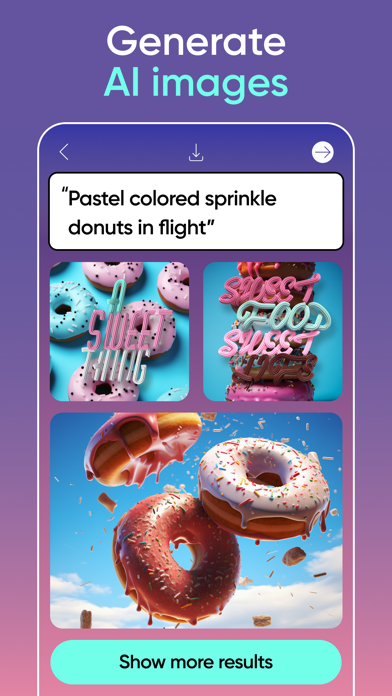
• Turn text into AI art with the AI Image Generator and create customizable images and GIFs automatically.
• Explore endless opportunities using AI Expand, the game-changing photo editor tool that seamlessly extends the boundaries of any image by adding new content that’s identical to the original.
• Upload selfies to generate unique, customized AI avatar portraits in different styles.
Edit videos like a pro
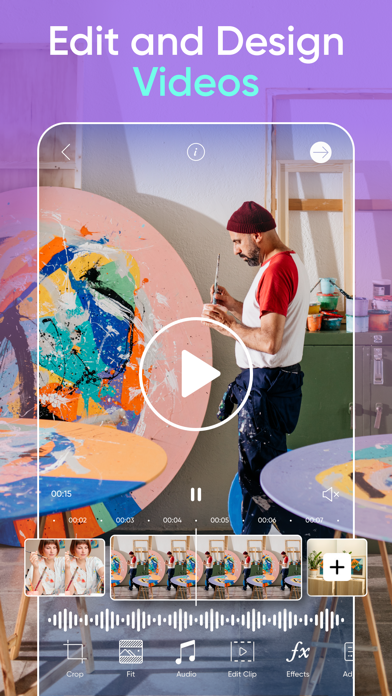
• Create videos that shine on any platform.
• Use the easy video editor to create and edit clips with music.
• Take your IG Stories, TikToks & Reels to the next level.
• Try retouch video effects and other trendy filters in the video editor.
• Add your best moments to a video collage.
Add your flavor with the sticker maker
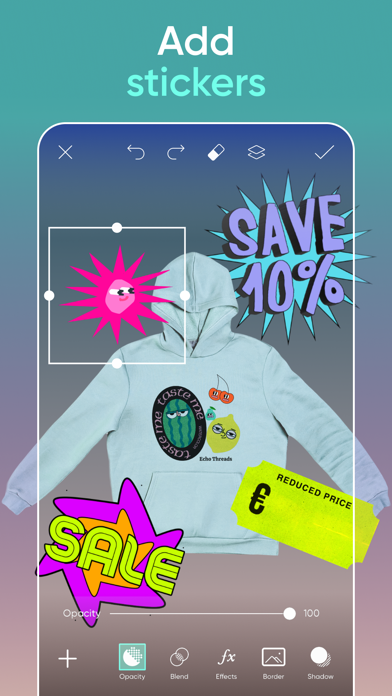
• Discover 60+ million options in the Picsart sticker maker library.
• Add stickers to pictures to turn up the fun level on your graphic designs or showcase special business promos.
• Use the sticker maker to create your own custom stickers.
Tell your story in text
• Create unforgettable designs by adding text to images with the Picsart Text Editor.
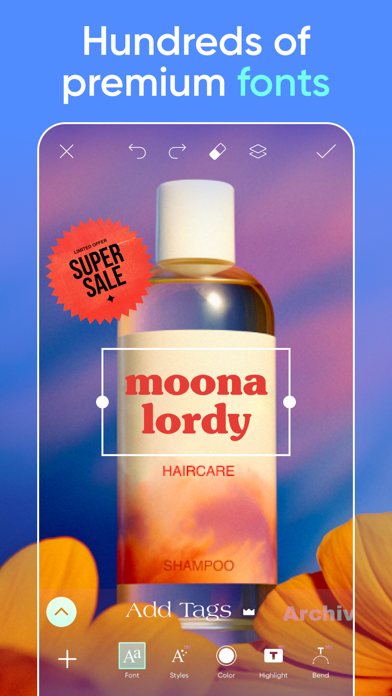
• Discover 100s of classic and trending fonts to create the look you want.
• Craft your own unique text styles with powerful customization options that elevate your graphic design game.
Discover endless inspiration
• From solopreneurs to graphic design enthusiasts, AI art pioneers, photo editors and more, share your ideas, and get inspiration for that next big project with Picsart Spaces.
Create collage magic
• Create on-trend photo collages with your favorite pictures.
• Try photo grid collage or freestyle collage for mood boards and frames for selfies and pictures
• Use the social media Story Maker and level up your Instagram game with templates.
Upgrade your design experience:
PICSART Plus
In addition to Background Remover and photo & video editing tools, elevate your graphic designs with premium content, templates, and retouch features.
Picsart Pro
Explore more premium possibilities with access to more AI tools, extra team seats for small businesses, and more storage space.
Terms and conditions: https://picsart.com/terms-and-conditions
About Ads: https://picsart.com/privacy-policy#interest-base
- iPhone o iPad non jailbroken/jailed oppure jailbroken.
- Sideloadly o alternative.
- Computer con Windows/macOS/Linux con iTunes installato.
PASSO 1: Scarica il file .IPA pre-modificato dal link sopra sul tuo computer. Per scaricarlo dall'iOSGods App, consulta il nostro Tutorial download IPA dell'iOSGods App, che include un esempio video.
PASSO 2: Scarica Sideloadly e installalo sul tuo Windows o Mac.

PASSO 3: Apri Sideloadly sul tuo computer, collega il tuo dispositivo iOS e attendi finché il nome del dispositivo non appare in Sideloadly.
PASSO 4: Una volta riconosciuto il tuo iDevice, trascina il file .IPA moddato che hai scaricato e rilascialo nell'applicazione Sideloadly.
PASSO 5: Inserisci l'email del tuo Apple Account, poi premi “Start”. Ti verrà quindi chiesto di inserire la password. Procedi e fornisci le informazioni richieste.
PASSO 6: Attendi che Sideloadly completi il sideload/installazione dell'IPA modificata. Se ci sono problemi durante l'installazione, leggi la nota qui sotto.
PASSO 7: Una volta completata l'installazione e vista l'app sulla schermata Home, dovrai andare in Impostazioni → Generali → Profili / Gestione VPN e dispositivi. Una volta lì, tocca l'email inserita al passo 6 e poi tocca “Autorizza [email protected]”.
PASSO 8: Ora vai sulla schermata Home e apri l'app appena installata: tutto dovrebbe funzionare correttamente. Potrebbe essere necessario seguire ulteriori istruzioni specifiche all'interno del popup dell'hack nel gioco.
NOTA: Per iOS/iPadOS 16 e versioni successive, devi attivare la Modalità sviluppatore. Per gli account Apple Developer gratuiti, dovrai ripetere questa procedura ogni 7 giorni. Se hai domande o problemi, leggi la nostra sezione FAQ Sideloadly del topic.