Anmeldung erforderlich
Melden Sie sich mit Ihrem iOSGods-Konto an, um fortzufahren.
Hack Features:
- PREMIUM
Laden Sie Picsart AI Photo Editor, Video Modded modded IPA über die obigen Links herunter. Tippen Sie auf den Installations-Button und folgen Sie den Anweisungen, um diese iOS-App auf Ihrem iPhone, iPad oder Apple Silicon zu installieren.
Brauchen Sie mehr Hilfe? In unseren iOSGods App häufig gestellten Fragen finden Sie ausführliche Antworten und Tipps zur Fehlerbehebung.
Ignite your creative potential with Picsart, the all-in-one, AI-powered design studio that’s free and easy to use. From pro-quality business designs to next-gen AI art, go from inspiration to creation in a flash. Remove background with Background Remover, enhance photos & videos with effects, filters, and retouch tools, create inspiring mood boards with photo collages, and more with a full suite of intuitive graphic design and AI generator tools.
MEET PICSART AURA
Chat your vision into visuals. Built on Picsart’s platform and trusted by 150M+ creators, Aura is your creative chat partner. From prompt to polished design in seconds, Aura creates, edits, refines, and even builds long-form content — all in one conversation. It suggests prompts based on your photo, generates photos and videos with an AI generator, remembers your chats, and lets you share sessions. Not just another AI image generator, it’s a smarter way to create.
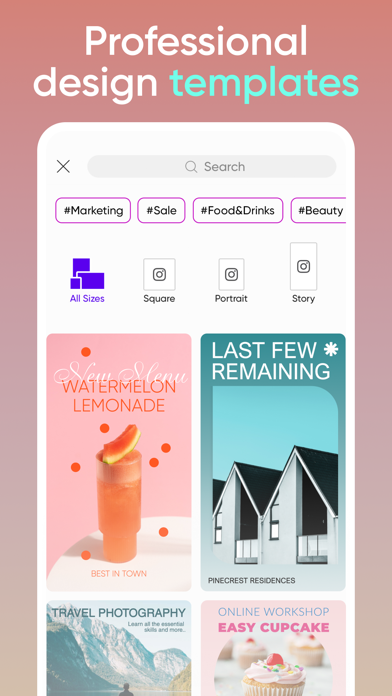
KICK-START PROJECTS WITH TEMPLATES
• Accelerate your design process with customizable graphic design templates made by professional editors.
• Make templates your own with just a few taps and create stunning brand logos, social stories, business cards, and more.
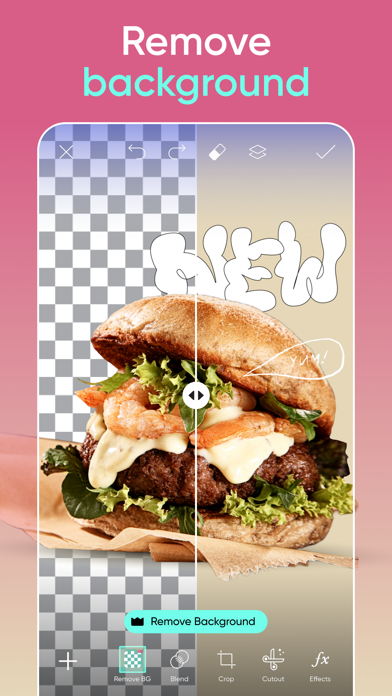
TRANSFORM DESIGNS WITH BACKGROUND REMOVER
• Use advanced AI to create pro-quality product photo ads.
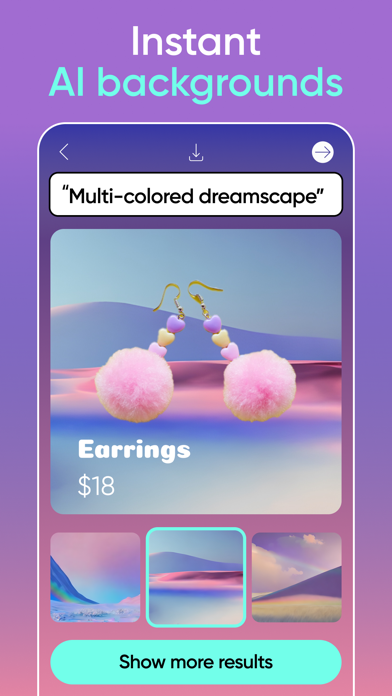
• Smart Background blends seamless, context-aware backdrops using top photo editor tools.
• Switching backdrops is easy with the Background Remover tool. Make precise changes with easy graphic design editor tools and create fresh aesthetic styles.
GET CREATIVE WITH AI
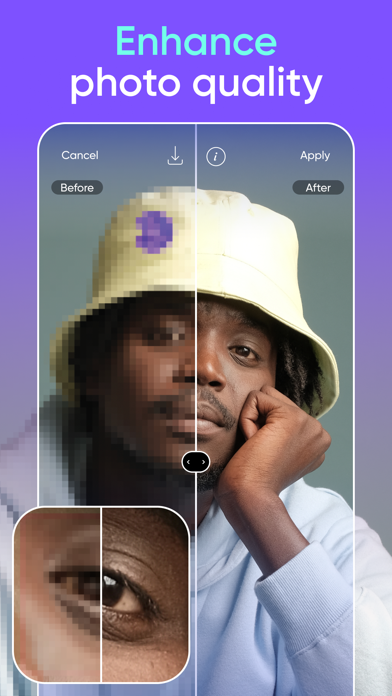
• Make any low-quality image pop with the easy AI Enhance photo editor tool.
• Object Remover (Remove Object) quickly cleans up pictures and removes unwanted objects from the frame.
• Apply stylized AI filters to your shots to create stunning photo effects.
• Use AI Replace to instantly transform images with fun face swaps, hair color changes, selfie edits, and retouch.
• Generate captions, texts, and marketing copy with AI Writer.
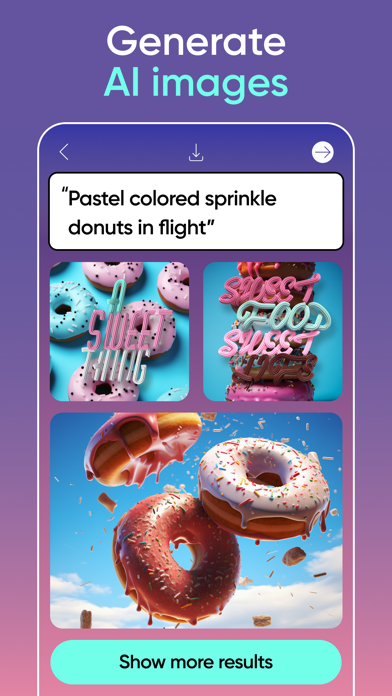
• Turn text into an AI photo with the AI Image Generator (AI photo generator) and create customizable images and GIFs automatically.
• Extend images seamlessly with AI Expand, the game-changing AI photo editor tool.
• Create custom AI avatar portraits in multiple styles.
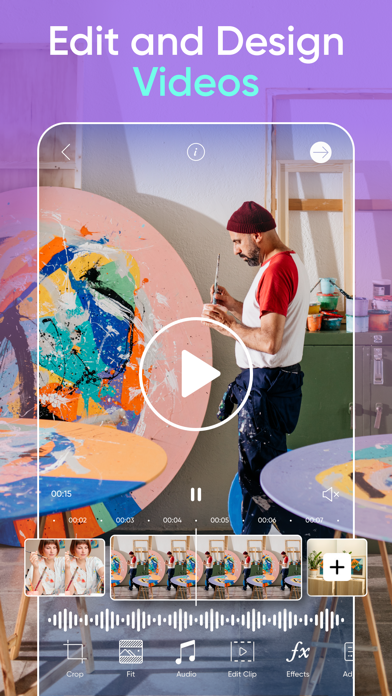
EDIT VIDEOS LIKE A PRO
• Create videos that shine on any platform.
• Edit clips with music using the easy video editor.
• Take your IG Stories, TikToks & Reels to the next level.
• Apply retouch effects and trendy filters in the video editor.
• Add your best moments to a video collage.
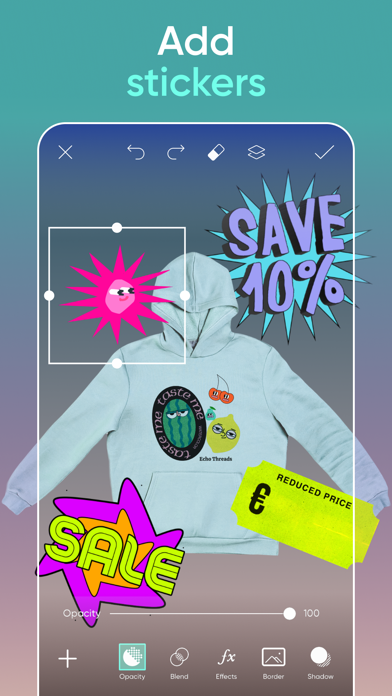
ADD YOUR FLAVOR WITH THE STICKER MAKER
• Explore 60M+ stickers in the library.
• Add stickers to photos for fun or to graphic design promotions.
• Use the sticker maker to create your own custom stickers.
TELL YOUR STORY IN TEXT
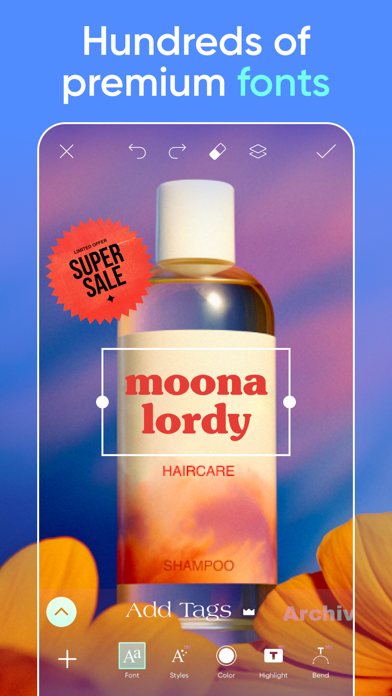
• Create unforgettable designs by adding text to images with the Picsart Text Editor.
• Discover hundreds of classic and trending fonts.
• Craft your own unique text styles with powerful customization options that elevate your graphic design game.
DISCOVER ENDLESS INSPIRATION
• From solopreneurs to graphic design enthusiasts, AI art pioneers, photo editors, and more, share your ideas and get inspiration for that next big project with Picsart Spaces.
CREATE COLLAGE MAGIC
• Design on-trend photo collages with your favorite pictures.
• Try photo grid collage or freestyle collage for mood boards and frames for selfies and pictures.
• Use the social media Story Maker and level up your Instagram game with templates.
UPGRADE YOUR DESIGN EXPERIENCE
Picsart Plus
In addition to Background Remover and photo & video editing tools, elevate your graphic designs with premium content, templates, and retouch features.
Picsart Pro
Access more AI tools, team seats for small businesses, and extra storage.
Terms and conditions: https://picsart.com/terms-of-use/
About Ads: https://picsart.com/privacy-policy#interest-base
- Nicht-Jailbroken/Jailed oder Jailbroken iPhone oder iPad.
- Sideloadly oder Alternativen.
- Computer mit Windows/macOS/Linux und installiertem iTunes.
SCHRITT 1: Laden Sie die vorinstallierte .IPA-Datei über den obigen Link auf Ihren Computer herunter. Zum Herunterladen aus der iOSGods-App siehe unser iOSGods App IPA Download-Tutorial mit Videobeispiel.
SCHRITT 2: Laden Sie Sideloadly herunter und installieren Sie es auf Ihrem Windows oder Mac.
SCHRITT 3: Öffnen Sie Sideloadly auf Ihrem Computer, verbinden Sie Ihr iOS-Gerät und warten Sie, bis Ihr Gerätename in Sideloadly erscheint.
SCHRITT 4: Sobald Ihr iDevice erkannt wird, ziehen Sie die heruntergeladene gemoddete .IPA-Datei in die Sideloadly-Anwendung.
SCHRITT 5: Geben Sie Ihre Apple-Account-E-Mail ein und drücken Sie „Start". Sie werden dann nach Ihrem Passwort gefragt. Geben Sie die erforderlichen Informationen ein.
SCHRITT 6: Warten Sie, bis Sideloadly das Sideloading/Installieren der gehackten IPA abgeschlossen hat. Bei Problemen während der Installation lesen Sie bitte den Hinweis unten.
SCHRITT 7: Sobald die Installation abgeschlossen ist und die App auf Ihrem Home-Bildschirm angezeigt wird, müssen Sie zu Einstellungen → Allgemein → Profile / VPN & Geräteverwaltung gehen. Tippen Sie dort auf die E-Mail, die Sie in Schritt 6 eingegeben haben, und dann auf „Trust [email protected]".
SCHRITT 8: Gehen Sie nun zu Ihrem Home-Bildschirm und öffnen Sie die neu installierte App – alles sollte einwandfrei funktionieren. Möglicherweise müssen Sie weitere App-spezifische Anweisungen im Hack-Popup im Spiel befolgen.
HINWEIS: iOS/iPadOS 16 und höher: Sie müssen den Entwicklermodus aktivieren. Bei kostenlosen Apple Developer-Accounts müssen Sie diesen Vorgang alle 7 Tage wiederholen. Bei Fragen oder Problemen lesen Sie bitte unsere Sideloadly-FAQ-Sektion im Thema.