需要登入
請使用您的 iOSGods 帳戶登入以繼續。
請使用您的 iOSGods 帳戶登入以繼續。
高級功能已解鎖,此修改版 Picsart AI Photo Editor Mod IPA 讓您無限制地完整使用所有專業設計和 AI 藝術工具。Picsart 是一個全方位的創意工作室,您可以移除背景、套用效果和濾鏡、編輯照片和影片、製作拼貼,以及生成 AI 藝術作品,現在從一開始就提供所有高級功能。
- 高級版本 → 所有專業工具和功能已解鎖
此應用程式也內建 iGameGod,讓你可以使用 Auto Touch 自動執行重複操作、透過 App Speed Manager 調整遊戲速度、使用 Memory Engine 修改記憶體數值,以及更多強大的 iOS 遊戲工具。
從上方連結下載 Picsart AI Photo Editor, Video Modded modded IPA。點選安裝按鈕並依照畫面指示在 iPhone、iPad 或 Apple Silicon 上安裝此 iOS 應用程式修改版。
需要更多協助?請查看我們的 iOSGods 應用程式常見問題 以獲得詳細解答與疑難排解。
Ignite your creative potential with Picsart, the all-in-one, AI-powered design studio that’s free and easy to use. From pro-quality business designs to next-gen AI art, go from inspiration to creation in a flash. Remove background with Background Remover, enhance photos & videos with effects, filters, and retouch tools, create inspiring mood boards with photo collages, and more with a full suite of intuitive graphic design and AI generator tools.
MEET PICSART AURA
Chat your vision into visuals. Built on Picsart’s platform and trusted by 150M+ creators, Aura is your creative chat partner. From prompt to polished design in seconds, Aura creates, edits, refines, and even builds long-form content — all in one conversation. It suggests prompts based on your photo, generates photos and videos with an AI generator, remembers your chats, and lets you share sessions. Not just another AI image generator, it’s a smarter way to create.
KICK-START PROJECTS WITH TEMPLATES
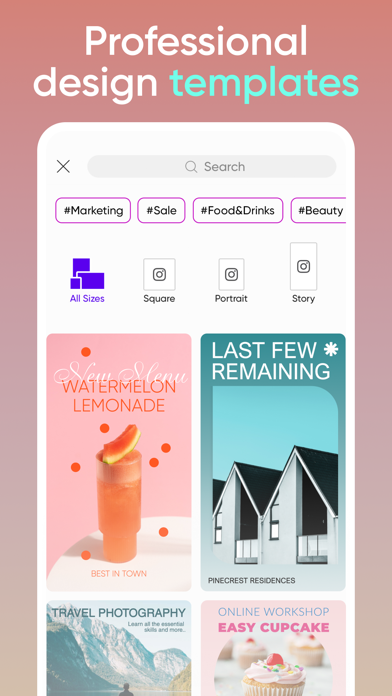
• Accelerate your design process with customizable graphic design templates made by professional editors.
• Make templates your own with just a few taps and create stunning brand logos, social stories, business cards, and more.
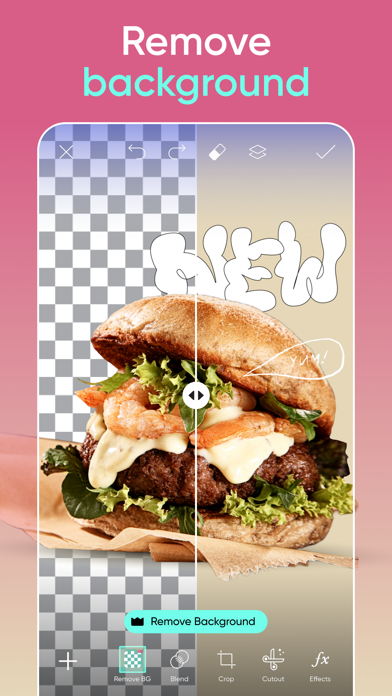
TRANSFORM DESIGNS WITH BACKGROUND REMOVER
• Use advanced AI to create pro-quality product photo ads.
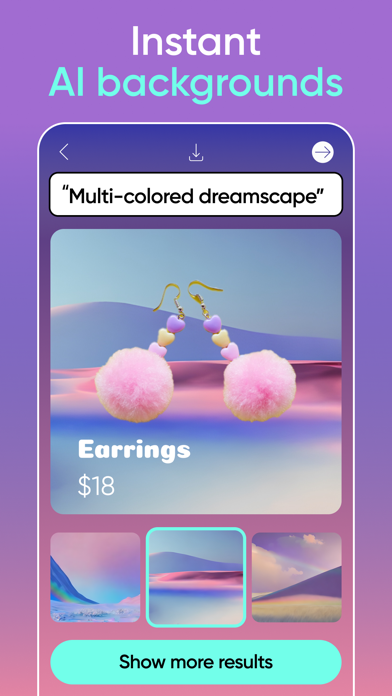
• Smart Background blends seamless, context-aware backdrops using top photo editor tools.
• Switching backdrops is easy with the Background Remover tool. Make precise changes with easy graphic design editor tools and create fresh aesthetic styles.
GET CREATIVE WITH AI
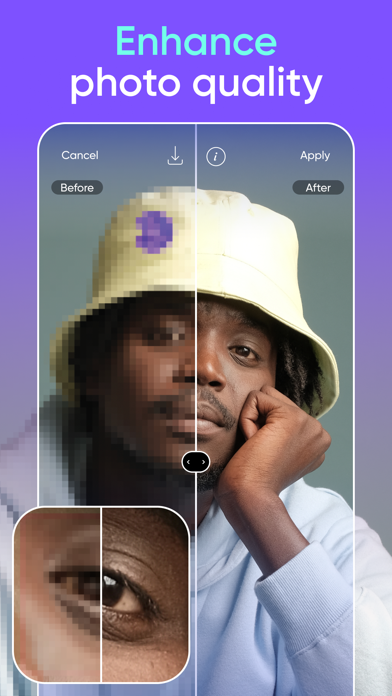
• Make any low-quality image pop with the easy AI-enhanced photo editor tool.
• Object Remover (Remove Object) quickly cleans up pictures and removes unwanted objects from the frame.
• Apply stylized AI filters to your shots to create stunning photo effects.
• Use AI Replace to instantly transform images with fun face swaps, hair color changes, selfie edits, and retouch.
• Generate captions, texts, and marketing copy with AI Writer.
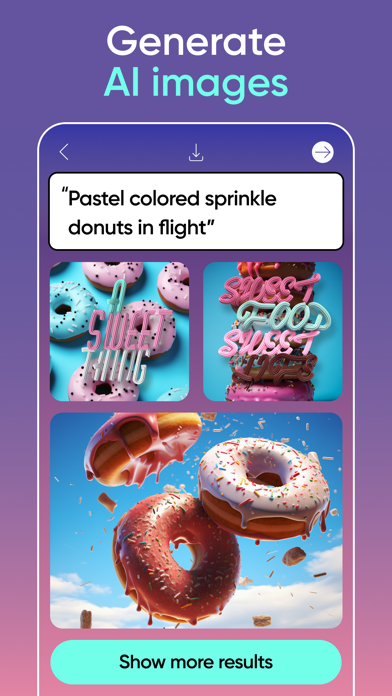
• Turn text into an AI photo with the AI Image Generator (AI photo generator) and create customizable images and GIFs automatically.
• Extend images seamlessly with AI Expand, the game-changing AI photo editor tool.
• Create custom AI avatar portraits in multiple styles.
EDIT VIDEOS LIKE A PRO
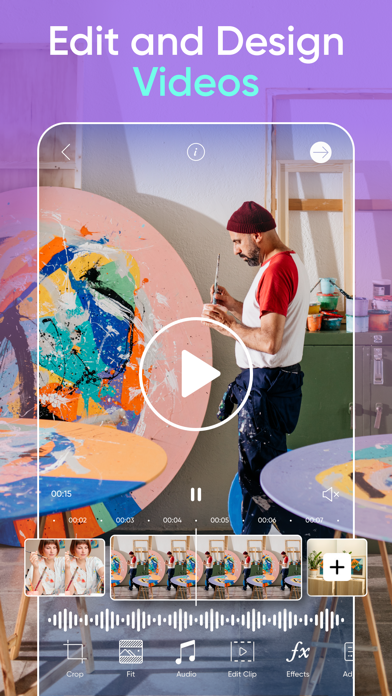
• Create videos that shine on any platform.
• Edit clips with music using the easy video editor.
• Take your IG Stories, TikToks & Reels to the next level.
• Apply retouch effects and trendy filters in the video editor.
• Add your best moments to a video collage.
ADD YOUR FLAVOR WITH THE STICKER MAKER
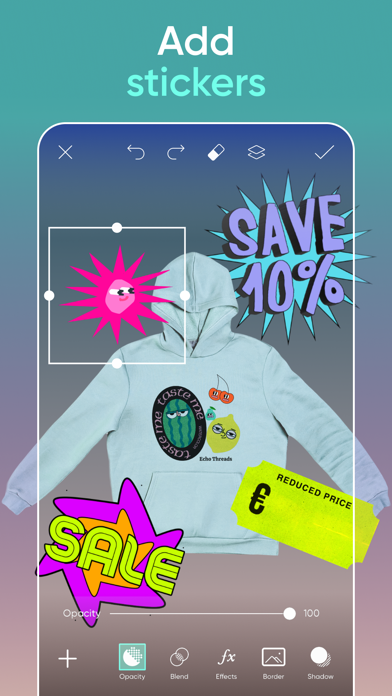
• Explore 60M+ stickers in the library.
• Add stickers to photos for fun or to graphic design promotions.
• Use the sticker maker to create your own custom stickers.
TELL YOUR STORY IN TEXT
• Create unforgettable designs by adding text to images with the Picsart Text Editor.
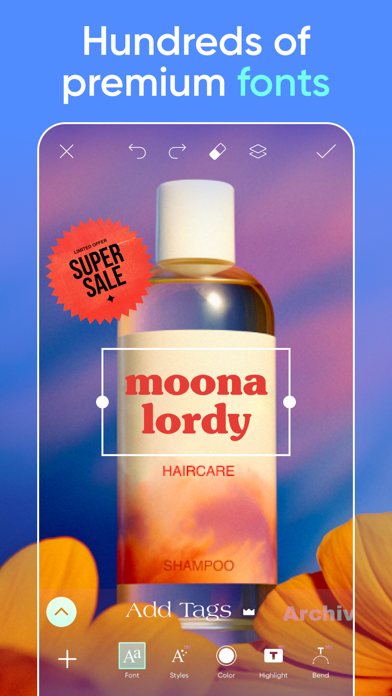
• Discover hundreds of classic and trending fonts.
• Craft your own unique text styles with powerful customization options that elevate your graphic design game.
DISCOVER ENDLESS INSPIRATION
• From solopreneurs to graphic design enthusiasts, AI art pioneers, photo editors, and more, share your ideas and get inspiration for that next big project with Picsart Spaces.
CREATE COLLAGE MAGIC
• Design on-trend photo collages with your favorite pictures.
• Try photo grid collage or freestyle collage for mood boards and frames for selfies and pictures.
• Use the social media Story Maker and level up your Instagram game with templates.
UPGRADE YOUR DESIGN EXPERIENCE
Picsart Plus
In addition to Background Remover and photo & video editing tools, elevate your graphic designs with premium content, templates, and retouch features.
Picsart Pro
Access more AI tools, team seats for small businesses, and extra storage.
Terms and conditions: https://picsart.com/terms-of-use/
About Ads: https://picsart.com/privacy-policy#interest-base

- 未越獄/受限或已越獄的 iPhone 或 iPad。
- Sideloadly 或替代方案。
- 執行 Windows/macOS/Linux 且已安裝 iTunes 的電腦。
步驟 1: 透過上方連結將已破解的 .IPA 檔案下載到您的電腦。若要從 iOSGods App 下載,請參閱我們的 iOSGods App IPA 下載教學,其中包含影片範例。
步驟 2: 下載 Sideloadly 並將其安裝在您的 Windows 或 Mac 上。
步驟 3: 在電腦上開啟 Sideloadly,連接您的 iOS 裝置,並等待裝置名稱出現在 Sideloadly 中。
步驟 4: 當 Sideloadly 辨識到您的 iOS 裝置後,將下載好的修改版 .IPA 檔案拖曳並放到 Sideloadly 應用程式中。
步驟 5: 輸入您的 Apple Account 電子郵件,然後按下「Start」。系統會要求您輸入密碼,請依指示提供所需資訊。
步驟 6: 等待 Sideloadly 完成已破解 IPA 的旁載/安裝。如果安裝過程中發生問題,請閱讀下方的注意事項。
步驟 7: 安裝完成並在主畫面上看到該應用程式後,您需要前往 設定 → 一般 → 描述檔 / VPN 與裝置管理。進入後,點選您在步驟 6 中輸入的電子郵件,然後點選「信任 [email protected]」。
步驟 8: 現在回到主畫面並開啟新安裝的應用程式,一切應該都能正常運作。您可能需要依照遊戲內破解彈出視窗中的進一步指示操作。
注意: 在 iOS/iPadOS 16 及更新版本上,您必須 啟用開發者模式。若使用免費的 Apple Developer 帳號,您將需要每 7 天重複此程序。如有任何疑問或問題,請閱讀我們的 主題中的 Sideloadly 常見問題區段。