Inloggen vereist
Log in met je iOSGods-account om door te gaan.

Hack Features:
- PREMIUM
Download Bazaart Photo Editor & Design Modded modded IPA via de bovenstaande links. Tik op de installatieknop en volg de instructies om deze iOS-app-hack op je iPhone, iPad of Apple Silicon te installeren.
Meer hulp nodig? Bekijk onze Veelgestelde vragen over de iOSGods-app voor uitgebreide antwoorden en probleemoplossingstips.
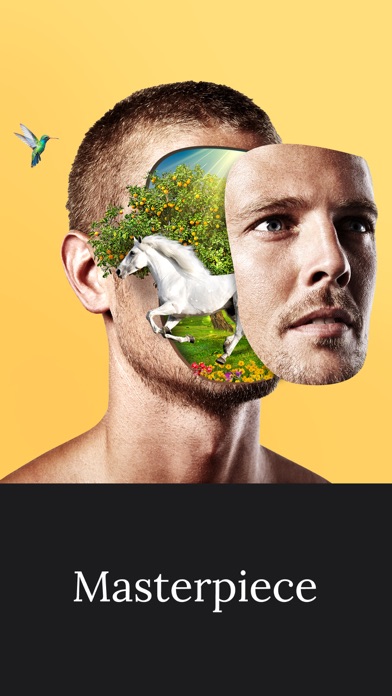
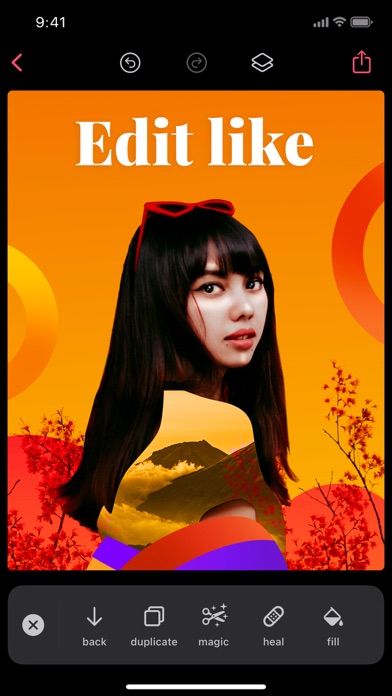
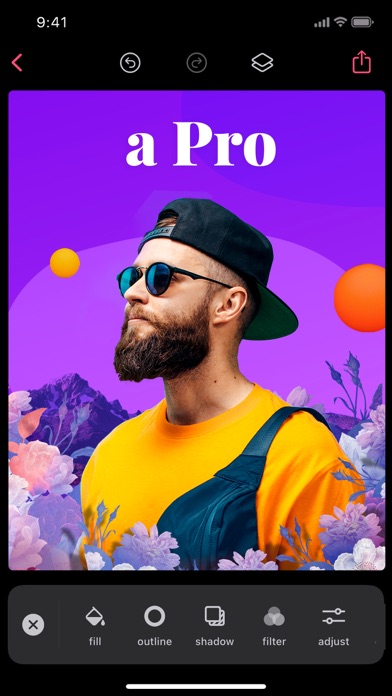
Bazaart is an award-winning photo editing and graphic design app that will help you easily create beautiful photos, professional designs and stunning collage art. Get ready to discover endless creativity!
GET CREATIVE
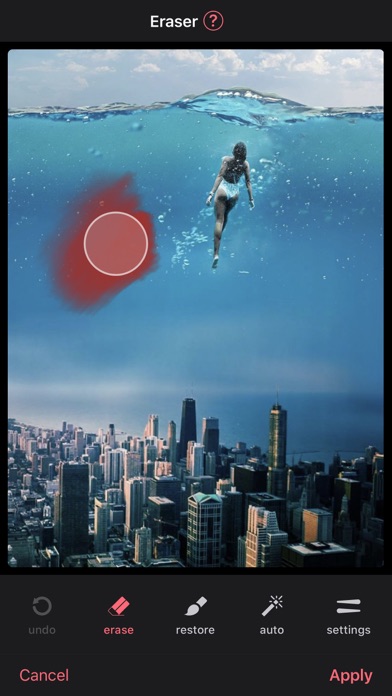
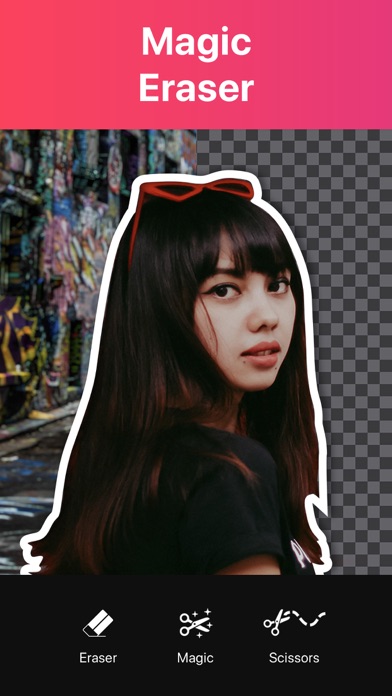
• Magically remove the background from photos with the magic background eraser.
• Remove unwanted objects from your photos with the heal tool.
• Select photos, scale, rotate, position, duplicate and flip with simple touch gestures.
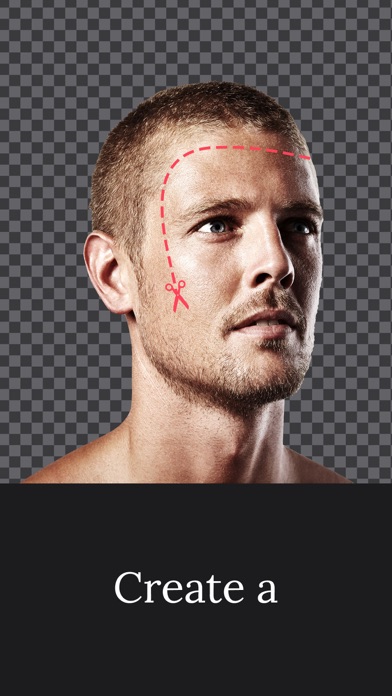
• Cut out photos artistically with the scissors, eraser and shape cut-out tools.
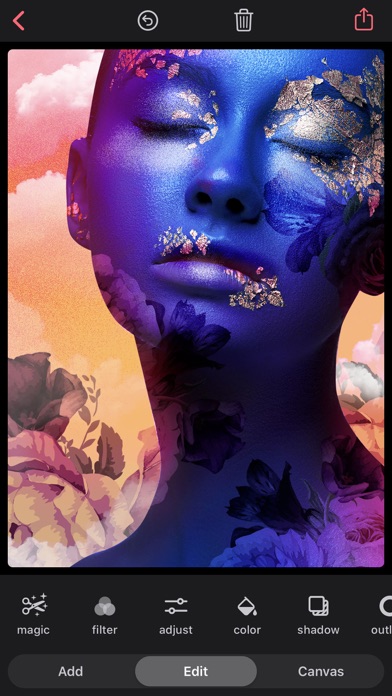
• Enhance your photos with powerful adjustments: exposure, contrast, saturation, vibrance, warmth, tint, shadows, highlights, fade, sharpness and blur.
• Add up to 100 layers, each layer is independently editable and changes are completely reversible.
• Use photos from your photo albums, camera, files, photography or web search.
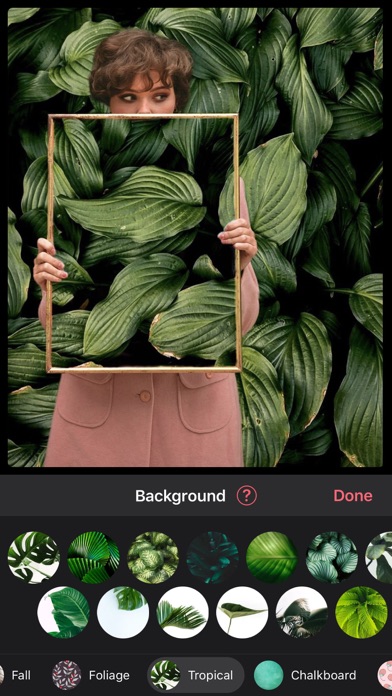
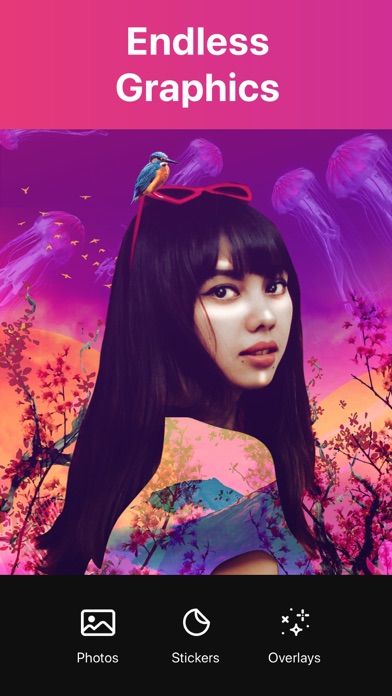
• Add thousands of amazing backgrounds, stickers and shapes.
• Add awesome animated stickers and GIFs.
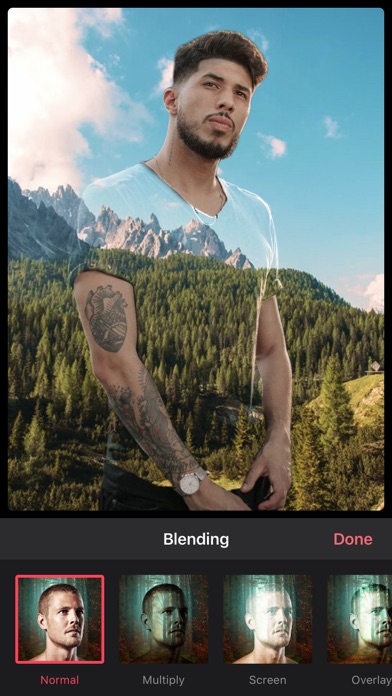
• Add stunning photo and video overlays.
• Add text using a great selection of beautiful fonts or add your own fonts.
• Apply fabulous photo filters.
• Perfectly align images, text and more.
• Sketch and draw with the drawing tool.
• Create stop motion videos and GIFs.
• Create designs in a wide variety of preset sizes or in a custom size.
• Create your own WhatsApp stickers.
• Save as an image with an opaque (JPG) or transparent background (PNG).
• Save as a video or animated GIF.
• Organize your projects into folders.
• Share creations on Instagram, WhatsApp, Facebook, Twitter, Text, Email, and wherever you want.
PREMIUM SUBSCRIPTION
Create professional looking designs in seconds with Premium!
• Save time with magic background removal.
• Create without limits with a huge collection of templates, graphics and fonts.
• Get full access to all advanced tools and VIP support.
Bazaart Premium offers two subscription options:
$7.99 per month
$47.99 per year
Prices may vary by location.
Should you choose to upgrade to a Premium subscription, payment will be charged to your iTunes account at confirmation of purchase. Subscription automatically renews unless auto-renew is turned off at least 24-hours before the end of the current period. Account will be charged for renewal within 24-hours prior to the end of the current period.
You may cancel automatic renewal and manage your subscription by selecting Manage App Subscriptions in your iTunes Account settings and selecting the subscription you want to modify. Any unused portion of a free trial period, if offered, will be forfeited when you purchase a Premium subscription, where applicable.
Privacy Policy: https://bazaart.me/terms#privacy
Terms of Service: https://bazaart.me/terms
״I absolutely love this app! It is my go too for quick photo manipulation on my phone. I've been using it for months 4-5 times a week and it has had a single bug or glitch. If you have a rudimentary understanding of Photoshop or photo manipulation with masking you will find this app invaluable. Person missing from a photo? no problem cut them out of another and drop them in. Color off? change the lighting. I can't say enough good things about this app.” - Ro-Sham-Bo, United States
Need help? Please email us at [email protected] and we will get back to you quickly!
BAZAART® is a registered trademark of Bazaart Ltd.
- Niet-jailbroken/jailed of jailbroken iPhone of iPad.
- Sideloadly of alternatieven.
- Computer met Windows/macOS/Linux en iTunes geïnstalleerd.
STAP 1: Download het vooraf gehackte .IPA-bestand via de link hierboven naar uw computer. Om het te downloaden vanuit de iOSGods App, bekijk onze iOSGods App IPA-downloadhandleiding met een videovoorbeeld.
STAP 2: Download Sideloadly en installeer het op uw Windows of Mac.
STAP 3: Open Sideloadly op uw computer, sluit uw iOS-apparaat aan en wacht tot de naam van uw apparaat in Sideloadly verschijnt.
STAP 4: Zodra uw iDevice is herkend, sleept u het gedownloade gemodde .IPA-bestand naar de Sideloadly-applicatie.
STAP 5: Voer het e-mailadres van uw Apple Account in en druk op “Start”. U wordt vervolgens gevraagd om uw wachtwoord in te voeren. Geef de gevraagde informatie op.

STAP 6: Wacht tot Sideloadly het sideloaden/installeren van de gehackte IPA heeft voltooid. Als er problemen zijn tijdens de installatie, lees dan onderstaande opmerking.
STAP 7: Zodra de installatie is voltooid en u de app op uw beginscherm ziet, gaat u naar Instellingen → Algemeen → Profielen / VPN- en apparaatbeheer. Tik daar op het e-mailadres dat u in stap 6 hebt ingevoerd en tik vervolgens op “Vertrouw [email protected]”.
STAP 8: Ga nu naar uw beginscherm en open de zojuist geïnstalleerde app; alles zou correct moeten werken. Mogelijk moet u verdere app-specifieke instructies volgen in de hack-popup in het spel.
OPMERKING: Op iOS/iPadOS 16 en later moet u Ontwikkelaarsmodus inschakelen. Voor gratis Apple Developer-accounts moet u dit proces elke 7 dagen herhalen. Als u vragen of problemen hebt, lees dan onze Sideloadly FAQ-sectie van het onderwerp.