تسجيل الدخول مطلوب
سجّل الدخول بحساب iOSGods للمتابعة.
Hack Features:
- PREMIUM
قم بتنزيل Bazaart Photo Editor & Design Modded modded IPA من الروابط أعلاه. اضغط على زر التثبيت واتبع التعليمات لتثبيت هذا التعديل لـ iOS على iPhone أو iPad أو Apple Silicon.
هل تحتاج إلى مزيد من المساعدة؟ راجع الأسئلة الشائعة لتطبيق iOSGods للحصول على إجابات مفصلة ونصائح لاستكشاف الأخطاء.

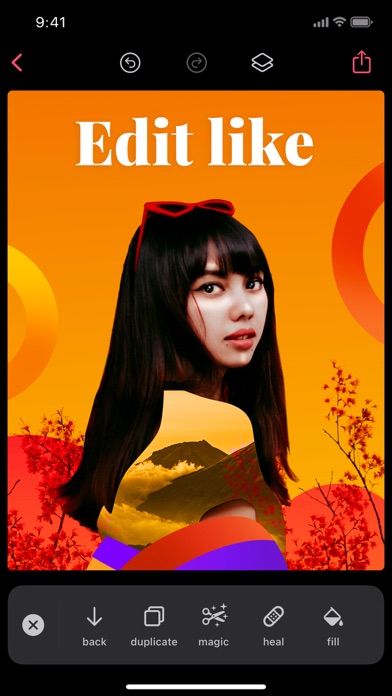
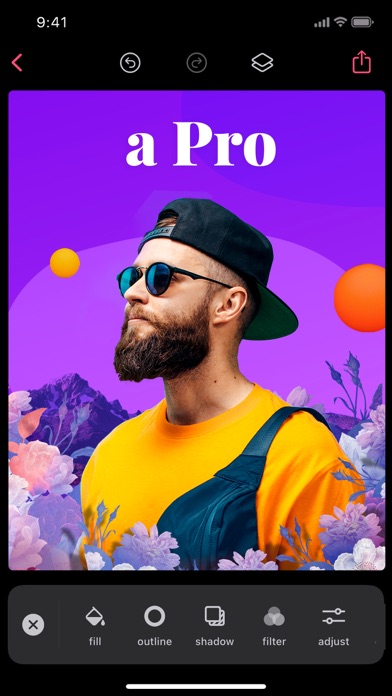
Bazaart is an award-winning photo editing and graphic design app that will help you easily create beautiful photos, professional designs and stunning collage art. Get ready to discover endless creativity!

GET CREATIVE
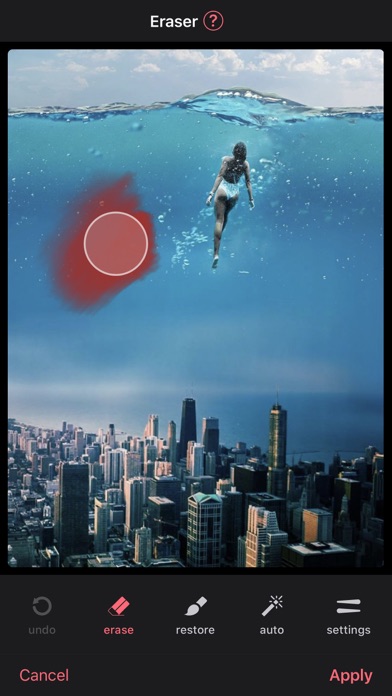
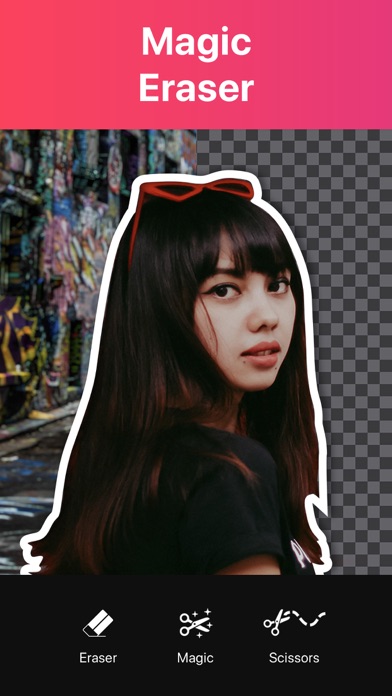
• Magically remove the background from photos with the magic background eraser.
• Remove unwanted objects from your photos with the heal tool.
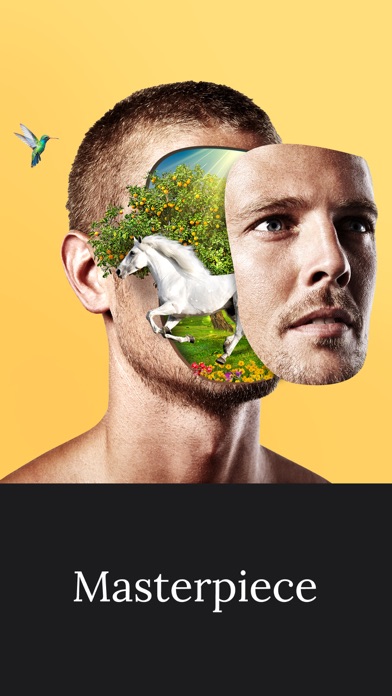
• Select photos, scale, rotate, position, duplicate and flip with simple touch gestures.
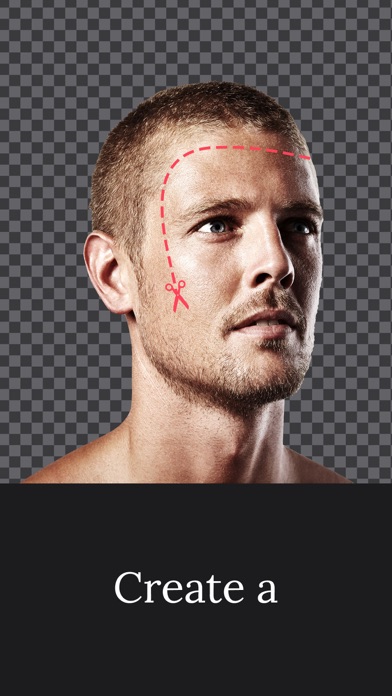
• Cut out photos artistically with the scissors, eraser and shape cut-out tools.
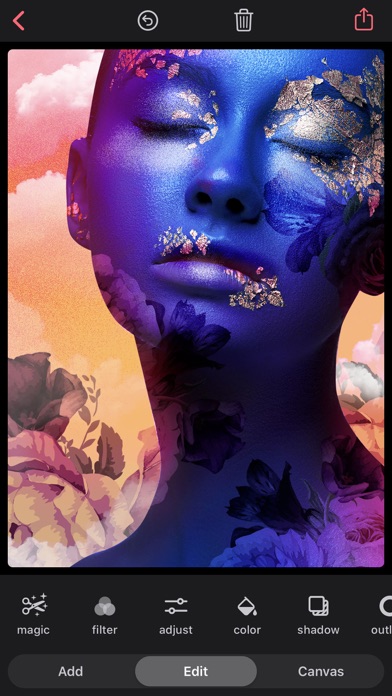
• Enhance your photos with powerful adjustments: exposure, contrast, saturation, vibrance, warmth, tint, shadows, highlights, fade, sharpness and blur.
• Add up to 100 layers, each layer is independently editable and changes are completely reversible.
• Use photos from your photo albums, camera, files, photography or web search.
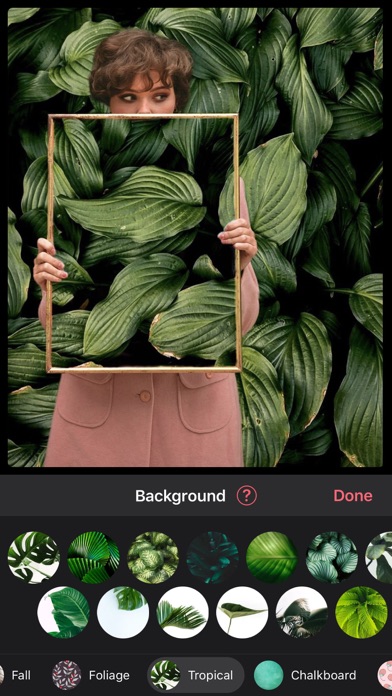
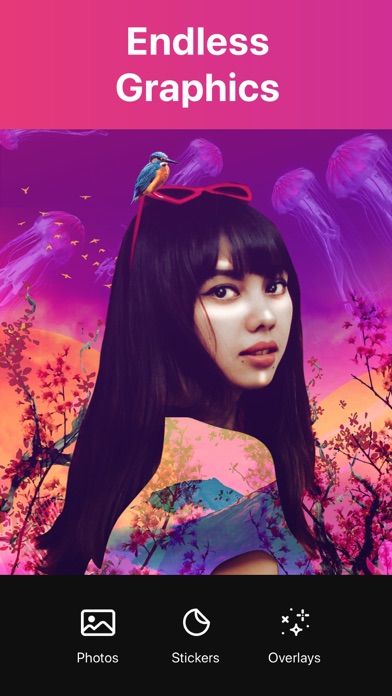
• Add thousands of amazing backgrounds, stickers and shapes.
• Add awesome animated stickers and GIFs.
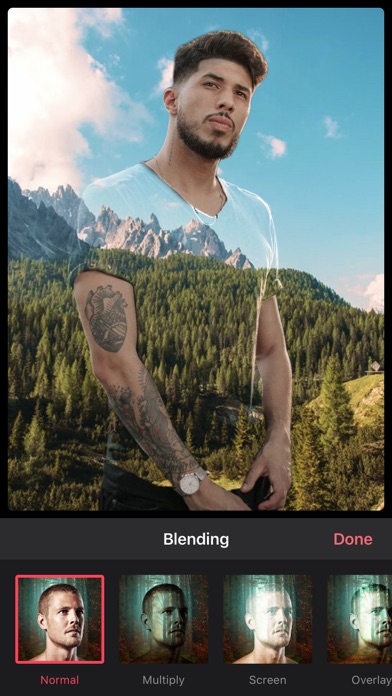
• Add stunning photo and video overlays.
• Add text using a great selection of beautiful fonts or add your own fonts.
• Apply fabulous photo filters.
• Perfectly align images, text and more.
• Sketch and draw with the drawing tool.
• Create stop motion videos and GIFs.
• Create designs in a wide variety of preset sizes or in a custom size.
• Create your own WhatsApp stickers.
• Save as an image with an opaque (JPG) or transparent background (PNG).
• Save as a video or animated GIF.
• Organize your projects into folders.
• Share creations on Instagram, WhatsApp, Facebook, Twitter, Text, Email, and wherever you want.
PREMIUM SUBSCRIPTION
Create professional looking designs in seconds with Premium!
• Save time with magic background removal.
• Create without limits with a huge collection of templates, graphics and fonts.
• Get full access to all advanced tools and VIP support.
Bazaart Premium offers two subscription options:
$7.99 per month
$47.99 per year
Prices may vary by location.
Should you choose to upgrade to a Premium subscription, payment will be charged to your iTunes account at confirmation of purchase. Subscription automatically renews unless auto-renew is turned off at least 24-hours before the end of the current period. Account will be charged for renewal within 24-hours prior to the end of the current period.
You may cancel automatic renewal and manage your subscription by selecting Manage App Subscriptions in your iTunes Account settings and selecting the subscription you want to modify. Any unused portion of a free trial period, if offered, will be forfeited when you purchase a Premium subscription, where applicable.
Privacy Policy: https://bazaart.me/terms#privacy
Terms of Service: https://bazaart.me/terms
״I absolutely love this app! It is my go too for quick photo manipulation on my phone. I've been using it for months 4-5 times a week and it has had a single bug or glitch. If you have a rudimentary understanding of Photoshop or photo manipulation with masking you will find this app invaluable. Person missing from a photo? no problem cut them out of another and drop them in. Color off? change the lighting. I can't say enough good things about this app.” - Ro-Sham-Bo, United States
Need help? Please email us at [email protected] and we will get back to you quickly!
BAZAART® is a registered trademark of Bazaart Ltd.
- iPhone أو iPad بجيلبريك أو بدون جيلبريك.
- Sideloadly أو بدائلها.
- كمبيوتر يعمل بنظام Windows/macOS/Linux مع تثبيت iTunes.
الخطوة 1: قم بتنزيل ملف .IPA المعدّل مسبقًا من الرابط أعلاه إلى الكمبيوتر الخاص بك. للتنزيل من تطبيق iOSGods App، اطلع على دليل تنزيل IPA من تطبيق iOSGods App الذي يتضمن مثالًا بالفيديو.
الخطوة 2: قم بتنزيل Sideloadly وتثبيته على جهاز Windows أو Mac.
الخطوة 3: افتح Sideloadly على الكمبيوتر، ووصّل جهاز iOS الخاص بك، وانتظر حتى يظهر اسم جهازك داخل Sideloadly.
الخطوة 4: بمجرد التعرّف على جهاز iDevice الخاص بك، اسحب ملف .IPA المعدّل الذي قمت بتنزيله وأفلِته داخل تطبيق Sideloadly.
الخطوة 5: أدخل البريد الإلكتروني لحساب Apple Account الخاص بك، ثم اضغط على «Start». سيُطلب منك بعد ذلك إدخال كلمة المرور. تابع وأدخل المعلومات المطلوبة.
الخطوة 6: انتظر حتى ينتهي Sideloadly من تحميل/تثبيت ملف IPA المعدّل. في حال واجهت أي مشاكل أثناء التثبيت، يرجى قراءة الملاحظة أدناه.
الخطوة 7: بعد اكتمال التثبيت ورؤية التطبيق على الشاشة الرئيسية، انتقل إلى Settings → General → Profiles / VPN & Device Management. ثم اضغط على البريد الإلكتروني الذي أدخلته في الخطوة 6، ثم اضغط على «الوثوق بـ [email protected]».
الخطوة 8: الآن انتقل إلى الشاشة الرئيسية وافتح التطبيق الذي تم تثبيته للتو وسيعمل كل شيء بشكل صحيح. قد تحتاج إلى اتباع تعليمات إضافية خاصة بكل تطبيق داخل النافذة المنبثقة للتعديل أثناء اللعب.
ملاحظة: بدءًا من iOS/iPadOS 16 وما بعده، يجب تفعيل وضع المطور (Developer Mode). بالنسبة لحسابات Apple Developer المجانية، ستحتاج إلى تكرار هذه العملية كل 7 أيام. إذا كانت لديك أي أسئلة أو مشاكل، يرجى قراءة قسم الأسئلة الشائعة حول Sideloadly في الموضوع.