ログインが必要
iOSGodsアカウントでサインインして続けてください。

Hack Features:
- PREMIUM
Bazaart Photo Editor & Design Modded modded IPAを上のリンクからダウンロードします。インストールボタンをタップし、画面の指示に従ってiPhone、iPad、Apple SiliconにこのiOSアプリハックをインストールします。
さらにヘルプが必要ですか? 詳しい回答とトラブルシューティングはiOSGodsアプリ よくある質問をご覧ください。
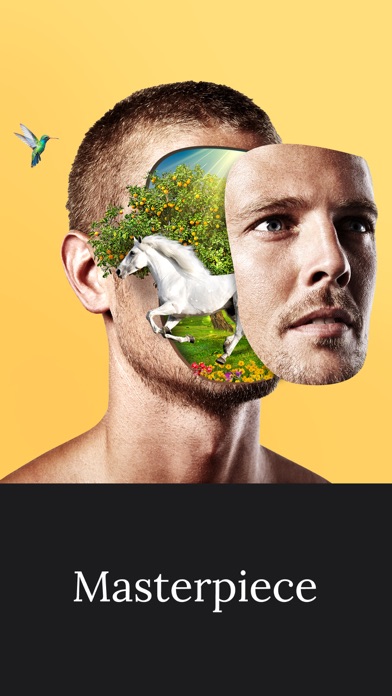
Bazaart is an award-winning photo editing and graphic design app that will help you easily create beautiful photos, professional designs and stunning collage art. Get ready to discover endless creativity!
GET CREATIVE
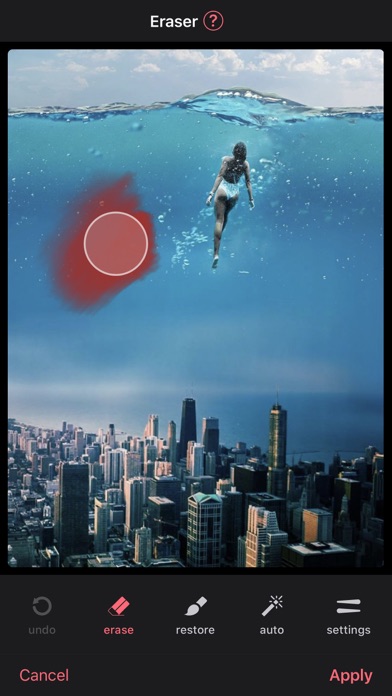
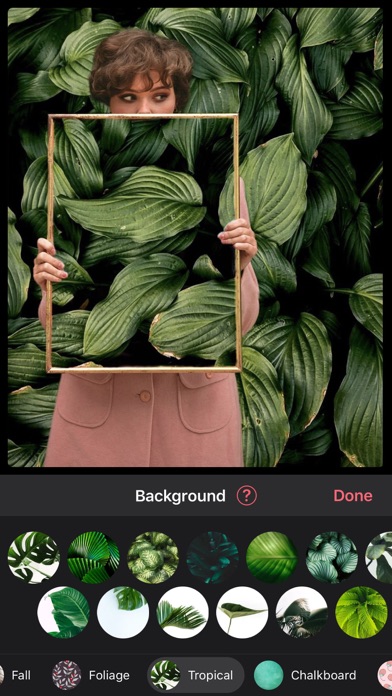
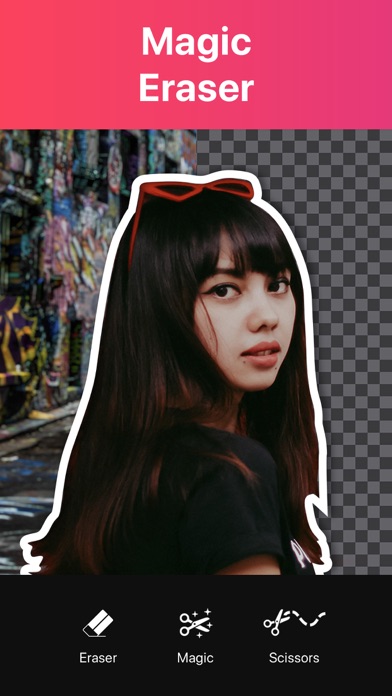
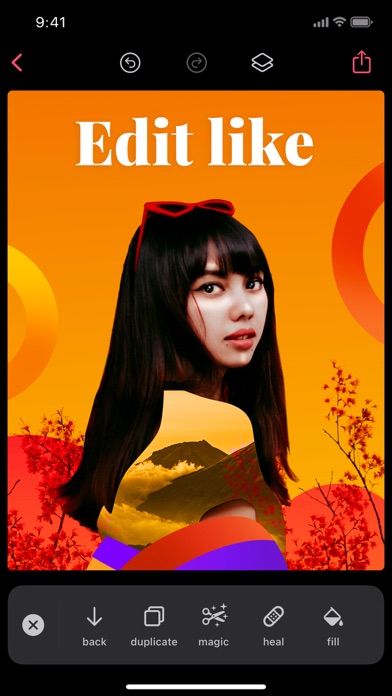
• Magically remove the background from photos with the magic background eraser.
• Remove unwanted objects from your photos with the heal tool.
• Select photos, scale, rotate, position, duplicate and flip with simple touch gestures.
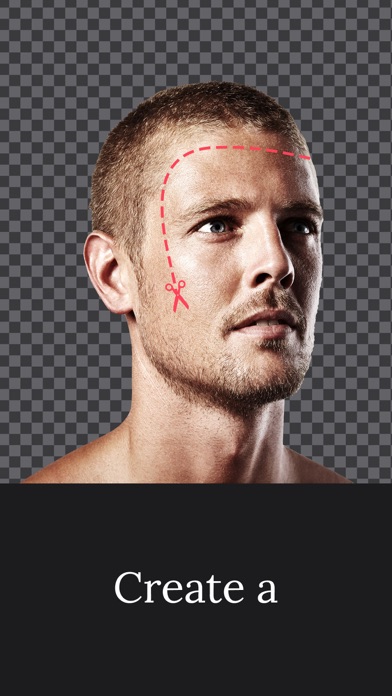
• Cut out photos artistically with the scissors, eraser and shape cut-out tools.
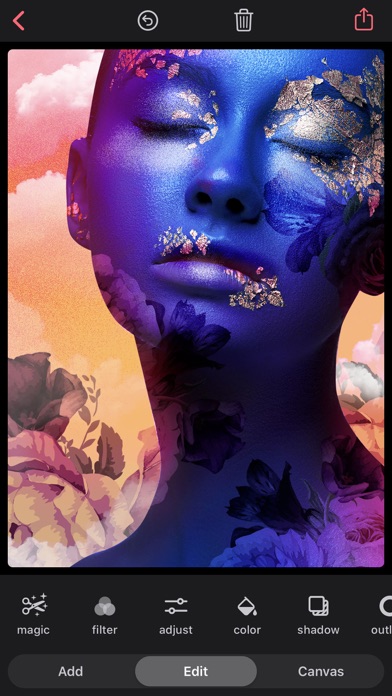
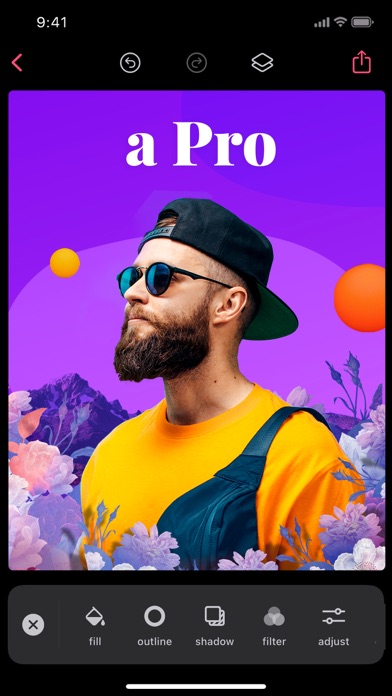
• Enhance your photos with powerful adjustments: exposure, contrast, saturation, vibrance, warmth, tint, shadows, highlights, fade, sharpness and blur.
• Add up to 100 layers, each layer is independently editable and changes are completely reversible.
• Use photos from your photo albums, camera, files, photography or web search.
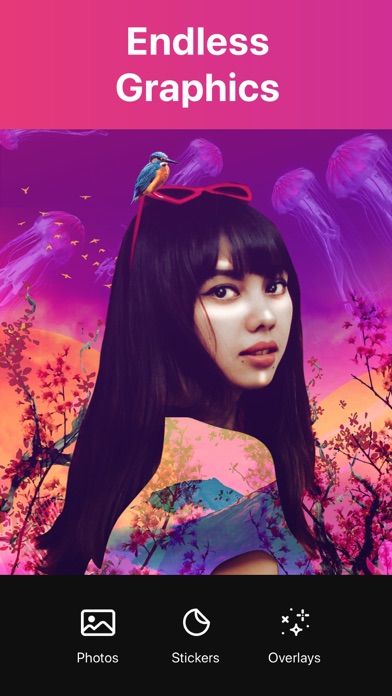
• Add thousands of amazing backgrounds, stickers and shapes.
• Add awesome animated stickers and GIFs.
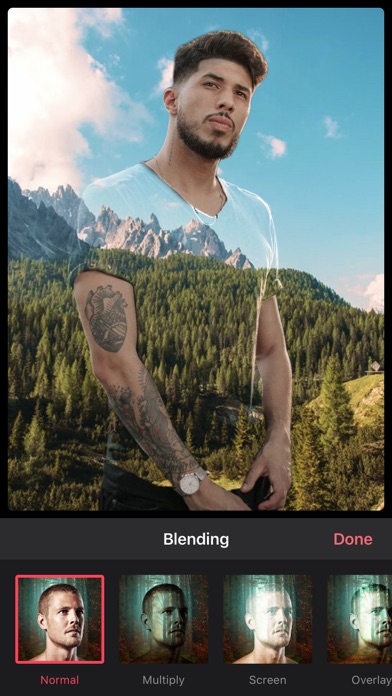
• Add stunning photo and video overlays.
• Add text using a great selection of beautiful fonts or add your own fonts.
• Apply fabulous photo filters.
• Perfectly align images, text and more.
• Sketch and draw with the drawing tool.
• Create stop motion videos and GIFs.
• Create designs in a wide variety of preset sizes or in a custom size.
• Create your own WhatsApp stickers.
• Save as an image with an opaque (JPG) or transparent background (PNG).
• Save as a video or animated GIF.
• Organize your projects into folders.
• Share creations on Instagram, WhatsApp, Facebook, Twitter, Text, Email, and wherever you want.
PREMIUM SUBSCRIPTION
Create professional looking designs in seconds with Premium!
• Save time with magic background removal.
• Create without limits with a huge collection of templates, graphics and fonts.
• Get full access to all advanced tools and VIP support.
Bazaart Premium offers two subscription options:
$7.99 per month
$47.99 per year
Prices may vary by location.
Should you choose to upgrade to a Premium subscription, payment will be charged to your iTunes account at confirmation of purchase. Subscription automatically renews unless auto-renew is turned off at least 24-hours before the end of the current period. Account will be charged for renewal within 24-hours prior to the end of the current period.
You may cancel automatic renewal and manage your subscription by selecting Manage App Subscriptions in your iTunes Account settings and selecting the subscription you want to modify. Any unused portion of a free trial period, if offered, will be forfeited when you purchase a Premium subscription, where applicable.
Privacy Policy: https://bazaart.me/terms#privacy
Terms of Service: https://bazaart.me/terms
״I absolutely love this app! It is my go too for quick photo manipulation on my phone. I've been using it for months 4-5 times a week and it has had a single bug or glitch. If you have a rudimentary understanding of Photoshop or photo manipulation with masking you will find this app invaluable. Person missing from a photo? no problem cut them out of another and drop them in. Color off? change the lighting. I can't say enough good things about this app.” - Ro-Sham-Bo, United States
Need help? Please email us at [email protected] and we will get back to you quickly!
BAZAART® is a registered trademark of Bazaart Ltd.
- 脱獄/Jailed済みまたは脱獄済みのiPhoneまたはiPad。
- Sideloadlyまたは代替手段。
- iTunesがインストールされているWindows/macOS/Linuxを実行しているコンピュータ。
ステップ1: 上のリンクから事前にハックされた.IPAファイルをコンピュータにダウンロードします。iOSGodsアプリからダウンロードする方法は、ビデオ例付きのiOSGodsアプリIPAダウンロードチュートリアルをご覧ください。
ステップ2: SideloadlyをダウンロードしてWindowsまたはMacにインストールします。
ステップ3: コンピュータでSideloadlyを開き、iOSデバイスを接続して、デバイス名がSideloadlyに表示されるまで待ちます。
ステップ4: iDeviceが認識されたら、ダウンロードしたModされた.IPAファイルをSideloadlyアプリにドラッグ&ドロップします。
ステップ5: Apple Accountのメールアドレスを入力し、「Start」を押します。次にパスワードの入力を求められます。必要な情報を入力してください。
ステップ6: Sideloadlyがハックされたipaのサイドロード/インストールを完了するのを待ちます。インストール中に問題が発生した場合は、以下の注意事項をお読みください。
ステップ7: インストールが完了し、ホーム画面にアプリが表示されたら、設定 → 一般 → プロファイル / VPNとデバイス管理に移動する必要があります。そこで、ステップ6で入力したメールをタップし、「Trust [email protected]」をタップします。

ステップ8: ホーム画面に戻り、新しくインストールされたアプリを開けば、すべて正常に動作するはずです。ゲーム内のハックのポップアップで、アプリごとの追加指示に従う必要がある場合があります。
注意: iOS/iPadOS 16以降では、デベロッパモードを有効にするが必要です。無料のApple Developerアカウントの場合、このプロセスを7日ごとに繰り返す必要があります。質問や問題がある場合は、トピックのSideloadly FAQセクションをお読みください。