Inicio de sesión requerido
Inicia sesión con tu cuenta de iOSGods para continuar.
Inicia sesión con tu cuenta de iOSGods para continuar.

Hack Features
- Damage Multiplier
- Defence Multiplier
- God Mode
- Skip Battles
- VIP Enabled
Esta app también incluye iGameGod, que te ofrece acceso a Auto Touch para automatizar tareas repetitivas, App Speed Manager para ajustar la velocidad del juego, edición de valores con Memory Engine y más potentes herramientas para juegos de iOS.
Descarga Rogue Legend - Roguelike RPG iOS Mod IPA desde los enlaces de arriba. Toca el botón de instalación y sigue las instrucciones para instalar este hack iOS en tu iPhone, iPad o Mac con Apple Silicon.
¿Necesitas más ayuda? Consulta nuestras Preguntas frecuentes de la app iOSGods para respuestas detalladas y consejos de solución de problemas.
Embark on an action roguelike RPG adventure with Rogue Legend, where every battle makes your hero stronger.
In Rogue Legend, you journey through worlds filled with monsters, treasures, and powerful bosses. Each run is a new roguelike RPG experience of strategy, combat, and growth, giving you the chance to strengthen your hero and push further with every run.
Enter a World of Endless Battles:
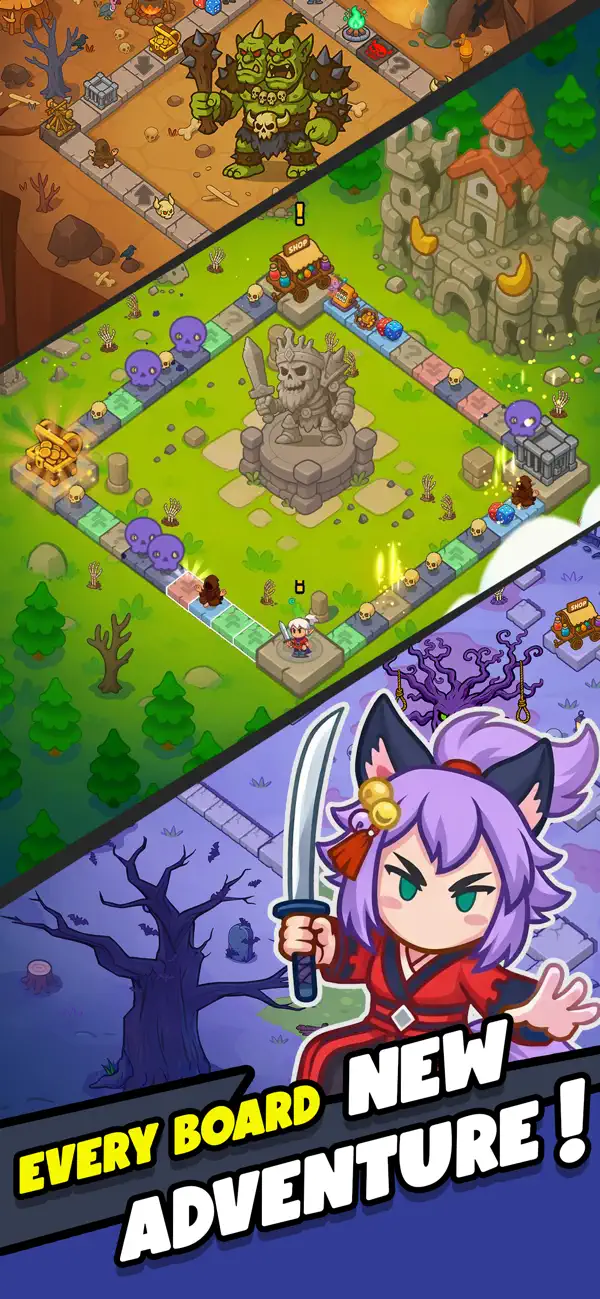
Every session begins in the lobby. Press Play and roll the dice to start your roguelike RPG run, diving into a board-based action RPG full of encounters and surprises.
As your hero moves across the board, different events unfold depending on where you land:
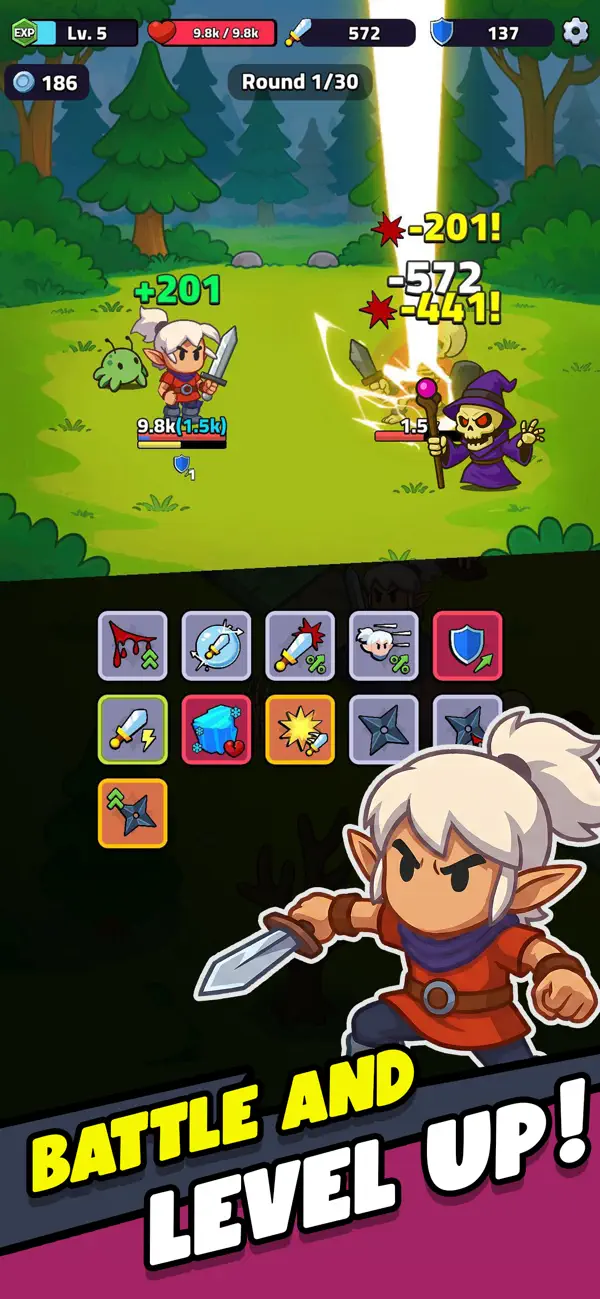
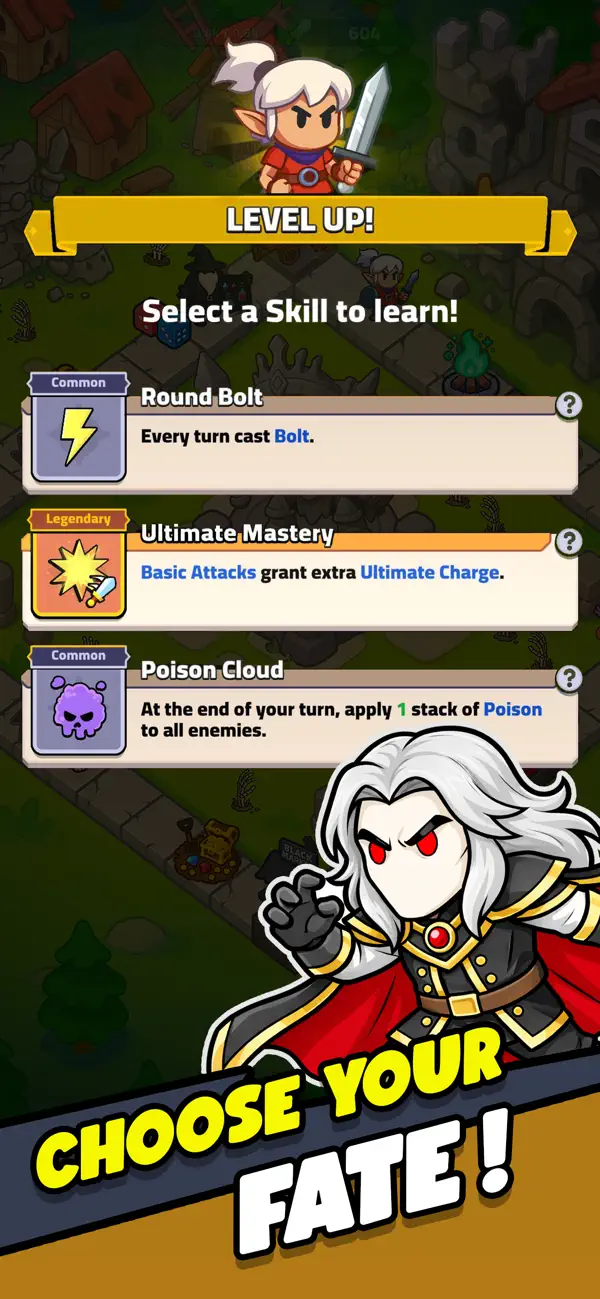
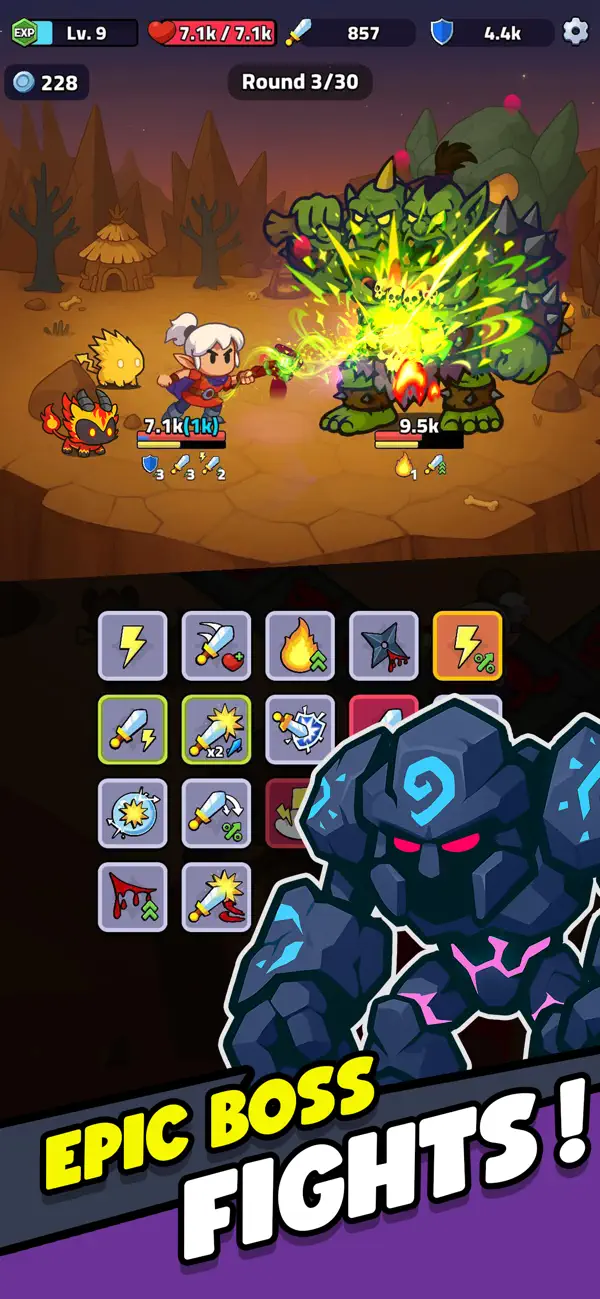
* Enemy Tiles: Engage in fast, automatic roguelike RPG battles. After each fight, choose one of three upgrades to shape your build.
* Buff Tiles: Gain boosts to attack, defense, and speed to help your hero survive longer in Rogue Legend’s idle-friendly dungeons.
* Negative Tiles: Face debuffs that test your timing and strategic decisions.
* Minigame Tiles: Roll for luck in short events where you can win extra loot or power-ups.
* Shop Tiles: Spend gold to buy new gear, upgrades, and legendary equipment.
* Special Tiles: Additional tile types will be added over time to expand Rogue Legend’s gameplay depth.
Defeat Bosses and Grow Stronger:
Your goal is to survive, adapt, and conquer every boss battle. Each fight is an opportunity to grow stronger, unlocking new roguelike RPG challenges, rewards, and abilities that prepare your hero for the next run in this idle RPG adventure.
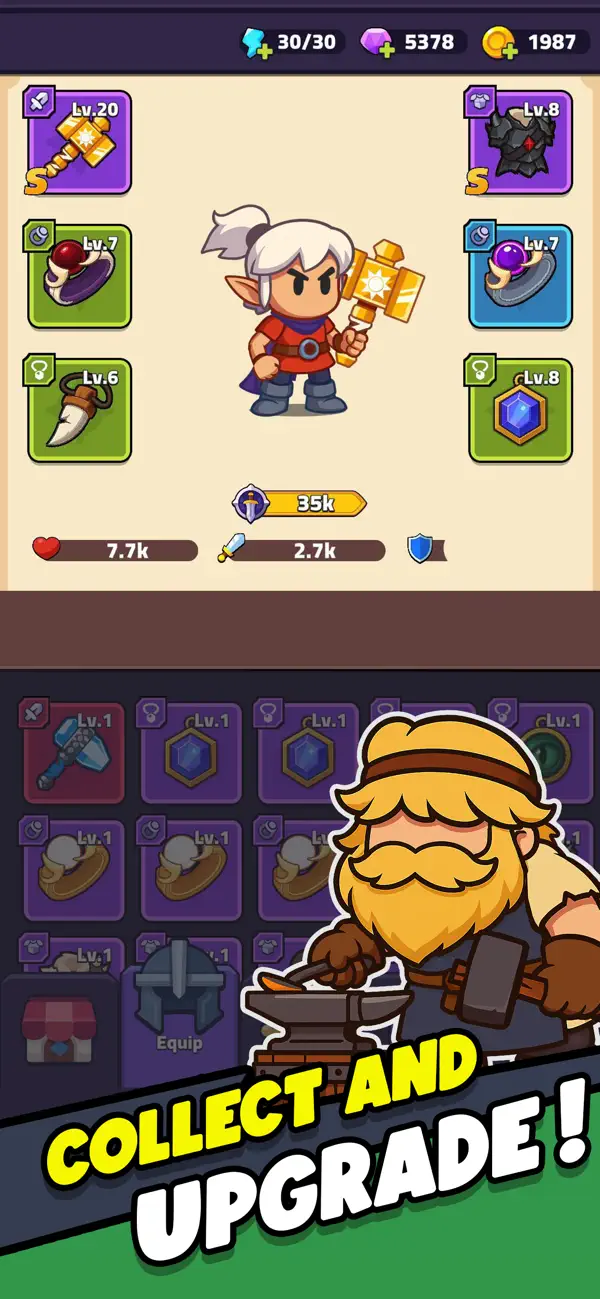
Upgrade, Progress, and Customize Your Hero:
Between runs, return to the lobby to enhance your hero through Rogue Legend’s RPG progression systems:
* Gear System: Collect and upgrade your weapons, armor, and equipment.
* Talent System: Level up to unlock new stats, passive abilities, and bonuses that fit your playstyle.
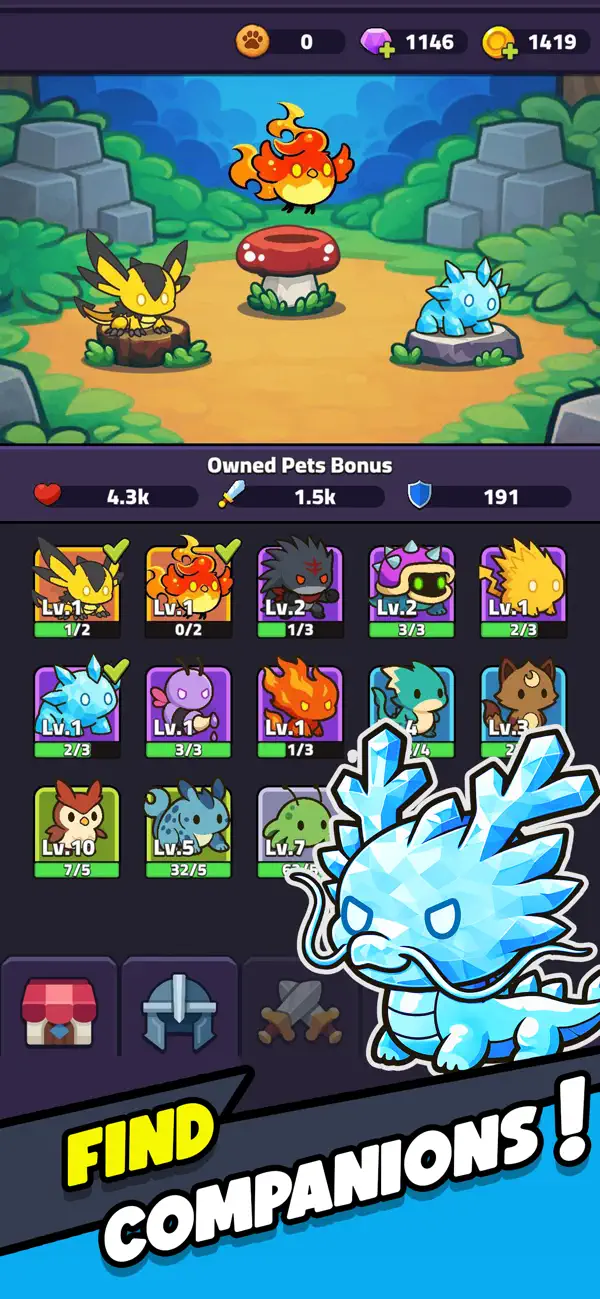
* Pet System: Obtain and train pets that join you in combat (coming soon).
Roguelike Depth with Idle RPG Progression
Rogue Legend blends the excitement of roguelike gameplay with the satisfaction of RPG and idle progression. Each run feels fast, rewarding, and different. The board and dice mechanics make every move matter, while the idle RPG design ensures steady progress without repetitive grind.
A Journey of Strategy and Power:
If you enjoy roguelike action, RPG adventure, and idle gameplay, Rogue Legend delivers a journey of endless replayability.
Fight, roll, and rise again in Rogue Legend, the roguelike idle RPG where every battle shapes your hero’s fate.
- iPhone o iPad con o sin Jailbreak.
- Sideloadly u otras alternativas.
- Ordenador con Windows/macOS/Linux e iTunes instalado.
PASO 1: Descargue el archivo .IPA pre-modificado desde el enlace de arriba a su ordenador. Para descargarlo desde la iOSGods App, consulte nuestro Tutorial de descarga del IPA desde la iOSGods App, que incluye un ejemplo en vídeo.
PASO 2: Descargue Sideloadly e instálelo en su Windows o Mac.
PASO 3: Abra Sideloadly en su ordenador, conecte su dispositivo iOS y espere hasta que el nombre del dispositivo aparezca en Sideloadly.
PASO 4: Una vez que su iDevice sea reconocido, arrastre el archivo .IPA modificado que descargó y suéltelo en la aplicación Sideloadly.
PASO 5: Introduzca el correo electrónico de su Apple Account y, a continuación, pulse «Start». Le pedirá que introduzca su contraseña. Proporcione la información solicitada.
PASO 6: Espere a que Sideloadly termine de hacer sideload/instalar el IPA modificado. Si surgen problemas durante la instalación, por favor lea la nota a continuación.
PASO 7: Una vez completada la instalación y al ver la app en la pantalla de inicio, deberá ir a Ajustes → General → Perfiles / VPN y Gestión de Dispositivos. Una vez allí, toque el correo electrónico que introdujo en el paso 6 y, después, toque en «Confiar en [email protected]».
PASO 8: Ahora vaya a la pantalla de inicio y abra la app recién instalada; todo debería funcionar correctamente. Es posible que tenga que seguir instrucciones adicionales específicas de cada app dentro del popup del hack en el juego.
NOTA: En iOS/iPadOS 16 y posteriores, debe activar el Modo Desarrollador. Para cuentas gratuitas de Apple Developer, deberá repetir este proceso cada 7 días. Si tiene alguna pregunta o problema, lea nuestra sección de Preguntas Frecuentes de Sideloadly del tema.
![Among Us! iOS Mod IPA [ ESP Boxes, Lines ]](https://is1-ssl.mzstatic.com/image/thumb/Purple211/v4/57/dc/f8/57dcf861-9c14-e964-6f5b-09f8c4fff8d2/AppIcon-0-0-1x_U007emarketing-0-8-0-85-220.png/100x100bb.jpg)


![Rapid Reload Hack [ Debug Menu ]](https://is1-ssl.mzstatic.com/image/thumb/Purple221/v4/9b/e1/1b/9be11b47-e269-56e3-4c2f-f15e2fd6fea2/AppIcon-0-0-1x_U007emarketing-0-8-0-85-220.png/100x100bb.jpg)


