Login Required
Sign in with your iOSGods account to continue.
Sign in with your iOSGods account to continue.

Explore a haunting first-person world through a toddler's eyes in this psychological horror adventure, Among the Sleep iOS Mod IPA grants you immediate access to the complete game. Guided by your teddy bear, navigate distorted environments and uncover mysteries in the darkness, with every level and story element ready to play from the start.
- Full Game Unlocked → play all levels and content immediately
This app also comes with iGameGod, giving you access to Auto Touch to automate repetitive tasks, App Speed Manager for adjustable gameplay speed, Memory Engine value editing, and more powerful iOS game tools.
Download Among the Sleep iOS Mod IPA from the links above. Tap the install button and follow the on-screen instructions to install this iOS app hack on your iPhone, iPad, or Apple Silicon.
Need more help? Check out our iOSGods App Frequently Asked Questions for detailed answers and troubleshooting tips.
*TRY FOR FREE*
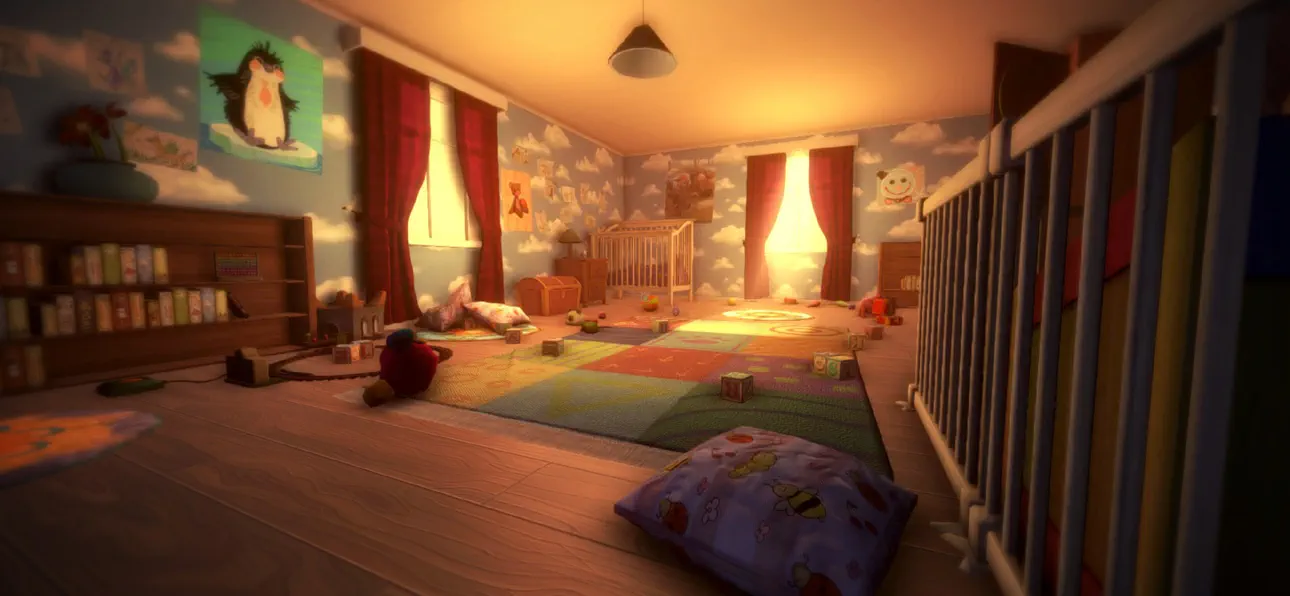
Among the Sleep is a first-person psychological horror adventure where you play as a two-year-old child.
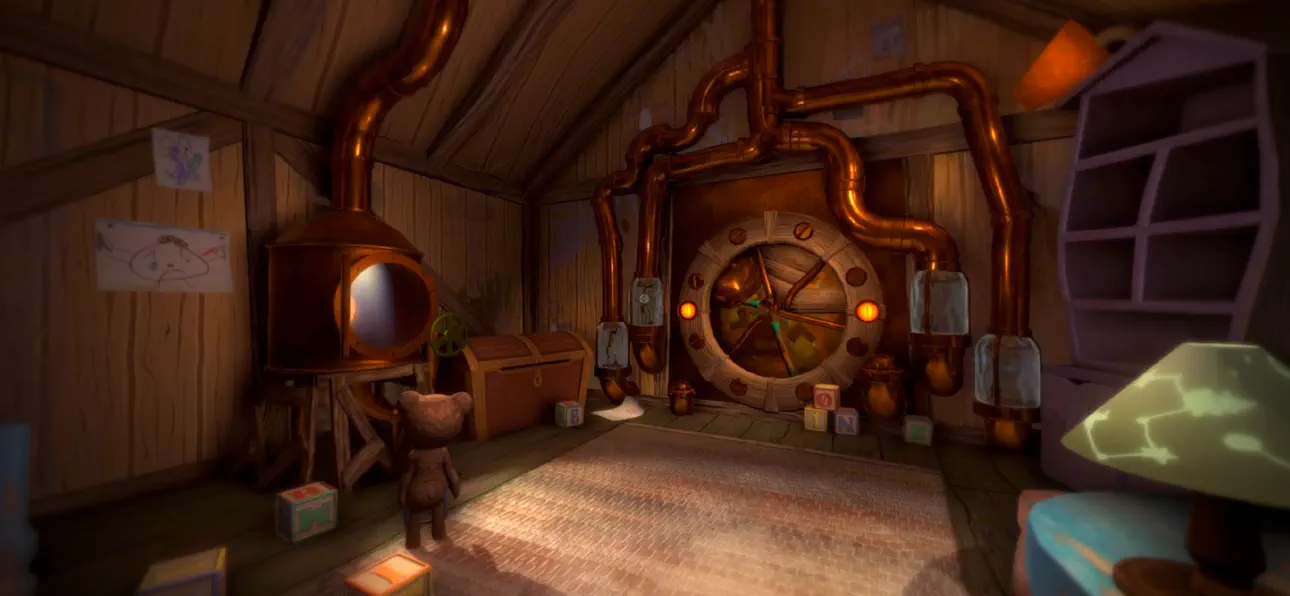
After waking up in the middle of the night to mysterious sounds, you leave the safety of your bed and begin exploring the darkness in search of comfort. Guided by your teddy bear, you navigate a strange and unsettling world where familiar environments feel distorted and threatening.
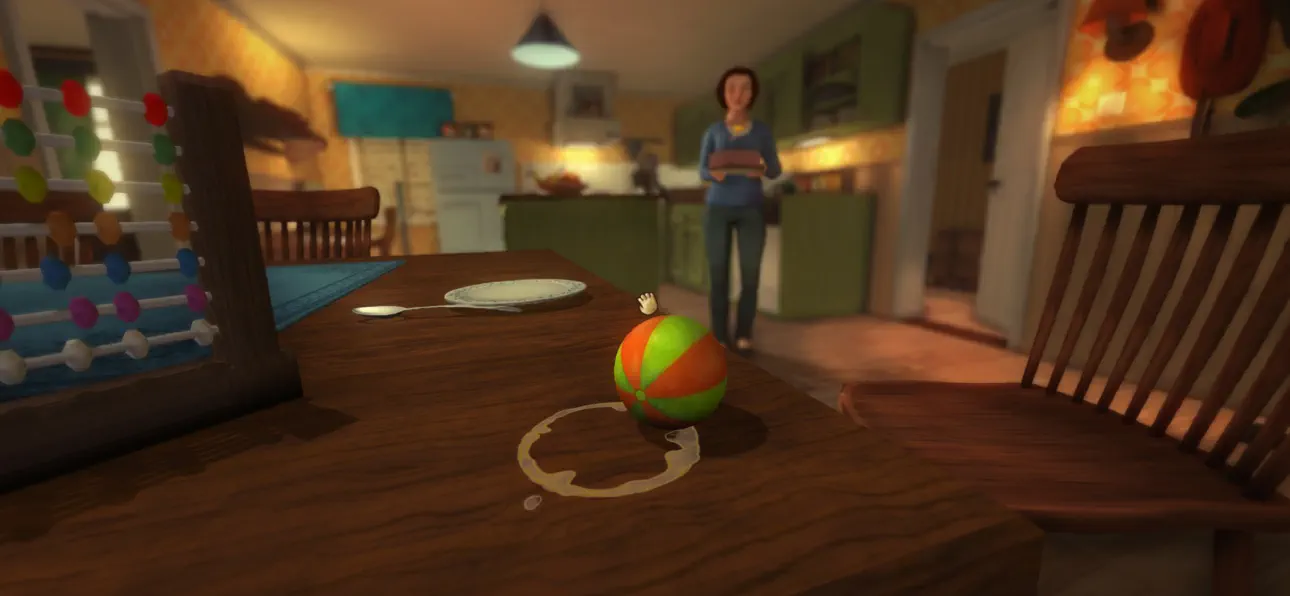
The game focuses on atmosphere, exploration, and storytelling rather than combat or traditional systems. Through the perspective of a young child, everyday objects and spaces take on new meaning, creating a unique and deeply immersive horror experience.
As you progress, the story unfolds through environmental clues and emotional moments, exploring themes of childhood, vulnerability, and how a young mind interprets the unknown.
Among the Sleep delivers a different kind of horror, one built on tension, emotion, and immersion rather than action.
Key Features
- Experience horror from a child’s perspective
Play as a two-year-old and explore the world through a unique and vulnerable point of view.
- Atmospheric horror without combat
Focus on exploration, tension, and sound design instead of fighting or survival mechanics.
- Explore a surreal and unsettling world
Move through dreamlike environments where reality and imagination blend together.
- Emotional and story-driven experience
Uncover a meaningful narrative through exploration and environmental storytelling.
- Companion-based gameplay
A teddy bear companion helps guide you and adds emotional depth to the journey.
- Immersive sound design
Detailed audio creates tension and enhances the feeling of being small and alone.
- Accessible gameplay
Simple controls and intuitive interactions make the experience easy to pick up and play.
"More, please!" - Kotaku
"[...] it more than succeeds in creating a wonderfully eerie atmosphere full of childlike anxiety, and along the way tackles a serious subject in a darkly poignant manner." - IGN
"Its depiction of a first-person horror told through the eyes and stumbling little legs of a two-year old is as intriguing as anything I've seen all year, and reminiscent of a time when games actively sought out new ways to play and new stories to tell." - Eurogamer
- Non-Jailbroken/Jailed or Jailbroken iPhone or iPad.
- Sideloadly or alternatives.
- Computer running Windows/macOS/Linux with iTunes installed.
STEP 1: Download the pre-hacked .IPA file from the link above to your computer. To download from the iOSGods App, see our iOSGods App IPA Download Tutorial which includes a video example.
STEP 2: Download Sideloadly and install it on your Windows or Mac.
STEP 3: Open Sideloadly on your computer, connect your iOS device, and wait until your device name appears in Sideloadly.
STEP 4: Once your iDevice is recognized, drag the modded .IPA file you downloaded and drop it into the Sideloadly application.
STEP 5: Enter your Apple Account email, then press “Start.” You’ll then be asked to enter your password. Go ahead and provide the required information.
STEP 6: Wait for Sideloadly to finish sideloading/installing the hacked IPA. If there are issues during installation, please read the note below.
STEP 7: Once the installation is complete and you see the app on your Home Screen, you will need to go to Settings → General → Profiles / VPN & Device Management. Once there, tap on the email you entered from step 6, and then tap on “Trust [email protected]”.
STEP 8: Now go to your Home Screen and open the newly installed app and everything should work fine. You may need to follow further per app instructions inside the hack's popup in-game.
NOTE: iOS/iPadOS 16 and later, you must enable Developer Mode. For free Apple Developer accounts, you will need to repeat this process every 7 days. If you have any questions or problems, read our Sideloadly FAQ section of the topic.
Hack Features:
- Inf Coins (Spend)
App Installation Instructions:
---------------------------------------------------------
----------------------------------------------------------
If you require more information or help, please read our Frequently Asked Questions topic on iOSGods.com.
----------------------------------------------------------
--------------------------------------------------


![Cookingdom iOS Mod IPA [ Cheat Menu ]](https://is1-ssl.mzstatic.com/image/thumb/Purple221/v4/f0/4d/48/f04d4854-4097-b432-d2fc-6c270a64d486/AppIcon-0-0-1x_U007emarketing-0-8-0-85-220.png/100x100bb.jpg)


![Screw Jam iOS Mod IPA [ Debug Menu ]](https://is1-ssl.mzstatic.com/image/thumb/Purple211/v4/65/8e/d3/658ed3de-28bf-6e0d-4902-84b5effff8c0/AppIcon-0-0-1x_U007emarketing-0-8-0-85-220.png/100x100bb.jpg)


