Cần đăng nhập
Đăng nhập bằng tài khoản iOSGods để tiếp tục.
Đăng nhập bằng tài khoản iOSGods để tiếp tục.
Khám phá một thế giới kinh dị tâm lý đầu tiên qua đôi mắt của một em bé trong cuộc phiêu lưu này, Among the Sleep iOS Mod IPA cấp cho bạn quyền truy cập ngay lập tức vào toàn bộ trò chơi. Được hướng dẫn bởi gấu bông của bạn, điều hướng qua những môi trường bị biến dạng và khám phá những bí ẩn trong bóng tối, với mọi cấp độ và yếu tố câu chuyện sẵn sàng để chơi từ lúc bắt đầu.
- Trò Chơi Đầy Đủ Được Mở Khóa → chơi tất cả các cấp độ và nội dung ngay lập tức
Ứng dụng này cũng đi kèm với iGameGod, cho phép bạn truy cập Auto Touch để tự động hóa các thao tác lặp lại, App Speed Manager để điều chỉnh tốc độ chơi game, chỉnh sửa giá trị bằng Memory Engine, và nhiều công cụ mạnh mẽ khác cho game iOS.
Tải Among the Sleep iOS Mod IPA từ các liên kết ở trên. Nhấn nút cài đặt và làm theo hướng dẫn để cài bản hack iOS lên iPhone, iPad hoặc Apple Silicon.
Cần thêm trợ giúp? Hãy xem Câu hỏi thường gặp ứng dụng iOSGods để có câu trả lời chi tiết và mẹo khắc phục sự cố.
*TRY FOR FREE*
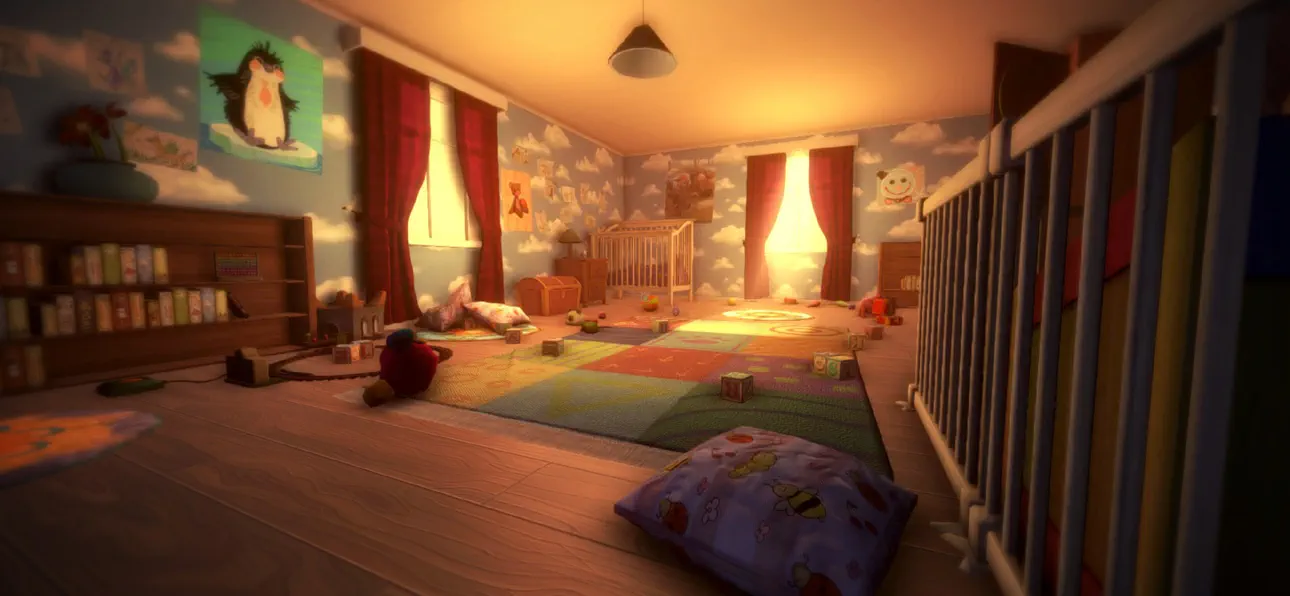
Among the Sleep is a first-person psychological horror adventure where you play as a two-year-old child.
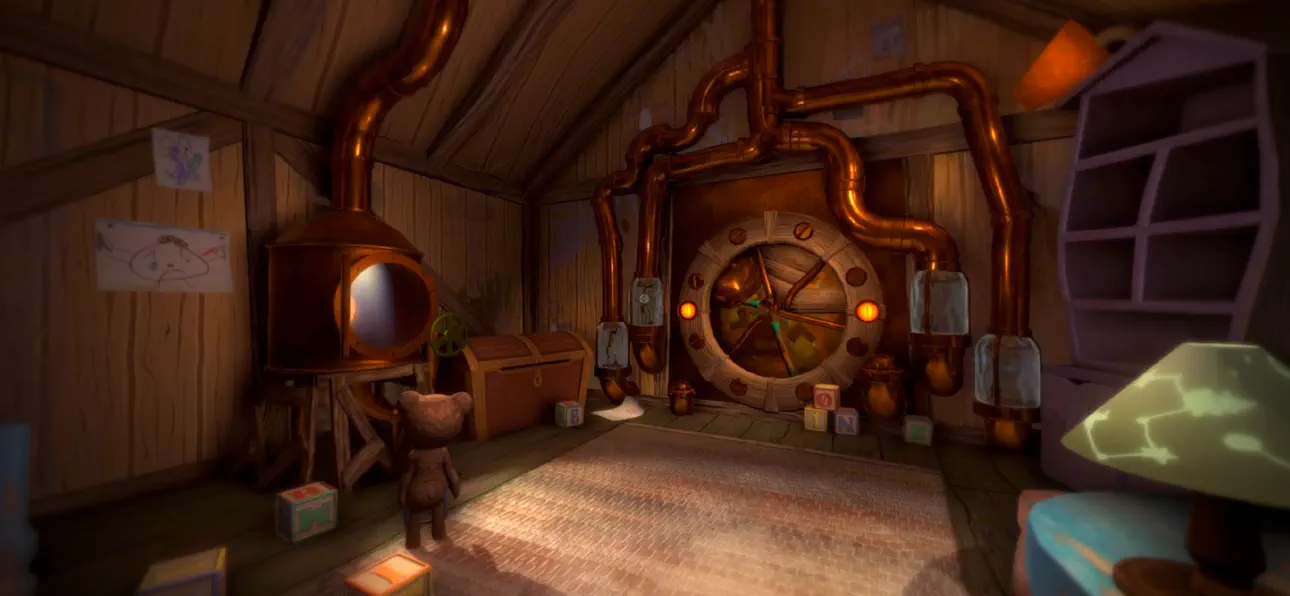
After waking up in the middle of the night to mysterious sounds, you leave the safety of your bed and begin exploring the darkness in search of comfort. Guided by your teddy bear, you navigate a strange and unsettling world where familiar environments feel distorted and threatening.
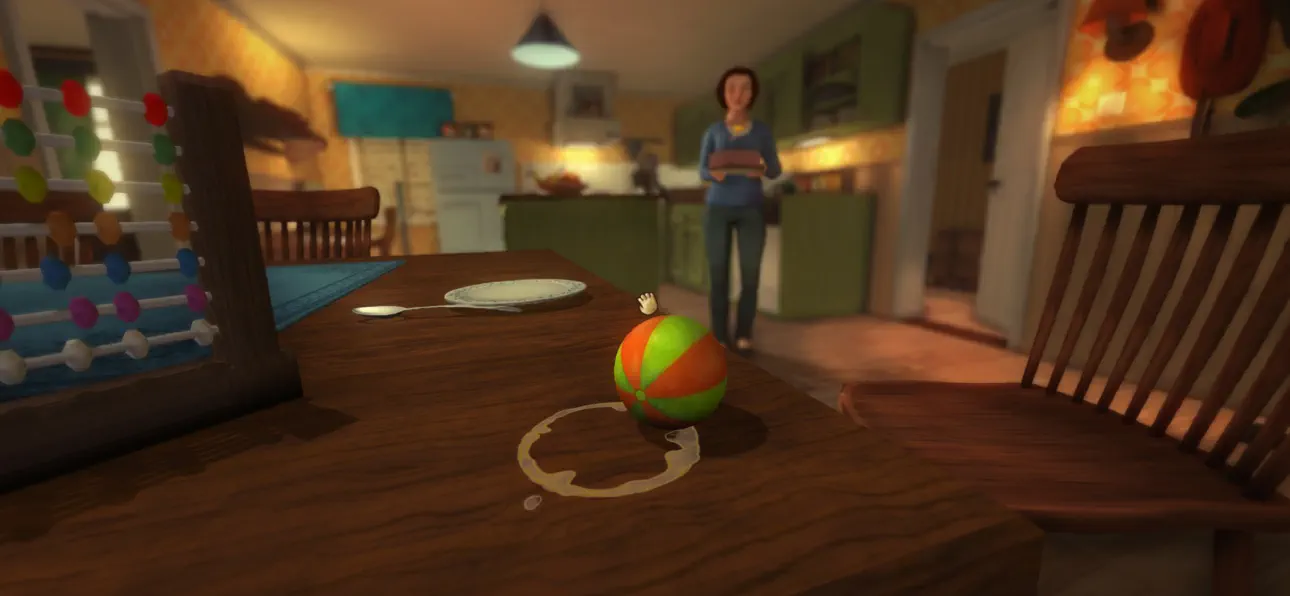
The game focuses on atmosphere, exploration, and storytelling rather than combat or traditional systems. Through the perspective of a young child, everyday objects and spaces take on new meaning, creating a unique and deeply immersive horror experience.
As you progress, the story unfolds through environmental clues and emotional moments, exploring themes of childhood, vulnerability, and how a young mind interprets the unknown.
Among the Sleep delivers a different kind of horror, one built on tension, emotion, and immersion rather than action.
Key Features
- Experience horror from a child’s perspective
Play as a two-year-old and explore the world through a unique and vulnerable point of view.
- Atmospheric horror without combat
Focus on exploration, tension, and sound design instead of fighting or survival mechanics.
- Explore a surreal and unsettling world
Move through dreamlike environments where reality and imagination blend together.
- Emotional and story-driven experience
Uncover a meaningful narrative through exploration and environmental storytelling.
- Companion-based gameplay
A teddy bear companion helps guide you and adds emotional depth to the journey.
- Immersive sound design
Detailed audio creates tension and enhances the feeling of being small and alone.
- Accessible gameplay
Simple controls and intuitive interactions make the experience easy to pick up and play.
"More, please!" - Kotaku
"[...] it more than succeeds in creating a wonderfully eerie atmosphere full of childlike anxiety, and along the way tackles a serious subject in a darkly poignant manner." - IGN
"Its depiction of a first-person horror told through the eyes and stumbling little legs of a two-year old is as intriguing as anything I've seen all year, and reminiscent of a time when games actively sought out new ways to play and new stories to tell." - Eurogamer
Ảnh chụp © chủ sở hữu tương ứng · App Store


iOSGods không liên kết, không được chứng thực hay tài trợ bởi Apple Inc., Google LLC hoặc các nhà phát triển của những ứng dụng được liệt kê ở đây. Apple, iOS và App Store là thương hiệu của Apple Inc. Android và Google Play là thương hiệu của Google LLC. Mọi tên ứng dụng, biểu tượng, hình ảnh và thương hiệu khác đều thuộc về chủ sở hữu tương ứng.

- iPhone hoặc iPad chưa jailbreak/đã đóng hoặc đã jailbreak.
- Sideloadly hoặc các lựa chọn thay thế.
- Máy tính chạy Windows/macOS/Linux đã cài iTunes.
BƯỚC 1: Tải tệp .IPA đã được hack sẵn từ liên kết phía trên về máy tính của bạn. Để tải từ iOSGods App, hãy xem Hướng dẫn tải IPA bằng iOSGods App của chúng tôi, có kèm ví dụ bằng video.
BƯỚC 2: Tải Sideloadly và cài đặt trên Windows hoặc Mac của bạn.
BƯỚC 3: Mở Sideloadly trên máy tính, kết nối thiết bị iOS của bạn và chờ cho đến khi tên thiết bị hiển thị trong Sideloadly.
BƯỚC 4: Khi thiết bị iOS của bạn đã được nhận diện, hãy kéo tệp .IPA đã chỉnh sửa mà bạn tải về và thả vào ứng dụng Sideloadly.
BƯỚC 5: Nhập email Apple Account của bạn, sau đó nhấn "Start." Bạn sẽ được yêu cầu nhập mật khẩu. Hãy cung cấp các thông tin cần thiết.
BƯỚC 6: Chờ Sideloadly hoàn tất quá trình sideload/cài đặt tệp IPA đã hack. Nếu gặp sự cố trong quá trình cài đặt, vui lòng đọc lưu ý bên dưới.
BƯỚC 7: Khi cài đặt hoàn tất và bạn thấy ứng dụng trên Màn hình chính, bạn cần truy cập Cài đặt → Cài đặt chung → Hồ sơ / VPN & Quản lý thiết bị. Tại đó, nhấn vào email bạn đã nhập ở bước 6, rồi nhấn "Tin cậy [email protected]".
BƯỚC 8: Bây giờ hãy về Màn hình chính và mở ứng dụng vừa cài đặt, mọi thứ sẽ hoạt động bình thường. Bạn có thể cần làm theo hướng dẫn riêng của từng ứng dụng trong cửa sổ popup của bản hack trong game.
LƯU Ý: Trên iOS/iPadOS 16 trở lên, bạn phải bật Chế độ nhà phát triển. Với tài khoản Apple Developer miễn phí, bạn sẽ cần lặp lại quy trình này mỗi 7 ngày. Nếu bạn có thắc mắc hoặc gặp sự cố, hãy đọc mục FAQ về Sideloadly trong chủ đề của chúng tôi.
Game Name iOS Mod IPA is an action adventure game enhanced with powerful gameplay boosts and quality-of-life improvements. Win battles faster, earn rewards quicker, and enjoy uninterrupted play without ads.
- Unlimited Gold - spend freely to unlock premium content
- Damage Multiplier - deal significantly more damage in combat
- Defense Multiplier - take less damage and survive longer
- Reward Multiplier - earn more loot from every battle
- Max Level - instantly reach the highest player rank
- No Ads - play without interruptions or advertisements
This app also comes with iGameGod, giving you access to Auto Touch to automate repetitive tasks, App Speed Manager for adjustable gameplay speed, Memory Engine value editing, and more powerful iOS game tools.
Tải Game Name Mod IPA từ các liên kết ở trên. Nhấn nút cài đặt và làm theo hướng dẫn để cài bản hack iOS lên iPhone, iPad hoặc Apple Silicon.
Cần thêm trợ giúp Hãy xem Câu hỏi thường gặp ứng dụng iOSGods để có câu trả lời chi tiết và mẹo khắc phục sự cố.
----------------------------------------------------------
--------------------------------------------------


![Kingdom Merge! iOS Mod IPA [ Debug Menu ]](https://is1-ssl.mzstatic.com/image/thumb/Purple221/v4/df/7a/a0/df7aa06e-41b3-d3de-9bf6-745251b0bb15/AppIcon-1x_U007emarketing-0-7-0-85-220-0.png/100x100bb.jpg)

![Screw Jam iOS Mod IPA [ Debug Menu ]](https://is1-ssl.mzstatic.com/image/thumb/Purple211/v4/82/03/4c/82034c23-6560-43ce-d532-358e6bc69da7/AppIcon-0-0-1x_U007emarketing-0-8-0-85-220.png/100x100bb.jpg)


![Cookingdom iOS Mod IPA [ Cheat Menu ]](https://is1-ssl.mzstatic.com/image/thumb/Purple221/v4/eb/a5/93/eba5932a-6124-df5b-3fed-3ca1bd0433b3/AppIcon-0-0-1x_U007emarketing-0-8-0-85-220.png/100x100bb.jpg)


