ต้องเข้าสู่ระบบ
เข้าสู่ระบบด้วยบัญชี iOSGods เพื่อดำเนินการต่อ
เข้าสู่ระบบด้วยบัญชี iOSGods เพื่อดำเนินการต่อ
สำรวจโลกที่น่ากลัวจากมุมมองของเด็กเล็กในเกมผจญภัยสยองขวัญจิตใจเรื่องนี้ โดย Among the Sleep iOS Mod IPA ให้คุณเข้าถึงเกมฉบับสมบูรณ์ได้ทันที นำทางโดยตุ๊กตาหมีของคุณ เคลื่อนไปในสภาพแวดล้อมที่บิดเบี้ยว และค้นหาความลึกลับในความมืด โดยทุกระดับและองค์ประกอบเรื่องราวพร้อมให้เล่นตั้งแต่เริ่มต้น
- ปลดล็อกเกมฉบับเต็ม → เล่นทุกระดับและเนื้อหาได้ทันที
แอปนี้ยังมาพร้อมกับ iGameGod ซึ่งช่วยให้คุณเข้าถึง Auto Touch สำหรับการทำงานซ้ำ ๆ โดยอัตโนมัติ, App Speed Manager สำหรับปรับความเร็วของเกม, การแก้ไขค่าด้วย Memory Engine และเครื่องมือสำหรับเกม iOS ที่ทรงพลังอื่น ๆ อีกมากมาย
ดาวน์โหลด Among the Sleep iOS Mod IPA จากลิงก์ด้านบน แตะปุ่มติดตั้งและทำตามคำแนะนำบนหน้าจอเพื่อติดตั้งแฮ็กแอป iOS นี้บน iPhone, iPad หรือ Apple Silicon
ต้องการความช่วยเหลือเพิ่มเติม? ดู คำถามที่พบบ่อยของแอป iOSGods สำหรับคำตอบโดยละเอียดและเคล็ดลับการแก้ไขปัญหา
*TRY FOR FREE*
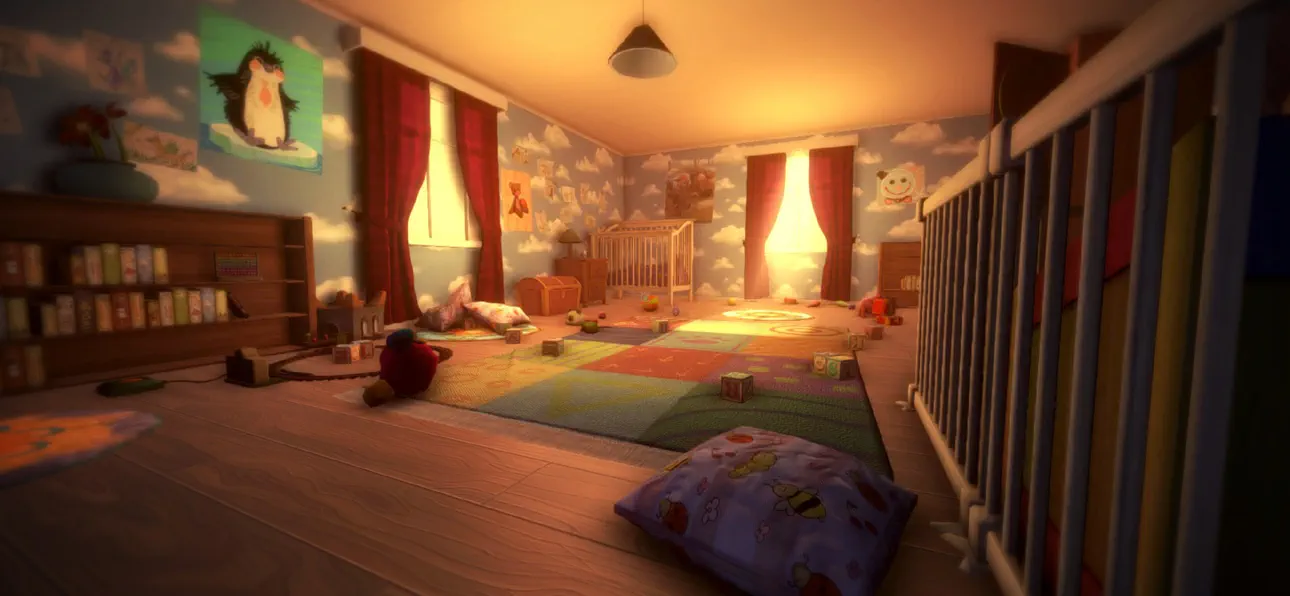
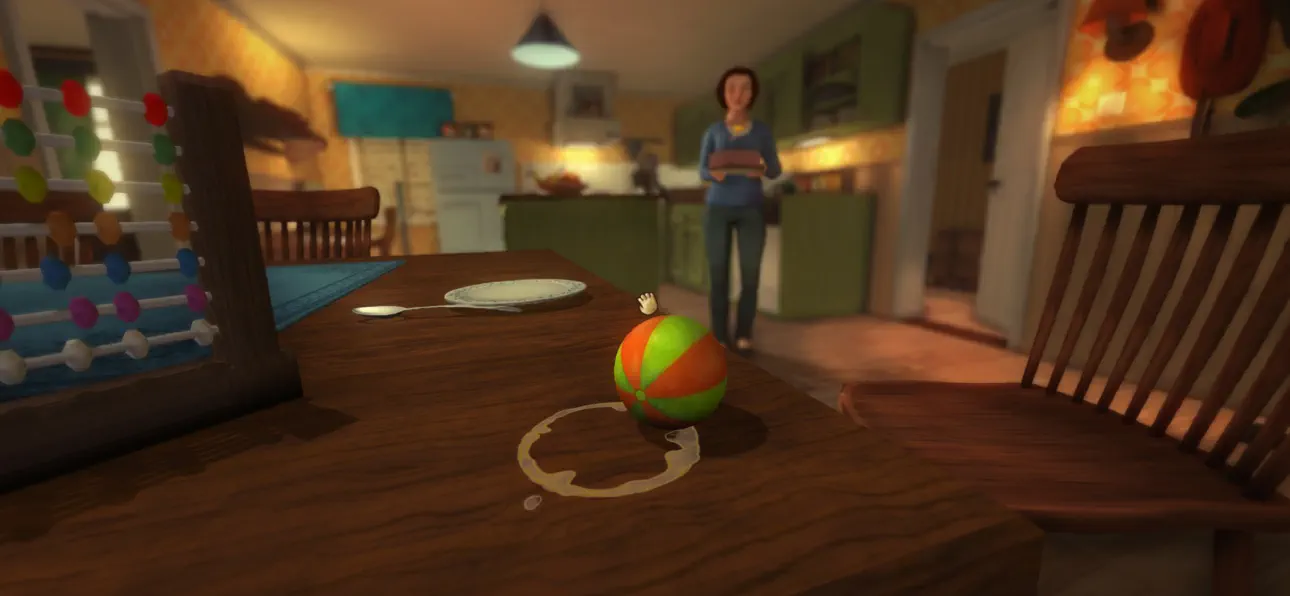
Among the Sleep is a first-person psychological horror adventure where you play as a two-year-old child.
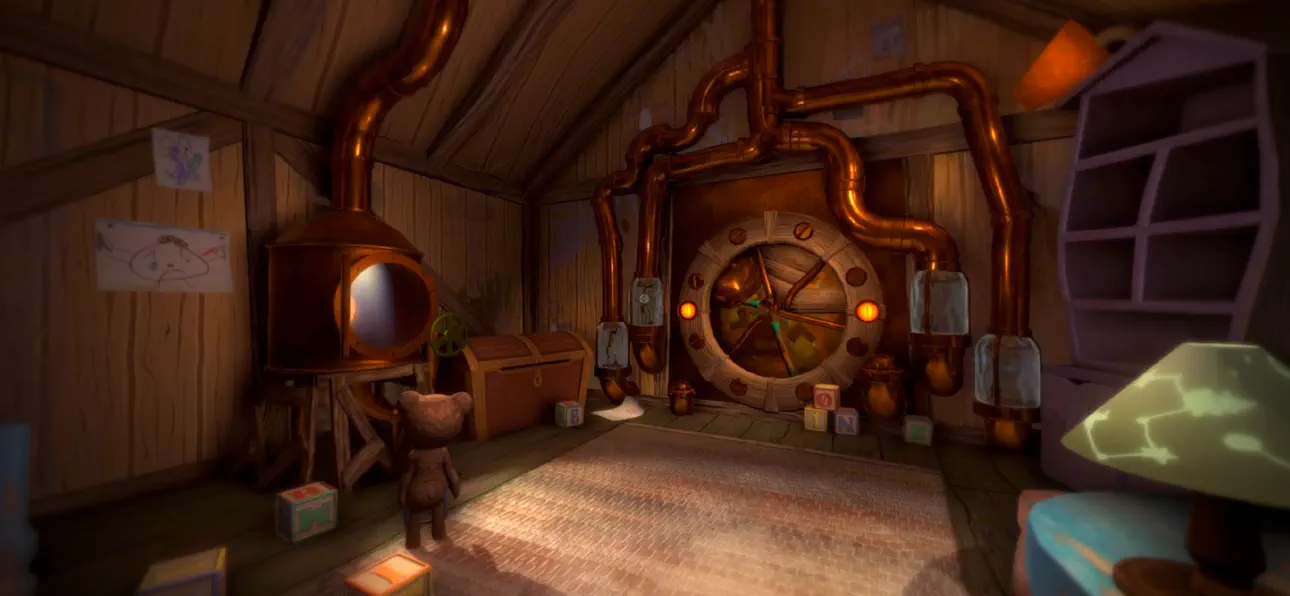
After waking up in the middle of the night to mysterious sounds, you leave the safety of your bed and begin exploring the darkness in search of comfort. Guided by your teddy bear, you navigate a strange and unsettling world where familiar environments feel distorted and threatening.
The game focuses on atmosphere, exploration, and storytelling rather than combat or traditional systems. Through the perspective of a young child, everyday objects and spaces take on new meaning, creating a unique and deeply immersive horror experience.
As you progress, the story unfolds through environmental clues and emotional moments, exploring themes of childhood, vulnerability, and how a young mind interprets the unknown.
Among the Sleep delivers a different kind of horror, one built on tension, emotion, and immersion rather than action.
Key Features
- Experience horror from a child’s perspective
Play as a two-year-old and explore the world through a unique and vulnerable point of view.
- Atmospheric horror without combat
Focus on exploration, tension, and sound design instead of fighting or survival mechanics.
- Explore a surreal and unsettling world
Move through dreamlike environments where reality and imagination blend together.
- Emotional and story-driven experience
Uncover a meaningful narrative through exploration and environmental storytelling.
- Companion-based gameplay
A teddy bear companion helps guide you and adds emotional depth to the journey.
- Immersive sound design
Detailed audio creates tension and enhances the feeling of being small and alone.
- Accessible gameplay
Simple controls and intuitive interactions make the experience easy to pick up and play.
"More, please!" - Kotaku
"[...] it more than succeeds in creating a wonderfully eerie atmosphere full of childlike anxiety, and along the way tackles a serious subject in a darkly poignant manner." - IGN
"Its depiction of a first-person horror told through the eyes and stumbling little legs of a two-year old is as intriguing as anything I've seen all year, and reminiscent of a time when games actively sought out new ways to play and new stories to tell." - Eurogamer
ภาพหน้าจอ © เจ้าของแต่ละราย · App Store


iOSGods ไม่มีความเกี่ยวข้อง ไม่ได้รับการรับรอง และไม่ได้รับการสนับสนุนจาก Apple Inc., Google LLC หรือผู้พัฒนาแอปที่แสดงไว้ที่นี่ Apple, iOS และ App Store เป็นเครื่องหมายการค้าของ Apple Inc. Android และ Google Play เป็นเครื่องหมายการค้าของ Google LLC ชื่อแอป ไอคอน ภาพ และเครื่องหมายการค้าอื่นทั้งหมดเป็นทรัพย์สินของเจ้าของแต่ละราย

- iPhone หรือ iPad ที่ไม่ได้เจลเบรก/ไม่ได้เจลเบรก หรือเจลเบรกแล้ว
- Sideloadly หรือทางเลือกอื่น
- คอมพิวเตอร์ที่ใช้ Windows/macOS/Linux และติดตั้ง iTunes ไว้
ขั้นตอนที่ 1: ดาวน์โหลดไฟล์ .IPA ที่แฮกไว้ล่วงหน้าจากลิงก์ด้านบนลงในคอมพิวเตอร์ของคุณ หากต้องการดาวน์โหลดจากแอป iOSGods โปรดดู วิธีดาวน์โหลด IPA ในแอป iOSGods ซึ่งมีตัวอย่างวิดีโอประกอบ
ขั้นตอนที่ 2: ดาวน์โหลด Sideloadly แล้วติดตั้งบน Windows หรือ Mac ของคุณ
ขั้นตอนที่ 3: เปิด Sideloadly บนคอมพิวเตอร์ เชื่อมต่ออุปกรณ์ iOS แล้วรอจนกว่าชื่ออุปกรณ์ของคุณจะปรากฏใน Sideloadly
ขั้นตอนที่ 4: เมื่อ iDevice ของคุณถูกตรวจพบแล้ว ให้ลากไฟล์ .IPA ที่ม็อดมาวางลงในโปรแกรม Sideloadly
ขั้นตอนที่ 5: กรอกอีเมล Apple Account ของคุณ จากนั้นกด "Start" ระบบจะถามรหัสผ่าน กรอกข้อมูลที่จำเป็นให้เรียบร้อย
ขั้นตอนที่ 6: รอจนกว่า Sideloadly จะ sideload/ติดตั้งไฟล์ IPA ที่แฮกเสร็จ หากเกิดปัญหาระหว่างติดตั้ง โปรดอ่านหมายเหตุด้านล่าง
ขั้นตอนที่ 7: เมื่อการติดตั้งเสร็จสิ้นและเห็นแอปบนหน้าจอหลักแล้ว ให้ไปที่ การตั้งค่า → ทั่วไป → โปรไฟล์ / VPN และการจัดการอุปกรณ์ จากนั้นแตะที่อีเมลที่คุณกรอกในขั้นตอนที่ 6 แล้วแตะ "เชื่อถือ [email protected]"
ขั้นตอนที่ 8: จากนั้นไปที่หน้าจอหลักและเปิดแอปที่ติดตั้งใหม่ ทุกอย่างควรทำงานได้ปกติ คุณอาจต้องทำตามคำแนะนำเพิ่มเติมเฉพาะแอปในป๊อปอัปของม็อดในเกม
หมายเหตุ: สำหรับ iOS/iPadOS 16 ขึ้นไป คุณต้อง เปิดโหมดนักพัฒนา (Developer Mode) สำหรับบัญชี Apple Developer แบบฟรี คุณต้องทำขั้นตอนนี้ซ้ำทุก 7 วัน หากมีคำถามหรือพบปัญหา โปรดอ่าน หัวข้อ FAQ ของ Sideloadly ในกระทู้
Game Name iOS Mod IPA is an action adventure game enhanced with powerful gameplay boosts and quality-of-life improvements. Win battles faster, earn rewards quicker, and enjoy uninterrupted play without ads.
- Unlimited Gold - spend freely to unlock premium content
- Damage Multiplier - deal significantly more damage in combat
- Defense Multiplier - take less damage and survive longer
- Reward Multiplier - earn more loot from every battle
- Max Level - instantly reach the highest player rank
- No Ads - play without interruptions or advertisements
This app also comes with iGameGod, giving you access to Auto Touch to automate repetitive tasks, App Speed Manager for adjustable gameplay speed, Memory Engine value editing, and more powerful iOS game tools.
ดาวน์โหลด Game Name Mod IPA จากลิงก์ด้านบน แตะปุ่มติดตั้งและทำตามคำแนะนำบนหน้าจอเพื่อติดตั้งแฮ็กแอป iOS นี้บน iPhone, iPad หรือ Apple Silicon
ต้องการความช่วยเหลือเพิ่มเติม ดู คำถามที่พบบ่อยของแอป iOSGods สำหรับคำตอบโดยละเอียดและเคล็ดลับการแก้ไขปัญหา
----------------------------------------------------------
--------------------------------------------------


![Kingdom Merge! iOS Mod IPA [ Debug Menu ]](https://is1-ssl.mzstatic.com/image/thumb/Purple221/v4/df/7a/a0/df7aa06e-41b3-d3de-9bf6-745251b0bb15/AppIcon-1x_U007emarketing-0-7-0-85-220-0.png/100x100bb.jpg)

![Screw Jam iOS Mod IPA [ Debug Menu ]](https://is1-ssl.mzstatic.com/image/thumb/Purple211/v4/82/03/4c/82034c23-6560-43ce-d532-358e6bc69da7/AppIcon-0-0-1x_U007emarketing-0-8-0-85-220.png/100x100bb.jpg)


![Cookingdom iOS Mod IPA [ Cheat Menu ]](https://is1-ssl.mzstatic.com/image/thumb/Purple221/v4/eb/a5/93/eba5932a-6124-df5b-3fed-3ca1bd0433b3/AppIcon-0-0-1x_U007emarketing-0-8-0-85-220.png/100x100bb.jpg)


