تسجيل الدخول مطلوب
سجّل الدخول بحساب iOSGods للمتابعة.
سجّل الدخول بحساب iOSGods للمتابعة.
-- Full Game Unlocked
يأتي هذا التطبيق أيضًا مع iGameGod، مما يتيح لك الوصول إلى Auto Touch لأتمتة المهام المتكررة، وApp Speed Manager لضبط سرعة اللعب، وتعديل القيم عبر Memory Engine، والمزيد من أدوات ألعاب iOS القوية.
قم بتنزيل Among the Sleep iOS Mod IPA من الروابط أعلاه. اضغط على زر التثبيت واتبع التعليمات لتثبيت هذا التعديل لـ iOS على iPhone أو iPad أو Apple Silicon.
هل تحتاج إلى مزيد من المساعدة؟ راجع الأسئلة الشائعة لتطبيق iOSGods للحصول على إجابات مفصلة ونصائح لاستكشاف الأخطاء.
*TRY FOR FREE*
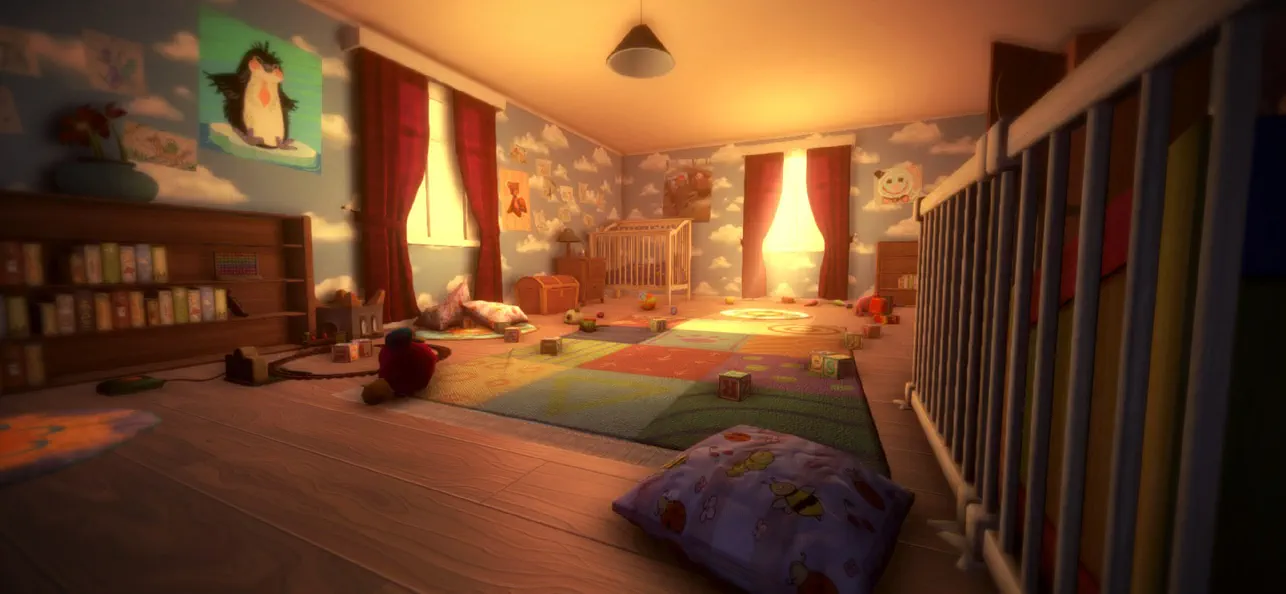
Among the Sleep is a first-person psychological horror adventure where you play as a two-year-old child.
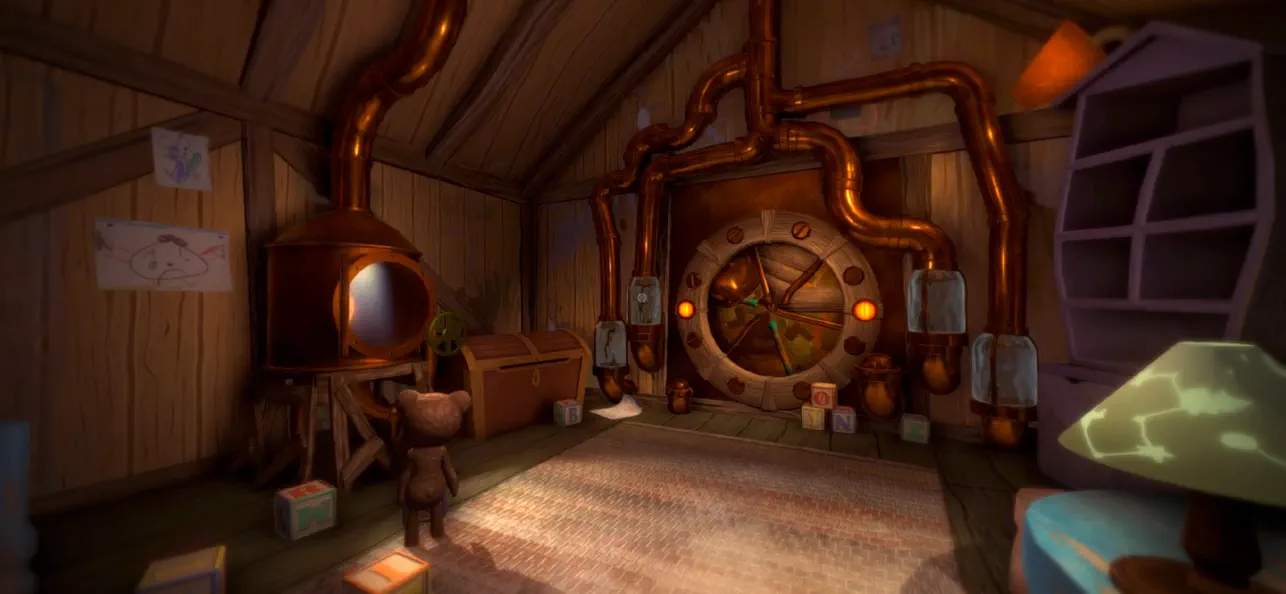
After waking up in the middle of the night to mysterious sounds, you leave the safety of your bed and begin exploring the darkness in search of comfort. Guided by your teddy bear, you navigate a strange and unsettling world where familiar environments feel distorted and threatening.
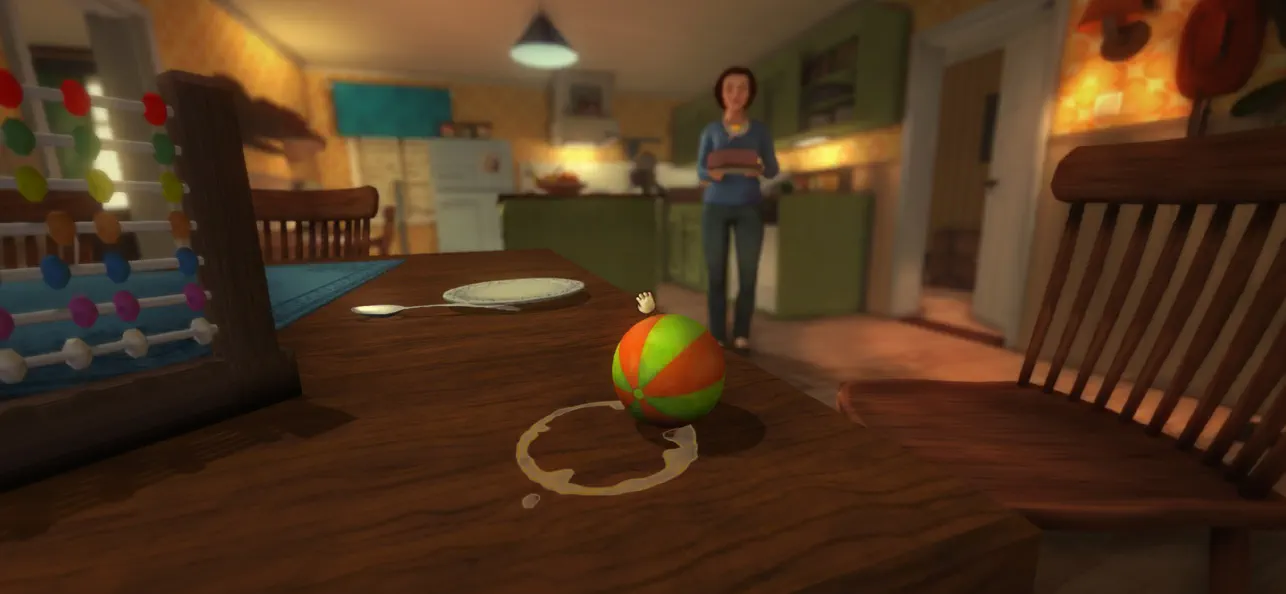
The game focuses on atmosphere, exploration, and storytelling rather than combat or traditional systems. Through the perspective of a young child, everyday objects and spaces take on new meaning, creating a unique and deeply immersive horror experience.
As you progress, the story unfolds through environmental clues and emotional moments, exploring themes of childhood, vulnerability, and how a young mind interprets the unknown.
Among the Sleep delivers a different kind of horror, one built on tension, emotion, and immersion rather than action.
Key Features
- Experience horror from a child’s perspective
Play as a two-year-old and explore the world through a unique and vulnerable point of view.
- Atmospheric horror without combat
Focus on exploration, tension, and sound design instead of fighting or survival mechanics.
- Explore a surreal and unsettling world
Move through dreamlike environments where reality and imagination blend together.
- Emotional and story-driven experience
Uncover a meaningful narrative through exploration and environmental storytelling.
- Companion-based gameplay
A teddy bear companion helps guide you and adds emotional depth to the journey.
- Immersive sound design
Detailed audio creates tension and enhances the feeling of being small and alone.
- Accessible gameplay
Simple controls and intuitive interactions make the experience easy to pick up and play.
"More, please!" - Kotaku
"[...] it more than succeeds in creating a wonderfully eerie atmosphere full of childlike anxiety, and along the way tackles a serious subject in a darkly poignant manner." - IGN
"Its depiction of a first-person horror told through the eyes and stumbling little legs of a two-year old is as intriguing as anything I've seen all year, and reminiscent of a time when games actively sought out new ways to play and new stories to tell." - Eurogamer

- iPhone أو iPad بجيلبريك أو بدون جيلبريك.
- Sideloadly أو بدائلها.
- كمبيوتر يعمل بنظام Windows/macOS/Linux مع تثبيت iTunes.
الخطوة 1: قم بتنزيل ملف .IPA المعدّل مسبقًا من الرابط أعلاه إلى الكمبيوتر الخاص بك. للتنزيل من تطبيق iOSGods App، اطلع على دليل تنزيل IPA من تطبيق iOSGods App الذي يتضمن مثالًا بالفيديو.
الخطوة 2: قم بتنزيل Sideloadly وتثبيته على جهاز Windows أو Mac.
الخطوة 3: افتح Sideloadly على الكمبيوتر، ووصّل جهاز iOS الخاص بك، وانتظر حتى يظهر اسم جهازك داخل Sideloadly.
الخطوة 4: بمجرد التعرّف على جهاز iDevice الخاص بك، اسحب ملف .IPA المعدّل الذي قمت بتنزيله وأفلِته داخل تطبيق Sideloadly.
الخطوة 5: أدخل البريد الإلكتروني لحساب Apple Account الخاص بك، ثم اضغط على «Start». سيُطلب منك بعد ذلك إدخال كلمة المرور. تابع وأدخل المعلومات المطلوبة.
الخطوة 6: انتظر حتى ينتهي Sideloadly من تحميل/تثبيت ملف IPA المعدّل. في حال واجهت أي مشاكل أثناء التثبيت، يرجى قراءة الملاحظة أدناه.
الخطوة 7: بعد اكتمال التثبيت ورؤية التطبيق على الشاشة الرئيسية، انتقل إلى Settings → General → Profiles / VPN & Device Management. ثم اضغط على البريد الإلكتروني الذي أدخلته في الخطوة 6، ثم اضغط على «الوثوق بـ [email protected]».
الخطوة 8: الآن انتقل إلى الشاشة الرئيسية وافتح التطبيق الذي تم تثبيته للتو وسيعمل كل شيء بشكل صحيح. قد تحتاج إلى اتباع تعليمات إضافية خاصة بكل تطبيق داخل النافذة المنبثقة للتعديل أثناء اللعب.
ملاحظة: بدءًا من iOS/iPadOS 16 وما بعده، يجب تفعيل وضع المطور (Developer Mode). بالنسبة لحسابات Apple Developer المجانية، ستحتاج إلى تكرار هذه العملية كل 7 أيام. إذا كانت لديك أي أسئلة أو مشاكل، يرجى قراءة قسم الأسئلة الشائعة حول Sideloadly في الموضوع.