Inloggen vereist
Log in met je iOSGods-account om door te gaan.
Log in met je iOSGods-account om door te gaan.

-- Full Game Unlocked
Deze app bevat ook iGameGod, waarmee je toegang krijgt tot Auto Touch om repetitieve taken te automatiseren, App Speed Manager voor een aanpasbare spelsnelheid, het bewerken van waarden met Memory Engine en andere krachtige iOS-gametools.
Download Among the Sleep iOS Mod IPA via de bovenstaande links. Tik op de installatieknop en volg de instructies om deze iOS-app-hack op je iPhone, iPad of Apple Silicon te installeren.
Meer hulp nodig? Bekijk onze Veelgestelde vragen over de iOSGods-app voor uitgebreide antwoorden en probleemoplossingstips.
*TRY FOR FREE*
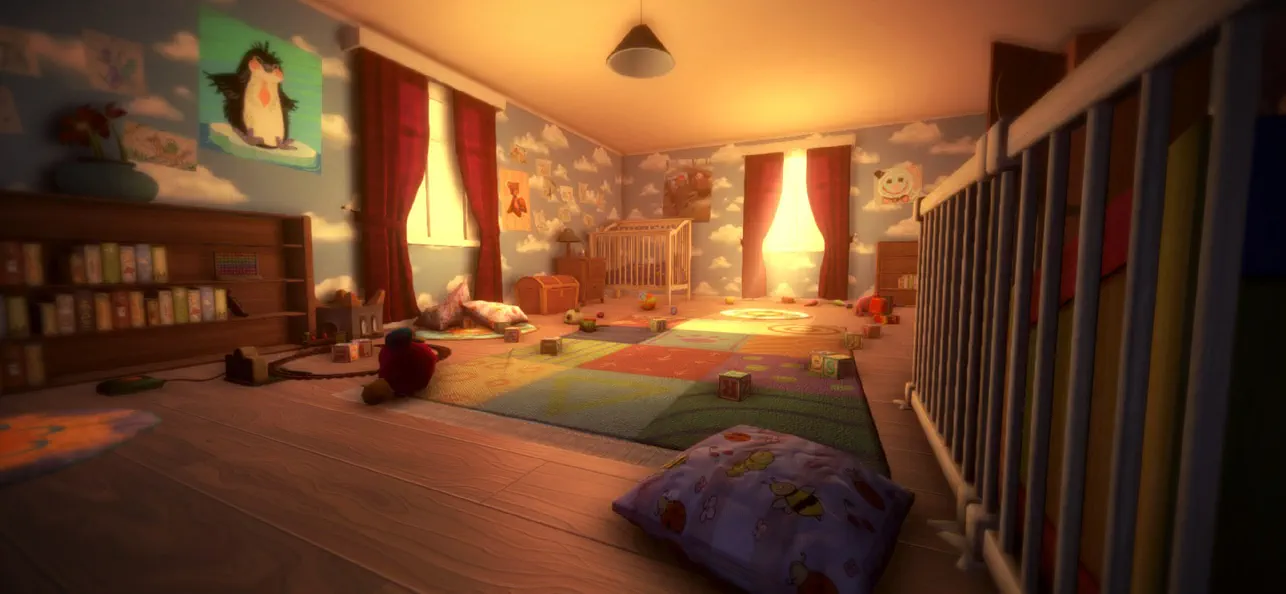
Among the Sleep is a first-person psychological horror adventure where you play as a two-year-old child.
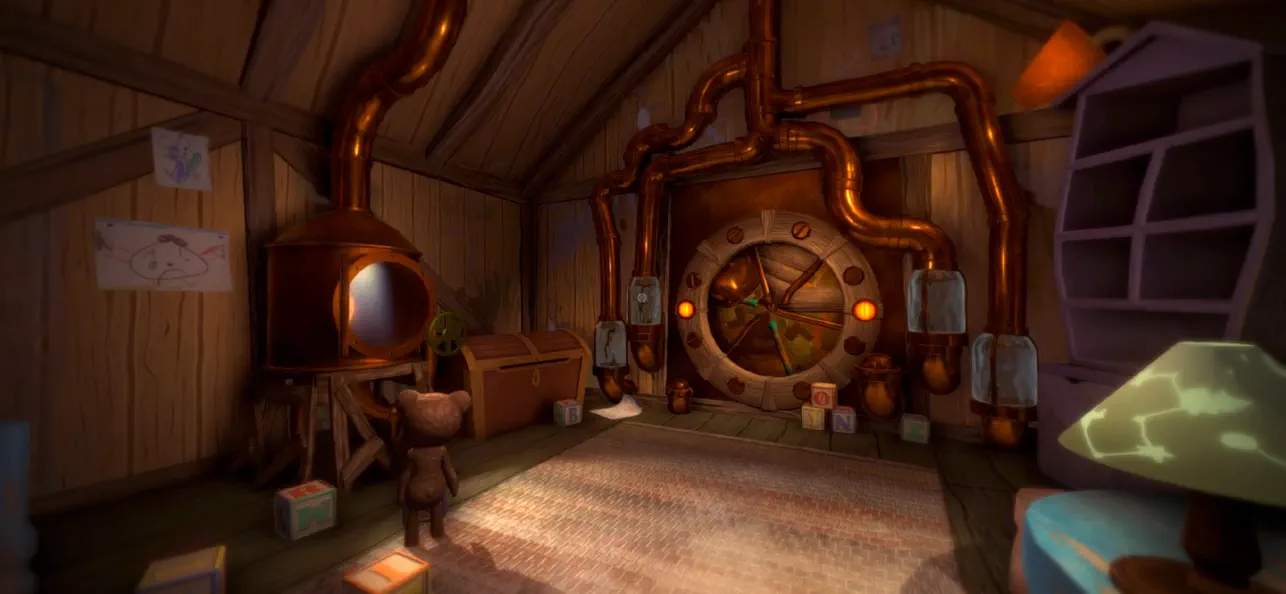
After waking up in the middle of the night to mysterious sounds, you leave the safety of your bed and begin exploring the darkness in search of comfort. Guided by your teddy bear, you navigate a strange and unsettling world where familiar environments feel distorted and threatening.
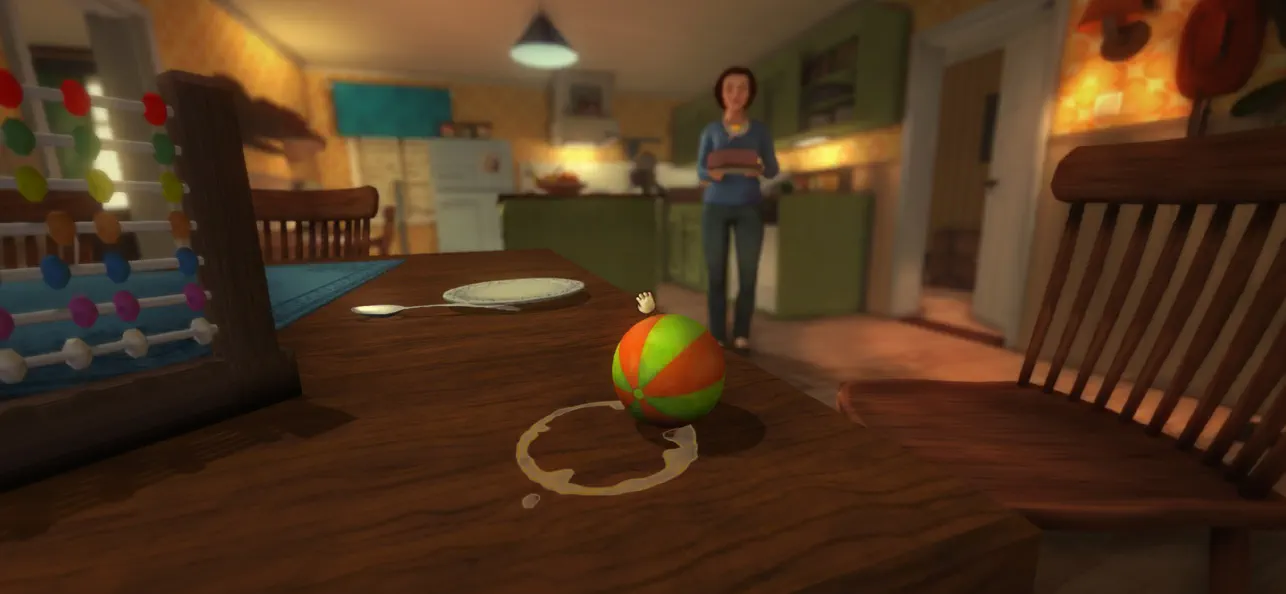
The game focuses on atmosphere, exploration, and storytelling rather than combat or traditional systems. Through the perspective of a young child, everyday objects and spaces take on new meaning, creating a unique and deeply immersive horror experience.
As you progress, the story unfolds through environmental clues and emotional moments, exploring themes of childhood, vulnerability, and how a young mind interprets the unknown.
Among the Sleep delivers a different kind of horror, one built on tension, emotion, and immersion rather than action.
Key Features
- Experience horror from a child’s perspective
Play as a two-year-old and explore the world through a unique and vulnerable point of view.
- Atmospheric horror without combat
Focus on exploration, tension, and sound design instead of fighting or survival mechanics.
- Explore a surreal and unsettling world
Move through dreamlike environments where reality and imagination blend together.
- Emotional and story-driven experience
Uncover a meaningful narrative through exploration and environmental storytelling.
- Companion-based gameplay
A teddy bear companion helps guide you and adds emotional depth to the journey.
- Immersive sound design
Detailed audio creates tension and enhances the feeling of being small and alone.
- Accessible gameplay
Simple controls and intuitive interactions make the experience easy to pick up and play.
"More, please!" - Kotaku
"[...] it more than succeeds in creating a wonderfully eerie atmosphere full of childlike anxiety, and along the way tackles a serious subject in a darkly poignant manner." - IGN
"Its depiction of a first-person horror told through the eyes and stumbling little legs of a two-year old is as intriguing as anything I've seen all year, and reminiscent of a time when games actively sought out new ways to play and new stories to tell." - Eurogamer
- Niet-jailbroken/jailed of jailbroken iPhone of iPad.
- Sideloadly of alternatieven.
- Computer met Windows/macOS/Linux en iTunes geïnstalleerd.
STAP 1: Download het vooraf gehackte .IPA-bestand via de link hierboven naar uw computer. Om het te downloaden vanuit de iOSGods App, bekijk onze iOSGods App IPA-downloadhandleiding met een videovoorbeeld.
STAP 2: Download Sideloadly en installeer het op uw Windows of Mac.
STAP 3: Open Sideloadly op uw computer, sluit uw iOS-apparaat aan en wacht tot de naam van uw apparaat in Sideloadly verschijnt.
STAP 4: Zodra uw iDevice is herkend, sleept u het gedownloade gemodde .IPA-bestand naar de Sideloadly-applicatie.
STAP 5: Voer het e-mailadres van uw Apple Account in en druk op “Start”. U wordt vervolgens gevraagd om uw wachtwoord in te voeren. Geef de gevraagde informatie op.
STAP 6: Wacht tot Sideloadly het sideloaden/installeren van de gehackte IPA heeft voltooid. Als er problemen zijn tijdens de installatie, lees dan onderstaande opmerking.
STAP 7: Zodra de installatie is voltooid en u de app op uw beginscherm ziet, gaat u naar Instellingen → Algemeen → Profielen / VPN- en apparaatbeheer. Tik daar op het e-mailadres dat u in stap 6 hebt ingevoerd en tik vervolgens op “Vertrouw [email protected]”.
STAP 8: Ga nu naar uw beginscherm en open de zojuist geïnstalleerde app; alles zou correct moeten werken. Mogelijk moet u verdere app-specifieke instructies volgen in de hack-popup in het spel.
OPMERKING: Op iOS/iPadOS 16 en later moet u Ontwikkelaarsmodus inschakelen. Voor gratis Apple Developer-accounts moet u dit proces elke 7 dagen herhalen. Als u vragen of problemen hebt, lees dan onze Sideloadly FAQ-sectie van het onderwerp.