تسجيل الدخول مطلوب
سجّل الدخول بحساب iOSGods للمتابعة.
سجّل الدخول بحساب iOSGods للمتابعة.
افتح أدوات التحرير المتقدمة في Darkroom: Photo & Video Editor من خلال هذا التطبيق المعدل لـ iOS، واحصل على إمكانية الوصول الكاملة إلى تحرير العمق المدعوم بالذكاء الاصطناعي، والكشف الذكي عن الأجسام، والمرشحات بمستوى احترافي بدون قيود. أنشئ صورًا وفيديوهات مذهلة مع التحكم الدقيق في السماء والشعر والجلد والعناصر الأخرى باستخدام مجموعة التحرير الشاملة للجوال من Darkroom.
- الإصدار المتقدم → جميع أدوات التحرير الاحترافية مفتوحة
يأتي هذا التطبيق أيضًا مع iGameGod، مما يتيح لك الوصول إلى Auto Touch لأتمتة المهام المتكررة، وApp Speed Manager لضبط سرعة اللعب، وتعديل القيم عبر Memory Engine، والمزيد من أدوات ألعاب iOS القوية.
قم بتنزيل Darkroom: Photo & Video Editor Modded modded IPA من الروابط أعلاه. اضغط على زر التثبيت واتبع التعليمات لتثبيت هذا التعديل لـ iOS على iPhone أو iPad أو Apple Silicon.
هل تحتاج إلى مزيد من المساعدة؟ راجع الأسئلة الشائعة لتطبيق iOSGods للحصول على إجابات مفصلة ونصائح لاستكشاف الأخطاء.
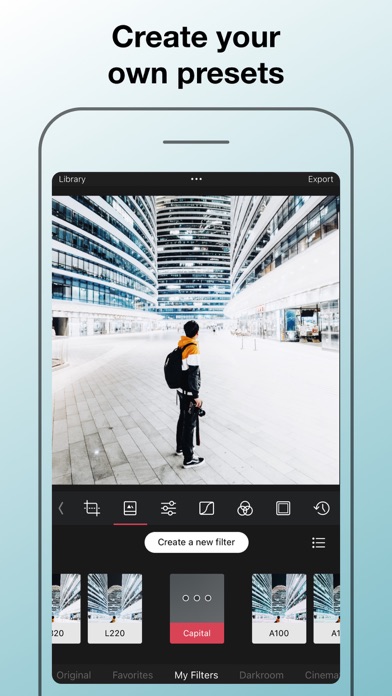
Transform your iPhone and iPad into a sophisticated editing suite with Darkroom, the highly acclaimed photo and video editor designed to empower both amateur photographers and professional creators. With desktop-quality tools at your fingertips, Darkroom competes with industry giants such as Adobe Lightroom and Photoshop, delivering unparalleled editing experiences right on your mobile device.
Award-Winning App Recognitions:
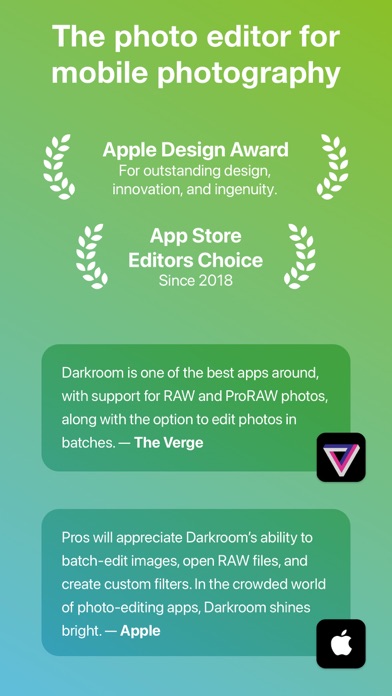
Apple’s Editor’s Choice since 2018
Winner of the Apple Design Award in 2020
Best New App Winner in 2015
Why Choose Darkroom?
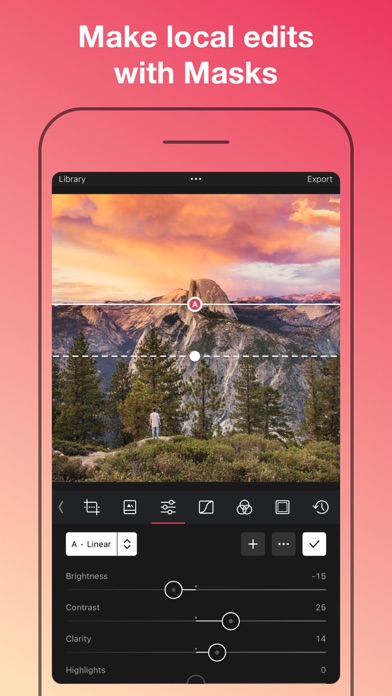
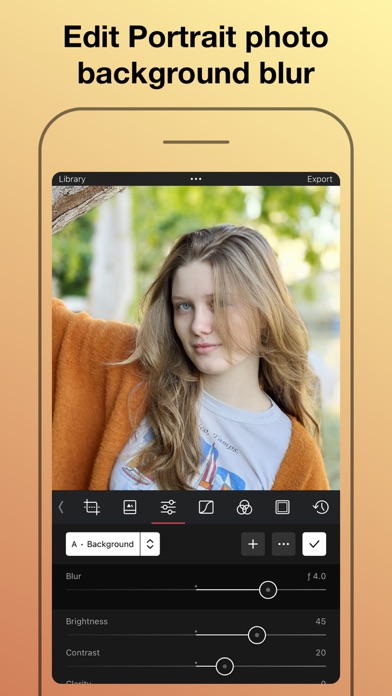
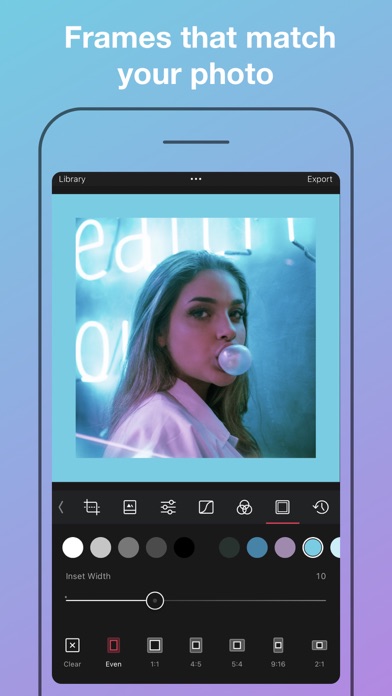
Advanced AI-Powered Editing: Leverage cutting-edge AI tools for precise, depth-based edits and intelligent object detection. Enhance specific elements like skies, skin tones, and landscapes with unmatched accuracy.
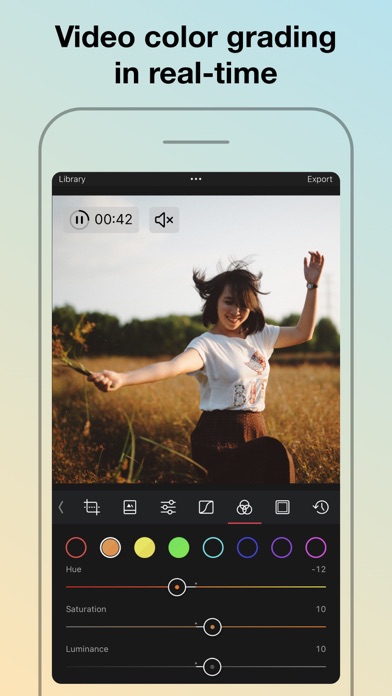
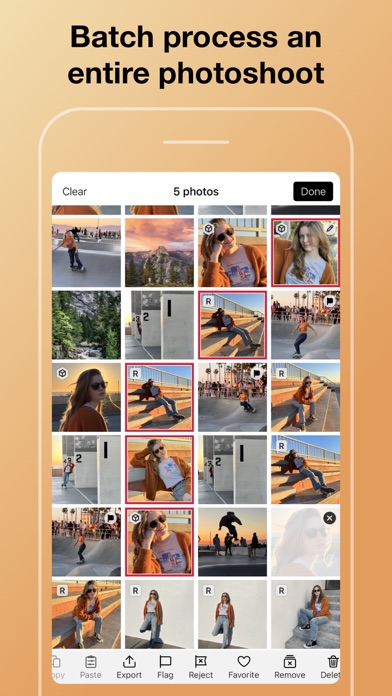
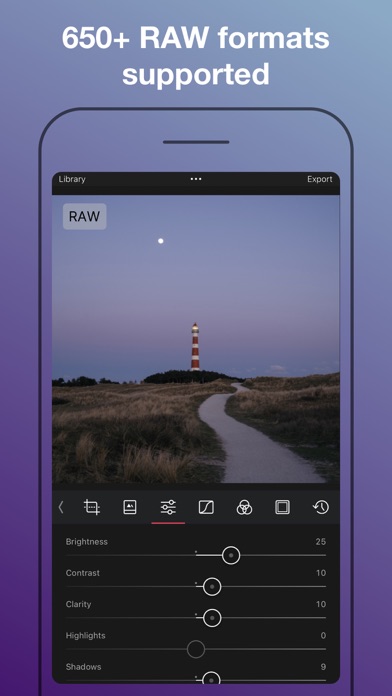
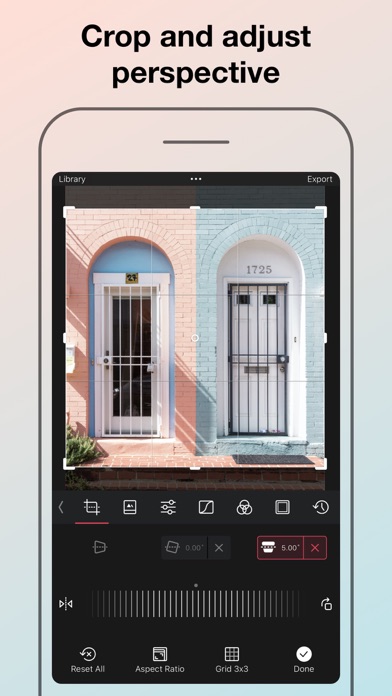
Versatile Editing Capabilities: From high-resolution video playback and professional 4K color grading to batch photo editing, Darkroom addresses all your creative needs with efficiency. Its comprehensive toolset includes support for RAW and ProRAW files, making it perfect for high-quality photo projects.
Professional Tools for Every Creator:
All-Inclusive Format Support: Whether managing RAW files or crafting the perfect JPEG, Darkroom provides powerful editing tools that ensure top-tier output for all photo formats.
Tailored for iPhone Photographers: With iPhone-specific enhancements, Darkroom stands out as the premier editing tool for mobile photographers, offering intuitive interfaces and seamless integration with iOS features.
Praise from Experts:
"Darkroom is one of the best apps around, offering extensive support for RAW and ProRAW photos and capabilities to batch edit photos with ease." – The Verge
"Its iPhone-specific features make Darkroom the leading editing app for iPhone photographers." – The Sweet Setup
Seamless Organization and Sharing:
Organize your photos and videos with Darkroom's advanced management tools. Create stunning collages, manage hashtags effortlessly, and share your creations with ease. Streamline your workflow and keep your collections meticulously organized, whether for personal enjoyment or professional display.
Join Our Community and Enhance Your Creative Skills:
Become a Darkroom member to access exclusive features and regular updates that keep your tools cutting-edge. Our community is a hub for sharing tips, inspiration, and creative techniques.
Get Started with Darkroom Today:
Download Darkroom and elevate your photo and video editing to professional levels. With ongoing enhancements and a focus on user-friendly design, Darkroom is dedicated to enriching your creative journey.
Subscription and Membership Details:
Manage your Darkroom+ membership in the iTunes & App Store settings. Remember, subscriptions automatically renew unless cancelled at least 24 hours before the end of the current period.
Terms and Conditions: https://darkroom.co/legal/terms.html
Privacy Policy: https://darkroom.co/legal/privacy-policy.html
- iPhone أو iPad بجيلبريك أو بدون جيلبريك.
- Sideloadly أو بدائلها.
- كمبيوتر يعمل بنظام Windows/macOS/Linux مع تثبيت iTunes.
الخطوة 1: قم بتنزيل ملف .IPA المعدّل مسبقًا من الرابط أعلاه إلى الكمبيوتر الخاص بك. للتنزيل من تطبيق iOSGods App، اطلع على دليل تنزيل IPA من تطبيق iOSGods App الذي يتضمن مثالًا بالفيديو.
الخطوة 2: قم بتنزيل Sideloadly وتثبيته على جهاز Windows أو Mac.
الخطوة 3: افتح Sideloadly على الكمبيوتر، ووصّل جهاز iOS الخاص بك، وانتظر حتى يظهر اسم جهازك داخل Sideloadly.
الخطوة 4: بمجرد التعرّف على جهاز iDevice الخاص بك، اسحب ملف .IPA المعدّل الذي قمت بتنزيله وأفلِته داخل تطبيق Sideloadly.
الخطوة 5: أدخل البريد الإلكتروني لحساب Apple Account الخاص بك، ثم اضغط على «Start». سيُطلب منك بعد ذلك إدخال كلمة المرور. تابع وأدخل المعلومات المطلوبة.
الخطوة 6: انتظر حتى ينتهي Sideloadly من تحميل/تثبيت ملف IPA المعدّل. في حال واجهت أي مشاكل أثناء التثبيت، يرجى قراءة الملاحظة أدناه.
الخطوة 7: بعد اكتمال التثبيت ورؤية التطبيق على الشاشة الرئيسية، انتقل إلى Settings → General → Profiles / VPN & Device Management. ثم اضغط على البريد الإلكتروني الذي أدخلته في الخطوة 6، ثم اضغط على «الوثوق بـ [email protected]».
الخطوة 8: الآن انتقل إلى الشاشة الرئيسية وافتح التطبيق الذي تم تثبيته للتو وسيعمل كل شيء بشكل صحيح. قد تحتاج إلى اتباع تعليمات إضافية خاصة بكل تطبيق داخل النافذة المنبثقة للتعديل أثناء اللعب.
ملاحظة: بدءًا من iOS/iPadOS 16 وما بعده، يجب تفعيل وضع المطور (Developer Mode). بالنسبة لحسابات Apple Developer المجانية، ستحتاج إلى تكرار هذه العملية كل 7 أيام. إذا كانت لديك أي أسئلة أو مشاكل، يرجى قراءة قسم الأسئلة الشائعة حول Sideloadly في الموضوع.