Login Diperlukan
Masuk dengan akun iOSGods kamu untuk melanjutkan.
Masuk dengan akun iOSGods kamu untuk melanjutkan.
Buka alat pengeditan premium di Darkroom: Photo & Video Editor dengan aplikasi iOS yang dimodifikasi ini, dapatkan akses penuh ke pengeditan kedalaman berbasis AI canggih, deteksi objek pintar, dan filter tingkat profesional tanpa batasan. Buat foto dan video yang menakjubkan dengan kontrol presisi atas langit, rambut, kulit, dan elemen lainnya menggunakan suite pengeditan mobile komprehensif Darkroom.
- Premium → semua alat pengeditan pro terbuka
Aplikasi ini juga dilengkapi dengan iGameGod, yang memberi Anda akses ke Auto Touch untuk mengotomatiskan tugas berulang, App Speed Manager untuk mengatur kecepatan permainan, pengeditan nilai Memory Engine, dan alat permainan iOS lainnya yang lebih canggih.
Unduh Darkroom: Photo & Video Editor Modded modded IPA dari tautan di atas. Ketuk tombol pasang dan ikuti petunjuk di layar untuk memasang hack iOS ini di iPhone, iPad, atau Apple Silicon.
Butuh bantuan lebih lanjut? Lihat Pertanyaan yang Sering Diajukan untuk Aplikasi iOSGods kami untuk jawaban dan tips lengkap.
Transform your iPhone and iPad into a sophisticated editing suite with Darkroom, the highly acclaimed photo and video editor designed to empower both amateur photographers and professional creators. With desktop-quality tools at your fingertips, Darkroom competes with industry giants such as Adobe Lightroom and Photoshop, delivering unparalleled editing experiences right on your mobile device.
Award-Winning App Recognitions:
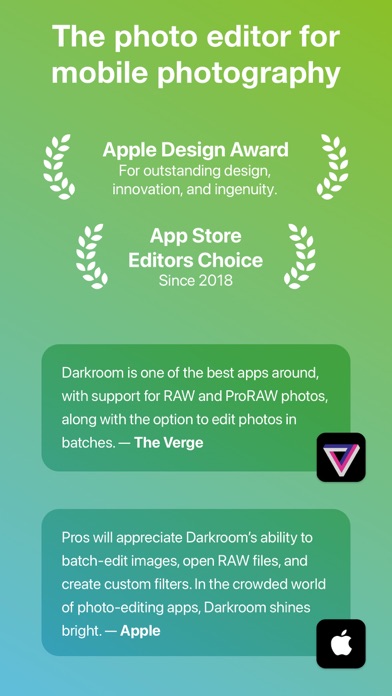
Apple’s Editor’s Choice since 2018
Winner of the Apple Design Award in 2020
Best New App Winner in 2015
Why Choose Darkroom?
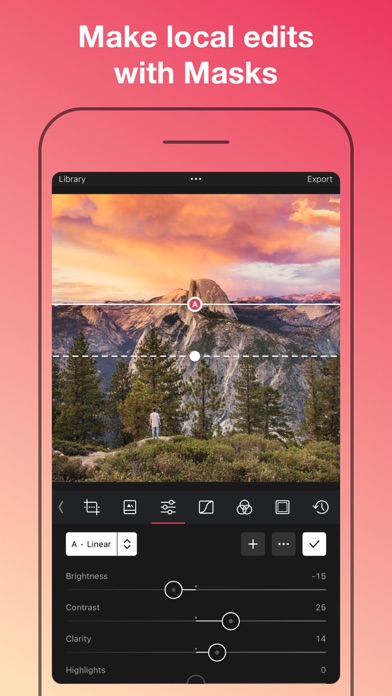
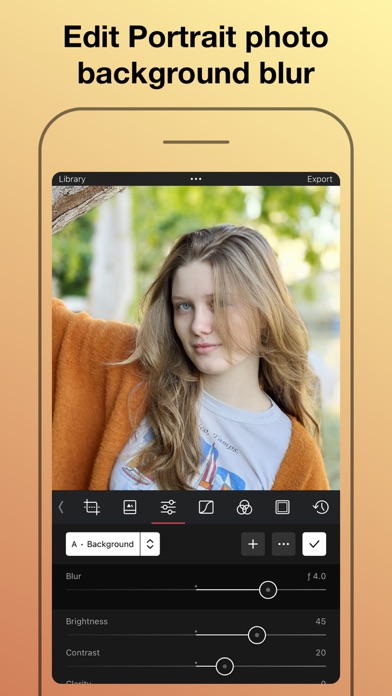
Advanced AI-Powered Editing: Leverage cutting-edge AI tools for precise, depth-based edits and intelligent object detection. Enhance specific elements like skies, skin tones, and landscapes with unmatched accuracy.
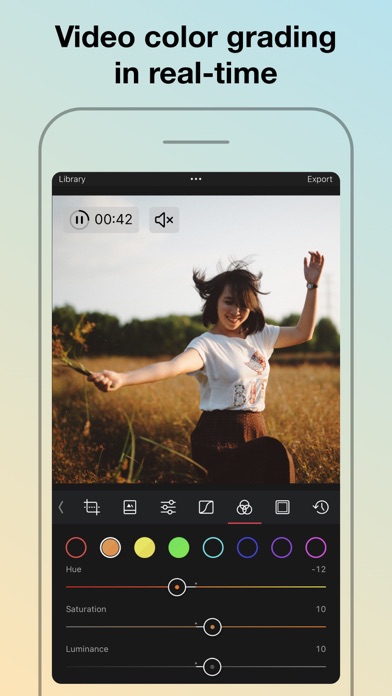
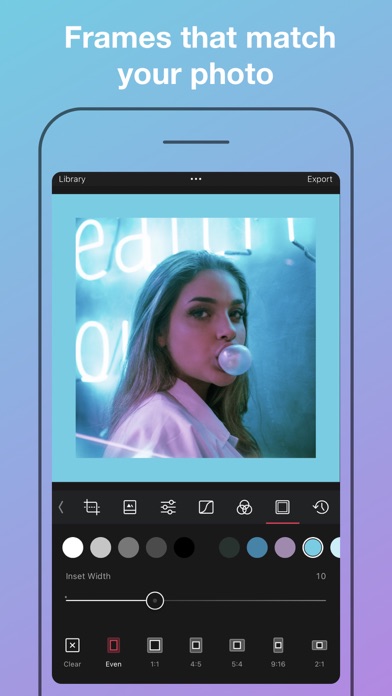
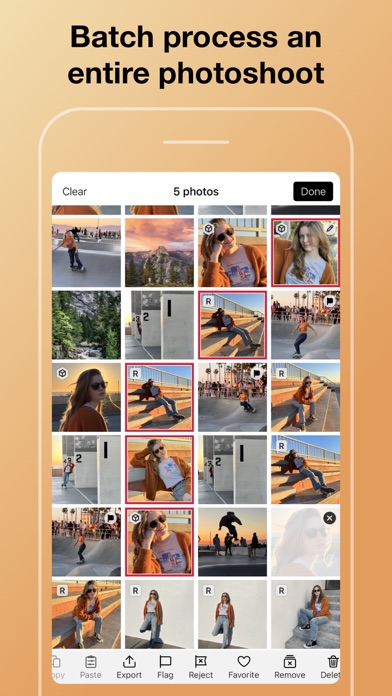
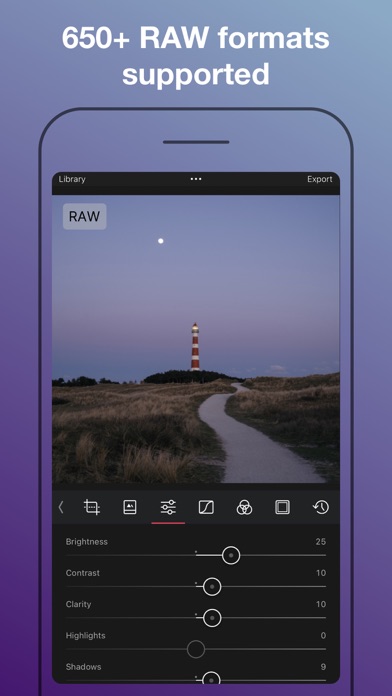
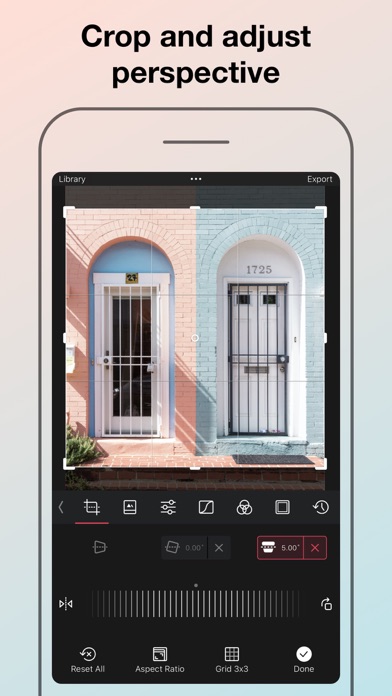
Versatile Editing Capabilities: From high-resolution video playback and professional 4K color grading to batch photo editing, Darkroom addresses all your creative needs with efficiency. Its comprehensive toolset includes support for RAW and ProRAW files, making it perfect for high-quality photo projects.
Professional Tools for Every Creator:
All-Inclusive Format Support: Whether managing RAW files or crafting the perfect JPEG, Darkroom provides powerful editing tools that ensure top-tier output for all photo formats.
Tailored for iPhone Photographers: With iPhone-specific enhancements, Darkroom stands out as the premier editing tool for mobile photographers, offering intuitive interfaces and seamless integration with iOS features.
Praise from Experts:
"Darkroom is one of the best apps around, offering extensive support for RAW and ProRAW photos and capabilities to batch edit photos with ease." – The Verge
"Its iPhone-specific features make Darkroom the leading editing app for iPhone photographers." – The Sweet Setup
Seamless Organization and Sharing:
Organize your photos and videos with Darkroom's advanced management tools. Create stunning collages, manage hashtags effortlessly, and share your creations with ease. Streamline your workflow and keep your collections meticulously organized, whether for personal enjoyment or professional display.
Join Our Community and Enhance Your Creative Skills:
Become a Darkroom member to access exclusive features and regular updates that keep your tools cutting-edge. Our community is a hub for sharing tips, inspiration, and creative techniques.
Get Started with Darkroom Today:
Download Darkroom and elevate your photo and video editing to professional levels. With ongoing enhancements and a focus on user-friendly design, Darkroom is dedicated to enriching your creative journey.
Subscription and Membership Details:
Manage your Darkroom+ membership in the iTunes & App Store settings. Remember, subscriptions automatically renew unless cancelled at least 24 hours before the end of the current period.
Terms and Conditions: https://darkroom.co/legal/terms.html
Privacy Policy: https://darkroom.co/legal/privacy-policy.html
- iPhone atau iPad tanpa Jailbreak atau dengan Jailbreak.
- Sideloadly atau alternatifnya.
- Komputer dengan Windows/macOS/Linux dan iTunes terpasang.
LANGKAH 1: Unduh file .IPA yang sudah di-hack dari tautan di atas ke komputer Anda. Untuk mengunduhnya dari iOSGods App, silakan lihat Tutorial Mengunduh IPA dari iOSGods App kami yang dilengkapi contoh video.
LANGKAH 2: Unduh Sideloadly dan pasang di Windows atau Mac Anda.
LANGKAH 3: Buka Sideloadly di komputer Anda, sambungkan perangkat iOS Anda, dan tunggu hingga nama perangkat Anda muncul di Sideloadly.
LANGKAH 4: Setelah iDevice Anda terdeteksi, seret file .IPA yang sudah dimodifikasi dan lepaskan ke dalam aplikasi Sideloadly.
LANGKAH 5: Masukkan email Apple Account Anda, lalu tekan "Start". Anda kemudian akan diminta memasukkan kata sandi. Silakan isi informasi yang diminta.
LANGKAH 6: Tunggu hingga Sideloadly selesai melakukan sideloading/pemasangan IPA yang di-hack. Jika terjadi masalah saat pemasangan, silakan baca catatan di bawah ini.
LANGKAH 7: Setelah pemasangan selesai dan Anda melihat aplikasi di Layar Beranda, Anda perlu masuk ke Pengaturan → Umum → Profil / VPN & Manajemen Perangkat. Setelah itu, ketuk email yang Anda masukkan pada langkah 6, lalu ketuk "Percayai [email protected]".
LANGKAH 8: Sekarang buka Layar Beranda dan jalankan aplikasi yang baru saja dipasang; semuanya seharusnya berjalan normal. Anda mungkin perlu mengikuti petunjuk tambahan per aplikasi yang muncul di popup hack di dalam game.
CATATAN: Pada iOS/iPadOS 16 dan yang lebih baru, Anda harus mengaktifkan Mode Pengembang. Untuk akun Apple Developer gratis, Anda perlu mengulangi proses ini setiap 7 hari. Jika Anda memiliki pertanyaan atau masalah, silakan baca bagian FAQ Sideloadly di topik tersebut kami.