Login necessário
Entre com sua conta iOSGods para continuar.
Hack Features:
- Premium Unlocked!
Press buy Premium then cancel if you get the popup to buy it
Baixe Adobe Scan: PDF & OCR Scanner Modded modded IPA dos links acima. Toque no botão de instalação e siga as instruções para instalar este hack iOS no seu iPhone, iPad ou Apple Silicon.
Precisa de mais ajuda? Confira nossas Perguntas frequentes sobre o app iOSGods para respostas detalhadas e dicas de solução de problemas.
Adobe Scan is free to download and turns your mobile device into a powerful scanner that recognizes text automatically (OCR) and allows you to create, save, and organize your paper documents as a digital file.
Scan anything — receipts, notes, ID cards, recipes, photos, business cards, whiteboards — and turn them into PDF or JPEG files you can work with on your smartphone, tablet, or computer.
HOW IT WORKS
• Scan any document and convert to PDF or photo.
• Create high-quality scans of lengthy documents with Book Mode.
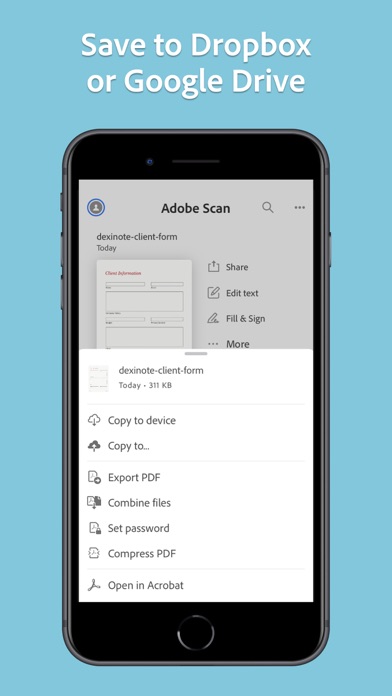
• Quickly scan and save your important documents to Dropbox or Google Drive so you can access and share them wherever you are.
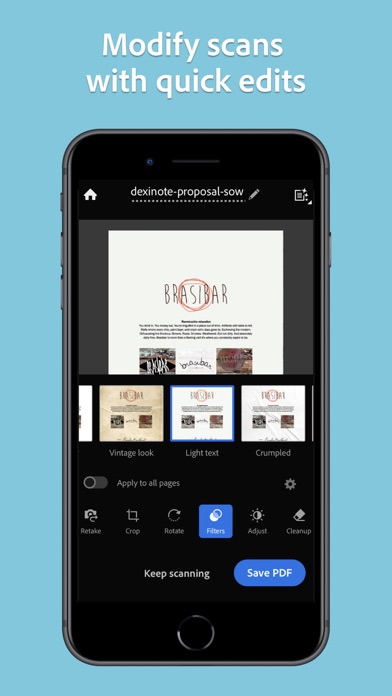
• Adjust the brightness and contrast of your scans in just a few taps.
CAPTURE
• Scan anything with precision with this mobile PDF scanner.
• Advanced image technology automatically detects borders, sharpens scanned content, and recognizes text (OCR).
ENHANCE
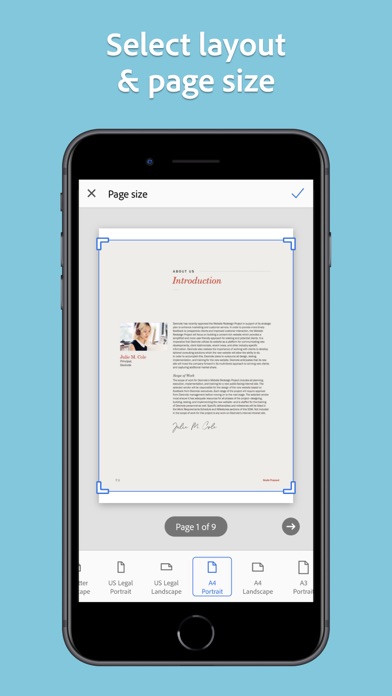
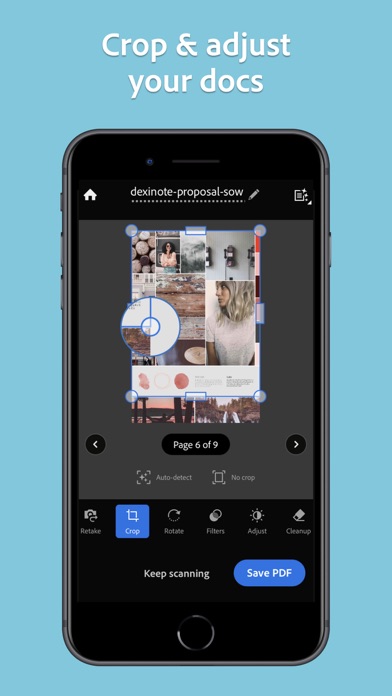
• Whether it’s a PDF or photo scan, you can preview, reorder, crop, rotate, resize, and adjust color.
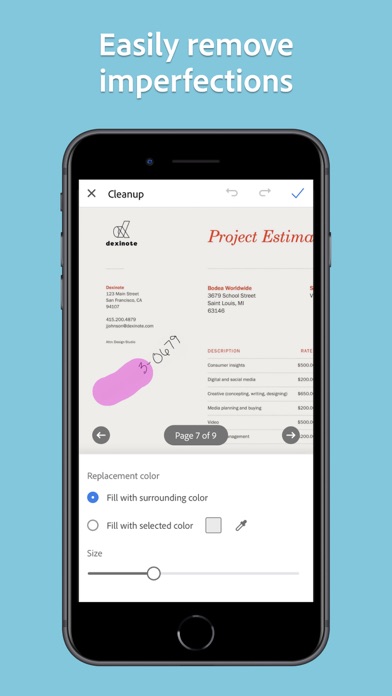
• Remove and edit imperfections, erase stains, marks, creases, even handwriting.
ORGANIZE
• Capture forms, receipts, notes, ID cards, health documents, and business cards and organize into custom folders so they are easy to access and find.
• Contact information will be automatically extracted so you can quickly add to your device contacts — no typing needed. You can even highlight expenses on tax receipts with ease.
QUICKLY FIND DOCUMENTS IN PHOTO LIBRARY
• This powerful scanner app automatically finds documents and receipts in your photos and turns them into PDF scans, so you don't have to.
• Touch up scans or photos from your camera roll.
REUSE
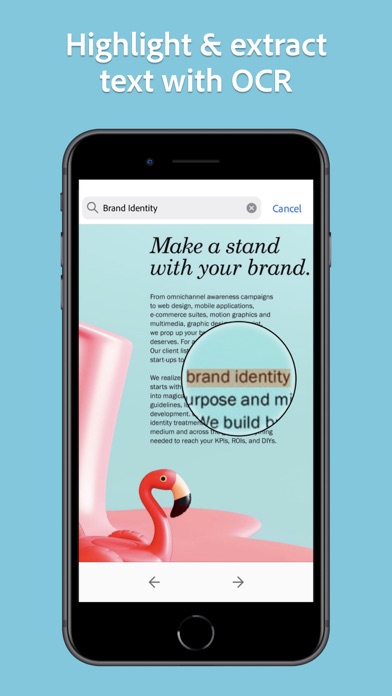
• Turn your scan into a high-quality Adobe PDF that unlocks text for reuse through automated text recognition (OCR).
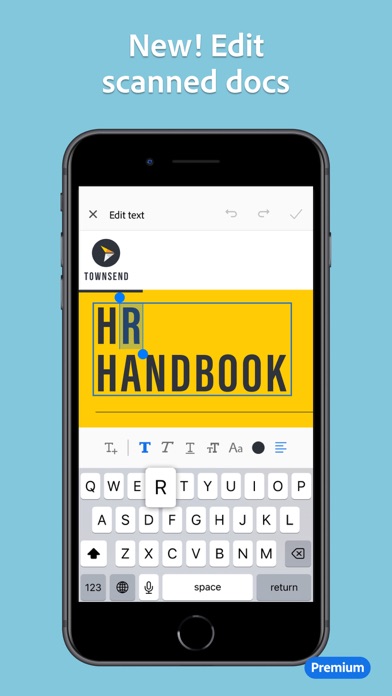
• Automatic OCR turns text into content you can edit, resize, and reuse in other documents.
SCAN ANYTHING, ANYWHERE, ANYTIME
• The Adobe Scan scanner app even lets you scan multi-page documents and save with a single tap.
• Even lengthy legal documents become manageable and scannable with the Adobe Scan scanner app, which lets you search, select, and copy text.
DO MORE WITH ACROBAT
• You can also open a PDF scan in Acrobat Reader to highlight key sections, add comments, fill and sign documents.
• Free, built-in optical character recognition (OCR) lets you reuse scanned text and content to work with in Adobe Acrobat Reader.
IN-APP PURCHASE
• Subscribe for even more scanning power. Subscriptions work across Scan and Reader mobile apps and Acrobat on web.
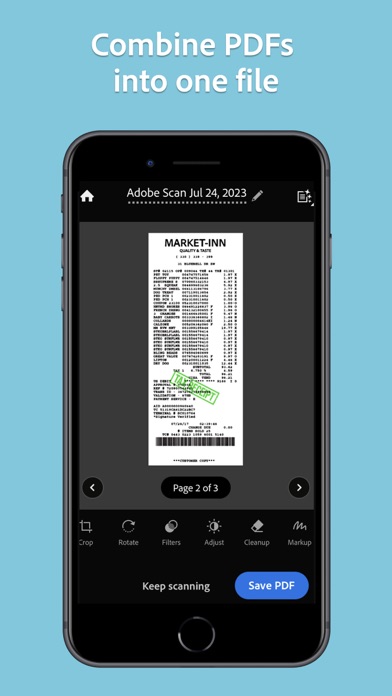
• Combine scans into one file so you can take multiple scans and consolidate into one document.
• Export PDFs to Microsoft Word, Excel, or PowerPoint file formats to repurpose or reformat your documents.
• Increase OCR capacity from 25 to 100 pages so that you can find text in multiple scans.
Download the free mobile scanner to convert important photos and documents into PDF and JPEG files to help you stay organized. Adobe Scan is the PDF converter trusted by millions worldwide.
Terms & Conditions:
Your use of this application is governed by the Adobe General Terms of Use http://www.adobe.com/go/terms_linkfree_en and the Adobe Privacy Policy http://www.adobe.com/go/privacy_policy_linkfree_en
Do not sell or share my personal information
http://www.adobe.com/go/ca-rights-linkfree
Ainda não há apps iOS semelhantes. Volte em breve!
- iPhone ou iPad sem jailbreak/jailed ou com jailbreak.
- Sideloadly ou alternativas.
- Computador com Windows/macOS/Linux e iTunes instalado.
PASSO 1: Baixe o arquivo .IPA pré-hackeado do link acima para o seu computador. Para baixar pelo iOSGods App, veja nosso Tutorial de download de IPA do iOSGods App, que inclui um exemplo em vídeo.
PASSO 2: Baixe o Sideloadly e instale-o no seu Windows ou Mac.
PASSO 3: Abra o Sideloadly no seu computador, conecte seu dispositivo iOS e aguarde até que o nome do dispositivo apareça no Sideloadly.
PASSO 4: Assim que seu iDevice for reconhecido, arraste o arquivo .IPA modificado que você baixou e solte-o no aplicativo Sideloadly.
PASSO 5: Digite o e-mail da sua Apple Account e pressione “Start”. Em seguida, será solicitada a sua senha. Prossiga e forneça as informações solicitadas.
PASSO 6: Aguarde o Sideloadly finalizar o sideload/instalação do IPA hackeado. Se houver problemas durante a instalação, leia a observação abaixo.
PASSO 7: Quando a instalação estiver concluída e você vir o app na Tela de Início, será necessário acessar Ajustes → Geral → Perfis / Gerenciamento de VPN e Dispositivo. Lá, toque no e-mail que você inseriu no passo 6 e, em seguida, toque em “Confiar em [email protected]”.
PASSO 8: Agora vá para a Tela de Início e abra o app recém-instalado; tudo deve funcionar normalmente. Você pode precisar seguir instruções adicionais específicas no popup do hack dentro do jogo.
OBSERVAÇÃO: No iOS/iPadOS 16 e versões posteriores, você deve ativar o Modo de Desenvolvedor. Para contas Apple Developer gratuitas, será necessário repetir este processo a cada 7 dias. Se tiver dúvidas ou problemas, leia nossa seção de FAQ do Sideloadly no tópico.