ログインが必要
iOSGodsアカウントでサインインして続けてください。

Hack Features:
- Premium Unlocked!
Press buy Premium then cancel if you get the popup to buy it
Adobe Scan: PDF & OCR Scanner Modded modded IPAを上のリンクからダウンロードします。インストールボタンをタップし、画面の指示に従ってiPhone、iPad、Apple SiliconにこのiOSアプリハックをインストールします。
さらにヘルプが必要ですか? 詳しい回答とトラブルシューティングはiOSGodsアプリ よくある質問をご覧ください。
Adobe Scan is free to download and turns your mobile device into a powerful scanner that recognizes text automatically (OCR) and allows you to create, save, and organize your paper documents as a digital file.
Scan anything — receipts, notes, ID cards, recipes, photos, business cards, whiteboards — and turn them into PDF or JPEG files you can work with on your smartphone, tablet, or computer.
HOW IT WORKS
• Scan any document and convert to PDF or photo.
• Create high-quality scans of lengthy documents with Book Mode.
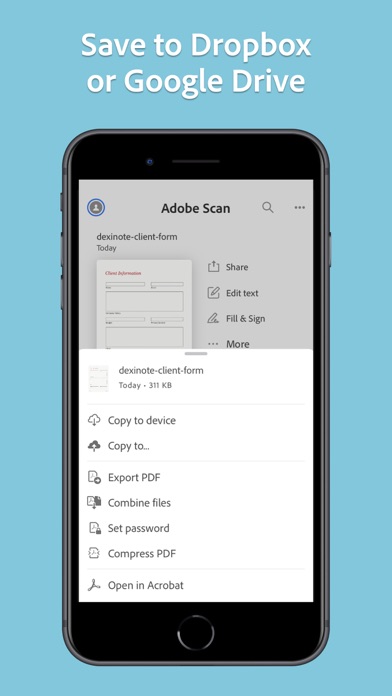
• Quickly scan and save your important documents to Dropbox or Google Drive so you can access and share them wherever you are.
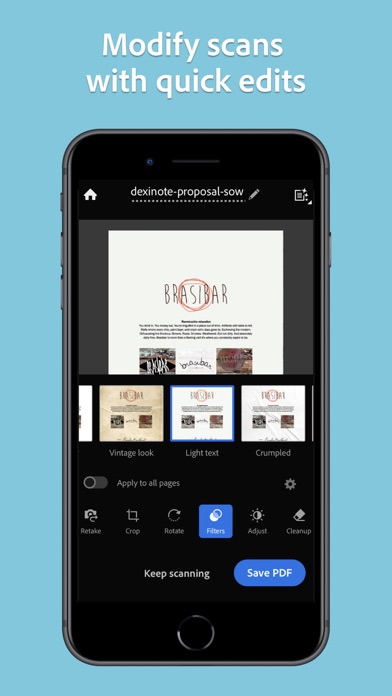
• Adjust the brightness and contrast of your scans in just a few taps.
CAPTURE
• Scan anything with precision with this mobile PDF scanner.
• Advanced image technology automatically detects borders, sharpens scanned content, and recognizes text (OCR).
ENHANCE
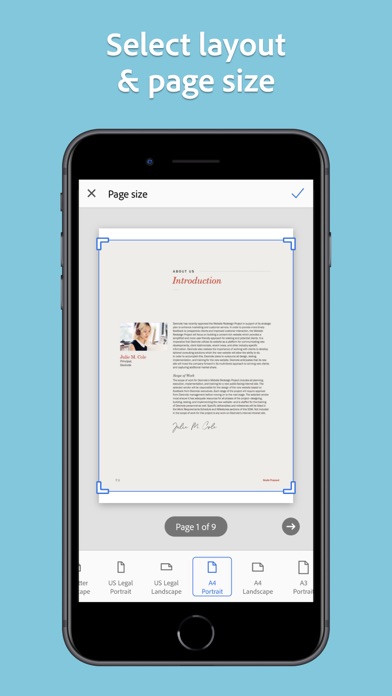
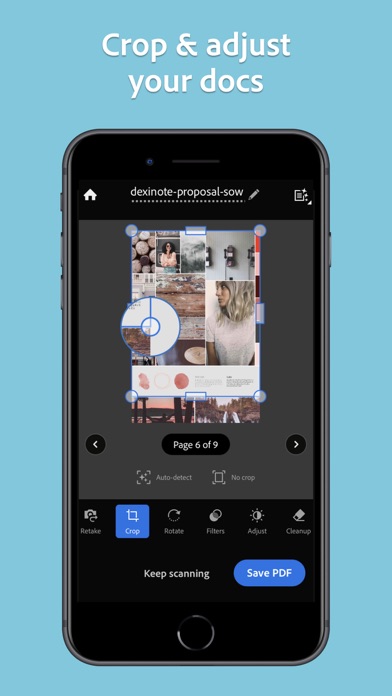
• Whether it’s a PDF or photo scan, you can preview, reorder, crop, rotate, resize, and adjust color.
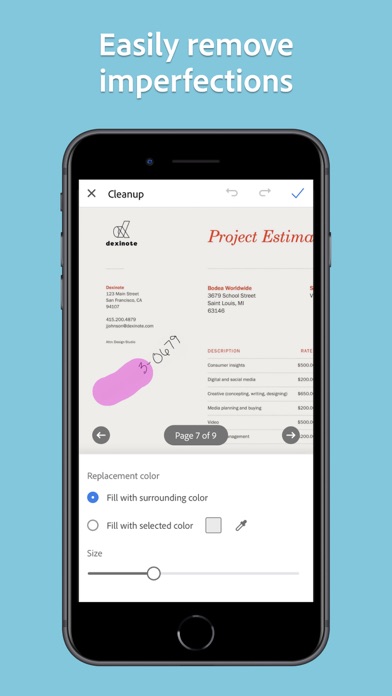
• Remove and edit imperfections, erase stains, marks, creases, even handwriting.
ORGANIZE
• Capture forms, receipts, notes, ID cards, health documents, and business cards and organize into custom folders so they are easy to access and find.
• Contact information will be automatically extracted so you can quickly add to your device contacts — no typing needed. You can even highlight expenses on tax receipts with ease.
QUICKLY FIND DOCUMENTS IN PHOTO LIBRARY
• This powerful scanner app automatically finds documents and receipts in your photos and turns them into PDF scans, so you don't have to.
• Touch up scans or photos from your camera roll.
REUSE
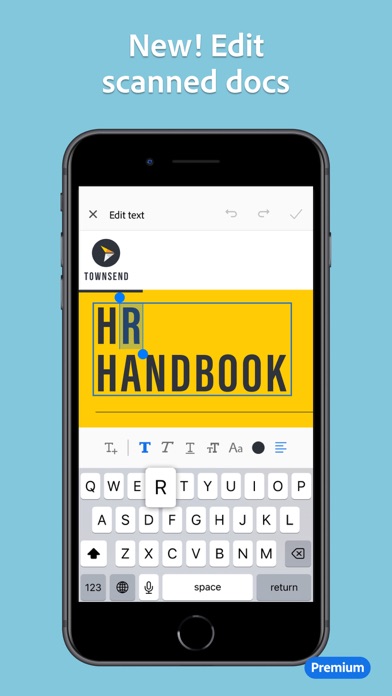
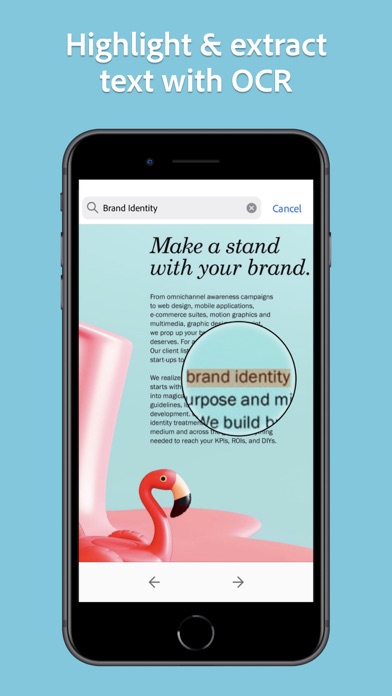
• Turn your scan into a high-quality Adobe PDF that unlocks text for reuse through automated text recognition (OCR).
• Automatic OCR turns text into content you can edit, resize, and reuse in other documents.
SCAN ANYTHING, ANYWHERE, ANYTIME
• The Adobe Scan scanner app even lets you scan multi-page documents and save with a single tap.
• Even lengthy legal documents become manageable and scannable with the Adobe Scan scanner app, which lets you search, select, and copy text.
DO MORE WITH ACROBAT
• You can also open a PDF scan in Acrobat Reader to highlight key sections, add comments, fill and sign documents.
• Free, built-in optical character recognition (OCR) lets you reuse scanned text and content to work with in Adobe Acrobat Reader.
IN-APP PURCHASE
• Subscribe for even more scanning power. Subscriptions work across Scan and Reader mobile apps and Acrobat on web.
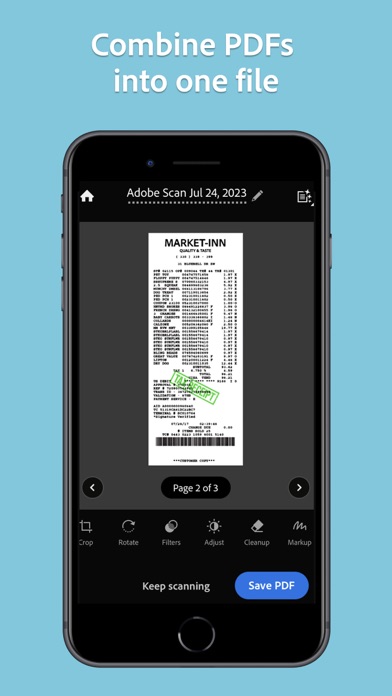
• Combine scans into one file so you can take multiple scans and consolidate into one document.
• Export PDFs to Microsoft Word, Excel, or PowerPoint file formats to repurpose or reformat your documents.
• Increase OCR capacity from 25 to 100 pages so that you can find text in multiple scans.
Download the free mobile scanner to convert important photos and documents into PDF and JPEG files to help you stay organized. Adobe Scan is the PDF converter trusted by millions worldwide.
Terms & Conditions:
Your use of this application is governed by the Adobe General Terms of Use http://www.adobe.com/go/terms_linkfree_en and the Adobe Privacy Policy http://www.adobe.com/go/privacy_policy_linkfree_en
Do not sell or share my personal information
http://www.adobe.com/go/ca-rights-linkfree
- 脱獄/Jailed済みまたは脱獄済みのiPhoneまたはiPad。
- Sideloadlyまたは代替手段。
- iTunesがインストールされているWindows/macOS/Linuxを実行しているコンピュータ。
ステップ1: 上のリンクから事前にハックされた.IPAファイルをコンピュータにダウンロードします。iOSGodsアプリからダウンロードする方法は、ビデオ例付きのiOSGodsアプリIPAダウンロードチュートリアルをご覧ください。
ステップ2: SideloadlyをダウンロードしてWindowsまたはMacにインストールします。
ステップ3: コンピュータでSideloadlyを開き、iOSデバイスを接続して、デバイス名がSideloadlyに表示されるまで待ちます。
ステップ4: iDeviceが認識されたら、ダウンロードしたModされた.IPAファイルをSideloadlyアプリにドラッグ&ドロップします。
ステップ5: Apple Accountのメールアドレスを入力し、「Start」を押します。次にパスワードの入力を求められます。必要な情報を入力してください。
ステップ6: Sideloadlyがハックされたipaのサイドロード/インストールを完了するのを待ちます。インストール中に問題が発生した場合は、以下の注意事項をお読みください。
ステップ7: インストールが完了し、ホーム画面にアプリが表示されたら、設定 → 一般 → プロファイル / VPNとデバイス管理に移動する必要があります。そこで、ステップ6で入力したメールをタップし、「Trust [email protected]」をタップします。
ステップ8: ホーム画面に戻り、新しくインストールされたアプリを開けば、すべて正常に動作するはずです。ゲーム内のハックのポップアップで、アプリごとの追加指示に従う必要がある場合があります。
注意: iOS/iPadOS 16以降では、デベロッパモードを有効にするが必要です。無料のApple Developerアカウントの場合、このプロセスを7日ごとに繰り返す必要があります。質問や問題がある場合は、トピックのSideloadly FAQセクションをお読みください。