需要登入
請使用您的 iOSGods 帳戶登入以繼續。

Hack Features:
- Premium Unlocked!
Press buy Premium then cancel if you get the popup to buy it
從上方連結下載 Adobe Scan: PDF & OCR Scanner Modded modded IPA。點選安裝按鈕並依照畫面指示在 iPhone、iPad 或 Apple Silicon 上安裝此 iOS 應用程式修改版。
需要更多協助?請查看我們的 iOSGods 應用程式常見問題 以獲得詳細解答與疑難排解。
Adobe Scan is free to download and turns your mobile device into a powerful scanner that recognizes text automatically (OCR) and allows you to create, save, and organize your paper documents as a digital file.
Scan anything — receipts, notes, ID cards, recipes, photos, business cards, whiteboards — and turn them into PDF or JPEG files you can work with on your smartphone, tablet, or computer.
HOW IT WORKS
• Scan any document and convert to PDF or photo.
• Create high-quality scans of lengthy documents with Book Mode.
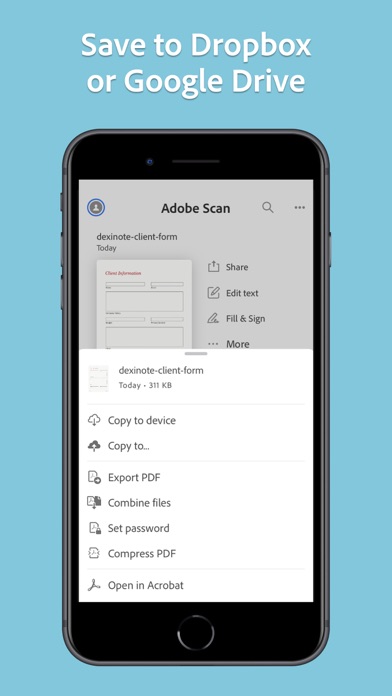
• Quickly scan and save your important documents to Dropbox or Google Drive so you can access and share them wherever you are.
• Adjust the brightness and contrast of your scans in just a few taps.
CAPTURE
• Scan anything with precision with this mobile PDF scanner.
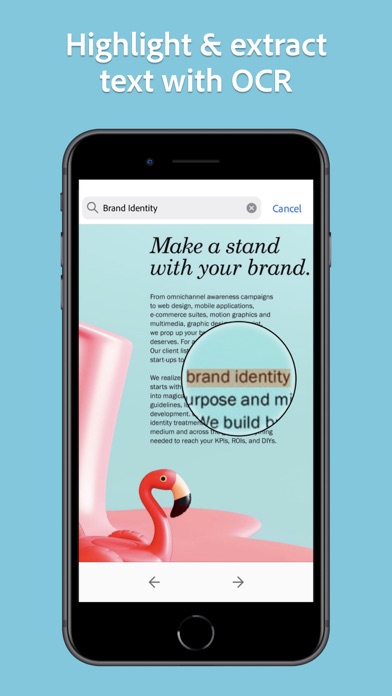
• Advanced image technology automatically detects borders, sharpens scanned content, and recognizes text (OCR).
ENHANCE
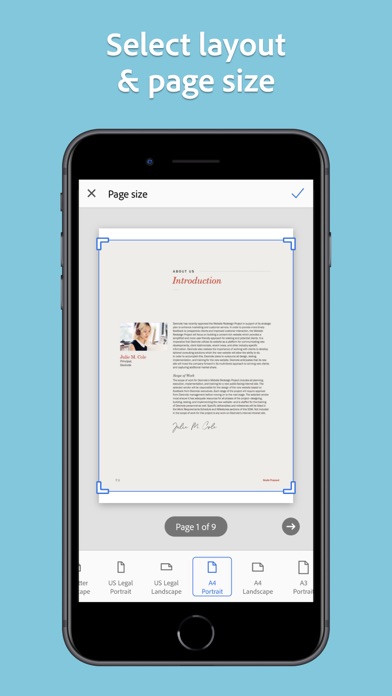
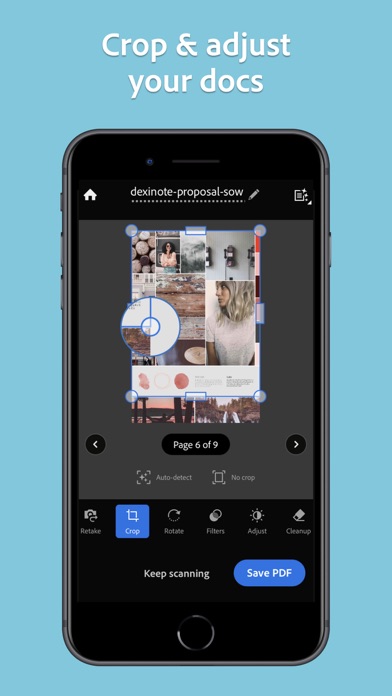
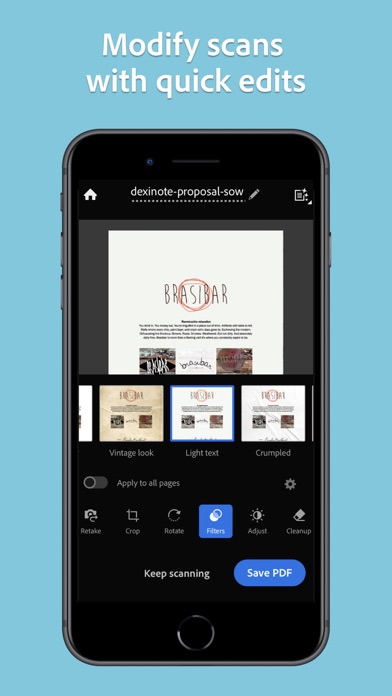
• Whether it’s a PDF or photo scan, you can preview, reorder, crop, rotate, resize, and adjust color.
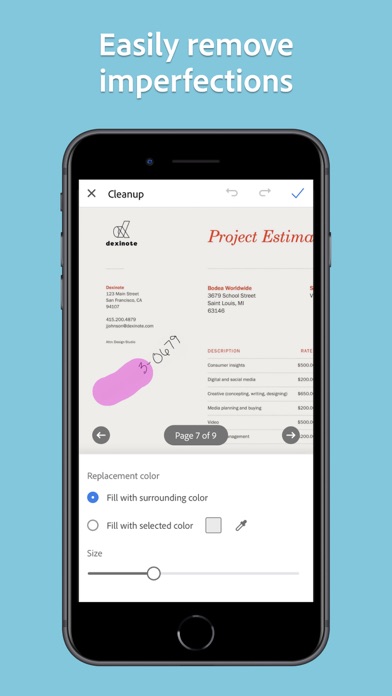
• Remove and edit imperfections, erase stains, marks, creases, even handwriting.
ORGANIZE
• Capture forms, receipts, notes, ID cards, health documents, and business cards and organize into custom folders so they are easy to access and find.
• Contact information will be automatically extracted so you can quickly add to your device contacts — no typing needed. You can even highlight expenses on tax receipts with ease.
QUICKLY FIND DOCUMENTS IN PHOTO LIBRARY
• This powerful scanner app automatically finds documents and receipts in your photos and turns them into PDF scans, so you don't have to.
• Touch up scans or photos from your camera roll.
REUSE
• Turn your scan into a high-quality Adobe PDF that unlocks text for reuse through automated text recognition (OCR).
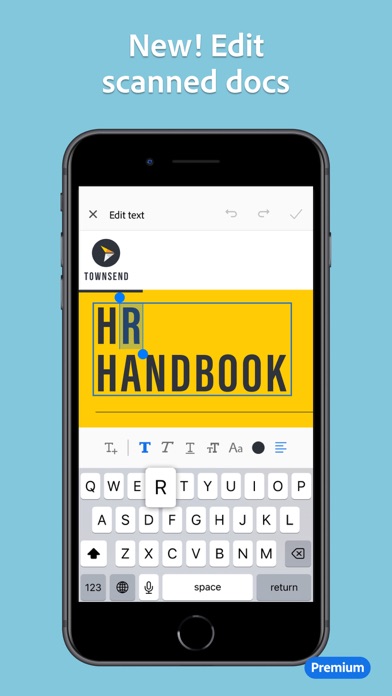
• Automatic OCR turns text into content you can edit, resize, and reuse in other documents.
SCAN ANYTHING, ANYWHERE, ANYTIME
• The Adobe Scan scanner app even lets you scan multi-page documents and save with a single tap.
• Even lengthy legal documents become manageable and scannable with the Adobe Scan scanner app, which lets you search, select, and copy text.
DO MORE WITH ACROBAT
• You can also open a PDF scan in Acrobat Reader to highlight key sections, add comments, fill and sign documents.
• Free, built-in optical character recognition (OCR) lets you reuse scanned text and content to work with in Adobe Acrobat Reader.
IN-APP PURCHASE
• Subscribe for even more scanning power. Subscriptions work across Scan and Reader mobile apps and Acrobat on web.
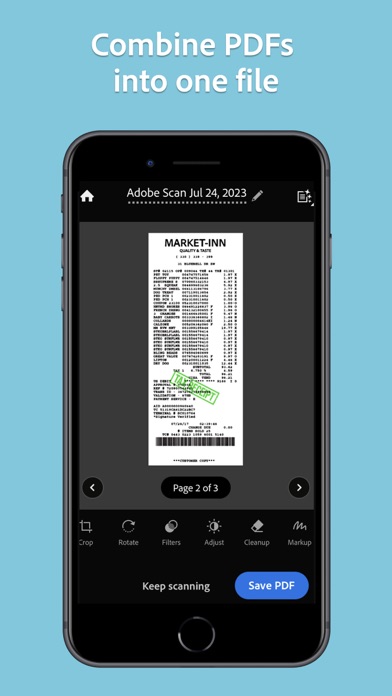
• Combine scans into one file so you can take multiple scans and consolidate into one document.
• Export PDFs to Microsoft Word, Excel, or PowerPoint file formats to repurpose or reformat your documents.
• Increase OCR capacity from 25 to 100 pages so that you can find text in multiple scans.
Download the free mobile scanner to convert important photos and documents into PDF and JPEG files to help you stay organized. Adobe Scan is the PDF converter trusted by millions worldwide.
Terms & Conditions:
Your use of this application is governed by the Adobe General Terms of Use http://www.adobe.com/go/terms_linkfree_en and the Adobe Privacy Policy http://www.adobe.com/go/privacy_policy_linkfree_en
Do not sell or share my personal information
http://www.adobe.com/go/ca-rights-linkfree
- 未越獄/受限或已越獄的 iPhone 或 iPad。
- Sideloadly 或替代方案。
- 執行 Windows/macOS/Linux 且已安裝 iTunes 的電腦。
步驟 1: 透過上方連結將已破解的 .IPA 檔案下載到您的電腦。若要從 iOSGods App 下載,請參閱我們的 iOSGods App IPA 下載教學,其中包含影片範例。
步驟 2: 下載 Sideloadly 並將其安裝在您的 Windows 或 Mac 上。
步驟 3: 在電腦上開啟 Sideloadly,連接您的 iOS 裝置,並等待裝置名稱出現在 Sideloadly 中。
步驟 4: 當 Sideloadly 辨識到您的 iOS 裝置後,將下載好的修改版 .IPA 檔案拖曳並放到 Sideloadly 應用程式中。
步驟 5: 輸入您的 Apple Account 電子郵件,然後按下「Start」。系統會要求您輸入密碼,請依指示提供所需資訊。
步驟 6: 等待 Sideloadly 完成已破解 IPA 的旁載/安裝。如果安裝過程中發生問題,請閱讀下方的注意事項。
步驟 7: 安裝完成並在主畫面上看到該應用程式後,您需要前往 設定 → 一般 → 描述檔 / VPN 與裝置管理。進入後,點選您在步驟 6 中輸入的電子郵件,然後點選「信任 [email protected]」。
步驟 8: 現在回到主畫面並開啟新安裝的應用程式,一切應該都能正常運作。您可能需要依照遊戲內破解彈出視窗中的進一步指示操作。
注意: 在 iOS/iPadOS 16 及更新版本上,您必須 啟用開發者模式。若使用免費的 Apple Developer 帳號,您將需要每 7 天重複此程序。如有任何疑問或問題,請閱讀我們的 主題中的 Sideloadly 常見問題區段。