Giriş Gerekli
Devam etmek için iOSGods hesabınızla giriş yapın.
Hack Features:
- Premium Unlocked!
Press buy Premium then cancel if you get the popup to buy it
Yukarıdaki bağlantılardan Adobe Scan: PDF & OCR Scanner Modded modded IPA indirin. Yükle düğmesine dokunup ekrandaki yönergeleri izleyerek bu iOS uygulama hack'ini iPhone, iPad veya Apple Silicon'a yükleyin.
Daha fazla yardıma mı ihtiyacınız var? Ayrıntılı yanıtlar ve sorun giderme ipuçları için iOSGods Uygulaması Sık Sorulan Sorular sayfamıza bakın.
Adobe Scan is free to download and turns your mobile device into a powerful scanner that recognizes text automatically (OCR) and allows you to create, save, and organize your paper documents as a digital file.
Scan anything — receipts, notes, ID cards, recipes, photos, business cards, whiteboards — and turn them into PDF or JPEG files you can work with on your smartphone, tablet, or computer.
HOW IT WORKS
• Scan any document and convert to PDF or photo.
• Create high-quality scans of lengthy documents with Book Mode.
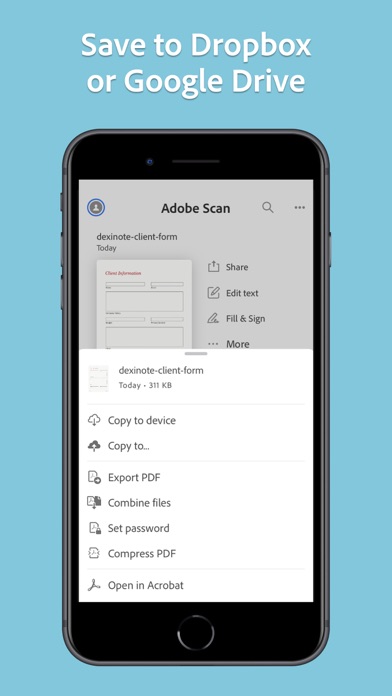
• Quickly scan and save your important documents to Dropbox or Google Drive so you can access and share them wherever you are.
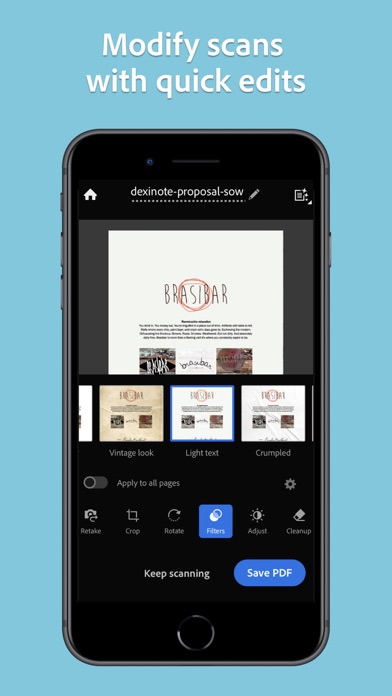
• Adjust the brightness and contrast of your scans in just a few taps.
CAPTURE
• Scan anything with precision with this mobile PDF scanner.
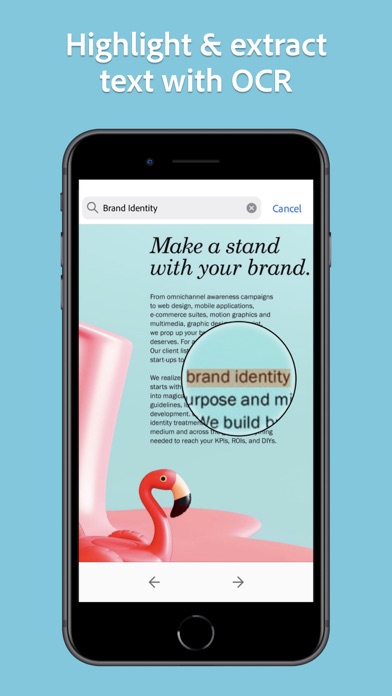
• Advanced image technology automatically detects borders, sharpens scanned content, and recognizes text (OCR).
ENHANCE
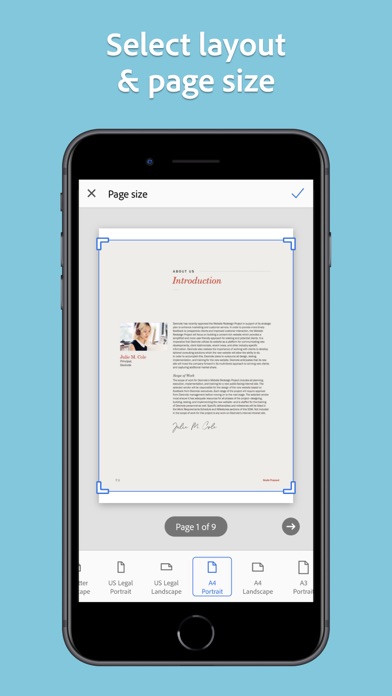
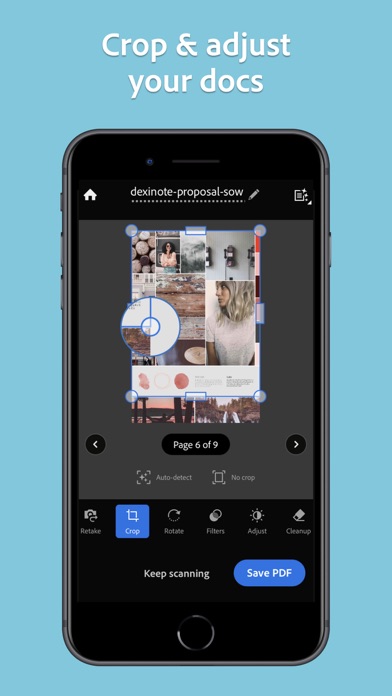
• Whether it’s a PDF or photo scan, you can preview, reorder, crop, rotate, resize, and adjust color.
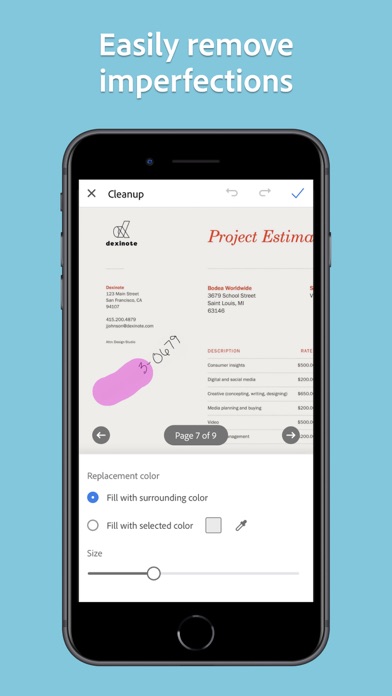
• Remove and edit imperfections, erase stains, marks, creases, even handwriting.
ORGANIZE
• Capture forms, receipts, notes, ID cards, health documents, and business cards and organize into custom folders so they are easy to access and find.
• Contact information will be automatically extracted so you can quickly add to your device contacts — no typing needed. You can even highlight expenses on tax receipts with ease.
QUICKLY FIND DOCUMENTS IN PHOTO LIBRARY
• This powerful scanner app automatically finds documents and receipts in your photos and turns them into PDF scans, so you don't have to.
• Touch up scans or photos from your camera roll.
REUSE
• Turn your scan into a high-quality Adobe PDF that unlocks text for reuse through automated text recognition (OCR).
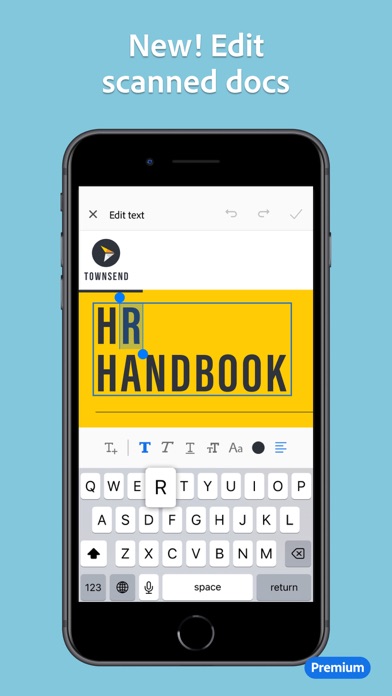
• Automatic OCR turns text into content you can edit, resize, and reuse in other documents.
SCAN ANYTHING, ANYWHERE, ANYTIME
• The Adobe Scan scanner app even lets you scan multi-page documents and save with a single tap.
• Even lengthy legal documents become manageable and scannable with the Adobe Scan scanner app, which lets you search, select, and copy text.
DO MORE WITH ACROBAT
• You can also open a PDF scan in Acrobat Reader to highlight key sections, add comments, fill and sign documents.
• Free, built-in optical character recognition (OCR) lets you reuse scanned text and content to work with in Adobe Acrobat Reader.
IN-APP PURCHASE
• Subscribe for even more scanning power. Subscriptions work across Scan and Reader mobile apps and Acrobat on web.
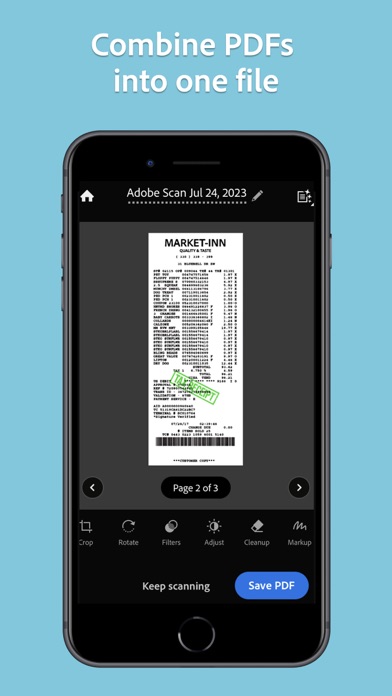
• Combine scans into one file so you can take multiple scans and consolidate into one document.
• Export PDFs to Microsoft Word, Excel, or PowerPoint file formats to repurpose or reformat your documents.
• Increase OCR capacity from 25 to 100 pages so that you can find text in multiple scans.
Download the free mobile scanner to convert important photos and documents into PDF and JPEG files to help you stay organized. Adobe Scan is the PDF converter trusted by millions worldwide.
Terms & Conditions:
Your use of this application is governed by the Adobe General Terms of Use http://www.adobe.com/go/terms_linkfree_en and the Adobe Privacy Policy http://www.adobe.com/go/privacy_policy_linkfree_en
Do not sell or share my personal information
http://www.adobe.com/go/ca-rights-linkfree
Henüz benzer iOS uygulaması yok. Yakında tekrar kontrol edin!
- Jailbreak'siz/normal ya da jailbreak'li iPhone veya iPad.
- Sideloadly veya alternatifleri.
- iTunes yüklü Windows/macOS/Linux çalıştıran bir bilgisayar.
ADIM 1: Yukarıdaki bağlantıdan önceden hacklenmiş .IPA dosyasını bilgisayarınıza indirin. iOSGods App üzerinden indirmek için video örneği de içeren iOSGods App IPA İndirme Kılavuzu bölümümüze göz atın.
ADIM 2: Sideloadly indirin ve Windows veya Mac'inize kurun.
ADIM 3: Bilgisayarınızda Sideloadly'yi açın, iOS cihazınızı bağlayın ve cihaz adınız Sideloadly'de görünene kadar bekleyin.
ADIM 4: iCihazınız tanındıktan sonra, indirdiğiniz modlu .IPA dosyasını sürükleyip Sideloadly uygulamasına bırakın.
ADIM 5: Apple Account e-posta adresinizi girin ve ardından "Start" düğmesine basın. Sonrasında sizden şifreniz istenecektir. Gerekli bilgileri girin.
ADIM 6: Sideloadly'nin hacklenmiş IPA'yı sideload edip yüklemesini bekleyin. Yükleme sırasında bir sorun olursa lütfen aşağıdaki notu okuyun.
ADIM 7: Yükleme tamamlandıktan ve uygulamayı Ana Ekranınızda gördükten sonra Ayarlar → Genel → Profiller / VPN ve Cihaz Yönetimi bölümüne gitmelisiniz. Burada 6. adımda girdiğiniz e-postaya dokunun ve ardından "[email protected]'a Güven" seçeneğine dokunun.
ADIM 8: Şimdi Ana Ekranınıza gidin ve yeni yüklediğiniz uygulamayı açın; her şey sorunsuz çalışmalıdır. Oyun içindeki hack açılır penceresinde uygulamaya özel ek talimatları takip etmeniz gerekebilir.
NOT: iOS/iPadOS 16 ve sonrasında Geliştirici Modu'nu etkinleştirmeniz gerekir. Ücretsiz Apple Developer hesapları için bu işlemi her 7 günde bir tekrarlamanız gerekir. Sorularınız veya sorunlarınız varsa konunun Sideloadly SSS bölümünü okuyun.