Inloggning krävs
Logga in med ditt iOSGods-konto för att fortsätta.
Hack Features:
- PREMIUM
Ladda ner Darkroom: Photo & Video Editor Modded modded IPA från länkarna ovan. Tryck på installationsknappen och följ instruktionerna för att installera denna iOS-apphack på iPhone, iPad eller Apple Silicon.
Behöver du mer hjälp? Se våra iOSGods-appens vanliga frågor för detaljerade svar och felsökningstips.
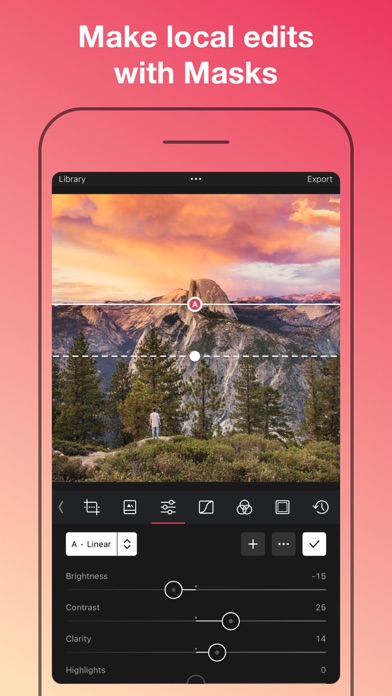
Discover the epitome of mobile editing with Darkroom: Photo & Video Editor, meticulously crafted for iPhone and iPad. Elevate your creative journey with Darkroom, your go-to mobile-centric toolkit filled with an array of comprehensive features, simplifying and enhancing your photo and video editing experience.
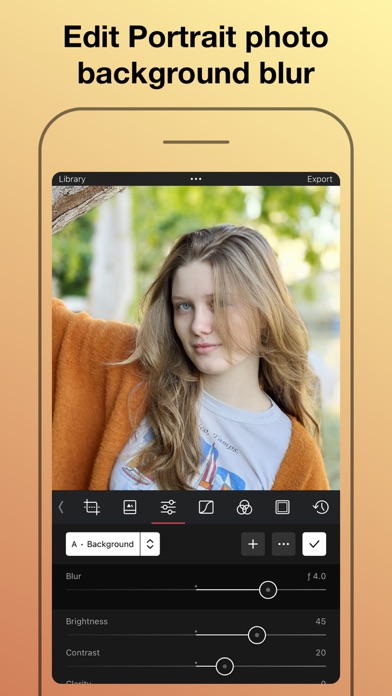
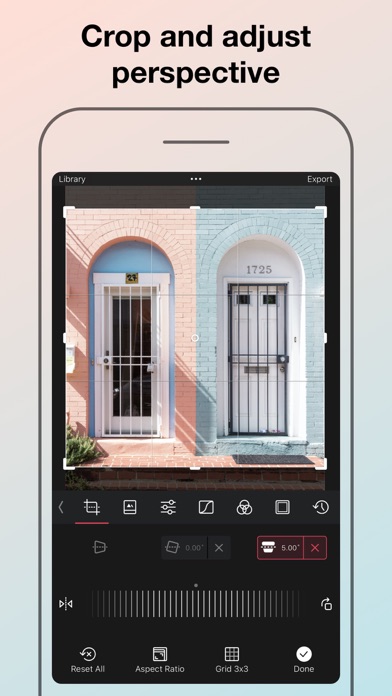
Delve into the realm of AI-driven depth editing and smart object detection, enabling you to craft a 3D visual map of your photo's scenario, and finesse individual elements like the sky, hair, and skin with unrivaled accuracy. The abundant features of Darkroom complement the functionalities of advanced photo editors like Adobe Lightroom and Canva, offering a diverse toolkit that caters to every editing whim.
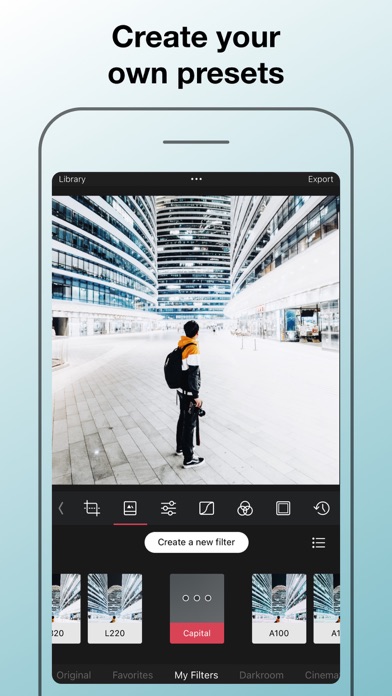
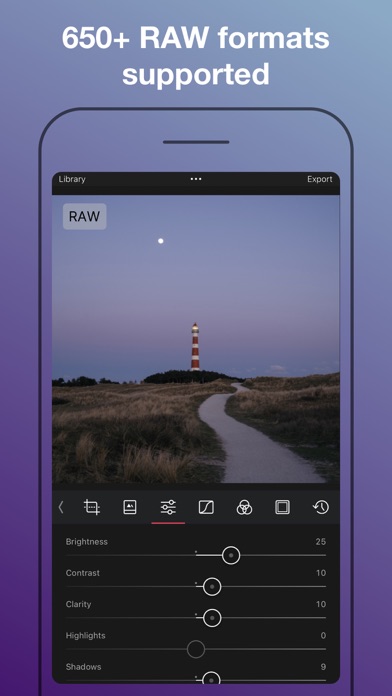
Unveil a world of limitless creativity with touch-friendly curves and selective color tools, streamlining your editing process while fostering the creation of unique presets. Explore the full potential of your RAW photos with full-resolution editing and 16-bit color depth, capturing every nuanced detail, shadow, and highlight recovery.
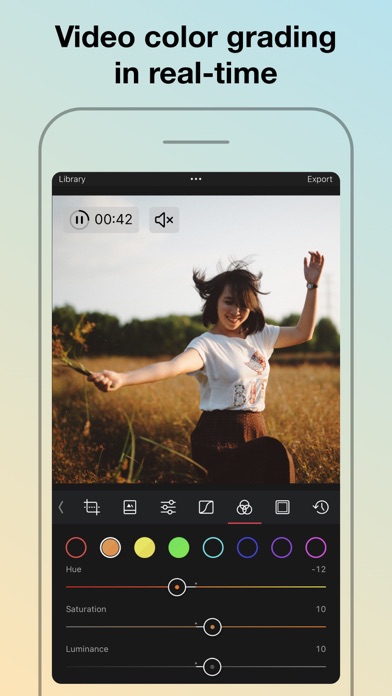
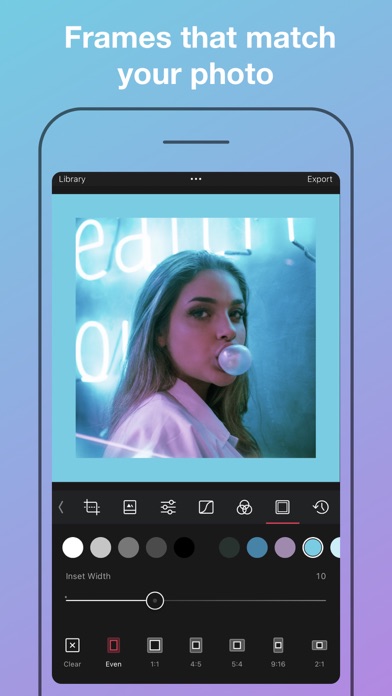
Venture into video processing with Darkroom, enabling real-time playback and 4K video color grading. Adorn your video content with filters, frames, and a plethora of editing tools, establishing Darkroom as a versatile tool for all your photo and video editing needs.
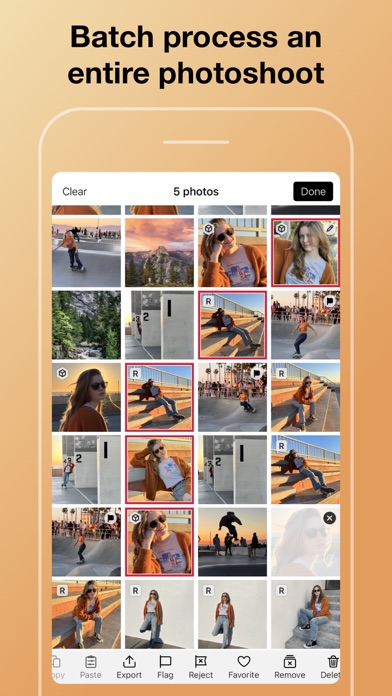
Harness Darkroom's comprehensive album management suite for easy photo organization. The integrated hashtag manager and Siri shortcuts feature simplify hashtag creation and exportation. Enjoy the simplicity of batch editing akin to PicsArt or Canva, all encapsulated within one versatile application.
Indulge in Darkroom's Membership Trial and Subscription, offering exceptional value, proposing a user-friendly alternative to apps like Adobe Lightroom. Simplified subscription management and auto-renewal settings provide a worry-free experience for users. Whether you're a fan of VSCO, Peachy, IG filters, or rely on Canva and Pic Collage for your editing needs, the upcoming release of Darkroom is a must-have.
Prepare to experience the future of mobile-centric photo and video editing with the new Darkroom: Photo & Video Editor.
Note: Your Darkroom+ membership will auto-renew unless deactivated at least 24 hours before the current period concludes. Navigate to Settings > iTunes & App Store > Apple ID > Subscriptions to manage your membership and disable auto-renew. Your iTunes Account will incur a charge upon purchase confirmation.
Explore our terms here:
https://darkroom.co/legal/terms.html
Uncover our privacy policy here:
https://darkroom.co/legal/privacy-policy.html
- iPhone eller iPad utan jailbreak/jailad eller med jailbreak.
- Sideloadly eller alternativ.
- Dator med Windows/macOS/Linux och iTunes installerat.
STEG 1: Ladda ner den förhackade .IPA-filen från länken ovan till din dator. För att ladda ner från iOSGods App, se vår Guide för att ladda ner IPA i iOSGods App som även innehåller ett videoexempel.
STEG 2: Ladda ner Sideloadly och installera det på din Windows eller Mac.
STEG 3: Öppna Sideloadly på din dator, anslut din iOS-enhet och vänta tills enhetens namn visas i Sideloadly.
STEG 4: När din iEnhet känns igen drar du den moddade .IPA-filen du laddat ner och släpper den i Sideloadly-programmet.
STEG 5: Ange e-postadressen till ditt Apple Account och tryck sedan på ”Start”. Du ombeds sedan ange ditt lösenord. Fyll i de uppgifter som krävs.
STEG 6: Vänta tills Sideloadly är klar med att sideloada/installera den hackade IPA-filen. Om problem uppstår under installationen, läs noten nedan.

STEG 7: När installationen är klar och du ser appen på din hemskärm behöver du gå till Inställningar → Allmänt → Profiler / VPN & enhetshantering. Tryck där på e-postadressen du angav i steg 6 och tryck sedan på ”Lita på [email protected]”.

STEG 8: Gå nu till din hemskärm och öppna den nyligen installerade appen — allt ska fungera som det ska. Du kan behöva följa ytterligare app-specifika instruktioner i hackets popup inne i spelet.
OBS: På iOS/iPadOS 16 och senare måste du aktivera Utvecklarläge. För gratis Apple Developer-konton behöver du upprepa processen var sjunde dag. Om du har frågor eller problem, läs vår Sideloadly FAQ-avsnitt i tråden.