Cần đăng nhập
Đăng nhập bằng tài khoản iOSGods để tiếp tục.
Đăng nhập bằng tài khoản iOSGods để tiếp tục.
Mẹo lối sống này mở khóa phiên bản cao cấp của Motivation - Daily quotes Mod IPA, cho phép bạn truy cập tất cả nội dung truyền cảm hứng mà không bị hạn chế. Tùy chỉnh thiết kế trích dẫn, chia sẻ những thông điệp tích cực với bạn bè, và sử dụng chúng làm hình nền hoặc bài đăng trên mạng xã hội để giữ những lời nhắc nhở tích cực luôn ở trên cùng mỗi ngày.
- Cao cấp được mở khóa → truy cập tất cả các tính năng và nội dung mà không bị giới hạn
Ứng dụng này cũng đi kèm với iGameGod, cho phép bạn truy cập Auto Touch để tự động hóa các thao tác lặp lại, App Speed Manager để điều chỉnh tốc độ chơi game, chỉnh sửa giá trị bằng Memory Engine, và nhiều công cụ mạnh mẽ khác cho game iOS.
Tải Motivation - Daily quotes Modded modded IPA từ các liên kết ở trên. Nhấn nút cài đặt và làm theo hướng dẫn để cài bản hack iOS lên iPhone, iPad hoặc Apple Silicon.
Cần thêm trợ giúp? Hãy xem Câu hỏi thường gặp ứng dụng iOSGods để có câu trả lời chi tiết và mẹo khắc phục sự cố.
Que vous traversiez des moments difficiles, que vous ayez besoin d’un coup de pouce pour parvenir à effectuer vos tâches quotidiennes ou que vous aimiez partager des citations inspirantes sur les réseaux sociaux, Motivation est fait pour vous.
Les rappels positifs sont l’un des outils les plus simples et les plus efficaces pour la croissance mentale. Ils vous aident à garder des pensées positives à l’esprit dès le début de la journée, afin de pouvoir y recourir facilement les jours difficiles où vous en avez le plus besoin.
Maintenant, à partir d’iOS 14, vous pouvez penser positivement sans même essayer grâce au widget Motivation ! Il vous suffit d’installer le widget sur votre écran d’accueil et de le personnaliser depuis l’application. Vous pouvez installer autant de widgets que vous le souhaitez !
Ajoutez une touche de positivité à vos pensées quotidiennes grâce au widget Motivation ! Installez le widget sur votre écran d’accueil, puis utilisez l’application pour le personnaliser.
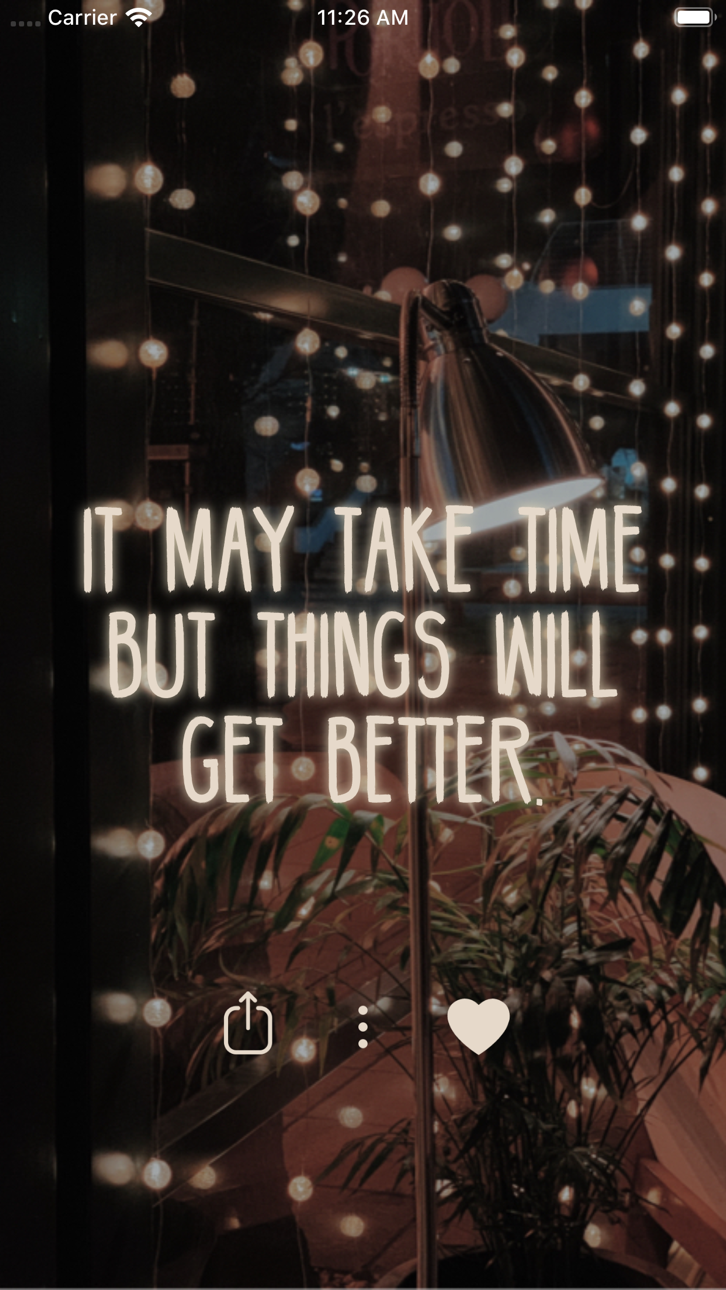
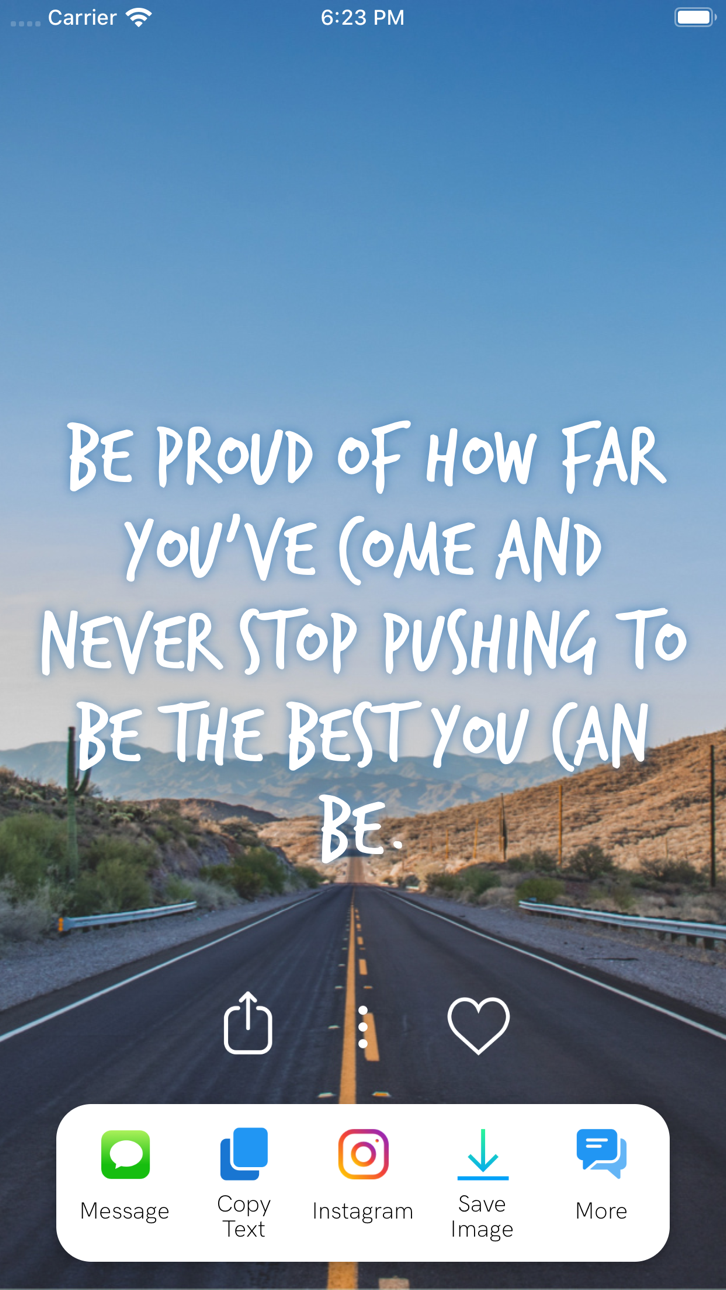
Personnalisez le design des citations et partagez le message du jour inspirant avec vos amis ; vous pouvez également utiliser l’image pour publier un message sur Instagram ou comme fond d’écran.
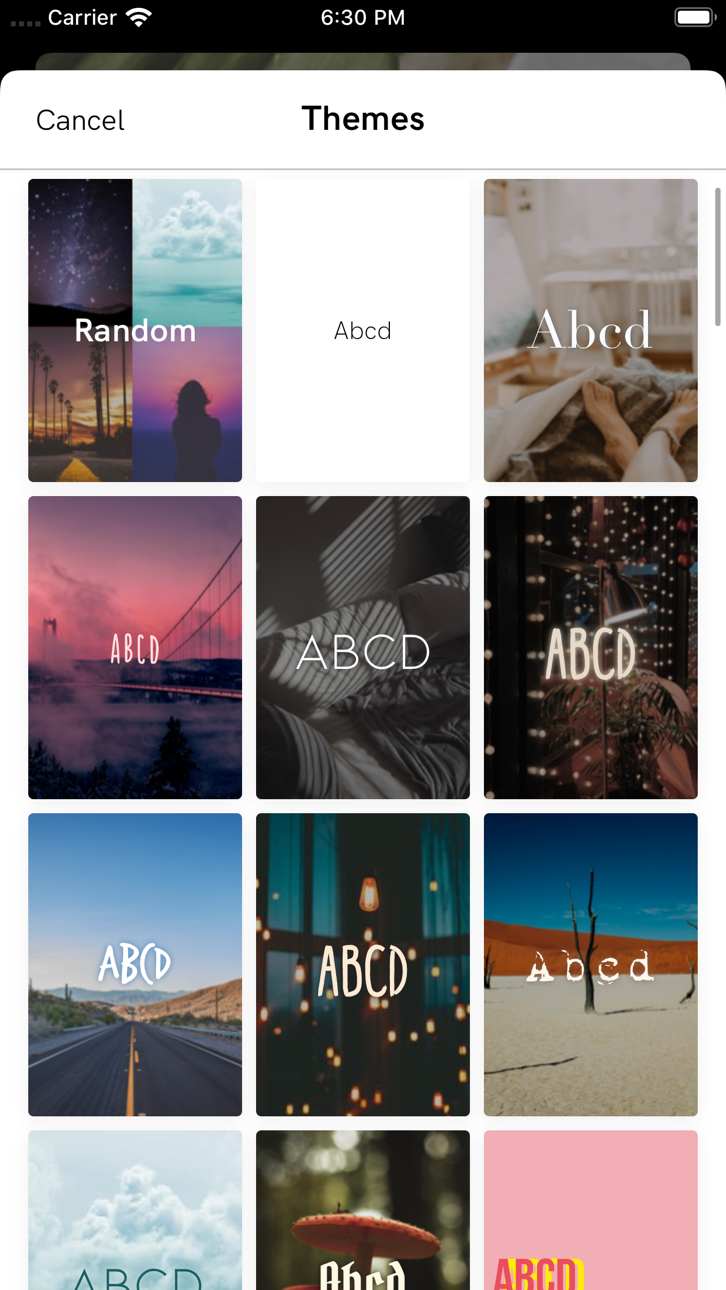
L’application comprend un large éventail de sujets tels que l’estime de soi, les relations et la gestion du stress, ainsi qu’une sélection de thèmes à choisir conçus soigneusement, mise à jour fréquemment.
" + Lisez des centaines de citations
+ Trouvez des livres de motivation
+ Enregistrez ou partagez vos citations
+ Définissez des rappels de motivation tout au long de la journée
+ Enregistrez vos citations préférées
+ Changez la police et les couleurs
+ Filtrez les citations par catégorie
+ Installez un widget de motivation sur votre écran d’accueil
Motivation contient tous les types de citations, de l’entraînement à l’amour et à la famille ! Parcourez nos milliers de citations classées par catégorie :
– Motivation à travailler plus dur
– Citations sur l’amour
– Motivation à s’entraîner et à faire de l’exercice
– Soutien pour lutter contre la dépression
– Augmenter son estime de soi et sa confiance en soi
– Surmonter une rupture
– Leçons de vie et dictons
– Citations d’athlètes et d’entraîneurs sur le sport
– Affaires, argent, succès et carrière
– Être présent et attentif
– Citations de femmes, pour les femmes
– Philosophie des esprits les plus brillants
– Citations vous encourageant à être reconnaissant pour ce que vous avez
– Citations inspirantes sur la joie
– Citations de films
– Versets de la Bible
– Et bien d’autres !
Et maintenant, avec Motivation Premium vous pouvez :
+ Supprimer les annonces
+ Avoir accès à tous les thèmes et catégories
+ Définir la photo d’arrière-plan
+ Recevoir des rappels illimités
+ Rechercher des citations
Pour avoir accès au contenu et aux fonctionnalités de Motivation Premium, vous pouvez choisir entre un abonnement à vie, mensuel et annuel autorenouvelable. Il s’agit d’une transaction récurrente qui sera débitée de votre compte iTunes lors de la confirmation de l’achat ; elle sera renouvelée automatiquement, à moins que vous ne l’annuliez au moins 24 heures avant la fin de votre abonnement. Les renouvellements seront facturés au même coût dans un délai de 24 heures avant la fin de la période en cours. Vous pouvez gérer vos abonnements et désactiver le renouvellement automatique en accédant aux paramètres de votre compte iTunes après l’achat.
Politique de confidentialité: https://monkeytaps.net/privacy
Conditions d’utilisation: https://monkeytaps.net/terms
Ảnh chụp © chủ sở hữu tương ứng · App Store


iOSGods không liên kết, không được chứng thực hay tài trợ bởi Apple Inc., Google LLC hoặc các nhà phát triển của những ứng dụng được liệt kê ở đây. Apple, iOS và App Store là thương hiệu của Apple Inc. Android và Google Play là thương hiệu của Google LLC. Mọi tên ứng dụng, biểu tượng, hình ảnh và thương hiệu khác đều thuộc về chủ sở hữu tương ứng.
- iPhone hoặc iPad chưa jailbreak/đã đóng hoặc đã jailbreak.
- Sideloadly hoặc các lựa chọn thay thế.
- Máy tính chạy Windows/macOS/Linux đã cài iTunes.
BƯỚC 1: Tải tệp .IPA đã được hack sẵn từ liên kết phía trên về máy tính của bạn. Để tải từ iOSGods App, hãy xem Hướng dẫn tải IPA bằng iOSGods App của chúng tôi, có kèm ví dụ bằng video.
BƯỚC 2: Tải Sideloadly và cài đặt trên Windows hoặc Mac của bạn.
BƯỚC 3: Mở Sideloadly trên máy tính, kết nối thiết bị iOS của bạn và chờ cho đến khi tên thiết bị hiển thị trong Sideloadly.
BƯỚC 4: Khi thiết bị iOS của bạn đã được nhận diện, hãy kéo tệp .IPA đã chỉnh sửa mà bạn tải về và thả vào ứng dụng Sideloadly.
BƯỚC 5: Nhập email Apple Account của bạn, sau đó nhấn "Start." Bạn sẽ được yêu cầu nhập mật khẩu. Hãy cung cấp các thông tin cần thiết.
BƯỚC 6: Chờ Sideloadly hoàn tất quá trình sideload/cài đặt tệp IPA đã hack. Nếu gặp sự cố trong quá trình cài đặt, vui lòng đọc lưu ý bên dưới.
BƯỚC 7: Khi cài đặt hoàn tất và bạn thấy ứng dụng trên Màn hình chính, bạn cần truy cập Cài đặt → Cài đặt chung → Hồ sơ / VPN & Quản lý thiết bị. Tại đó, nhấn vào email bạn đã nhập ở bước 6, rồi nhấn "Tin cậy [email protected]".
BƯỚC 8: Bây giờ hãy về Màn hình chính và mở ứng dụng vừa cài đặt, mọi thứ sẽ hoạt động bình thường. Bạn có thể cần làm theo hướng dẫn riêng của từng ứng dụng trong cửa sổ popup của bản hack trong game.
LƯU Ý: Trên iOS/iPadOS 16 trở lên, bạn phải bật Chế độ nhà phát triển. Với tài khoản Apple Developer miễn phí, bạn sẽ cần lặp lại quy trình này mỗi 7 ngày. Nếu bạn có thắc mắc hoặc gặp sự cố, hãy đọc mục FAQ về Sideloadly trong chủ đề của chúng tôi.
Game Name iOS Mod IPA is an action adventure game enhanced with powerful gameplay boosts and quality-of-life improvements. Win battles faster, earn rewards quicker, and enjoy uninterrupted play without ads.
- Unlimited Gold - spend freely to unlock premium content
- Damage Multiplier - deal significantly more damage in combat
- Defense Multiplier - take less damage and survive longer
- Reward Multiplier - earn more loot from every battle
- Max Level - instantly reach the highest player rank
- No Ads - play without interruptions or advertisements
This app also comes with iGameGod, giving you access to Auto Touch to automate repetitive tasks, App Speed Manager for adjustable gameplay speed, Memory Engine value editing, and more powerful iOS game tools.
Tải Game Name Mod IPA từ các liên kết ở trên. Nhấn nút cài đặt và làm theo hướng dẫn để cài bản hack iOS lên iPhone, iPad hoặc Apple Silicon.
Cần thêm trợ giúp Hãy xem Câu hỏi thường gặp ứng dụng iOSGods để có câu trả lời chi tiết và mẹo khắc phục sự cố.
----------------------------------------------------------
--------------------------------------------------