Cần đăng nhập
Đăng nhập bằng tài khoản iOSGods để tiếp tục.
Đăng nhập bằng tài khoản iOSGods để tiếp tục.
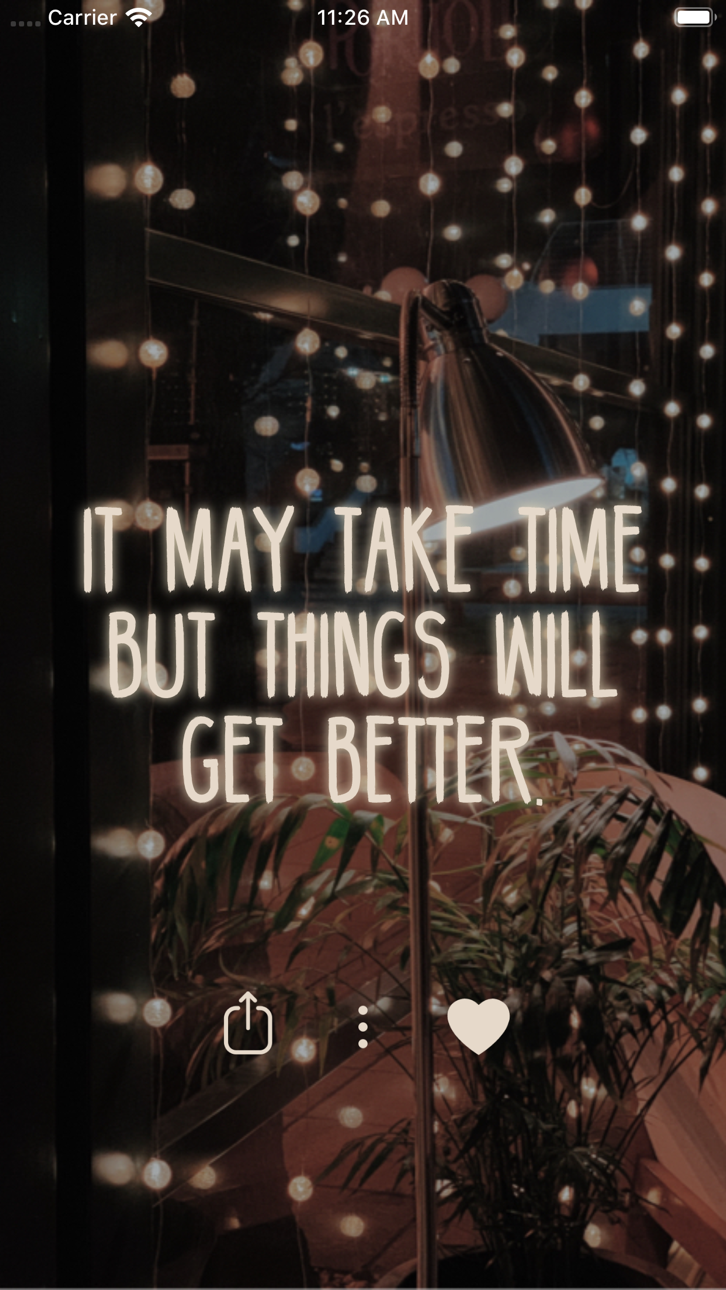
Mẹo lối sống này mở khóa phiên bản cao cấp của Motivation - Daily quotes Mod IPA, cho phép bạn truy cập tất cả nội dung truyền cảm hứng mà không bị hạn chế. Tùy chỉnh thiết kế trích dẫn, chia sẻ những thông điệp tích cực với bạn bè, và sử dụng chúng làm hình nền hoặc bài đăng trên mạng xã hội để giữ những lời nhắc nhở tích cực luôn ở trên cùng mỗi ngày.
- Cao cấp được mở khóa → truy cập tất cả các tính năng và nội dung mà không bị giới hạn
Ứng dụng này cũng đi kèm với iGameGod, cho phép bạn truy cập Auto Touch để tự động hóa các thao tác lặp lại, App Speed Manager để điều chỉnh tốc độ chơi game, chỉnh sửa giá trị bằng Memory Engine, và nhiều công cụ mạnh mẽ khác cho game iOS.
Tải Motivation - Daily quotes Modded modded IPA từ các liên kết ở trên. Nhấn nút cài đặt và làm theo hướng dẫn để cài bản hack iOS lên iPhone, iPad hoặc Apple Silicon.
Cần thêm trợ giúp? Hãy xem Câu hỏi thường gặp ứng dụng iOSGods để có câu trả lời chi tiết và mẹo khắc phục sự cố.
Se você está passando por momentos difíceis, precisa de um incentivo a mais para fazer as coisas ou gosta de compartilhar citações inspiradoras nas redes sociais, o Motivation tem o que você precisa.
Lembretes de positividade são uma das ferramentas mais simples e poderosas para a evolução mental. Eles te ajudam a manter os pensamentos certos em sua mente todos os dias, para que você se lembre deles facilmente nos dias que mais precisar.
Agora, a partir do iOS 14, você pode pensar positivamente sem se esforçar com o Widget do Motivation! Basta instalar o widget na sua tela inicial e personalizá-lo no aplicativo. Você pode ter quantos widgets quiser!
Adicione positividade aos seus pensamentos diários com o widget do Motivation! Instale o widget na sua tela inicial e use o aplicativo para personalizá-lo.
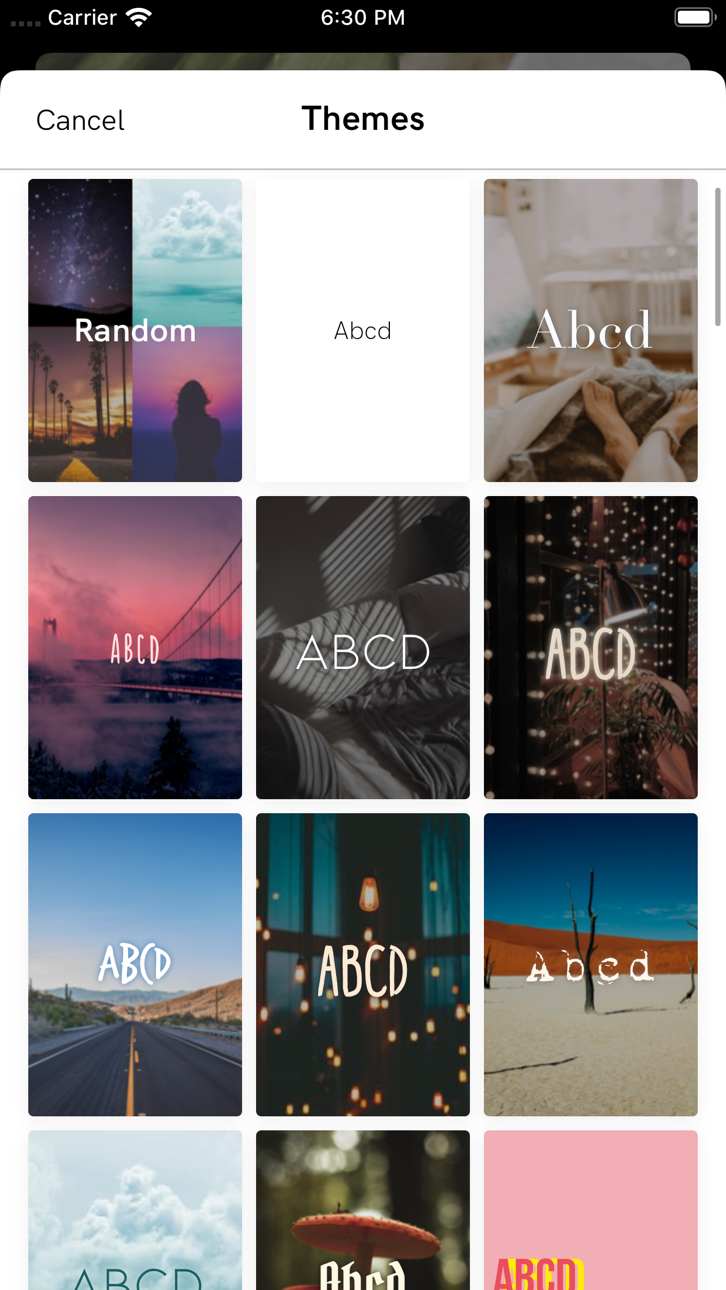
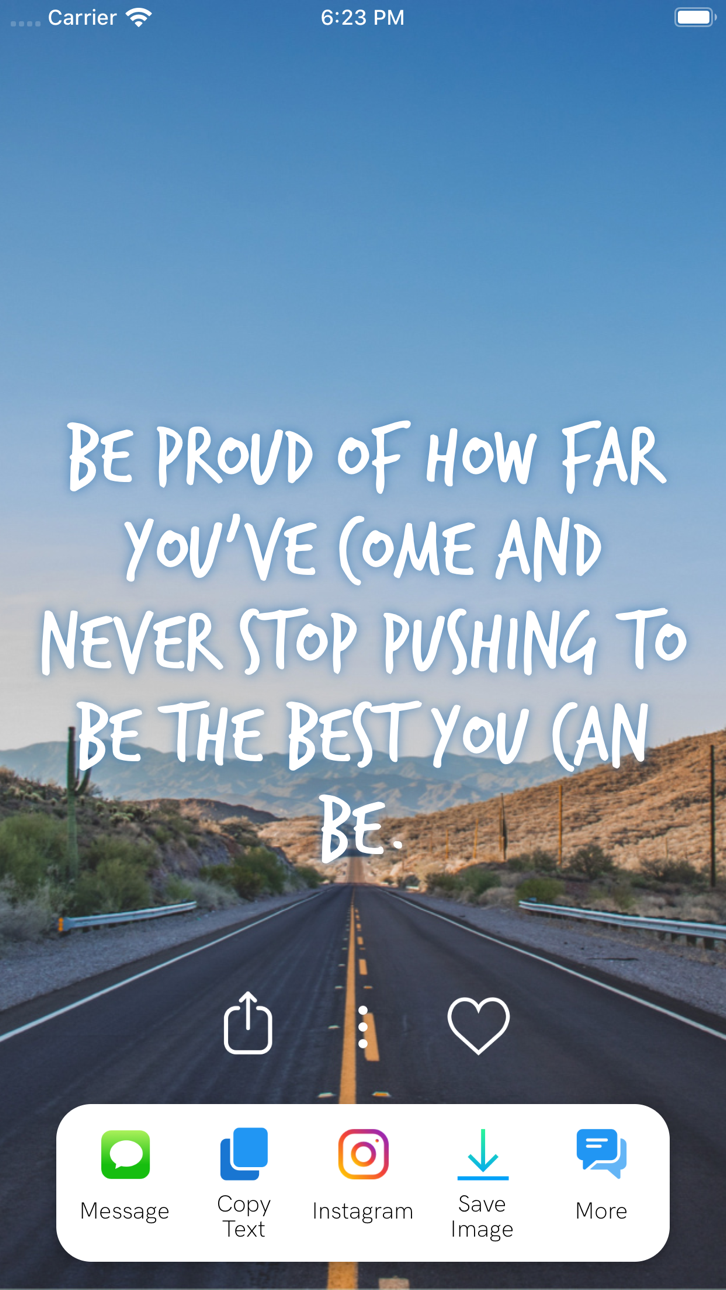
Personalize o design das citações e compartilhe a mensagem inspiradora do dia com seus amigos, ou use a imagem no Instagram ou como papel de parede.
O aplicativo inclui diversos tópicos que são atualizados com frequência, como autoestima, relacionamentos, dicas para lidar com o estresse e outros temas cuidadosamente elaborados.
"+ Leia centenas de citações
+ Encontre livros motivacionais
+ Salve ou compartilhe suas citações
+ Defina lembretes motivacionais ao longo do dia
+ Salve suas citações favoritas
+ Altere fontes e cores
+ Filtre citações por categoria
+ Configure um widget do Motivation em sua tela inicial
De citações sobre exercícios a amor e família, o Motivation tem tudo o que você precisa! Explore milhares de citações organizadas por categoria:
- Motivação para trabalhar mais duro
- Citações sobre amor
- Motivação para treinar e malhar
- Ajuda para a depressão
- Aumentar sua autoestima e autoconfiança
- Superar o término de um relacionamento
- Lições de vida e provérbios
- Citações esportivas de atletas e treinadores
- Negócios, dinheiro, sucesso e carreira
- Manter o foco e a consciência
- Citações de e para mulheres
- Filosofia das mentes mais brilhantes
- Citações para agradecer pelo que você tem
- Despertar e inspirar a alegria
- Citações de filmes
- Versículos da Bíblia
- E muito mais!
"E agora, com o Motivation Premium você pode:
+ Remover anúncios
+ Desbloquear todos os temas e categorias
+ Definir foto de fundo
+ Receber lembretes ilimitados
+ Pesquisar citações"
Para ter acesso aos conteúdos e funcionalidades do Motivation Premium, você pode escolher entre uma assinatura vitalícia, mensal ou anual de renovação automática. Trata-se de uma transação recorrente, que será cobrada em sua conta do iTunes na confirmação da compra e será renovada automaticamente, a menos que você cancele pelo menos 24 horas antes do final de sua assinatura. As renovações terão o mesmo custo e serão cobradas nas 24 horas anteriores ao final do período atual. Você pode gerenciar suas assinaturas ou cancelar a renovação automática acessando as Configurações de conta do iTunes após a compra.
Política de privacidade: https://monkeytaps.net/privacy
Termos de uso: https://monkeytaps.net/terms
Ảnh chụp © chủ sở hữu tương ứng · App Store


iOSGods không liên kết, không được chứng thực hay tài trợ bởi Apple Inc., Google LLC hoặc các nhà phát triển của những ứng dụng được liệt kê ở đây. Apple, iOS và App Store là thương hiệu của Apple Inc. Android và Google Play là thương hiệu của Google LLC. Mọi tên ứng dụng, biểu tượng, hình ảnh và thương hiệu khác đều thuộc về chủ sở hữu tương ứng.

- iPhone hoặc iPad chưa jailbreak/đã đóng hoặc đã jailbreak.
- Sideloadly hoặc các lựa chọn thay thế.
- Máy tính chạy Windows/macOS/Linux đã cài iTunes.
BƯỚC 1: Tải tệp .IPA đã được hack sẵn từ liên kết phía trên về máy tính của bạn. Để tải từ iOSGods App, hãy xem Hướng dẫn tải IPA bằng iOSGods App của chúng tôi, có kèm ví dụ bằng video.
BƯỚC 2: Tải Sideloadly và cài đặt trên Windows hoặc Mac của bạn.
BƯỚC 3: Mở Sideloadly trên máy tính, kết nối thiết bị iOS của bạn và chờ cho đến khi tên thiết bị hiển thị trong Sideloadly.
BƯỚC 4: Khi thiết bị iOS của bạn đã được nhận diện, hãy kéo tệp .IPA đã chỉnh sửa mà bạn tải về và thả vào ứng dụng Sideloadly.
BƯỚC 5: Nhập email Apple Account của bạn, sau đó nhấn "Start." Bạn sẽ được yêu cầu nhập mật khẩu. Hãy cung cấp các thông tin cần thiết.
BƯỚC 6: Chờ Sideloadly hoàn tất quá trình sideload/cài đặt tệp IPA đã hack. Nếu gặp sự cố trong quá trình cài đặt, vui lòng đọc lưu ý bên dưới.
BƯỚC 7: Khi cài đặt hoàn tất và bạn thấy ứng dụng trên Màn hình chính, bạn cần truy cập Cài đặt → Cài đặt chung → Hồ sơ / VPN & Quản lý thiết bị. Tại đó, nhấn vào email bạn đã nhập ở bước 6, rồi nhấn "Tin cậy [email protected]".
BƯỚC 8: Bây giờ hãy về Màn hình chính và mở ứng dụng vừa cài đặt, mọi thứ sẽ hoạt động bình thường. Bạn có thể cần làm theo hướng dẫn riêng của từng ứng dụng trong cửa sổ popup của bản hack trong game.
LƯU Ý: Trên iOS/iPadOS 16 trở lên, bạn phải bật Chế độ nhà phát triển. Với tài khoản Apple Developer miễn phí, bạn sẽ cần lặp lại quy trình này mỗi 7 ngày. Nếu bạn có thắc mắc hoặc gặp sự cố, hãy đọc mục FAQ về Sideloadly trong chủ đề của chúng tôi.
Game Name iOS Mod IPA is an action adventure game enhanced with powerful gameplay boosts and quality-of-life improvements. Win battles faster, earn rewards quicker, and enjoy uninterrupted play without ads.
- Unlimited Gold - spend freely to unlock premium content
- Damage Multiplier - deal significantly more damage in combat
- Defense Multiplier - take less damage and survive longer
- Reward Multiplier - earn more loot from every battle
- Max Level - instantly reach the highest player rank
- No Ads - play without interruptions or advertisements
This app also comes with iGameGod, giving you access to Auto Touch to automate repetitive tasks, App Speed Manager for adjustable gameplay speed, Memory Engine value editing, and more powerful iOS game tools.
Tải Game Name Mod IPA từ các liên kết ở trên. Nhấn nút cài đặt và làm theo hướng dẫn để cài bản hack iOS lên iPhone, iPad hoặc Apple Silicon.
Cần thêm trợ giúp Hãy xem Câu hỏi thường gặp ứng dụng iOSGods để có câu trả lời chi tiết và mẹo khắc phục sự cố.
----------------------------------------------------------
--------------------------------------------------