Cần đăng nhập
Đăng nhập bằng tài khoản iOSGods để tiếp tục.
Đăng nhập bằng tài khoản iOSGods để tiếp tục.
Mẹo lối sống này mở khóa phiên bản cao cấp của Motivation - Daily quotes Mod IPA, cho phép bạn truy cập tất cả nội dung truyền cảm hứng mà không bị hạn chế. Tùy chỉnh thiết kế trích dẫn, chia sẻ những thông điệp tích cực với bạn bè, và sử dụng chúng làm hình nền hoặc bài đăng trên mạng xã hội để giữ những lời nhắc nhở tích cực luôn ở trên cùng mỗi ngày.
- Cao cấp được mở khóa → truy cập tất cả các tính năng và nội dung mà không bị giới hạn
Ứng dụng này cũng đi kèm với iGameGod, cho phép bạn truy cập Auto Touch để tự động hóa các thao tác lặp lại, App Speed Manager để điều chỉnh tốc độ chơi game, chỉnh sửa giá trị bằng Memory Engine, và nhiều công cụ mạnh mẽ khác cho game iOS.
Tải Motivation - Daily quotes Modded modded IPA từ các liên kết ở trên. Nhấn nút cài đặt và làm theo hướng dẫn để cài bản hack iOS lên iPhone, iPad hoặc Apple Silicon.
Cần thêm trợ giúp? Hãy xem Câu hỏi thường gặp ứng dụng iOSGods để có câu trả lời chi tiết và mẹo khắc phục sự cố.
Whether you're going through hard times, need an extra push to get stuff done, or like sharing inspirational quotes on social media, Motivation has you covered.
Positive reminders are one of the simplest and most powerful tools for mental growth. It’s all about keeping the right thoughts top of mind from the get-go every day, so they’re readily available on those hard days when you need them most.
Now, from iOS 14, you can think positive thoughts without even trying with the Motivation widget! Simply install the widget in your home screen and customize it from the app. You can have as many widgets as you want!
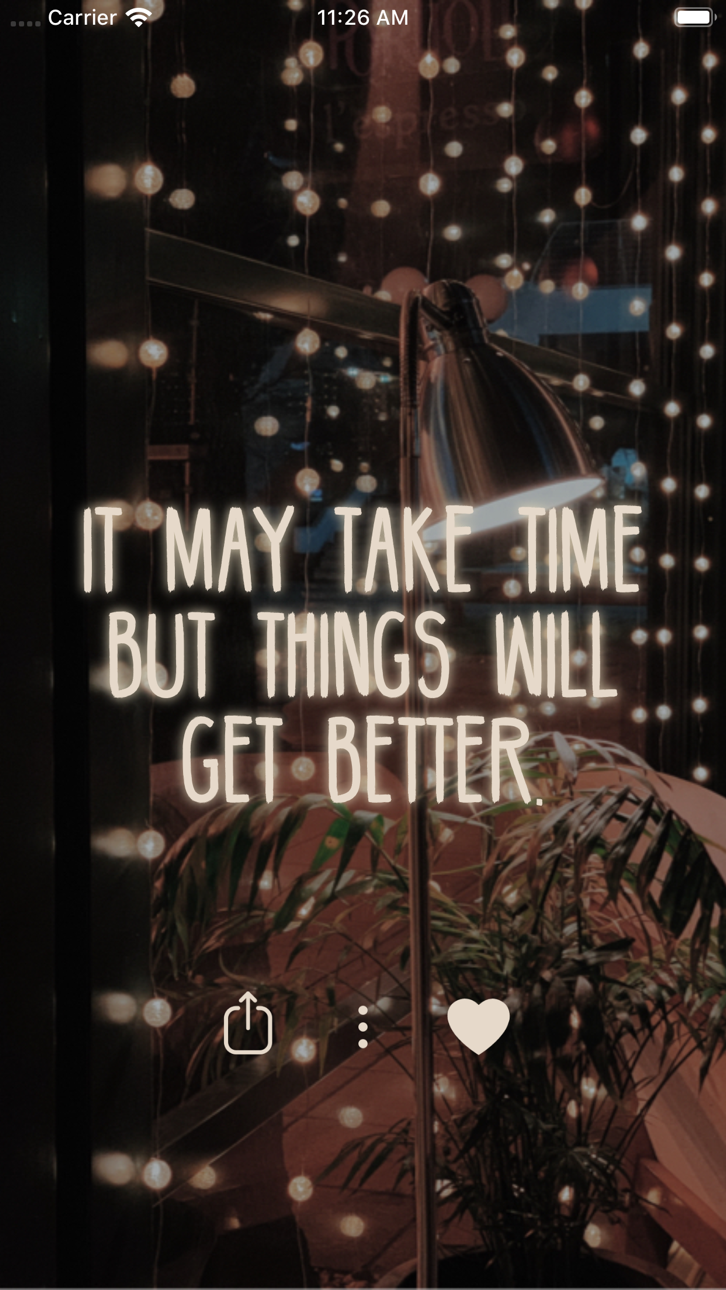
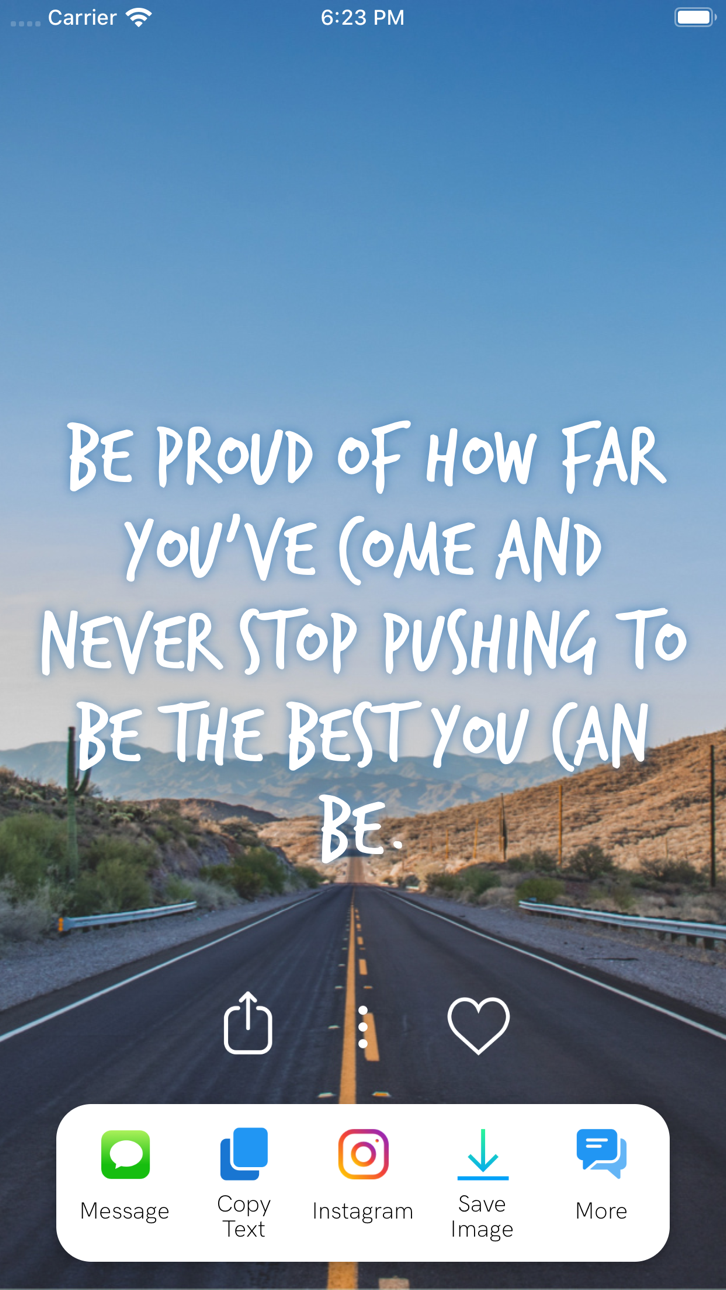
Customize the design of the quotes and share the uplifting message of the day with your friends, or use the image for Instagram or as a wallpaper.
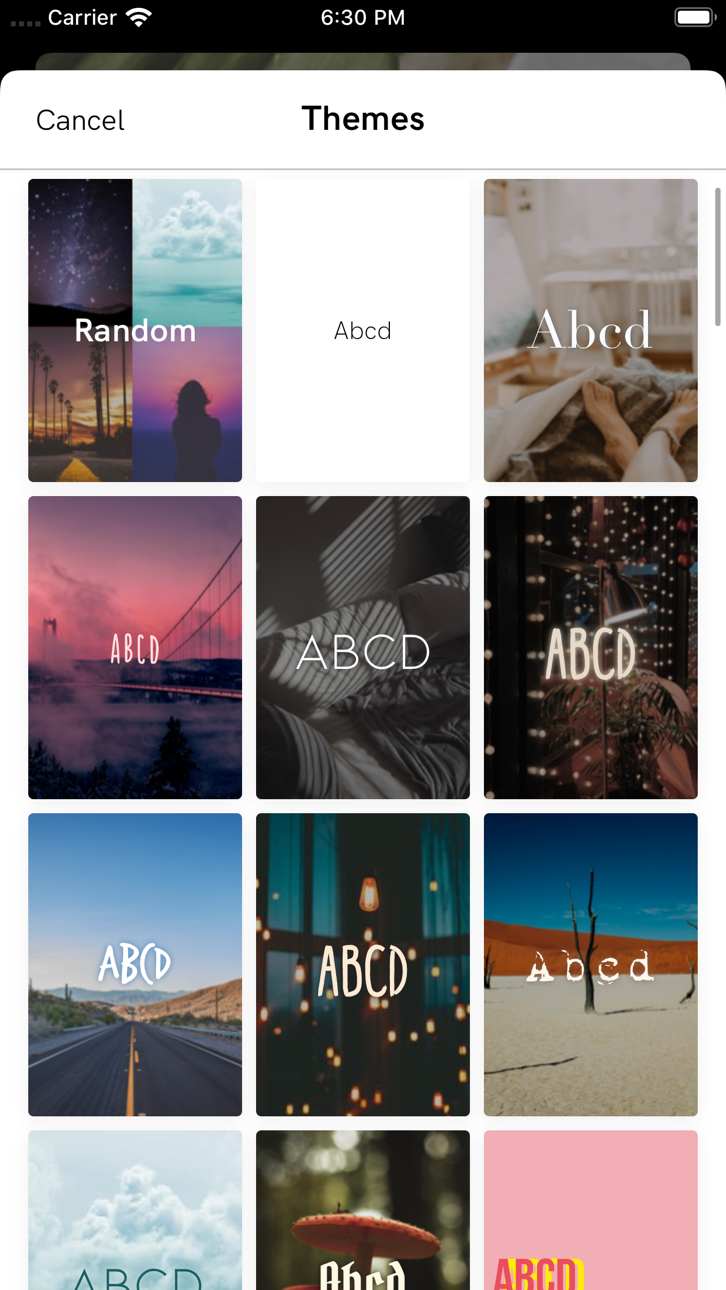
The app includes a wide range of topics such as self-esteem, relationships, and dealing with stress, as well as a selection of carefully designed themes to choose from - updated frequently.
+ Read through Hundreds of Quotes
+ Find Motivational Books
+ Save or Share your Quotes
+ Set Motivational Reminders throughout the Day
+ Save your Favorite Quotes
+ Change Font and Colors
+ Filter Quotes by Category
+ Set a Home Screen Motivation Widget
From quotes about working out to love and family quotes, Motivation has them all! Browse thousands of quotes organized by category:
- Motivation to work harder
- Love quotes
- Motivation to train and work out
- Help for depression
- Boost your self-esteem and self-confidence
- Get over a break up
- Life lessons and sayings
- Sports quotes from athletes and trainers
- Business, money, success, and career
- Being present and mindful
- Quotes from and for women
- Philosophy from the best minds
- Quotes to be thankful for what you got
- Inspirations for joy
- Quotes from movies
- Verses from the Bible
- And much more!
And now with Motivation Premium you can:
+ Remove ads
+ Unlock all themes and categories
+ Set background photo
+ Get unlimited reminders
+ Search quotes
To get access to the Motivation Premium content and functionality, you can choose between a lifetime, monthly, and yearly auto-renewable subscription. This is a recurring transaction that will be charged to your iTunes Account at confirmation of purchase and will automatically renew unless you cancel it at least 24 hours before the end of your subscription. Renewals will be charged at the same cost within 24 hours prior to the end of the current period. You can manage your subscriptions and auto-renewal can be turned off by going to your iTunes Account Settings after purchase.
Find tons of inspiring content on our blog: https://blog.motivation.app/
Ảnh chụp © chủ sở hữu tương ứng · App Store


iOSGods không liên kết, không được chứng thực hay tài trợ bởi Apple Inc., Google LLC hoặc các nhà phát triển của những ứng dụng được liệt kê ở đây. Apple, iOS và App Store là thương hiệu của Apple Inc. Android và Google Play là thương hiệu của Google LLC. Mọi tên ứng dụng, biểu tượng, hình ảnh và thương hiệu khác đều thuộc về chủ sở hữu tương ứng.
- iPhone hoặc iPad chưa jailbreak/đã đóng hoặc đã jailbreak.
- Sideloadly hoặc các lựa chọn thay thế.
- Máy tính chạy Windows/macOS/Linux đã cài iTunes.
BƯỚC 1: Tải tệp .IPA đã được hack sẵn từ liên kết phía trên về máy tính của bạn. Để tải từ iOSGods App, hãy xem Hướng dẫn tải IPA bằng iOSGods App của chúng tôi, có kèm ví dụ bằng video.
BƯỚC 2: Tải Sideloadly và cài đặt trên Windows hoặc Mac của bạn.
BƯỚC 3: Mở Sideloadly trên máy tính, kết nối thiết bị iOS của bạn và chờ cho đến khi tên thiết bị hiển thị trong Sideloadly.
BƯỚC 4: Khi thiết bị iOS của bạn đã được nhận diện, hãy kéo tệp .IPA đã chỉnh sửa mà bạn tải về và thả vào ứng dụng Sideloadly.
BƯỚC 5: Nhập email Apple Account của bạn, sau đó nhấn "Start." Bạn sẽ được yêu cầu nhập mật khẩu. Hãy cung cấp các thông tin cần thiết.
BƯỚC 6: Chờ Sideloadly hoàn tất quá trình sideload/cài đặt tệp IPA đã hack. Nếu gặp sự cố trong quá trình cài đặt, vui lòng đọc lưu ý bên dưới.
BƯỚC 7: Khi cài đặt hoàn tất và bạn thấy ứng dụng trên Màn hình chính, bạn cần truy cập Cài đặt → Cài đặt chung → Hồ sơ / VPN & Quản lý thiết bị. Tại đó, nhấn vào email bạn đã nhập ở bước 6, rồi nhấn "Tin cậy [email protected]".
BƯỚC 8: Bây giờ hãy về Màn hình chính và mở ứng dụng vừa cài đặt, mọi thứ sẽ hoạt động bình thường. Bạn có thể cần làm theo hướng dẫn riêng của từng ứng dụng trong cửa sổ popup của bản hack trong game.
LƯU Ý: Trên iOS/iPadOS 16 trở lên, bạn phải bật Chế độ nhà phát triển. Với tài khoản Apple Developer miễn phí, bạn sẽ cần lặp lại quy trình này mỗi 7 ngày. Nếu bạn có thắc mắc hoặc gặp sự cố, hãy đọc mục FAQ về Sideloadly trong chủ đề của chúng tôi.
Game Name iOS Mod IPA is an action adventure game enhanced with powerful gameplay boosts and quality-of-life improvements. Win battles faster, earn rewards quicker, and enjoy uninterrupted play without ads.
- Unlimited Gold - spend freely to unlock premium content
- Damage Multiplier - deal significantly more damage in combat
- Defense Multiplier - take less damage and survive longer
- Reward Multiplier - earn more loot from every battle
- Max Level - instantly reach the highest player rank
- No Ads - play without interruptions or advertisements
This app also comes with iGameGod, giving you access to Auto Touch to automate repetitive tasks, App Speed Manager for adjustable gameplay speed, Memory Engine value editing, and more powerful iOS game tools.
Tải Game Name Mod IPA từ các liên kết ở trên. Nhấn nút cài đặt và làm theo hướng dẫn để cài bản hack iOS lên iPhone, iPad hoặc Apple Silicon.
Cần thêm trợ giúp Hãy xem Câu hỏi thường gặp ứng dụng iOSGods để có câu trả lời chi tiết và mẹo khắc phục sự cố.
----------------------------------------------------------
--------------------------------------------------