Cần đăng nhập
Đăng nhập bằng tài khoản iOSGods để tiếp tục.
Đăng nhập bằng tài khoản iOSGods để tiếp tục.
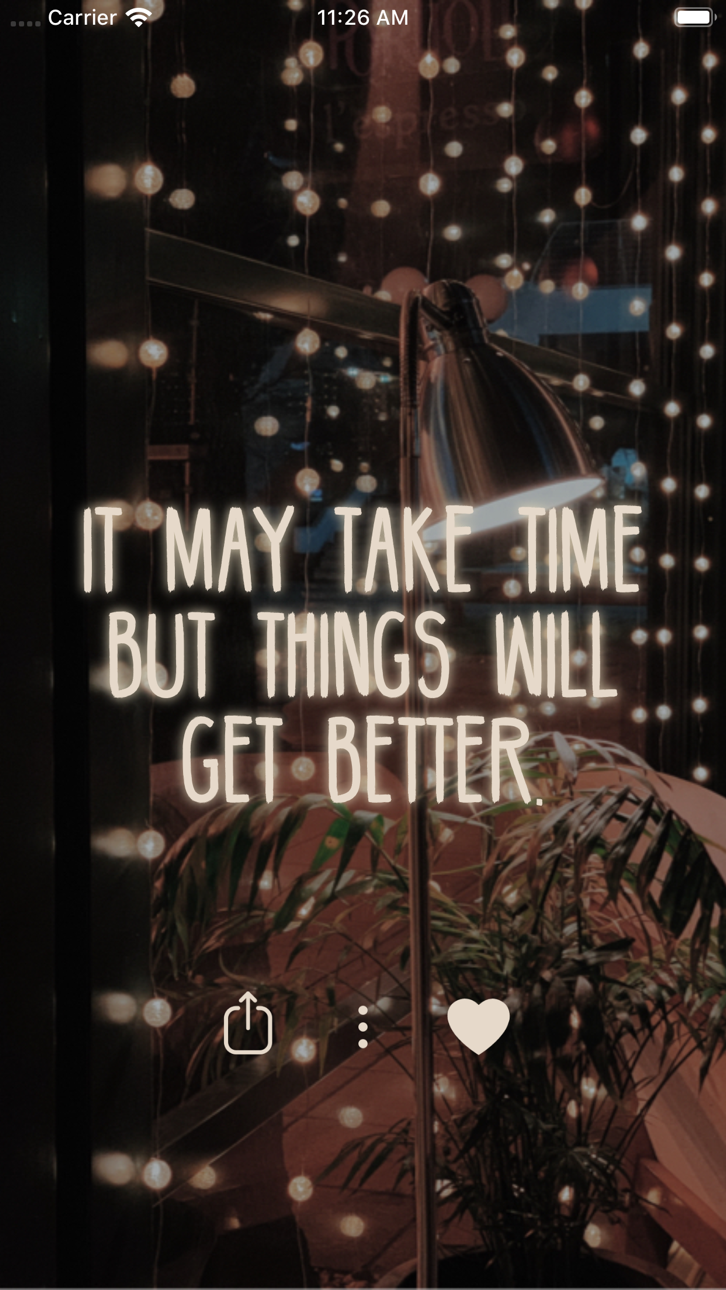
Mẹo lối sống này mở khóa phiên bản cao cấp của Motivation - Daily quotes Mod IPA, cho phép bạn truy cập tất cả nội dung truyền cảm hứng mà không bị hạn chế. Tùy chỉnh thiết kế trích dẫn, chia sẻ những thông điệp tích cực với bạn bè, và sử dụng chúng làm hình nền hoặc bài đăng trên mạng xã hội để giữ những lời nhắc nhở tích cực luôn ở trên cùng mỗi ngày.
- Cao cấp được mở khóa → truy cập tất cả các tính năng và nội dung mà không bị giới hạn
Ứng dụng này cũng đi kèm với iGameGod, cho phép bạn truy cập Auto Touch để tự động hóa các thao tác lặp lại, App Speed Manager để điều chỉnh tốc độ chơi game, chỉnh sửa giá trị bằng Memory Engine, và nhiều công cụ mạnh mẽ khác cho game iOS.
Tải Motivation - Daily quotes Modded modded IPA từ các liên kết ở trên. Nhấn nút cài đặt và làm theo hướng dẫn để cài bản hack iOS lên iPhone, iPad hoặc Apple Silicon.
Cần thêm trợ giúp? Hãy xem Câu hỏi thường gặp ứng dụng iOSGods để có câu trả lời chi tiết và mẹo khắc phục sự cố.
无论你现在正身处逆境、需要一点完成工作的动力,或者还是希望在社交媒体上分享励志金句,Motivation都能满足你的需求。
积极阳光的励志金句是促进心智成长最简单、最有效的工具之一。每天一醒来就将积极的思想在心中“置顶”,即使是在最沮丧的日子里、最需要鼓励的时候也能随时为自己打气。
现在,从iOS 14开始,你甚至无需使用Motivation App就可以培养积极的思维!只需在主屏幕上安装小组件,然后从应用程序进行自定义即可。小组件数量不限,你想添加多少个都可以!
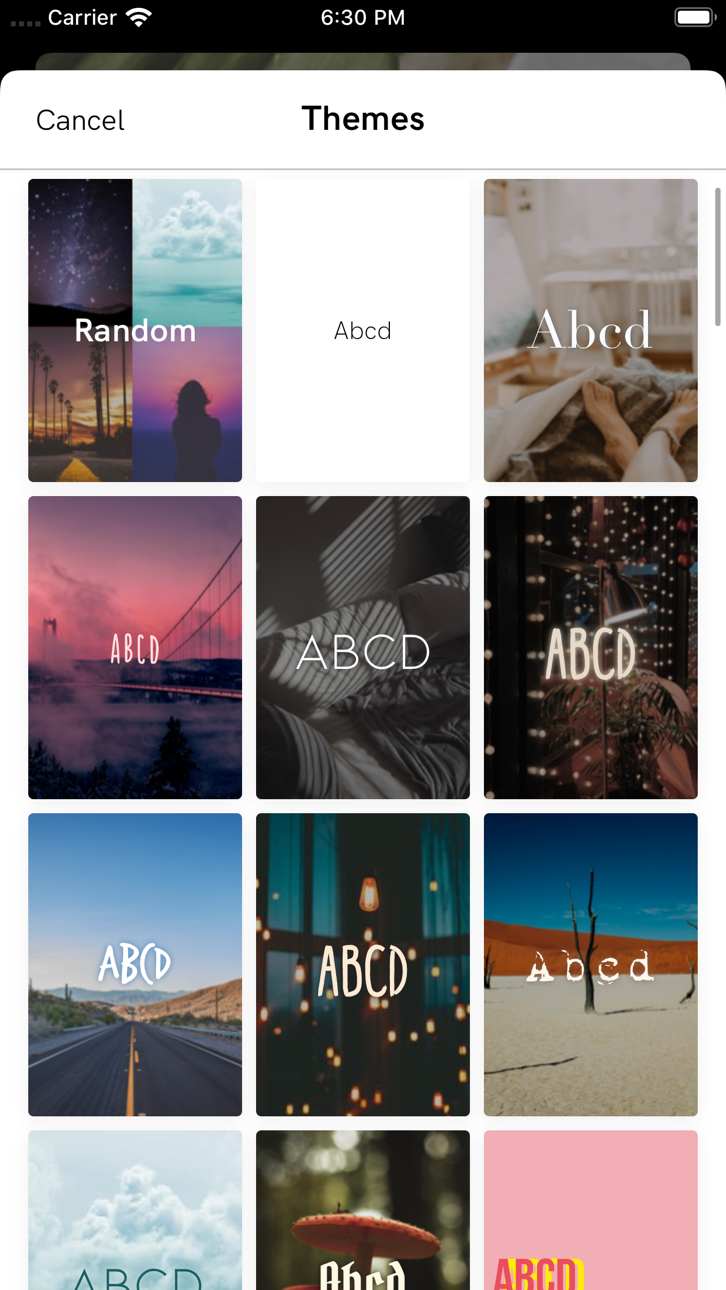
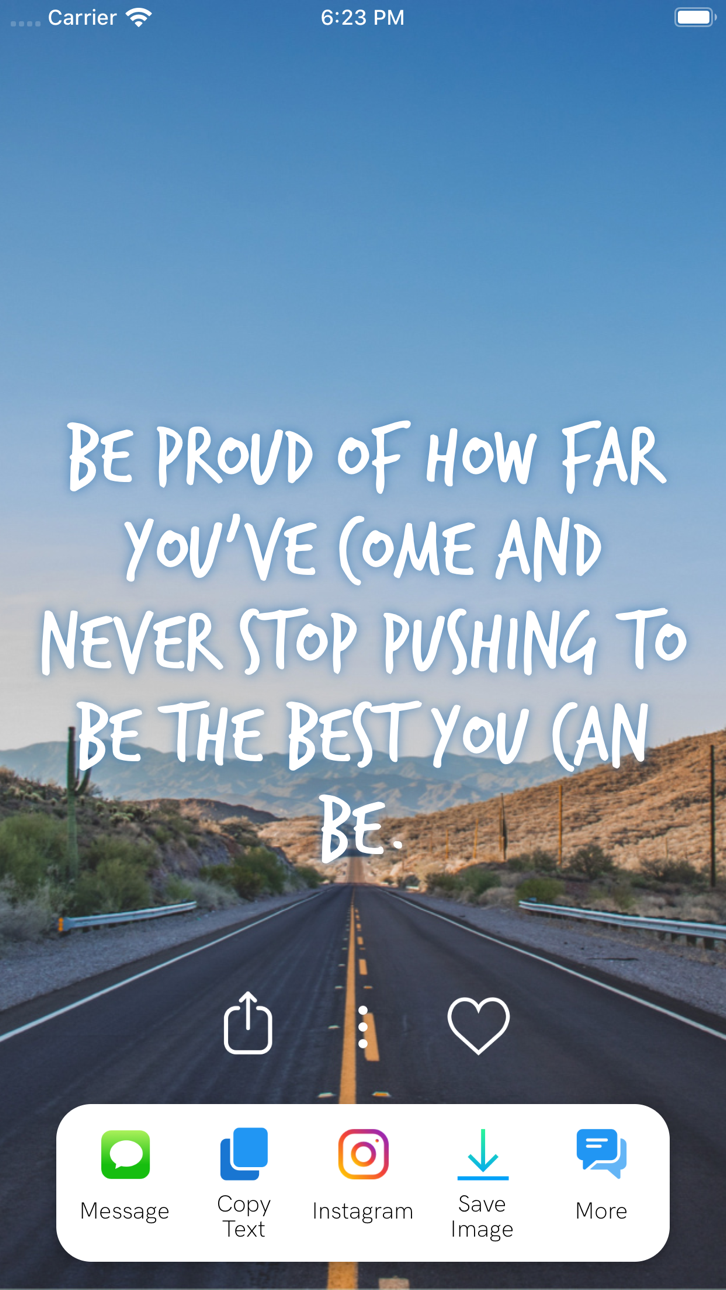
自定义金句的设计格式,将每日金句分享给好友,或将金句用于Instagram图片或手机壁纸。
本应用程序包含广泛多样的主题,例如自尊、人际关系和减压;亦提供一系列精心设计的格式供你选择——我们还会定期更新哦!
+ 阅读不计其数的金句
+ 查找励志书籍
+ 分享你的金句
+ 设置全天候励志金句提醒
+ 保存你最喜欢的金句
+ 更改字体和颜色
+ 按类别过滤金句
+ 设置主屏幕Motivation小组件
从健身到爱情再到家庭,Motivation金句应有尽有!浏览我们按类别显示的、不计其数的金句:
—工作金句
—爱情金句
—运动健身
—抵抗抑郁
—提升自尊和自信
—走出分手的伤痛
—人生经验
—给运动员和教练的运动金句
—商业、金钱、成功和事业
—活在当下,积极思考
—女性金句
—天才哲思
—感恩金句
—快乐感悟
—电影金句
—圣经经文
—还有更多,精彩无限!
Motivation Premium会员订阅可实现:
+ 移除广告
+ 解锁所有主题和类别
+ 设置背景照片
+ 获取的提醒不受数量限制
+ 搜索金句
如要访问Motivation Premium内容和功能,你可以选择终身、包月或包年自动续订订阅。这会是一项重复性交易,将在你确认购买后从你的iTunes账户中扣除订阅款项;而且将自动续订,除非你在订阅结束前至少24小时取消订阅。当前订阅期结束前24小时内,我们将向你收取相同金额的续订费用。如要管理订阅并关闭自动续订功能,请在购买后前往你的iTunes账户设置。
隐私政策 https://monkeytaps.net/privacy
使用条款 https://monkeytaps.net/terms
Ảnh chụp © chủ sở hữu tương ứng · App Store


iOSGods không liên kết, không được chứng thực hay tài trợ bởi Apple Inc., Google LLC hoặc các nhà phát triển của những ứng dụng được liệt kê ở đây. Apple, iOS và App Store là thương hiệu của Apple Inc. Android và Google Play là thương hiệu của Google LLC. Mọi tên ứng dụng, biểu tượng, hình ảnh và thương hiệu khác đều thuộc về chủ sở hữu tương ứng.

- iPhone hoặc iPad chưa jailbreak/đã đóng hoặc đã jailbreak.
- Sideloadly hoặc các lựa chọn thay thế.
- Máy tính chạy Windows/macOS/Linux đã cài iTunes.
BƯỚC 1: Tải tệp .IPA đã được hack sẵn từ liên kết phía trên về máy tính của bạn. Để tải từ iOSGods App, hãy xem Hướng dẫn tải IPA bằng iOSGods App của chúng tôi, có kèm ví dụ bằng video.
BƯỚC 2: Tải Sideloadly và cài đặt trên Windows hoặc Mac của bạn.
BƯỚC 3: Mở Sideloadly trên máy tính, kết nối thiết bị iOS của bạn và chờ cho đến khi tên thiết bị hiển thị trong Sideloadly.
BƯỚC 4: Khi thiết bị iOS của bạn đã được nhận diện, hãy kéo tệp .IPA đã chỉnh sửa mà bạn tải về và thả vào ứng dụng Sideloadly.
BƯỚC 5: Nhập email Apple Account của bạn, sau đó nhấn "Start." Bạn sẽ được yêu cầu nhập mật khẩu. Hãy cung cấp các thông tin cần thiết.
BƯỚC 6: Chờ Sideloadly hoàn tất quá trình sideload/cài đặt tệp IPA đã hack. Nếu gặp sự cố trong quá trình cài đặt, vui lòng đọc lưu ý bên dưới.
BƯỚC 7: Khi cài đặt hoàn tất và bạn thấy ứng dụng trên Màn hình chính, bạn cần truy cập Cài đặt → Cài đặt chung → Hồ sơ / VPN & Quản lý thiết bị. Tại đó, nhấn vào email bạn đã nhập ở bước 6, rồi nhấn "Tin cậy [email protected]".
BƯỚC 8: Bây giờ hãy về Màn hình chính và mở ứng dụng vừa cài đặt, mọi thứ sẽ hoạt động bình thường. Bạn có thể cần làm theo hướng dẫn riêng của từng ứng dụng trong cửa sổ popup của bản hack trong game.
LƯU Ý: Trên iOS/iPadOS 16 trở lên, bạn phải bật Chế độ nhà phát triển. Với tài khoản Apple Developer miễn phí, bạn sẽ cần lặp lại quy trình này mỗi 7 ngày. Nếu bạn có thắc mắc hoặc gặp sự cố, hãy đọc mục FAQ về Sideloadly trong chủ đề của chúng tôi.
Game Name iOS Mod IPA is an action adventure game enhanced with powerful gameplay boosts and quality-of-life improvements. Win battles faster, earn rewards quicker, and enjoy uninterrupted play without ads.
- Unlimited Gold - spend freely to unlock premium content
- Damage Multiplier - deal significantly more damage in combat
- Defense Multiplier - take less damage and survive longer
- Reward Multiplier - earn more loot from every battle
- Max Level - instantly reach the highest player rank
- No Ads - play without interruptions or advertisements
This app also comes with iGameGod, giving you access to Auto Touch to automate repetitive tasks, App Speed Manager for adjustable gameplay speed, Memory Engine value editing, and more powerful iOS game tools.
Tải Game Name Mod IPA từ các liên kết ở trên. Nhấn nút cài đặt và làm theo hướng dẫn để cài bản hack iOS lên iPhone, iPad hoặc Apple Silicon.
Cần thêm trợ giúp Hãy xem Câu hỏi thường gặp ứng dụng iOSGods để có câu trả lời chi tiết và mẹo khắc phục sự cố.
----------------------------------------------------------
--------------------------------------------------