Accesso richiesto
Accedi con il tuo account iOSGods per continuare.
Accedi con il tuo account iOSGods per continuare.
Crea straordinarie presentazioni fotografiche con filtri professionali, transizioni e musica in questa app di intrattenimento, ora sbloccata con funzioni premium in Fliptastic, Easy Slideshows Modded Mod IPA. Amata da oltre 1 milione di utenti e apprezzata da TUAW e AppAdvice, Fliptastic trasforma le tue foto in contenuti coinvolgenti e condivisibili per Instagram, Facebook, YouTube e email, il tutto in un'app intuitiva.
- Premium Sbloccato → accedi a tutte le funzioni pro
Questa app include anche iGameGod, che ti offre accesso ad Auto Touch per automatizzare attività ripetitive, App Speed Manager per regolare la velocità di gioco, modifica dei valori con Memory Engine e altri potenti strumenti per giochi iOS.
Scarica Fliptastic — Easy Slideshows Modded modded IPA dai link sopra. Tocca il pulsante di installazione e segui le istruzioni per installare questo hack iOS sul tuo iPhone, iPad o Mac con Apple Silicon.
Hai bisogno di altro aiuto? Consulta le nostre Domande frequenti sull'app iOSGods per risposte dettagliate e consigli per la risoluzione dei problemi.
Turn your photos into stunning videos in seconds — no editing skills needed.
Fliptastic is the easiest way to create beautiful slideshows and short-form videos for TikTok, Instagram Reels, YouTube, and more. Just pick your photos, choose a style, and share.
AI AUTO-CREATE
Let our smart AI pick your best photos and arrange them into a perfect slideshow automatically. It analyzes quality, faces, composition, and lighting — so every video looks incredible.
40+ CINEMATIC TRANSITIONS
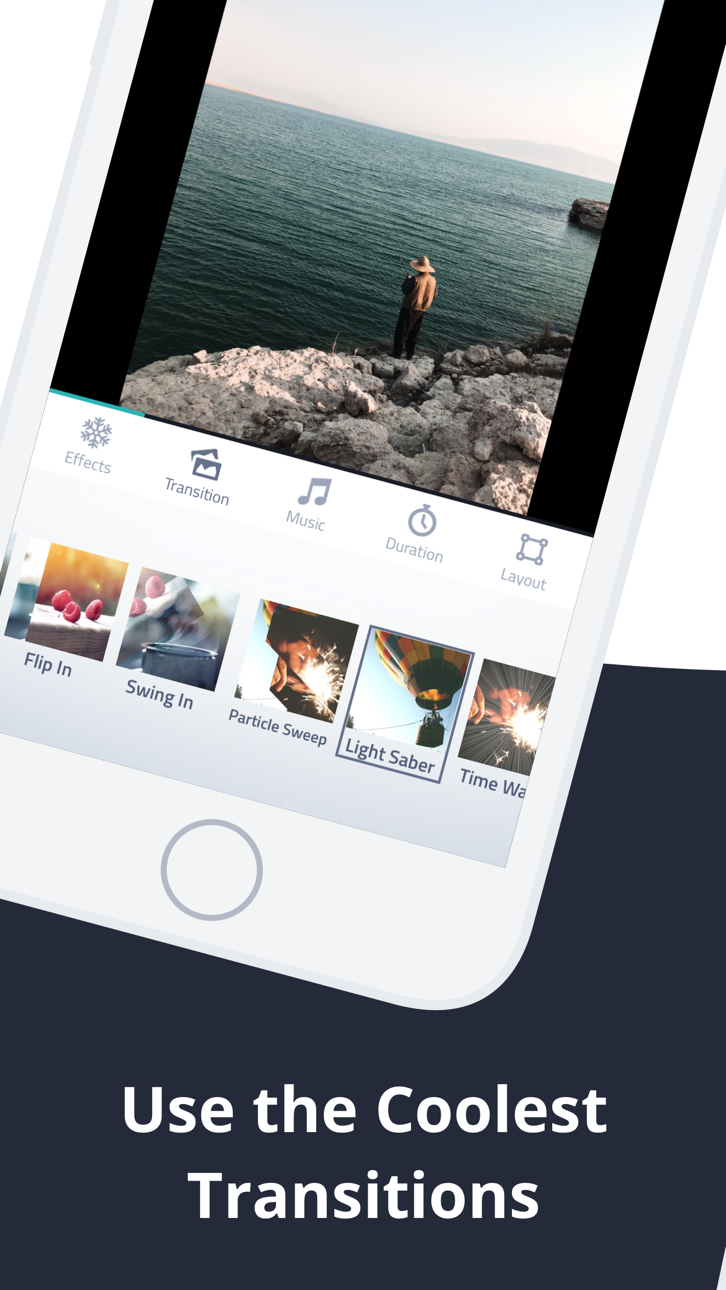
Crossfade, Flip, Ken Burns, Zoom, Blur, Bounce, Rotate, and dozens more. Use one style or randomize for variety — every slideshow feels fresh and dynamic.
MADE FOR EVERY PLATFORM
Export in the perfect format for any social platform:
• 9:16 for TikTok & Instagram Reels
• 16:9 for YouTube
• 1:1 Square for posts
• 8:10 for Instagram
BUILT-IN MUSIC LIBRARY
Choose from 26 curated theme songs that perfectly complement your slideshow. Your videos will sound as good as they look.
PHOTO EDITOR & FILTERS
Fine-tune every photo with 13 stunning filters, crop, rotate, and adjust brightness, contrast, and saturation — all without leaving the app.
BEAUTIFUL TEXT SLIDES
Add titles and captions with handpicked decorative fonts like Billabong, Pacifico, and Permanent Marker. Perfect for intros, outros, and storytelling.
THEMED EFFECT PACKS
Take your videos to the next level with special effects:
• Love Pack — Hearts, romantic frames & music
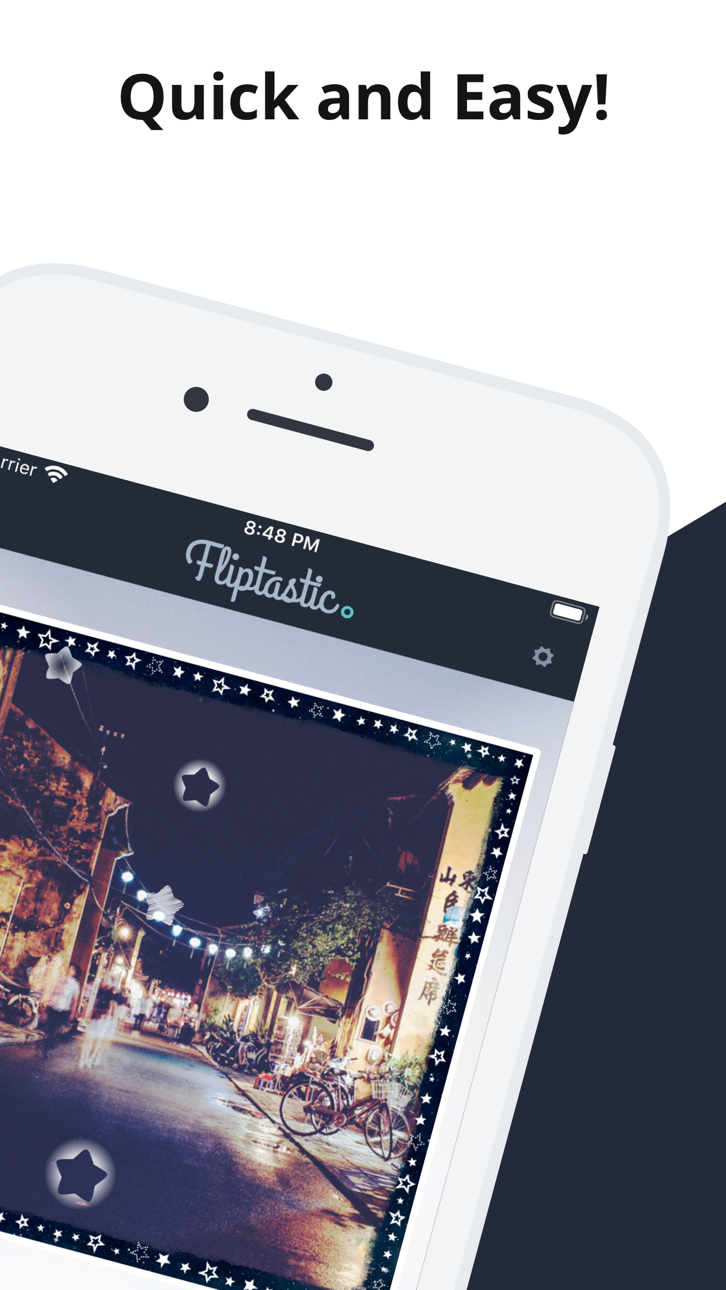
• Starry Pack — Sparkling star effects
• Galaxy Pack — 5 premium cinematic transitions
• Lunar Pack — Festive effects for celebrations
• Christmas Pack — Snow & holiday magic
STOCK PHOTOS BUILT IN
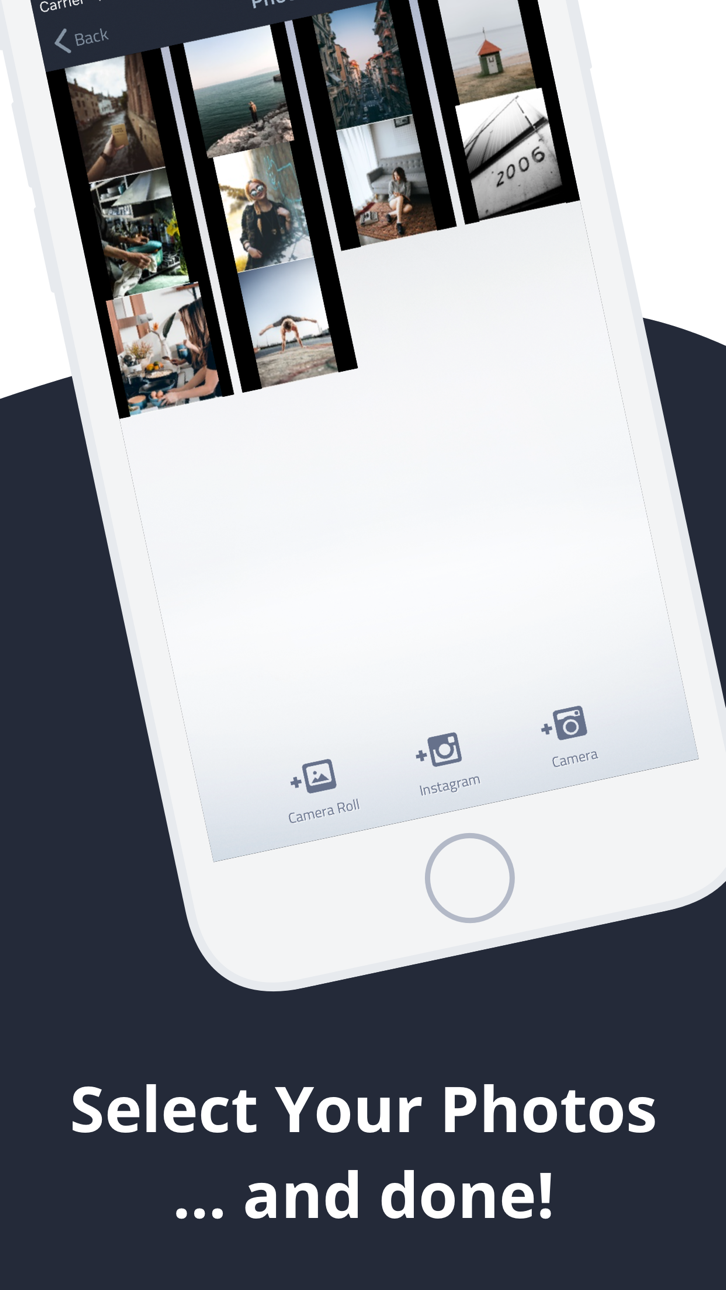
Don't have enough photos? Browse thousands of beautiful stock images from Pexels right inside the app.
MORE FEATURES YOU'LL LOVE
• Save unlimited projects and edit anytime
• Drag & drop photo arrangement
• Per-slide duration control
• Multiple image fit modes (Fit, Fill, Blur Fill)
• Live Activities & Dynamic Island progress tracking
• Undo/redo support
• Share directly to Instagram, Facebook & YouTube
Download Fliptastic free and start creating videos your followers will love.
Subscription Terms:
- Fliptastic Premium is available as a monthly or yearly auto-renewable subscription
- Payment is charged to your Apple ID account at confirmation of purchase
- Subscription automatically renews unless cancelled at least 24 hours before the end of the current period
- Your account will be charged for renewal within 24 hours prior to the end of the current period
- You can manage and cancel subscriptions in your Apple ID account settings
- Privacy Policy: https://fliptastic.me/privacy-policy
- Terms of Use (EULA): https://fliptastic.me/terms
Screenshot © rispettivi proprietari · App Store


iOSGods non è affiliata, approvata né sponsorizzata da Apple Inc., Google LLC o dagli sviluppatori delle app elencate qui. Apple, iOS e App Store sono marchi di Apple Inc. Android e Google Play sono marchi di Google LLC. Tutti gli altri nomi delle app, icone, immagini e marchi appartengono ai rispettivi proprietari.
- iPhone o iPad non jailbroken/jailed oppure jailbroken.
- Sideloadly o alternative.
- Computer con Windows/macOS/Linux con iTunes installato.
PASSO 1: Scarica il file .IPA pre-modificato dal link sopra sul tuo computer. Per scaricarlo dall'iOSGods App, consulta il nostro Tutorial download IPA dell'iOSGods App, che include un esempio video.
PASSO 2: Scarica Sideloadly e installalo sul tuo Windows o Mac.
PASSO 3: Apri Sideloadly sul tuo computer, collega il tuo dispositivo iOS e attendi finché il nome del dispositivo non appare in Sideloadly.
PASSO 4: Una volta riconosciuto il tuo iDevice, trascina il file .IPA moddato che hai scaricato e rilascialo nell'applicazione Sideloadly.
PASSO 5: Inserisci l'email del tuo Apple Account, poi premi “Start”. Ti verrà quindi chiesto di inserire la password. Procedi e fornisci le informazioni richieste.
PASSO 6: Attendi che Sideloadly completi il sideload/installazione dell'IPA modificata. Se ci sono problemi durante l'installazione, leggi la nota qui sotto.
PASSO 7: Una volta completata l'installazione e vista l'app sulla schermata Home, dovrai andare in Impostazioni → Generali → Profili / Gestione VPN e dispositivi. Una volta lì, tocca l'email inserita al passo 6 e poi tocca “Autorizza [email protected]”.
PASSO 8: Ora vai sulla schermata Home e apri l'app appena installata: tutto dovrebbe funzionare correttamente. Potrebbe essere necessario seguire ulteriori istruzioni specifiche all'interno del popup dell'hack nel gioco.
NOTA: Per iOS/iPadOS 16 e versioni successive, devi attivare la Modalità sviluppatore. Per gli account Apple Developer gratuiti, dovrai ripetere questa procedura ogni 7 giorni. Se hai domande o problemi, leggi la nostra sezione FAQ Sideloadly del topic.
Game Name iOS Mod IPA is an action adventure game enhanced with powerful gameplay boosts and quality-of-life improvements. Win battles faster, earn rewards quicker, and enjoy uninterrupted play without ads.
- Unlimited Gold - spend freely to unlock premium content
- Damage Multiplier - deal significantly more damage in combat
- Defense Multiplier - take less damage and survive longer
- Reward Multiplier - earn more loot from every battle
- Max Level - instantly reach the highest player rank
- No Ads - play without interruptions or advertisements
This app also comes with iGameGod, giving you access to Auto Touch to automate repetitive tasks, App Speed Manager for adjustable gameplay speed, Memory Engine value editing, and more powerful iOS game tools.
Scarica Game Name Mod IPA dai link sopra. Tocca il pulsante di installazione e segui le istruzioni per installare questo hack iOS sul tuo iPhone, iPad o Mac con Apple Silicon.
Hai bisogno di altro aiuto Consulta le nostre Domande frequenti sull'app iOSGods per risposte dettagliate e consigli per la risoluzione dei problemi.
----------------------------------------------------------
--------------------------------------------------