TRUSTED BY OVER 6.5 MILLION USERS
---------------------------------------------------
WHAT PEOPLE SAY
"This app provides more control over the settings of the iPhone’s built-in camera than your old compact camera probably ever did." - New York Times
"Looking for the ultimate adventure in manual camera apps? ProCam delivers." - Engadget
"ProCam offers fine-grained control and features typically found in DSLRs, but the interface never gets out of hand." - Macworld
"ProCam for iPhone is one of the most versatile iOS camera apps we have ever come across. It basically turns the iPhone into a futuristic DSLR camera." - BGR
"If you’re looking for a pro-grade camera app with neat photo and video editing features to boot, better set your sights on ProCam." - App Advice
"Well-designed and offering all that one could need, it's tough to fault ProCam." - 148 Apps
---------------------------------------------------
SHOOTING MODES
- Photo
- Burst Mode
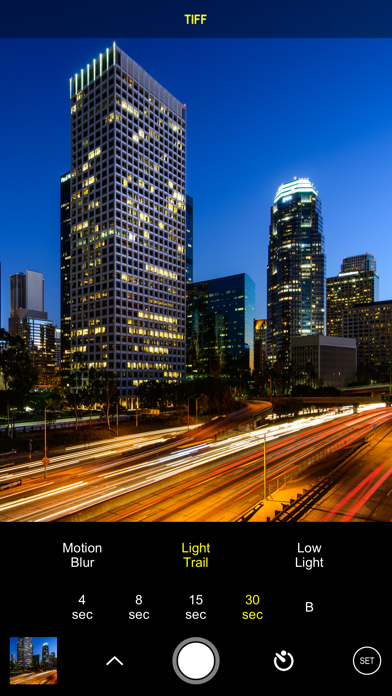
- Slow Shutter - iPhone 5 / iPad 3 and later
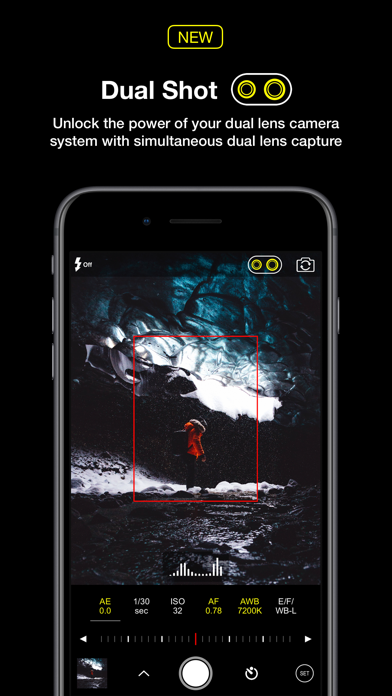
- Portrait Mode - requires dual lens camera system
- 3D Photos - requires dual lens camera system
- Video
- Time Lapse
PHOTO SHUTTER RELEASE OPTIONS
- Self-Timer
- Anti-Shake
- Screen Shutter / Big Button
- Interval
VIDEO FRAME RATES AND RESOLUTIONS
- VGA, 720p, 1080p
- 4K Ultra HD - 3264x1836 upscaled to 3840x2160 - in-app purchase - iPhone 5s / iPad Air 2 and later
- 4K Ultra HD - 3840x2160 - native support on iPhone 6s / Plus and later
- 4K Max - 4032x2268 - in-app purchase - iPhone 6s / Plus and later
- High frame rate:
* 48 / 50 / 60 fps 720p - iPhone 5 / iPad mini and later
* 96 / 100 /120 fps 720p - iPhone 5s / iPad Air 2 and later
* 192 / 200 / 240 fps 720p - iPhone 6 and later
* 48 / 50 / 60 fps 1080p - iPhone 6 and later
* 96 / 100 / 120 fps 1080p - iPhone 6s / Plus and later
* 192 / 200 / 240 fps 1080p - iPhone 8 and later
* 48 / 50 / 60 fps 4K - iPhone 8 and later
TIME LAPSE FRAME RATES AND RESOLUTIONS
- VGA, 720p, 1080p
- 4K Ultra HD - 3264x1836 upscaled to 3840x2160 - in-app purchase - iPhone 5 / iPad Air 2 and later
- 4K Ultra HD - 3840x2160 - native support on iPhone 6s / Plus and later
- 4K Max - 4032x2268 - in-app purchase - iPhone 6s / Plus and later
- High frame rate:
* 48 / 50 / 60 fps 720p - all devices
* 48 / 50 / 60 fps 1080p - all devices
* 48 / 50 / 60 fps 4K - iPhone 5 / iPad Air 2 and later
* 48 / 50 / 60 fps 4K Max - iPhone 6s / Plus and later
MANUAL CONTROLS
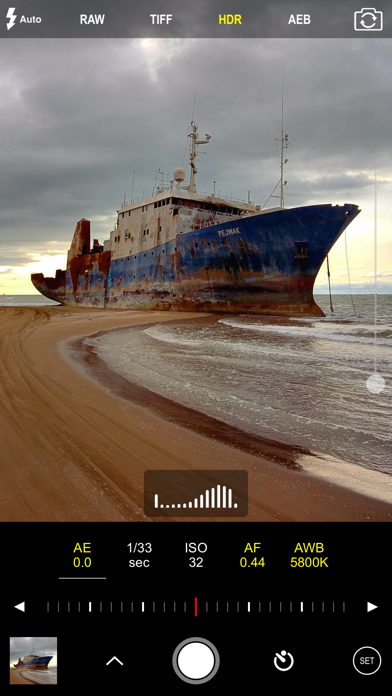
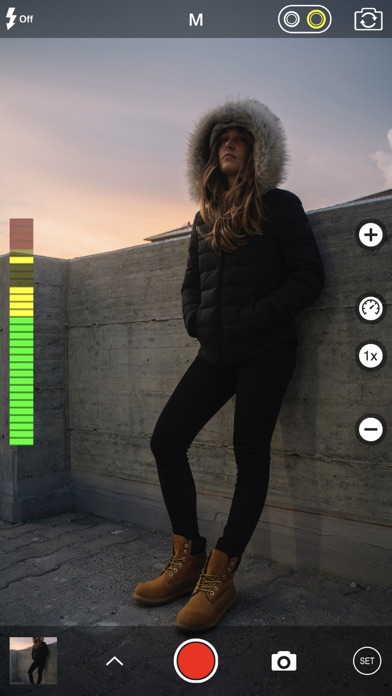
- Manual exposure, shutter speed, ISO, focus, and white balance controls
- Scroll and steppers system inspired by DSLR cameras
- Tap location accurate manual focus assist
- True focus peaking
- Zebra stripes - overexposure warning
- Live shutter speed, ISO, focus, and WB values
- Manual controls are supported in all photo and video modes
MAIN CAMERA FEATURES
- RAW (DNG) iOS 10 - iPhone 6s / iPad Pro 9.7 and later
- Lossless TIFF file format support
- Intelligent 3-shot HDR
- AEB (Auto Exposure Bracketing) with RAW support for high contrast conditions
- Live light level histogram
- Adjustable aspect ratio (4:3 / 3:2 / 16:9 / 1:1)
- Video pause/resume functionality
- Video audio meter (Avg. / Peak signal levels)
- Still photo capture during video recording
- Realtime video stabilization (ON/OFF)
- Video disk space indicator
- Thirds grid and horizontal tiltmeter.
- Date / time / location / Copyright stamp
PHOTO / VIDEO EDITOR & PHOTO EDITING EXTENSION
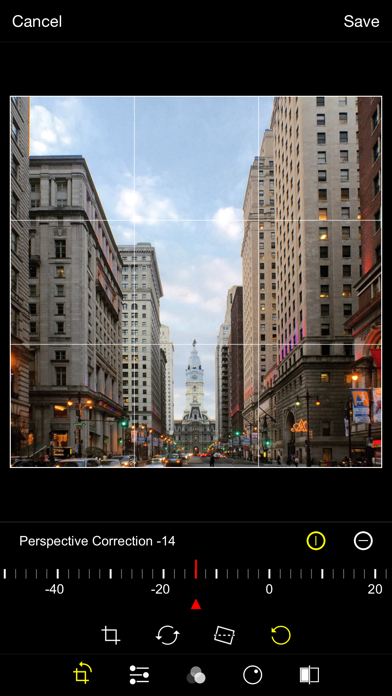
- Nondestructive editing - all edits, including cropping, are completely amendable / reversible
- 60 expertly crafted filters
- 17 lenses: Vignette / White Vignette / Fisheye / Tilt Shift / Macro / Tiny Planet / Wormhole / Split / Kaleidoscope I, II, III, IV, V / Ripple / Striped / Hatched / Halftone
- 19 comprehensive adjustment tools
- Trimming, cropping, rotating, mirroring, straightening, and perspective correction
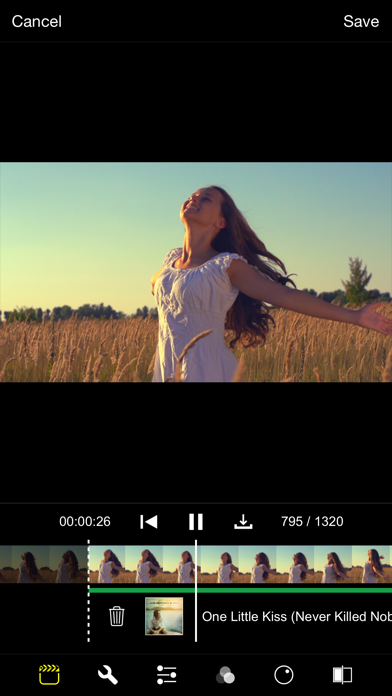
- Extremely accurate timeline with the ability to review videos frame by frame
- Ability to add background music
在 iOS App Store 中查看